
Close Menu
TechUpdateAlert

    Subscribe to Updates

    Get the latest creative news from FooBar about art, design and business.

    What's Hot

    My Health Anxiety Means I Won’t Use Apple’s or Samsung’s Smartwatches. Here’s Why

    December 22, 2025

    You can now buy the OnePlus 15 in the US and score free earbuds if you hurry

    December 22, 2025

    Today’s NYT Connections: Sports Edition Hints, Answers for Dec. 22 #455

    December 22, 2025
    Facebook X (Twitter) Instagram
    Trending
    • My Health Anxiety Means I Won’t Use Apple’s or Samsung’s Smartwatches. Here’s Why
    • You can now buy the OnePlus 15 in the US and score free earbuds if you hurry
    • Today’s NYT Connections: Sports Edition Hints, Answers for Dec. 22 #455
    • Android might finally stop making you tap twice for Wi-Fi
    • Today’s NYT Mini Crossword Answers for Dec. 22
    • Waymo’s robotaxis didn’t know what to do when a city’s traffic lights failed
    • Today’s NYT Wordle Hints, Answer and Help for Dec. 22 #1647
    • You Asked: OLED Sunlight, VHS on 4K TVs, and HDMI Control Issues
    Facebook X (Twitter) Instagram Pinterest Vimeo
    TechUpdateAlertTechUpdateAlert
    • Home
    • Gaming
    • Laptops
    • Mobile
    • Software
    • Reviews
    • AI & Tech
    • Gadgets
    • How-To
    TechUpdateAlert
    Home»Reviews»Windows 11’s Taskbar search box is getting a handy upgrade soon
    Reviews

    Windows 11’s Taskbar search box is getting a handy upgrade soon

    techupdateadminBy techupdateadminOctober 27, 2025No Comments3 Mins Read
    Share Facebook Twitter Pinterest LinkedIn Tumblr Reddit Telegram Email
    Windows 11’s taskbar search might finally use Google if you want
    Share
    Facebook Twitter LinkedIn Pinterest Email

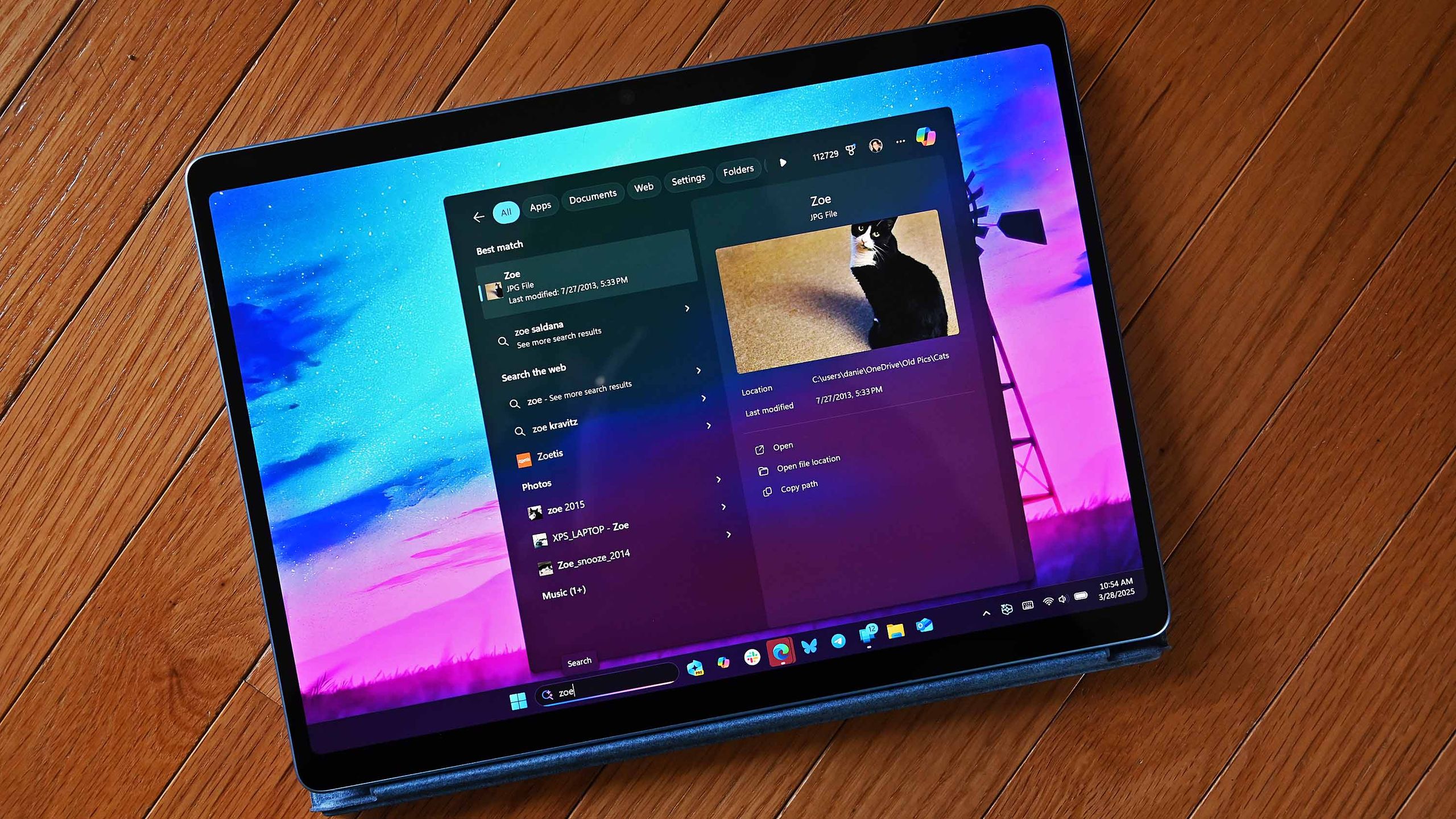
    Microsoft has unveiled a handy change coming to Windows 11’s Taskbar search box soon that will make searching the internet with copied text easier. The change is dubbed “Copy & Search,” and adds a button to the search box that provides the ability to search for what you’ve copied with one click.

    “We are introducing Copy & Search, a feature that allows you to search the text in your clipboard with a single click. When you copy text anywhere in Windows, a paste gleam will appear in your search box. Click on this gleam and your copied text will appear in the search field, allowing you to search instantly” explains Microsoft.

    The new feature is part of the latest Windows 11 preview builds, which means it’ll likely begin rolling out to all Windows 11 users in the coming months. It works with any copied text, whether that be from a Word document, webpage, or app.


    You may like

    Once text is copied, the search box will present the option to search automatically. (Image credit: Microsoft)

    Once copied, the search box will update with text that says “Search copied text” and next to it will be a clipboard button, which when clicked will automatically paste the text you just copied into the search box. From there, you can hit enter to search the web, or view the results in the search pane automatically.

    Microsoft just announced a big update coming to the Taskbar search box on Windows 11 next year that will replace the Windows Search pane with Copilot. It’ll still be able to search for local apps and files, but it’ll be enhanced with the ability to interact with Copilot too.

    Today’s new Copy & Search feature is independent from this new Copilot experience, meaning it works with the current Windows Search pane too if that’s what you prefer to use. Of course, this will also use Bing unless you’re in a region where Microsoft lets you change the search provider in the Windows Search pane.

    What is Windows 11’s new Copy & Search feature?

    Copy & Search is a feature that streamlines the process between copying text and searching the internet with that text. It’s tied to the Windows Search box, and will present a button that automatically pastes in your copied text and searches the web with it.

    When will Copy & Search be available?

    Copy & Search is currently only available via the Windows Insider Program, as it’s still in testing and development. Microsoft will likely begin rolling out the feature to all Windows 11 users in the coming months.

    All the latest news, reviews, and guides for Windows and Xbox diehards.

    11s Box handy Search taskbar Upgrade Windows
    Share. Facebook Twitter Pinterest LinkedIn Tumblr Email
    Previous ArticleHow to Build an AI Startup: Go Big, Be Strange, Embrace Probable Doom
    Next Article Apple will bump up the iPhone 18 to 12GB of LPDDR5X RAM
    techupdateadmin
    • Website

    Related Posts

    Gadgets

    Your next Legion Go 2 might run SteamOS instead of Windows 11

    December 21, 2025
    Mobile

    Apple Plans OLED iMac Upgrade, but the Wait Could Be Long

    December 19, 2025
    Mobile

    Google launches faster Gemini 3 Flash, now available in the Gemini app and Google Search

    December 18, 2025
    Add A Comment
    Leave A Reply Cancel Reply

    Top Posts

    NYT Strands hints and answers for Monday, August 11 (game #526)

    August 11, 202549 Views

    These 2 Cities Are Pushing Back on Data Centers. Here’s What They’re Worried About

    September 13, 202543 Views

    Today’s NYT Connections: Sports Edition Hints, Answers for Sept. 4 #346

    September 4, 202540 Views
    Stay In Touch
    • Facebook
    • YouTube
    • TikTok
    • WhatsApp
    • Twitter
    • Instagram
    Latest Reviews

    Subscribe to Updates

    Get the latest tech news from FooBar about tech, design and biz.

    Most Popular

    Best Fitbit fitness trackers and watches in 2025

    July 9, 20250 Views

    There are still 200+ Prime Day 2025 deals you can get

    July 9, 20250 Views

    The best earbuds we’ve tested for 2025

    July 9, 20250 Views
    Our Picks

    My Health Anxiety Means I Won’t Use Apple’s or Samsung’s Smartwatches. Here’s Why

    December 22, 2025

    You can now buy the OnePlus 15 in the US and score free earbuds if you hurry

    December 22, 2025

    Today’s NYT Connections: Sports Edition Hints, Answers for Dec. 22 #455

    December 22, 2025

    Subscribe to Updates

    Get the latest creative news from FooBar about art, design and business.

    Facebook X (Twitter) Instagram Pinterest
    • About Us
    • Contact us
    • Privacy Policy
    • Disclaimer
    • Terms and Conditions
    © 2026 techupdatealert. Designed by Pro.

    Type above and press Enter to search. Press Esc to cancel.