


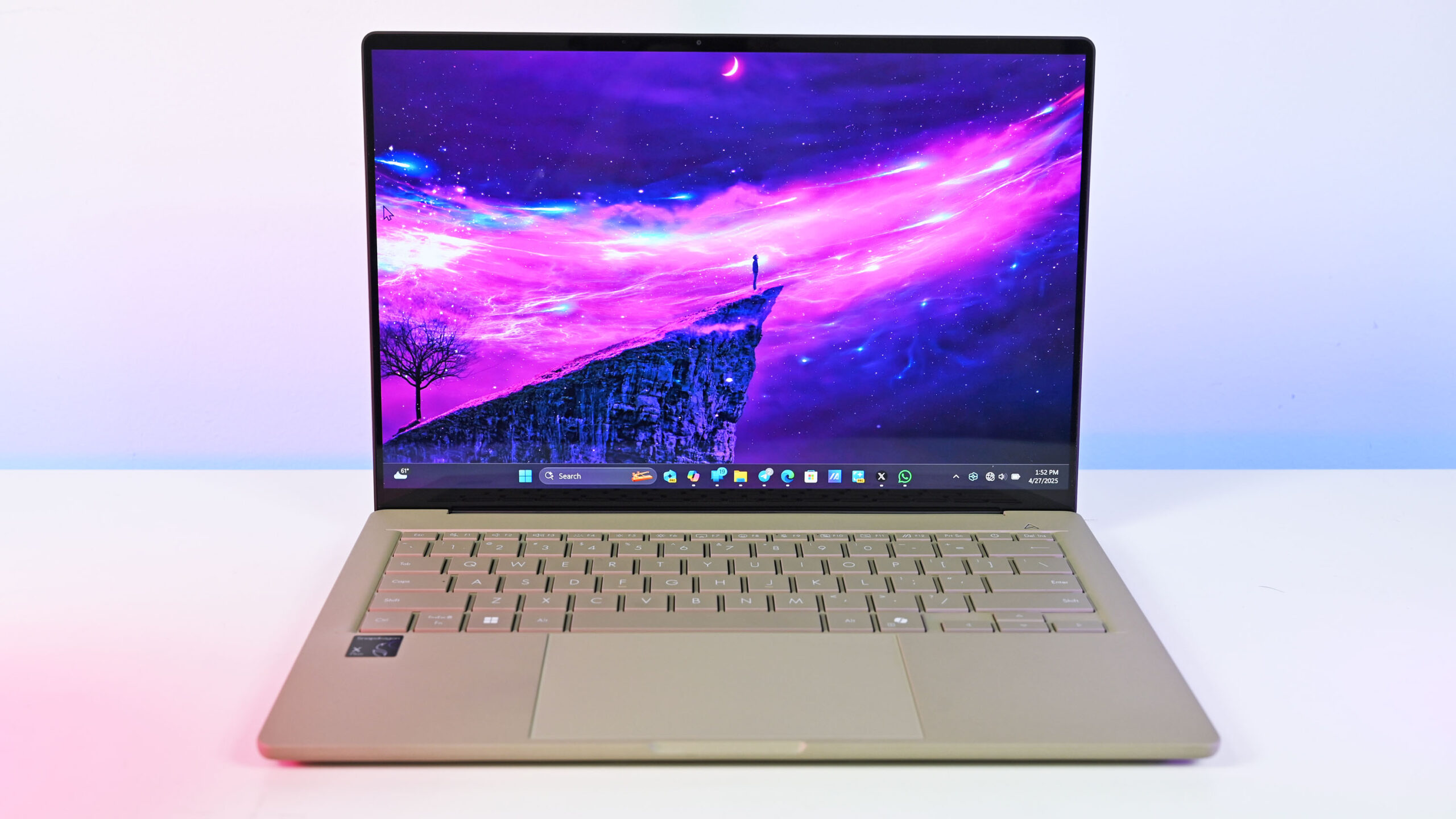
Windows 11 users will gain a slew of AI features over the coming weeks, though the exact set of tools available will depend on the type of PC you have. Copilot+ PC users will have the most new toys to play with, but some additions are on the way to all Windows 11 PCs.
Some features are available already, while others will roll out gradually.
The ability to change Windows Settings by using natural language is rolling out to all Copilot+ PCs. Click to Do is also being enhanced with features such as Practice in Reading Coach, Read in Immersive Reader, and Draft with Copilot in Word.
A more playful addition is a sticker generator within Microsoft Paint.
Those focused on productivity may appreciate the new perfect screenshot feature in Snipping Tool, which uses AI to precisely capture content.
If your Copilot+ PC is powered by a Snapdragon X processor, you’ll soon receive Relight in the Photos app. That tool allows you to add up to three virtual light sources to a subject to imitate professional lighting.
All Windows 11 PCs, regardless of whether they are Copilot+ PCs or not, now have a color picker within Snipping Tool.
RELATED: I’ve tried Copilot Vision: It felt creepy, yet somewhat useful
Copilot Vision on Windows is now available in the United States as well. The feature analyzes content on your screen and gives you advice. For example, the tool can suggest what to do within a game you’re playing.
Here’s a quick rundown of all the new features rolling out to Windows 11 and Copilot+ PCs.
Windows Settings
A new agent in the Windows 11 Settings app lets you change settings on your PC while using natural language. That agent is the first optimized for Copilot+ PCs and could usher in a wave of similar agents.
Copilot+ PCs with Snapdragon X chips can use the new Settings agent today but AMD and Intel-powered Copilot+ PCs will not gain the same feature until a later date.
The feature can control hundreds of settings on your PC, such as enabling quiet hours or connecting a Bluetooth device.
Click to Do
Click to Do is a relatively new feature for Windows 11 in general, and Microsoft rolls out new features for it regularly. New actions are on the way to the tool, including:
- Practice in Reading Coach
- Read with Immersive Reader
- Draft with Copilot in Word
- Click to Do now supports actions through Microsoft Teams
If you have a Copilot+ PC that supports the feature, you can access Click to Do by pressing the Windows key and clicking your mouse. You can also summon the tool by pressing Windows+Q or through Snipping Tool.
We also have a full guide on how to use Click to Do in case you haven’t used the feature before or need a refresher.
Relight in Photos
Relight is a new feature for the Photos app on Windows 11 that uses AI to add virtual light sources to an image. It supports up to three light sources and you can control the intensity and position of those virtual lights.
Again, this feature is available now to Snapdragon X-powered Copilot+ PCs but will not ship to AMD or Intel-powered Copilot+ PCs until later.
Sticker generator in Paint
Sticker generator is one of the AI features shipping to all Copilot+ PCs right away. With it, you can type a prompt and have the creative app generate a sticker.
The feature creates a set of stickers and then you can click any of them to add them to your canvas.
Object select, which lets you isolate a subject from an image, is also on the way to Paint.
Snipping Tool perfect screenshot

This is by far my favorite addition in this wave of Copilot+ PC features. It may even be the first tool that makes me feel like I’m missing out by not having a Copilot+ PC.
Perfect screenshot uses AI to precisely capture content on your screen. In addition to saving time that would normally be spent on cropping, perfect screenshot gets a cleaner end result in many cases.
You can select the Perfect screenshot button within Snipping Tool to use the feature or press and hold the Control key when selecting a region to capture. You can edit the area that will be captured before saving.
While many are frustrated by classic apps becoming bloated, I think this is a natural evolution of Snipping Tool. Using AI to improve screen captures feels more natural than adding Copilot to Notepad.
Snipping Tool color picker
Color picker is a small but useful addition to Snipping Tool that lets you identify the HEX, RGB, or HSL values of any part of your screen. The feature supports zooming in to get more precise selections.
Copilot Vision on Windows

Copilot Vision on Windows is limited to users in the United States for now. It “sees” your screen and provides advice and suggestions.
The Highlights feature within Copilot Vision can show you how to perform specific tasks.
You can use Copilot Vision for free with Microsoft Edge but extending the feature to other apps requires a Copilot Pro subscription, which costs $20 per user per month.
Quick machine recovery
Quick machine recovery detects and fixes issues that can appear on a PC following an unexpected restart.
Microsoft killed the infamous Blue Screen of Death earlier this year in favor of a darker design. But you won’t have long to appreciate the updated interface since most consumers will only see that screen for 2 seconds, according to Microsoft.
How to get new features
The new Windows 11 features will roll out gradually through controlled feature rollout (CFR). Some of them are available already through the most recent Windows non-security preview update.
The quickest way to get the new features is to navigate to Settings > Windows Update and enable “Get the latest updates as soon as they’re available.” After turning on that option, check for updates and install the non-security preview update that appears.
You should also make sure that the Paint, Photos, and Copilot apps are up to date.
As noted above, some of the features are currently exclusive to Copilot+ PCs or Copilot+ PCs with Snapdragon X processors.
