
Close Menu
TechUpdateAlert

    Subscribe to Updates

    Get the latest creative news from FooBar about art, design and business.

    What's Hot

    My Health Anxiety Means I Won’t Use Apple’s or Samsung’s Smartwatches. Here’s Why

    December 22, 2025

    You can now buy the OnePlus 15 in the US and score free earbuds if you hurry

    December 22, 2025

    Today’s NYT Connections: Sports Edition Hints, Answers for Dec. 22 #455

    December 22, 2025
    Facebook X (Twitter) Instagram
    Trending
    • My Health Anxiety Means I Won’t Use Apple’s or Samsung’s Smartwatches. Here’s Why
    • You can now buy the OnePlus 15 in the US and score free earbuds if you hurry
    • Today’s NYT Connections: Sports Edition Hints, Answers for Dec. 22 #455
    • Android might finally stop making you tap twice for Wi-Fi
    • Today’s NYT Mini Crossword Answers for Dec. 22
    • Waymo’s robotaxis didn’t know what to do when a city’s traffic lights failed
    • Today’s NYT Wordle Hints, Answer and Help for Dec. 22 #1647
    • You Asked: OLED Sunlight, VHS on 4K TVs, and HDMI Control Issues
    Facebook X (Twitter) Instagram Pinterest Vimeo
    TechUpdateAlertTechUpdateAlert
    • Home
    • Gaming
    • Laptops
    • Mobile
    • Software
    • Reviews
    • AI & Tech
    • Gadgets
    • How-To
    TechUpdateAlert
    Home»Gadgets»This Hidden iPhone Feature Could Improve Your Call Quality
    Gadgets

    This Hidden iPhone Feature Could Improve Your Call Quality

    techupdateadminBy techupdateadminAugust 25, 2025No Comments3 Mins Read
    Share Facebook Twitter Pinterest LinkedIn Tumblr Reddit Telegram Email
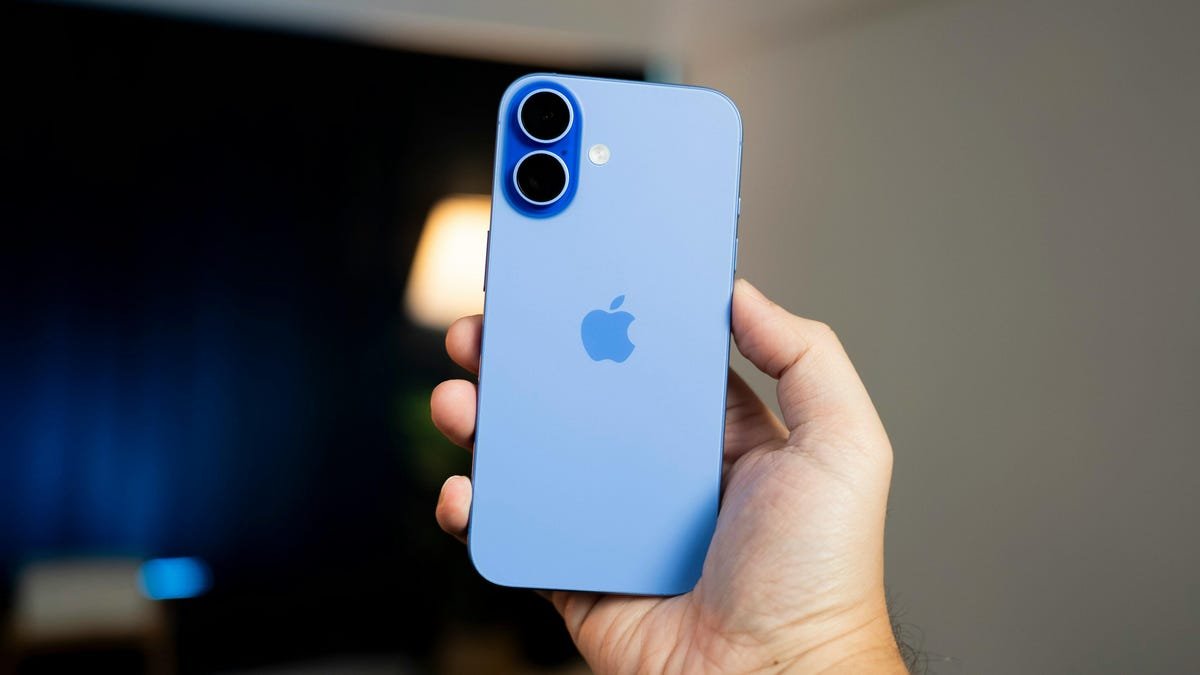
    A blue iPhone 16.
    Share
    Facebook Twitter LinkedIn Pinterest Email

    Apple released the fourh public beta of iOS 26 on Aug. 18, and it brought call screening and more to the iPhone’s of developers and beta testers. But you don’t need to be a developer or beta tester to use Voice Isolation, a hidden iPhone feature that can make your calls clearer for the person on the other end of your call.

    CNET Tech Tips badge art

    Apple introduced Voice Isolation in 2023 with iOS 16.4. The tech company added the feature, alongside Wide Spectrum, to FaceTime calls with iOS 15 in 2021, but only Voice Isolation is available for regular phone calls at this time. 

    When Voice Isolation is enabled, it muffles distracting background noises that interrupt your calls. That way, if you’re on a business call or catching up with friends, you won’t be interrupted by your dog’s barking or construction outside your home. 

    To enable Voice Isolation, you have to be on an active phone call, as the feature isn’t located in Settings. Once activated, Voice Isolation will remain on for all future calls unless you manually turn it off. 

    Here’s how to activate and disable Voice Isolation for phone calls. You can also check out everything to know about iOS 18 before the release of iOS 26.

    How to enable Voice Isolation

    1. Tap your Phone app.
    2. While in a phone call, swipe down from the top-right corner of your screen to access your Control Center.
    3. Tap Phone Controls near the top of your screen. 

    Control Center with an outline over an orange toggle.

    Apple/Screenshot by CNET

    4. Tap Voice Isolation. 

    Voice Isolation is enabled and the setting is highlighted.

    Apple/Screenshot by CNET

    To disable Voice Isolation, follow the same steps above and tap Standard in Phone Controls. This will return your microphone back to its default setting. 

    What are Wide Spectrum and Automatic?

    Near Voice Isolation in Phone Controls, you’ll also find Wide Spectrum and Automatic. These are different mic modes you can enable.

    Unlike Voice Isolation — which muffles background sounds — Wide Spectrum amplifies background sounds without affecting your voice. Wide Spectrum is useful for calls with multiple people on one phone line. That way, everyone can be heard, not just the person holding the phone. Currently, Wide Spectrum is only available for FaceTime calls. Since the feature is still present in Phone Controls, it could become available for phone calls in the future. 

    Automatic will choose that mode is best for your call. “For example, Automatic uses Voice Isolation to block ambient noises during calls using the receiver, and it uses the Standard mic mode for calls using the speakerphone,” Apple writes online.

    For more iOS news, here are my first impressions of the beta version of iOS 26, how to enable call screening in the beta and all the new features Apple said it will bring to your device later this year. You can get an early view of the upcoming iPhone features with our iOS 26 cheat sheet.

    Watch this: Apple’s Little-Known Subscription Perks Coming in iOS 26

    05:44

    Call Feature Hidden Improve iPhone Quality
    Share. Facebook Twitter Pinterest LinkedIn Tumblr Email
    Previous ArticleUbisoft CEO summoned to appear before French court in relation to harassment trial, as the publisher says it will ‘continue to cooperate with the justice system in this matter’
    Next Article New fingerprinting breakthrough claims even shattered 3D printed weapons might still whisper details of their origin to forensic experts
    techupdateadmin
    • Website

    Related Posts

    Gadgets

    My Health Anxiety Means I Won’t Use Apple’s or Samsung’s Smartwatches. Here’s Why

    December 22, 2025
    Gadgets

    You can now buy the OnePlus 15 in the US and score free earbuds if you hurry

    December 22, 2025
    Gadgets

    Today’s NYT Connections: Sports Edition Hints, Answers for Dec. 22 #455

    December 22, 2025
    Add A Comment
    Leave A Reply Cancel Reply

    Top Posts

    NYT Strands hints and answers for Monday, August 11 (game #526)

    August 11, 202549 Views

    These 2 Cities Are Pushing Back on Data Centers. Here’s What They’re Worried About

    September 13, 202542 Views

    Today’s NYT Connections: Sports Edition Hints, Answers for Sept. 4 #346

    September 4, 202540 Views
    Stay In Touch
    • Facebook
    • YouTube
    • TikTok
    • WhatsApp
    • Twitter
    • Instagram
    Latest Reviews

    Subscribe to Updates

    Get the latest tech news from FooBar about tech, design and biz.

    Most Popular

    Best Fitbit fitness trackers and watches in 2025

    July 9, 20250 Views

    There are still 200+ Prime Day 2025 deals you can get

    July 9, 20250 Views

    The best earbuds we’ve tested for 2025

    July 9, 20250 Views
    Our Picks

    My Health Anxiety Means I Won’t Use Apple’s or Samsung’s Smartwatches. Here’s Why

    December 22, 2025

    You can now buy the OnePlus 15 in the US and score free earbuds if you hurry

    December 22, 2025

    Today’s NYT Connections: Sports Edition Hints, Answers for Dec. 22 #455

    December 22, 2025

    Subscribe to Updates

    Get the latest creative news from FooBar about art, design and business.

    Facebook X (Twitter) Instagram Pinterest
    • About Us
    • Contact us
    • Privacy Policy
    • Disclaimer
    • Terms and Conditions
    © 2026 techupdatealert. Designed by Pro.

    Type above and press Enter to search. Press Esc to cancel.