


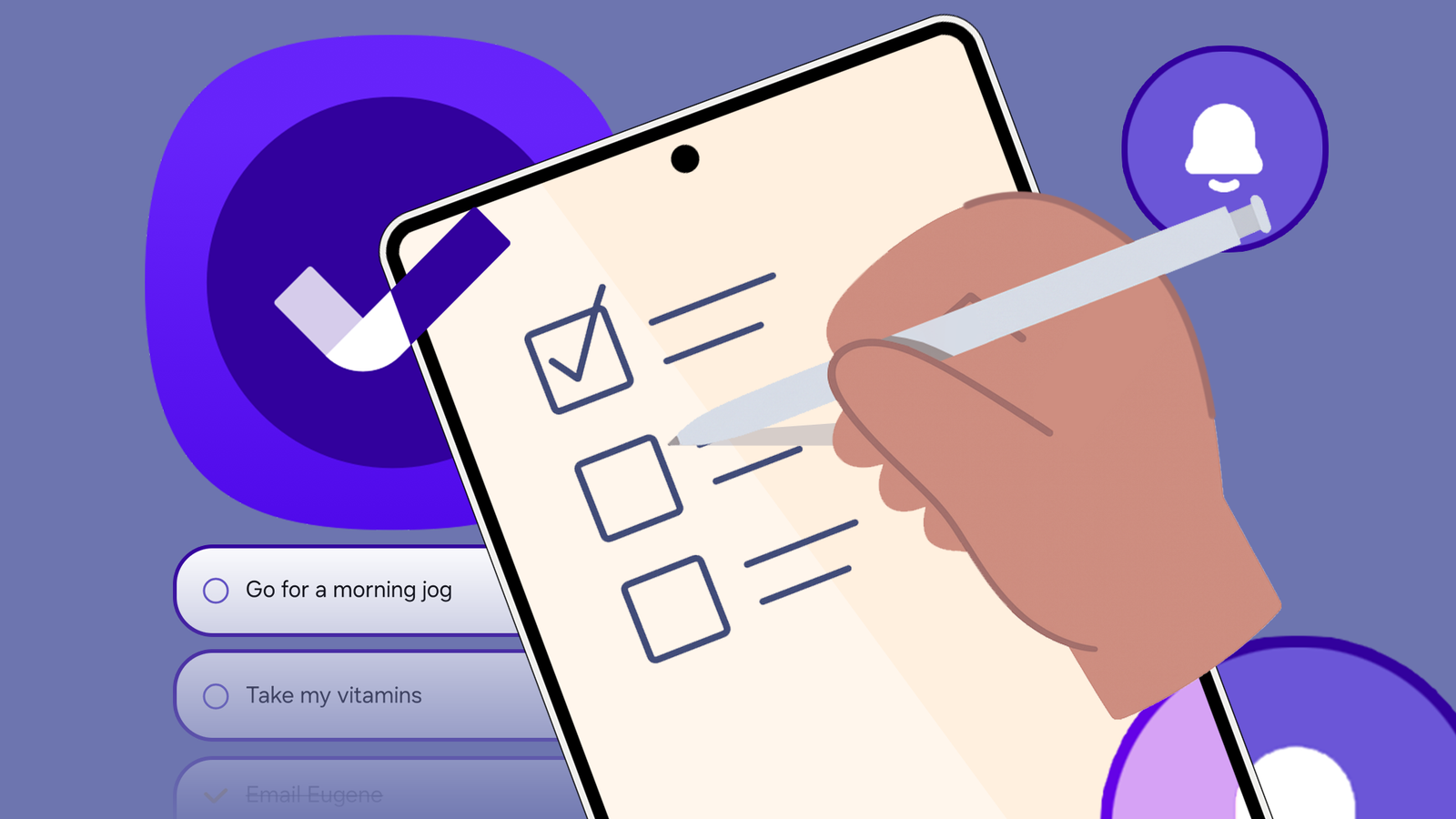
Many of us are familiar with big names in task management — Todoist, Microsoft To Do, TickTick. Still, one of the most powerful and underrated apps is likely already on your Samsung phone.
Buried within the One UI ecosystem, the Samsung Reminders app is a hidden gem that deserves more attention.
Reminders covers the basics

After trying countless apps that promised to be the ultimate solution, I realized that the Samsung Reminders app isn’t just a basic tool. It covers all the basics I expected from a to-do app.
First, let’s go over the user interface. It’s clean, intuitive, and doesn’t overwhelm you with endless options.
Creating a new reminder is as simple as tapping the plus button, and its natural language processing is smart.
I can type something like, Pick up dry cleaning on Tuesday at 5 PM, and the app automatically understands the date and time, and sets the reminder for me without any extra steps.
I’m also a big fan of using categories. I created lists for Work, Personal, Errands, and more. I can quickly assign each reminder to its respective list.
There is also support for location-based reminders. Instead of trying to remember to get milk before I get home, I set a reminder to trigger when I arrive at the grocery store. This has already saved me countless forgotten errands.
And for those of us who live on the home screen and lock screens, the widgets are essential. I have a clean, transparent widget on my home screen that shows me a quick overview of my day’s tasks.
Overall, Samsung Reminders is so much more than a simple to-do list.
Samsung Reminders works well with the Calendar app


Samsung Reminders seamlessly integrates with the One UI Calendar app. These two apps work together to create a unified view of my schedule and my tasks.
I can open my Calendar app and find both my appointments and to-do list for the day. And the best part is that the creation process is just as integrated.
If I’m in my calendar and realize I need to schedule a task for a specific date, I tap a date and create a reminder directly from there. I don’t have to switch apps, navigate a new menu, or deal with a clunky process.
The reminder appears right on the date in my calendar, instantly becoming part of my schedule.
This is the kind of thoughtful, first-party integration that you don’t get with third-party apps, and it’s a major reason why I have come to rely on Samsung Reminders as the central hub of my productivity.
The alert style is effective


When you receive dozens of notifications every day, it’s easy to dismiss a subtle banner alert from an app.
This is especially true for me when I’m in the middle of something and a tiny notification appears and then quickly disappears. I have often found myself forgetting a task due to that.
This is where the Samsung Reminders app stands out.
When an important reminder is due, it doesn’t just show up as a small, dismissible banner at the top of my screen. Instead, it takes over the entire display. This behavior forces me to stop what I’m doing and acknowledge the task.
This full-screen takeover ensures that the reminder gets my full attention.
Microsoft To Do integration is a productivity booster


Before Samsung Reminders, I used to use Microsoft To Do for managing my tasks. I had hundreds of tasks neatly organized in different lists. Instead of moving them to Samsung Reminders, I used the built-in integration to get the job done in no time.
My existing tasks from Microsoft To Do instantly appeared on my phone, and any new reminders I created on my Samsung device were added to a specific list in To Do.
This has completely streamlined my workflow. I can add a quick task on my phone and know it’s already there waiting for me when I get back to my desk.
I can manage my work tasks from the comfort of my laptop and still receive the full-screen, unmissable alert on my phone when it’s time to act.
Complete your tasks in style
Overall, the Samsung Reminders app is a prime example of a native application that outperforms many of its third-party competitors.
Its deep integration with the One UI ecosystem means it works seamlessly with my phone, calendar, and even other apps.
This isn’t just another checklist app; it’s an intuitive tool designed for the way I actually work and get things done. So before you download another third-party app, take a closer look at this built-in gem.
And the good news is that Samsung is finally giving Reminders the attention it deserves. The Reminders app is set to receive a major UI overhaul with the One UI 8 update.
