



We’ve never had more tools to help us stay organized. Yet somehow, it feels harder than ever to keep track of everything.
Instead of making life easier, the digital overload has created a new kind of digital clutter.
Many of us are stuck jumping between platforms searching for a single source of truth that never quite materialized until Google’s NotebookLM.
Related
6 offline Android apps I use to stay productive when there’s no Wi-Fi
My go-to offline Android productivity kit
Trying to organize became another form of procrastination

Source: Lucas Gouveia/Android Police | Inspiration GP/Shutterstock
To appreciate NotebookLM’s value, we must first understand the problem it solves.
We scatter ideas and information across too many places. Project notes are in one app, research articles are in another, meeting minutes are in a third, and quick thoughts are on paper or in phone memos.
Those sources don’t connect or communicate. Now you must remember what you saved and where you saved it.
Nothing is more frustrating than knowing you’ve written something down, but not being able to find it. This digital hide‑and‑seek wastes time and focus.
Many people turn to all-in-one note-taking platforms that promise to do it all to fix this. Still, that solution can come with its own set of problems.
Notion and Obsidian are good examples. With so many options for layouts, databases, fonts, and colors, it’s easy to fall into the trap of perfecting the setup instead of doing the work.
This sneaky procrastination tricks you into thinking you’re getting things done when you’re just avoiding the core work.
NotebookLM shifts the focus from memory to action

Traditional note-taking is built around one idea. Don’t forget anything. This fear of forgetting encourages a hoarder mentality. Over time, we end up with archives we rarely revisit.
NotebookLM flips that approach. Instead of focusing on what you can save, it focuses on what you can use. It shifts the center of gravity from storage to synthesis.
This shift is best understood through the lens of cognitive offloading. Cognitive offloading is using external tools to reduce the mind’s burden by transferring shallow work, such as memory, calculation, or organization, to an outside resource.
Offloading shallow work frees brain resources for deep work, such as creative problem-solving, critical thinking, and real work. Think of it as freeing up your brain’s RAM.
It reduces the anxiety and mental fatigue that come from trying to hold countless details in your head. NotebookLM handles that part instead.
What Makes NotebookLM Different from Other AIs?
Source: Lucas Gouveia/Android Police | Rawpixel.com/Shutterstock
NotebookLM doesn’t follow the usual rules of note-taking apps. It’s not another digital drawer with a search bar. It treats your notes dynamically with AI, helping you ask precise questions and find grounded answers.
AI tools like ChatGPT or Gemini are great at generating text. They’ve been trained on massive amounts of information from the internet. They’re fantastic for brainstorming, creative writing, or answering general questions.
However, there’s a catch. Since they pull from such broad and messy sources, they’re inherently unreliable for tasks demanding strict factual accuracy based on a specific context.
NotebookLM operates on a source-grounding principle. Rather than sourcing answers online, it relies solely on your uploaded documents.
The biggest benefit is that it cuts down on hallucinations. That’s when an AI makes up information that sounds right but isn’t. If something isn’t in your documents, NotebookLM tells you it does not have the information.
NotebookLM also builds trust by being transparent about where its answers come from. You’ll see clickable citations next to the text, and when you click one, it takes you straight to the exact quote or passage in your original document.

Related
10 ways I use AI to simplify my daily life
Learn new ways to do work, studies, and hobbies
The onboarding and UI are simple, as they should be

Source: Google
Getting started with NotebookLM is easy, especially if you’ve ever felt overwhelmed by the setup process in tools like Notion.
Sign in with your Google account, click Create New, and you’ll be instantly prompted to add your sources.
The desktop layout is self-explanatory. The interface splits into three sections.
- The left pane shows your uploaded documents.
- The center pane hosts the chat window for AI interaction.
- The right pane holds saved notes and AI‑generated items like timelines or study guides.
The platform adds unique ways to engage with your content
Source: Lucas Gouveia/Android Police | Prathankarnpap/Shutterstock
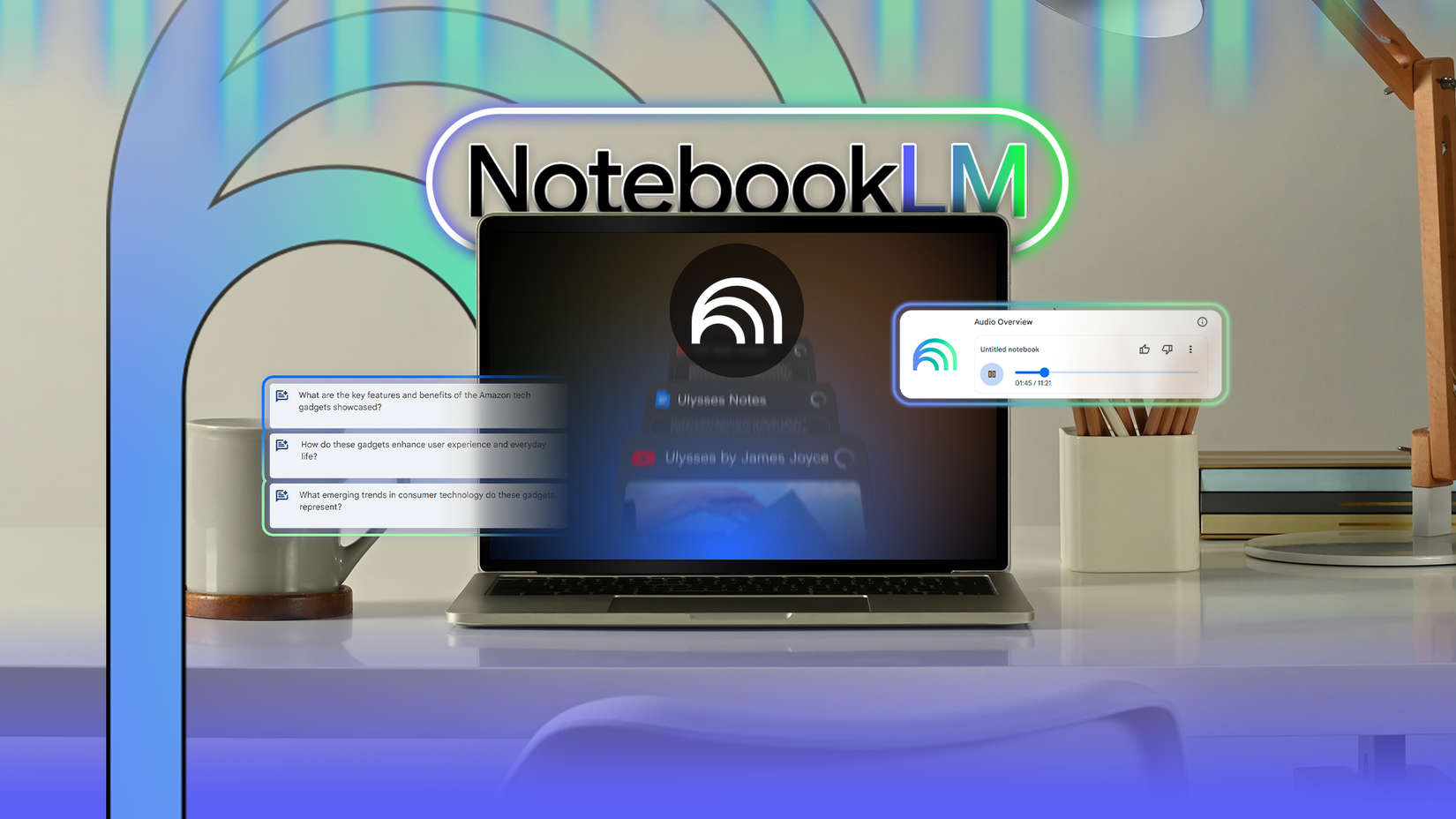
The moment a source is uploaded, NotebookLM begins processing it. The platform supports PDFs, Google Docs, Google Slides, website URLs, YouTube links, MP3 audio files, and clipboard text.
One handy feature in NotebookLM is the source guide, which is a document summary and list of key topics. This is useful for long or unfamiliar files and helps you get the gist without reading everything.
Another feature I really like is the audio overviews. NotebookLM can turn your documents into a podcast-style conversation between two AI hosts, and it’s surprisingly fun to listen to.
The hosts ask each other questions, explain key points, and even add a bit of banter, making complex topics digestible.
It’s perfect for auditory learners and anyone looking to catch up on material while commuting, working out, or doing chores.
The cherry on top is accessibility. NotebookLM supports over 50 languages. That means you can chat with the AI or listen to audio overviews in your preferred language.

Related
11 AI tools I can’t believe are free
These AI tools cost nothing, which is exactly how much I want to spend
A few gaps hold NotebookLM back from being complete
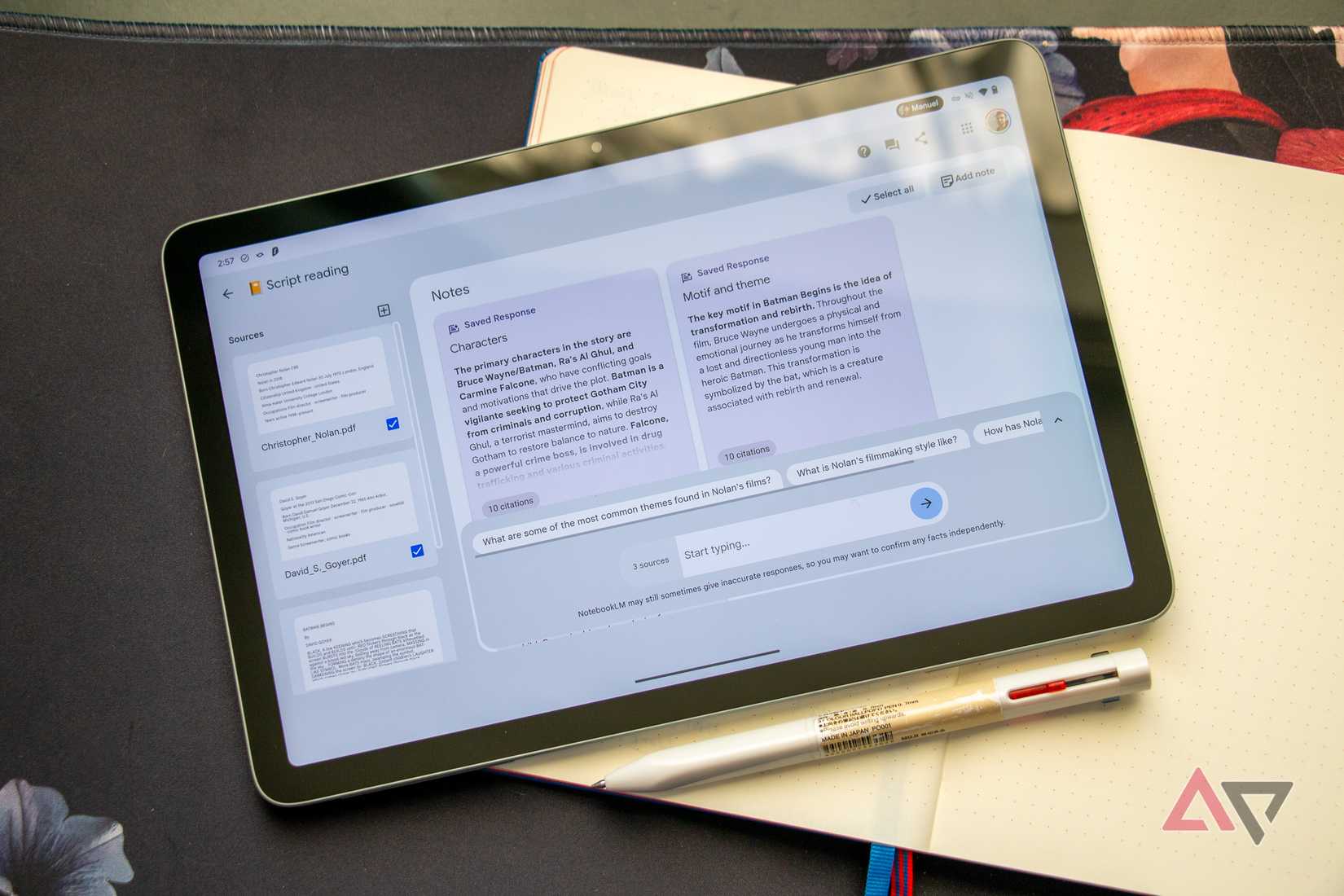
No tool is perfect, and NotebookLM is no exception. A major issue I’ve run into is the lack of real-time syncing.
If I update a document, I must manually re-sync it into NotebookLM, which is annoying and easy to forget.
There are a few minor issues, too. The text formatting tools in the notes panel are barebones and sometimes buggy.
There are also some restrictions to keep in mind. The free version lets you add up to 50 sources per notebook (300 for the paid Plus plan). Each file also has to be under 200MB or 500,000 words.
Plus, it doesn’t support some file types, like image-only PDFs, which is odd considering how many other formats it handles well.
The right habits turn NotebookLM into a real asset

Source: Lucas Gouveia/Android Police | ugguggu/Shutterstock
A few smart habits can make a big difference in getting the most out of NotebookLM. It starts with being selective about what you upload.
Don’t just dump everything in. Throwing everything into one monolithic everything notebook might be tempting, but it backfires.
Stick to clear, organized documents related to your task. Create separate notebooks for each project or topic. This keeps the AI’s expertise targeted and prevents it from pulling in unrelated information or generating muddled responses.
A little prep goes a long way when using NotebookLM. Before uploading your files, give them clear, descriptive names. It’ll make things easier to manage later, especially if your notebook has dozens of documents.
After you’re set up, how you prompt and ask questions also matters. The AI might give you generic or off-topic answers if your questions are too vague. When you’re specific and clear, it does a much better job of pulling the right info and giving you focused responses.
Don’t stop at basic summaries. NotebookLM can do a lot more if you get creative with your prompts. Ask it to turn your notes into a pro/con list, or a side-by-side comparison.
Playing around with different formats can help you see your information in new ways and make it easier to work with.
It’s not perfect, but it’s headed in the right direction
Moving to NotebookLM transformed how I interact with information. I replaced endless digital hide‑and‑seek with direct conversation.
While the platform has room to grow, its core premise is a step forward. The value is no longer in the size of your archive but in the quality of questions you can ask.
To me, this feels like the clearest vision of AI’s future, and it’s exciting.
