
Close Menu
TechUpdateAlert

    Subscribe to Updates

    Get the latest creative news from FooBar about art, design and business.

    What's Hot

    My Health Anxiety Means I Won’t Use Apple’s or Samsung’s Smartwatches. Here’s Why

    December 22, 2025

    You can now buy the OnePlus 15 in the US and score free earbuds if you hurry

    December 22, 2025

    Today’s NYT Connections: Sports Edition Hints, Answers for Dec. 22 #455

    December 22, 2025
    Facebook X (Twitter) Instagram
    Trending
    • My Health Anxiety Means I Won’t Use Apple’s or Samsung’s Smartwatches. Here’s Why
    • You can now buy the OnePlus 15 in the US and score free earbuds if you hurry
    • Today’s NYT Connections: Sports Edition Hints, Answers for Dec. 22 #455
    • Android might finally stop making you tap twice for Wi-Fi
    • Today’s NYT Mini Crossword Answers for Dec. 22
    • Waymo’s robotaxis didn’t know what to do when a city’s traffic lights failed
    • Today’s NYT Wordle Hints, Answer and Help for Dec. 22 #1647
    • You Asked: OLED Sunlight, VHS on 4K TVs, and HDMI Control Issues
    Facebook X (Twitter) Instagram Pinterest Vimeo
    TechUpdateAlertTechUpdateAlert
    • Home
    • Gaming
    • Laptops
    • Mobile
    • Software
    • Reviews
    • AI & Tech
    • Gadgets
    • How-To
    TechUpdateAlert
    Home»Laptops»Nano11 shrinks Windows 11 to just 2.8GB by debloating apps
    Laptops

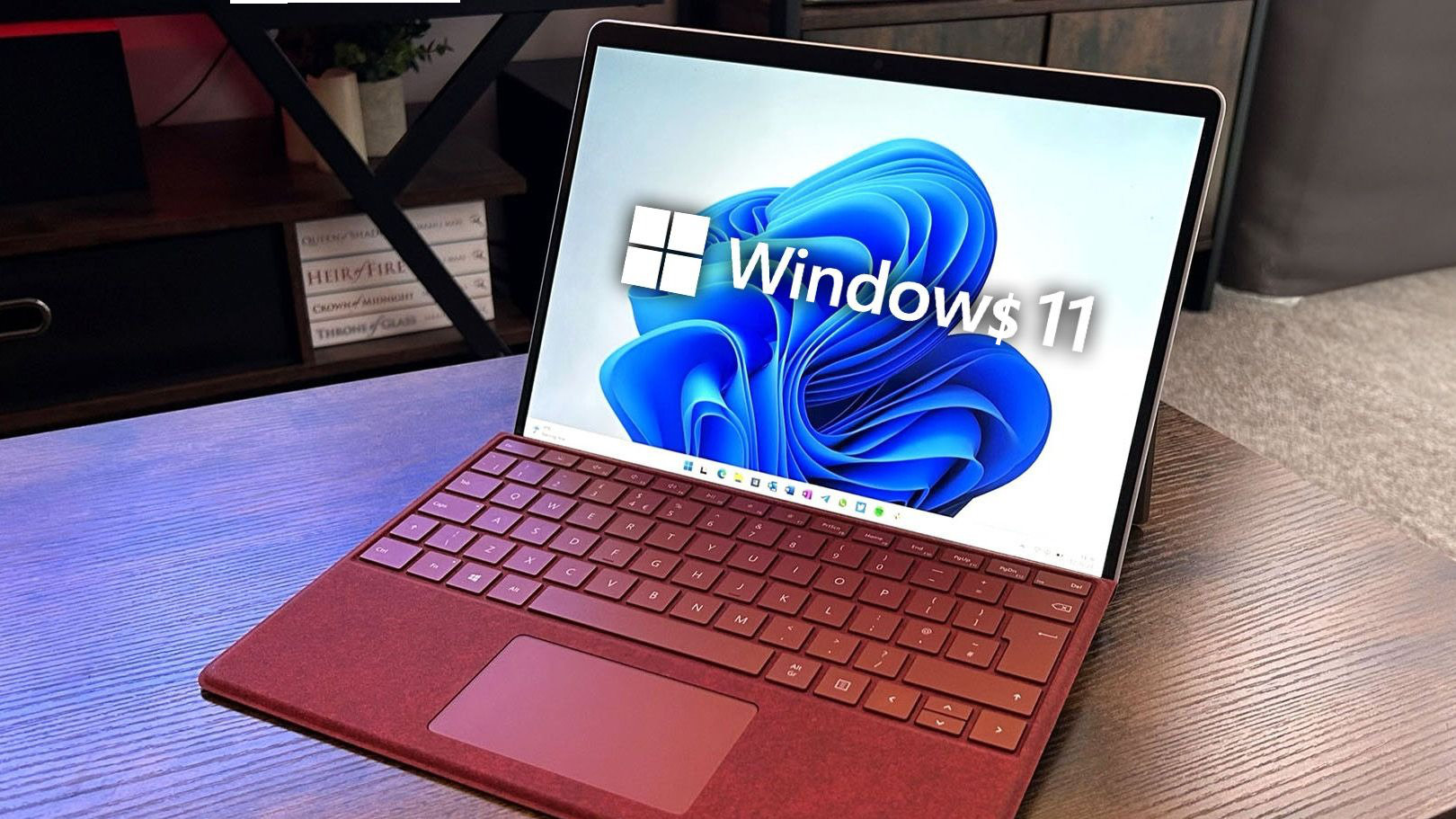
    Nano11 shrinks Windows 11 to just 2.8GB by debloating apps

    techupdateadminBy techupdateadminSeptember 13, 2025No Comments3 Mins Read
    Share Facebook Twitter Pinterest LinkedIn Tumblr Reddit Telegram Email
    Nano11 shrinks Windows 11 to just 2.8GB by debloating apps
    Share
    Facebook Twitter LinkedIn Pinterest Email

    In the next two days, it’ll be exactly one month till Microsoft officially pulls the plug on Windows 10, which is slated for October 14, 2025. While the tech giant clearly wants users to upgrade to Windows 11 and has been using bold statements like “Windows 11 PCs are up to 2.3x faster than Windows 10 PCs” to get them to jump ship, getting approximately 400 million people to make this move seems like a big ask.

    This is especially true when considering Microsoft’s strict minimum system requirements coupled with Windows 11’s flawed design elements. Granted, this doesn’t necessarily mean that the highlighted 400 million PCs don’t support Windows 11; it actually boils down to a matter of preference.

    It’s been 4 years since Windows 11 shipped, but Microsoft has struggled to gain user interest. The operating system only recently surpassed Windows 10 to become the most dominant desktop OS.


    You may like

    But all hope isn’t lost for Windows 10 users, especially if they don’t want to enroll in Microsoft’s ESU (extended security updates) program by syncing their PC settings to the cloud via a Microsoft account, redeeming 1,000 Microsoft Reward points, or paying $30 for that ESU program, which now supports up to 10 devices.

    Earlier this week, I covered Tiny11 getting a new update with Windows 11 version 25H2 support, though it doesn’t add new features to the experience. Rather, it removes pre-installed apps like Clipchamp, Copilot, and the new Outlook client, which some users might deem as unnecessary ‘bloatware’ anyway.

    For context, Tiny11 is a lightweight version of Windows 11, designed to run on older PCs that don’t meet Windows 11’s strict system requirements. And it seems now, there seems to be a new kid on the block (at least that I knew about) that offers a similar experience.

    You pretty much can’t get any tinier than this. Based on tiny11 core, nano11 pushes things even further, by removing even more fluff like Windows Hello packages, unnecessary drivers, .NET precompiled assembly, IME components, wallpapers and more. pic.twitter.com/qeEY07VypwSeptember 10, 2025

    Meet Nano11, a lightweight version of Windows 11 that trims down the operating system’s size to less than 3 GB (via The Register). According to Nano11 developer NTDEV:

    “You pretty much can’t get any tinier than this. Based on tiny11 core, nano11 pushes things even further, by removing even more fluff like Windows Hello packages, unnecessary drivers, .NET precompiled assembly, IME components, wallpapers and more.”

    Perhaps more interestingly, the developer says you can use any Windows SKU, including Pro, Home, or LTSC. “In fact, results are even better with Windows 11 LTSC, and mixed with LZX compression, you can get to complete installations that are 2.8GB in size, as shown previously,” NTDEV added.

    Compared to a standard Windows ISO, Nano11 images are up to 3.5 times smaller. And while the script debloats Windows 11 down to the basics for a casual user, the developer has issued a stern warning, indicating:

    “You cannot add back features or languages in an image created with this script! The resulting OS is not serviceable. This means you cannot add languages, drivers, or features, and you will not receive Windows Updates. It is intended only for testing, development, or embedded use in VMs where a minimal, static environment is required.”

    The developer admits that users can’t default to Nano11 as their daily driver. However, it can be used as “a quick and dirty testbed.”

    2.8GB apps debloating Nano11 shrinks Windows
    Share. Facebook Twitter Pinterest LinkedIn Tumblr Email
    Previous ArticleiQOO 15 allegedly spotted in the wild
    Next Article Edifier ES300 vs Sonos Move 2: my testing reveals which Wi-Fi speaker offers substantially better sound
    techupdateadmin
    • Website

    Related Posts

    Gadgets

    The best movies, gadgets, apps, books, and podcasts of 2025

    December 21, 2025
    Gadgets

    Your next Legion Go 2 might run SteamOS instead of Windows 11

    December 21, 2025
    Gadgets

    Microsoft makes theming your Windows 11 PC as easy as phones, but not as much fun

    December 15, 2025
    Add A Comment
    Leave A Reply Cancel Reply

    Top Posts

    NYT Strands hints and answers for Monday, August 11 (game #526)

    August 11, 202549 Views

    These 2 Cities Are Pushing Back on Data Centers. Here’s What They’re Worried About

    September 13, 202543 Views

    Today’s NYT Connections: Sports Edition Hints, Answers for Sept. 4 #346

    September 4, 202540 Views
    Stay In Touch
    • Facebook
    • YouTube
    • TikTok
    • WhatsApp
    • Twitter
    • Instagram
    Latest Reviews

    Subscribe to Updates

    Get the latest tech news from FooBar about tech, design and biz.

    Most Popular

    Best Fitbit fitness trackers and watches in 2025

    July 9, 20250 Views

    There are still 200+ Prime Day 2025 deals you can get

    July 9, 20250 Views

    The best earbuds we’ve tested for 2025

    July 9, 20250 Views
    Our Picks

    My Health Anxiety Means I Won’t Use Apple’s or Samsung’s Smartwatches. Here’s Why

    December 22, 2025

    You can now buy the OnePlus 15 in the US and score free earbuds if you hurry

    December 22, 2025

    Today’s NYT Connections: Sports Edition Hints, Answers for Dec. 22 #455

    December 22, 2025

    Subscribe to Updates

    Get the latest creative news from FooBar about art, design and business.

    Facebook X (Twitter) Instagram Pinterest
    • About Us
    • Contact us
    • Privacy Policy
    • Disclaimer
    • Terms and Conditions
    © 2026 techupdatealert. Designed by Pro.

    Type above and press Enter to search. Press Esc to cancel.