
Close Menu
TechUpdateAlert

    Subscribe to Updates

    Get the latest creative news from FooBar about art, design and business.

    What's Hot

    My Health Anxiety Means I Won’t Use Apple’s or Samsung’s Smartwatches. Here’s Why

    December 22, 2025

    You can now buy the OnePlus 15 in the US and score free earbuds if you hurry

    December 22, 2025

    Today’s NYT Connections: Sports Edition Hints, Answers for Dec. 22 #455

    December 22, 2025
    Facebook X (Twitter) Instagram
    Trending
    • My Health Anxiety Means I Won’t Use Apple’s or Samsung’s Smartwatches. Here’s Why
    • You can now buy the OnePlus 15 in the US and score free earbuds if you hurry
    • Today’s NYT Connections: Sports Edition Hints, Answers for Dec. 22 #455
    • Android might finally stop making you tap twice for Wi-Fi
    • Today’s NYT Mini Crossword Answers for Dec. 22
    • Waymo’s robotaxis didn’t know what to do when a city’s traffic lights failed
    • Today’s NYT Wordle Hints, Answer and Help for Dec. 22 #1647
    • You Asked: OLED Sunlight, VHS on 4K TVs, and HDMI Control Issues
    Facebook X (Twitter) Instagram Pinterest Vimeo
    TechUpdateAlertTechUpdateAlert
    • Home
    • Gaming
    • Laptops
    • Mobile
    • Software
    • Reviews
    • AI & Tech
    • Gadgets
    • How-To
    TechUpdateAlert
    Home»Gadgets»iOS 26 Brings Parents More Control Over Kids’ Screen Time
    Gadgets

    iOS 26 Brings Parents More Control Over Kids’ Screen Time

    techupdateadminBy techupdateadminSeptember 22, 2025No Comments3 Mins Read
    Share Facebook Twitter Pinterest LinkedIn Tumblr Reddit Telegram Email
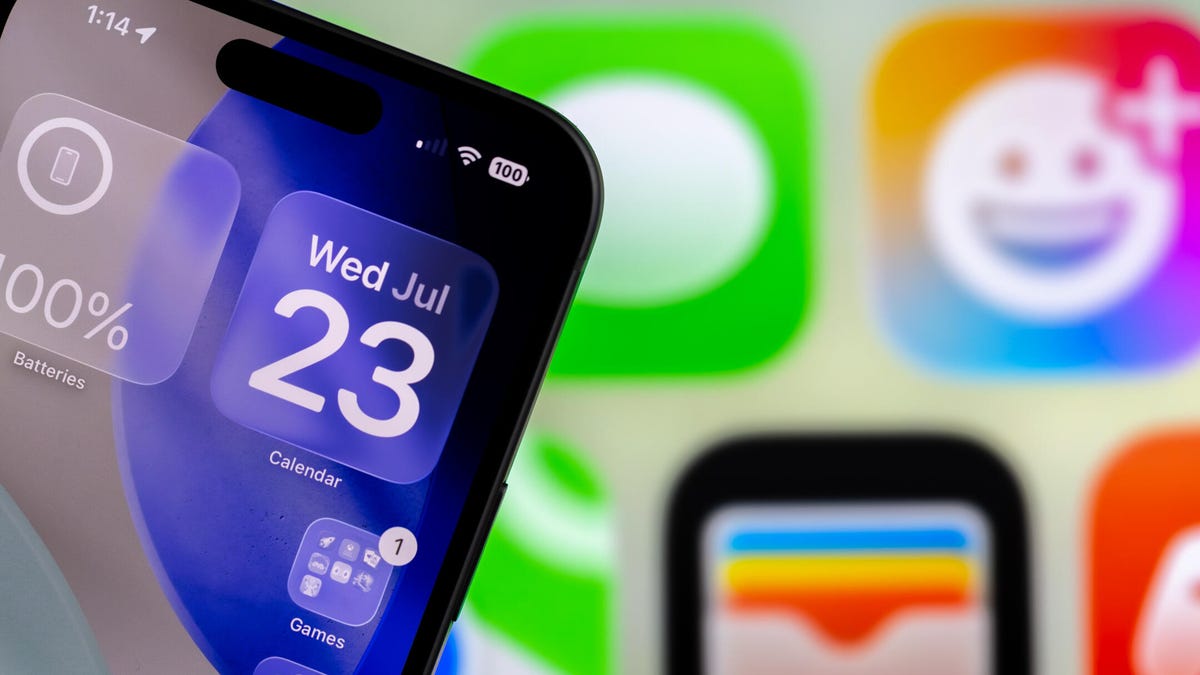
    An iPhone with clear widgets showing the Date of July 23.
    Share
    Facebook Twitter LinkedIn Pinterest Email

    As a soon-to-be-parent, I’m worried about how people online will interact with my kid once they have a phone or tablet. The good news for parents struggling with this now: Apple’s iOS 26 brings more parental controls to iPhones.

    Tech Tips

    Parents can already control how much screen time their kids have, manage their child’s App Store purchases and more. Some of the new controls can detect and blur nudity in certain apps, and your child will have to ask for access to interact with unknown numbers.

    Here are some of the kid’s safety features iOS 26 brings to iPhones. My kid’s not here yet so I couldn’t test these features myself, but I’ll report back later.

    Note that many of these safety features are automatically enabled in iOS 26 as long as they are attached to a phone number and Apple account of a juvenile. 


    Don’t miss any of our unbiased tech content and lab-based reviews. Add CNET as a preferred Google source.


    Approve who can and can’t contact your child

    A parent watching as a child uses a cell phone and a lap top is in the foreground.

    Bark

    You can already block unknown numbers in Messages, and iOS 26 lets parents approve which numbers can text or call their child. When your child gets a message or a call from an unknown number, they’ll have to send a request to their parents to allow them to receive the message or call.

    So if your kid’s friend wants to call them, you will have to approve their number. But if your 12-year-old is getting weird, adult-sounding messages, you can block that sender. 

    This feature is available on third-party apps, potentially letting parents approve who their child chats with, follows and becomes friends with in apps like Instagram, but developers of those apps have to adopt Apple’s framework first. 

    Blur nudity in some apps

    Another child safety feature iOS 26 includes is it will blur out detected nudity during FaceTime calls and in any shared albums in Photos on your kid’s iPhone. 

    This is similar to a feature introduced in iOS 17 called Sensitive Content Warnings. With that feature, you could choose to blur detected nudity in content sent to you in apps like Messages. The new feature is automatically enabled for your kid’s account.

    App Store changes

    Apple App Store Awards Logo

    Apple

    Part of the safety changes in iOS 26 include updated age ratings for apps in Apple’s App Store, including indications if an app contains user-generated content, messaging, advertising capabilities or content controls. 

    The App Store also won’t show your child apps with ratings above their content restriction range in the App Store’s Today, Games or Apps tabs, as well as in the Editorial stories. And if an app is above your child’s content restriction range, you can make an exception for that app through the Ask to Buy feature.

    Age-appropriate in-app experiences

    If you approve your kid to download a third-party app onto their device, you can also choose to share their age range (e.g. 13-17) with the app’s developer. That way your kid can view content and age-appropriate features within the app without having to reveal their exact birth date or being able to circumvent age restrictions by entering an older birth date.

    For more iOS news, here’s my review of iOS 26, how to enable call screening in the OS and all the new ringtones on your iPhone. You can also check out our iOS 26 cheat sheet.

    Watch this: iPhone Air Review: A Joy to Hold, at a Cost

    10:06

    Brings Control iOS Kids Parents Screen Time
    Share. Facebook Twitter Pinterest LinkedIn Tumblr Email
    Previous ArticleGTA 5 Trevor actor feels ‘nothing inside’ for GTA 6, challenges gamers to read Crime and Punishment: ‘Books are my thing’
    Next Article Home Depot’s Giant Skelly Has a Voice This Halloween Thanks to a New App
    techupdateadmin
    • Website

    Related Posts

    Gadgets

    My Health Anxiety Means I Won’t Use Apple’s or Samsung’s Smartwatches. Here’s Why

    December 22, 2025
    Gadgets

    You can now buy the OnePlus 15 in the US and score free earbuds if you hurry

    December 22, 2025
    Gadgets

    Today’s NYT Connections: Sports Edition Hints, Answers for Dec. 22 #455

    December 22, 2025
    Add A Comment
    Leave A Reply Cancel Reply

    Top Posts

    NYT Strands hints and answers for Monday, August 11 (game #526)

    August 11, 202549 Views

    These 2 Cities Are Pushing Back on Data Centers. Here’s What They’re Worried About

    September 13, 202543 Views

    Today’s NYT Connections: Sports Edition Hints, Answers for Sept. 4 #346

    September 4, 202540 Views
    Stay In Touch
    • Facebook
    • YouTube
    • TikTok
    • WhatsApp
    • Twitter
    • Instagram
    Latest Reviews

    Subscribe to Updates

    Get the latest tech news from FooBar about tech, design and biz.

    Most Popular

    Best Fitbit fitness trackers and watches in 2025

    July 9, 20250 Views

    There are still 200+ Prime Day 2025 deals you can get

    July 9, 20250 Views

    The best earbuds we’ve tested for 2025

    July 9, 20250 Views
    Our Picks

    My Health Anxiety Means I Won’t Use Apple’s or Samsung’s Smartwatches. Here’s Why

    December 22, 2025

    You can now buy the OnePlus 15 in the US and score free earbuds if you hurry

    December 22, 2025

    Today’s NYT Connections: Sports Edition Hints, Answers for Dec. 22 #455

    December 22, 2025

    Subscribe to Updates

    Get the latest creative news from FooBar about art, design and business.

    Facebook X (Twitter) Instagram Pinterest
    • About Us
    • Contact us
    • Privacy Policy
    • Disclaimer
    • Terms and Conditions
    © 2026 techupdatealert. Designed by Pro.

    Type above and press Enter to search. Press Esc to cancel.