
Close Menu
TechUpdateAlert

    Subscribe to Updates

    Get the latest creative news from FooBar about art, design and business.

    What's Hot

    My Health Anxiety Means I Won’t Use Apple’s or Samsung’s Smartwatches. Here’s Why

    December 22, 2025

    You can now buy the OnePlus 15 in the US and score free earbuds if you hurry

    December 22, 2025

    Today’s NYT Connections: Sports Edition Hints, Answers for Dec. 22 #455

    December 22, 2025
    Facebook X (Twitter) Instagram
    Trending
    • My Health Anxiety Means I Won’t Use Apple’s or Samsung’s Smartwatches. Here’s Why
    • You can now buy the OnePlus 15 in the US and score free earbuds if you hurry
    • Today’s NYT Connections: Sports Edition Hints, Answers for Dec. 22 #455
    • Android might finally stop making you tap twice for Wi-Fi
    • Today’s NYT Mini Crossword Answers for Dec. 22
    • Waymo’s robotaxis didn’t know what to do when a city’s traffic lights failed
    • Today’s NYT Wordle Hints, Answer and Help for Dec. 22 #1647
    • You Asked: OLED Sunlight, VHS on 4K TVs, and HDMI Control Issues
    Facebook X (Twitter) Instagram Pinterest Vimeo
    TechUpdateAlertTechUpdateAlert
    • Home
    • Gaming
    • Laptops
    • Mobile
    • Software
    • Reviews
    • AI & Tech
    • Gadgets
    • How-To
    TechUpdateAlert
    Home»How-To»Google Pixel’s Call Notes feature finally learns when to let go
    How-To

    Google Pixel’s Call Notes feature finally learns when to let go

    techupdateadminBy techupdateadminJuly 23, 2025No Comments3 Mins Read
    Share Facebook Twitter Pinterest LinkedIn Tumblr Reddit Telegram Email
    Google Phone's new streamlined design is starting to roll out
    Share
    Facebook Twitter LinkedIn Pinterest Email

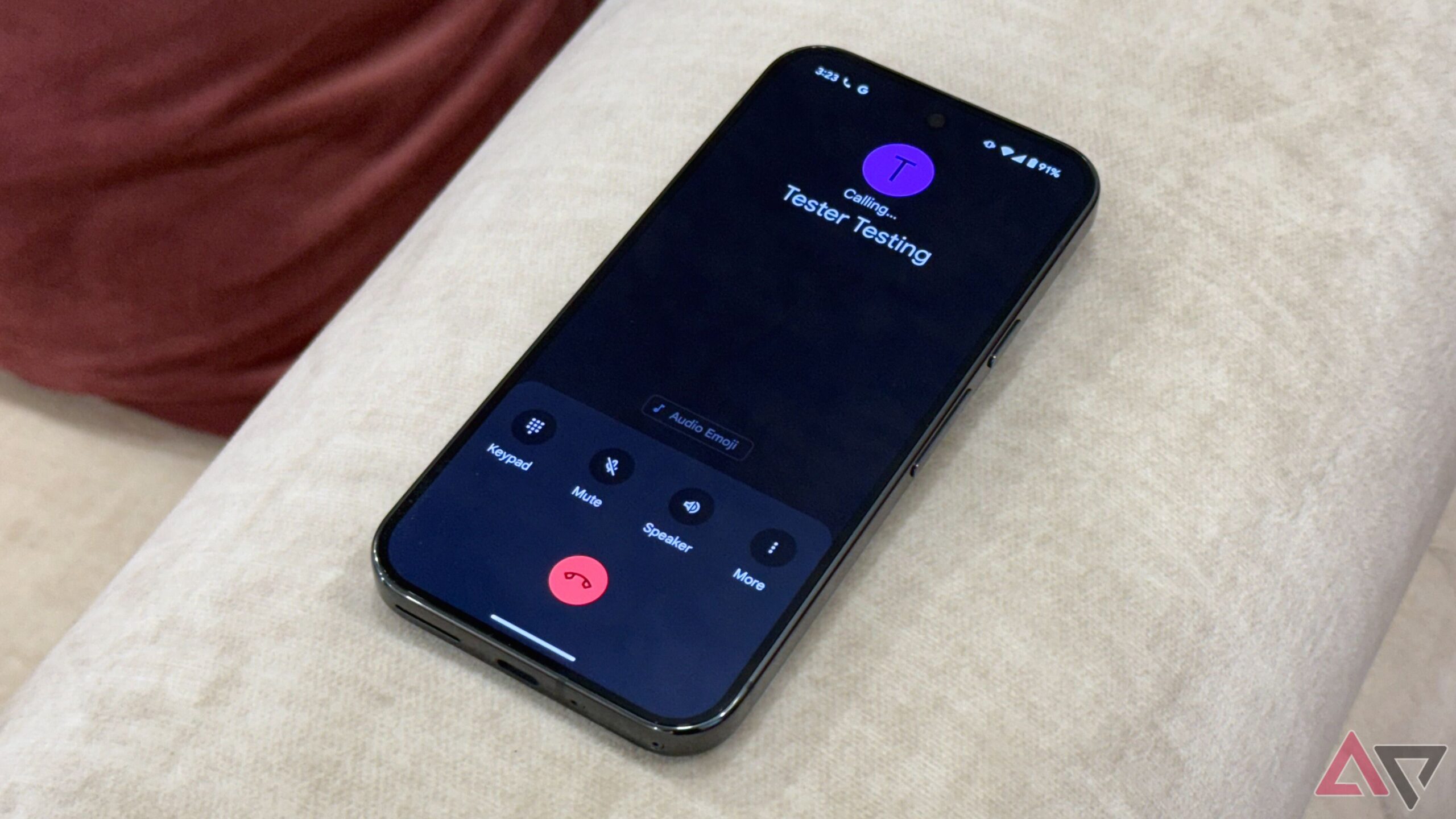
    There is a lot to praise about Google’s Pixel 9 series, from great battery life to a top-quality display. It’s certainly a lot better than all its predecessors, not just in headline features but also in the little things. Unlike its predecessors, the Pixel 9 has a call recording feature in the Phone app, thanks to the Call Notes feature Google launched last year.

    Related

    5 Pixel tricks that changed how I use my phone every day

    From Magic Eraser to Now Playing, these Pixel exclusives will transform your smartphone experience

    In addition to allowing users to record calls, Call Notes uses AI to transcribe and summarize calls for people in the US. The only caveat is that all those recordings pile up fast and eat up the storage in your phone. If you haven’t tried the feature because of this reason, you might want to reconsider your decision, as Google has finally started to fix the issue with a new feature.

    Google Call Notes is getting smarter about storage

    A couple of months ago, we reported that Google was working on an ‘Automatically delete Call Notes’ toggle in the Phone app’s Settings. And it looks like two months were just enough for the company to fully develop the feature and start rolling it out to the users. As spotted by Telegram user Alexandria, Google has finally started rolling out the Call Notes feature to Pixel 9 handsets (via Android Authority).

    Screenshot showing the auto delete feature in Call Notes

    Image source: Alexandria

    As the name suggests, instead of allowing the call recordings to choke your storage, it lets you decide when you want them to be erased. You can choose between “After 7 days,” “After 14 days,” and “After 30 days” options. It’ll remember your preference and automatically delete those recordings so that you don’t have to do it manually.

    If you don’t feel comfortable giving Call Notes the power to delete your call recordings, you can set it to “Never” while setting up the feature. This is perhaps the best option for those who feel their call recordings are too important to auto-delete. If that’s the case, instead of allowing mass deletion after a certain time, manually deleting the ones that you don’t need is the only option you have.

    Moreover, Call Notes has a button to delete recordings in bulk with just a tap. If none of those recordings are important anymore, this is what you should use, assuming you haven’t enabled the auto-delete capability. While all of this may sound helpful, it’s worth remembering that the Call Notes feature is available only to people in the US. The sooner that limitation is gone, the better.

    Call Feature Finally Google learns Notes Pixels
    Share. Facebook Twitter Pinterest LinkedIn Tumblr Email
    Previous ArticleRedmi 15 5G specs leak: 6.9″ 144Hz display, huge battery and a surprising chipset
    Next Article Super Pocket Neo Geo Edition Review: Pocketable Fun
    techupdateadmin
    • Website

    Related Posts

    Gadgets

    Android might finally stop making you tap twice for Wi-Fi

    December 22, 2025
    Gadgets

    Gear News of the Week: LG Debuts an RGB LED TV, and Google Brings Find Hub to Wear OS

    December 21, 2025
    Mobile

    Deals: Freebies with Google Pixels, discounts on Xiaomi 15, Poco F7 Ultra, and more

    December 20, 2025
    Add A Comment
    Leave A Reply Cancel Reply

    Top Posts

    NYT Strands hints and answers for Monday, August 11 (game #526)

    August 11, 202545 Views

    These 2 Cities Are Pushing Back on Data Centers. Here’s What They’re Worried About

    September 13, 202542 Views

    Today’s NYT Connections: Sports Edition Hints, Answers for Sept. 4 #346

    September 4, 202540 Views
    Stay In Touch
    • Facebook
    • YouTube
    • TikTok
    • WhatsApp
    • Twitter
    • Instagram
    Latest Reviews

    Subscribe to Updates

    Get the latest tech news from FooBar about tech, design and biz.

    Most Popular

    Best Fitbit fitness trackers and watches in 2025

    July 9, 20250 Views

    There are still 200+ Prime Day 2025 deals you can get

    July 9, 20250 Views

    The best earbuds we’ve tested for 2025

    July 9, 20250 Views
    Our Picks

    My Health Anxiety Means I Won’t Use Apple’s or Samsung’s Smartwatches. Here’s Why

    December 22, 2025

    You can now buy the OnePlus 15 in the US and score free earbuds if you hurry

    December 22, 2025

    Today’s NYT Connections: Sports Edition Hints, Answers for Dec. 22 #455

    December 22, 2025

    Subscribe to Updates

    Get the latest creative news from FooBar about art, design and business.

    Facebook X (Twitter) Instagram Pinterest
    • About Us
    • Contact us
    • Privacy Policy
    • Disclaimer
    • Terms and Conditions
    © 2026 techupdatealert. Designed by Pro.

    Type above and press Enter to search. Press Esc to cancel.