
Close Menu
TechUpdateAlert

    Subscribe to Updates

    Get the latest creative news from FooBar about art, design and business.

    What's Hot

    My Health Anxiety Means I Won’t Use Apple’s or Samsung’s Smartwatches. Here’s Why

    December 22, 2025

    You can now buy the OnePlus 15 in the US and score free earbuds if you hurry

    December 22, 2025

    Today’s NYT Connections: Sports Edition Hints, Answers for Dec. 22 #455

    December 22, 2025
    Facebook X (Twitter) Instagram
    Trending
    • My Health Anxiety Means I Won’t Use Apple’s or Samsung’s Smartwatches. Here’s Why
    • You can now buy the OnePlus 15 in the US and score free earbuds if you hurry
    • Today’s NYT Connections: Sports Edition Hints, Answers for Dec. 22 #455
    • Android might finally stop making you tap twice for Wi-Fi
    • Today’s NYT Mini Crossword Answers for Dec. 22
    • Waymo’s robotaxis didn’t know what to do when a city’s traffic lights failed
    • Today’s NYT Wordle Hints, Answer and Help for Dec. 22 #1647
    • You Asked: OLED Sunlight, VHS on 4K TVs, and HDMI Control Issues
    Facebook X (Twitter) Instagram Pinterest Vimeo
    TechUpdateAlertTechUpdateAlert
    • Home
    • Gaming
    • Laptops
    • Mobile
    • Software
    • Reviews
    • AI & Tech
    • Gadgets
    • How-To
    TechUpdateAlert
    Home»How-To»Custom calling cards are now available on the Google Phone app for Android
    How-To

    Custom calling cards are now available on the Google Phone app for Android

    techupdateadminBy techupdateadminAugust 28, 2025No Comments2 Mins Read
    Share Facebook Twitter Pinterest LinkedIn Tumblr Reddit Telegram Email
    Custom calling cards are now available on the Google Phone app for Android
    Share
    Facebook Twitter LinkedIn Pinterest Email

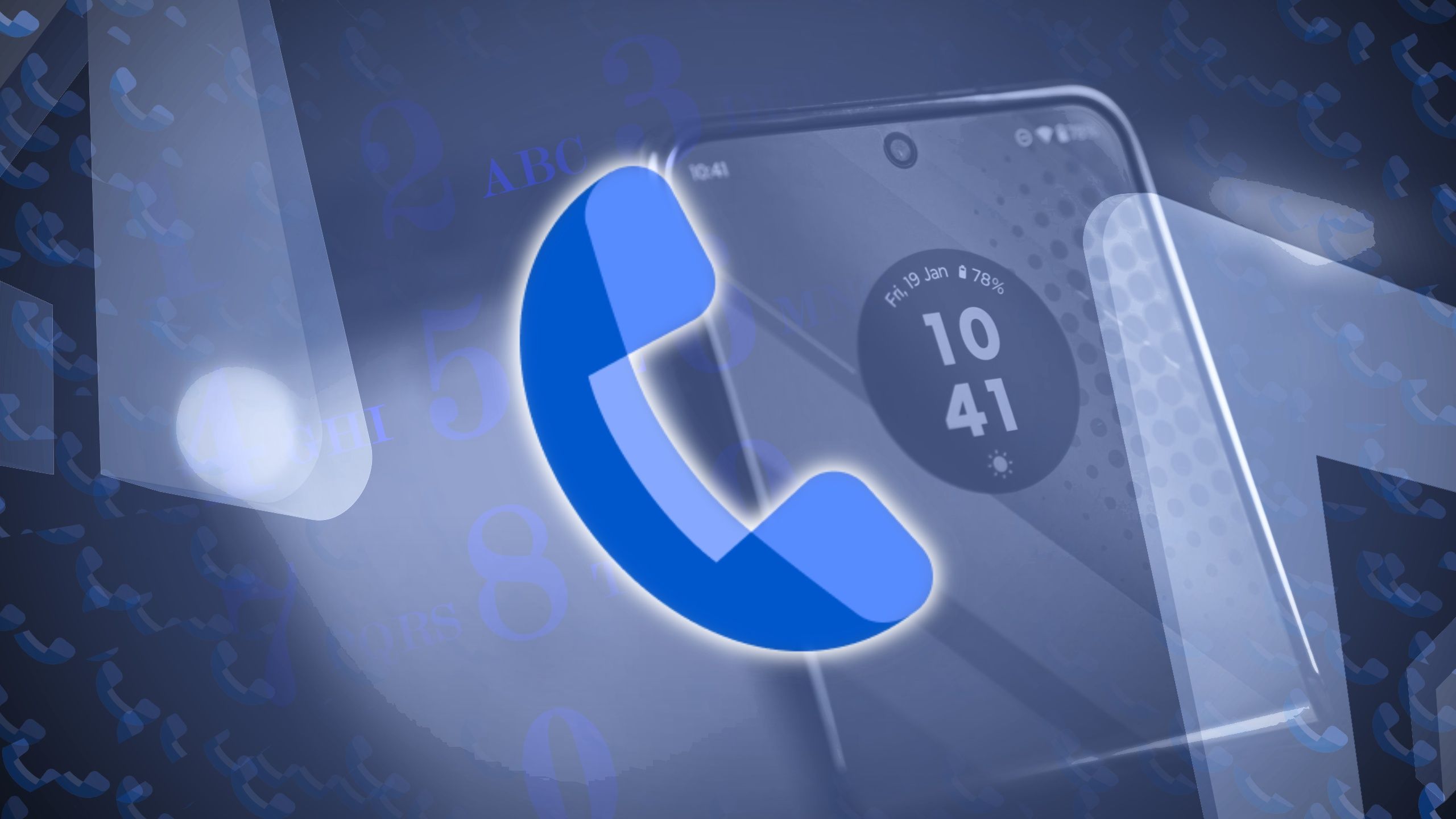
    Android and iOS have long borrowed ideas from each other, and that pattern isn’t slowing down. Google’s Phone app is rolling out custom calling cards on Android, letting users tweak how their incoming calls look with personalized photos and styled text, a feature that was also recently teased in the Google Contacts app.

    After a round of beta testing, customizable “Calling Cards” have now made their way to the stable version of the Phone app, arriving with version 188, as per 9to5Google. The feature allows you to deck out your call screen with a full photo and tweak the name’s font and color.

    This update completely revamps the call screen, ditching the tiny contact photo for a full-screen look for each caller. It makes the most of edge-to-edge displays, showing a big photo and bold text so calls feel more personal.

    When the feature goes live for you, you’ll see a banner at the top of the Home tab reading, “Introducing calling card: Customize how you see your contact when they call you.” Tapping it takes you to a dedicated Calling Card page in the Google Phone app, where you can manage and tweak your designs. You can also edit cards directly in Google Contacts, and the settings are always available in the Phone app’s main menu.

    You can create a Calling Card by picking an image from your camera, gallery, or Google Photos, then choosing a font style and color for the contact’s name. Setting it as the default contact photo is optional. Once saved, the card syncs to your Google account, so it’s available on all your devices.

    Once set up, the card appears as a full-screen image during both incoming and active calls. Unlike Apple’s Contact Posters, though, these are strictly for your own view and aren’t shared with other users.

    Android app calling Cards Custom Google Phone
    Share. Facebook Twitter Pinterest LinkedIn Tumblr Email
    Previous ArticleNvidia CEO Says More Advanced AI Models Will Keep Chip, Data Center Growth Going
    Next Article A new cloud storage doesn’t charge monthly fees, and their 1TB plan just went on sale
    techupdateadmin
    • Website

    Related Posts

    Gadgets

    Android might finally stop making you tap twice for Wi-Fi

    December 22, 2025
    Gadgets

    Gear News of the Week: LG Debuts an RGB LED TV, and Google Brings Find Hub to Wear OS

    December 21, 2025
    Mobile

    Deals: Freebies with Google Pixels, discounts on Xiaomi 15, Poco F7 Ultra, and more

    December 20, 2025
    Add A Comment
    Leave A Reply Cancel Reply

    Top Posts

    NYT Strands hints and answers for Monday, August 11 (game #526)

    August 11, 202547 Views

    These 2 Cities Are Pushing Back on Data Centers. Here’s What They’re Worried About

    September 13, 202542 Views

    Today’s NYT Connections: Sports Edition Hints, Answers for Sept. 4 #346

    September 4, 202540 Views
    Stay In Touch
    • Facebook
    • YouTube
    • TikTok
    • WhatsApp
    • Twitter
    • Instagram
    Latest Reviews

    Subscribe to Updates

    Get the latest tech news from FooBar about tech, design and biz.

    Most Popular

    Best Fitbit fitness trackers and watches in 2025

    July 9, 20250 Views

    There are still 200+ Prime Day 2025 deals you can get

    July 9, 20250 Views

    The best earbuds we’ve tested for 2025

    July 9, 20250 Views
    Our Picks

    My Health Anxiety Means I Won’t Use Apple’s or Samsung’s Smartwatches. Here’s Why

    December 22, 2025

    You can now buy the OnePlus 15 in the US and score free earbuds if you hurry

    December 22, 2025

    Today’s NYT Connections: Sports Edition Hints, Answers for Dec. 22 #455

    December 22, 2025

    Subscribe to Updates

    Get the latest creative news from FooBar about art, design and business.

    Facebook X (Twitter) Instagram Pinterest
    • About Us
    • Contact us
    • Privacy Policy
    • Disclaimer
    • Terms and Conditions
    © 2026 techupdatealert. Designed by Pro.

    Type above and press Enter to search. Press Esc to cancel.