


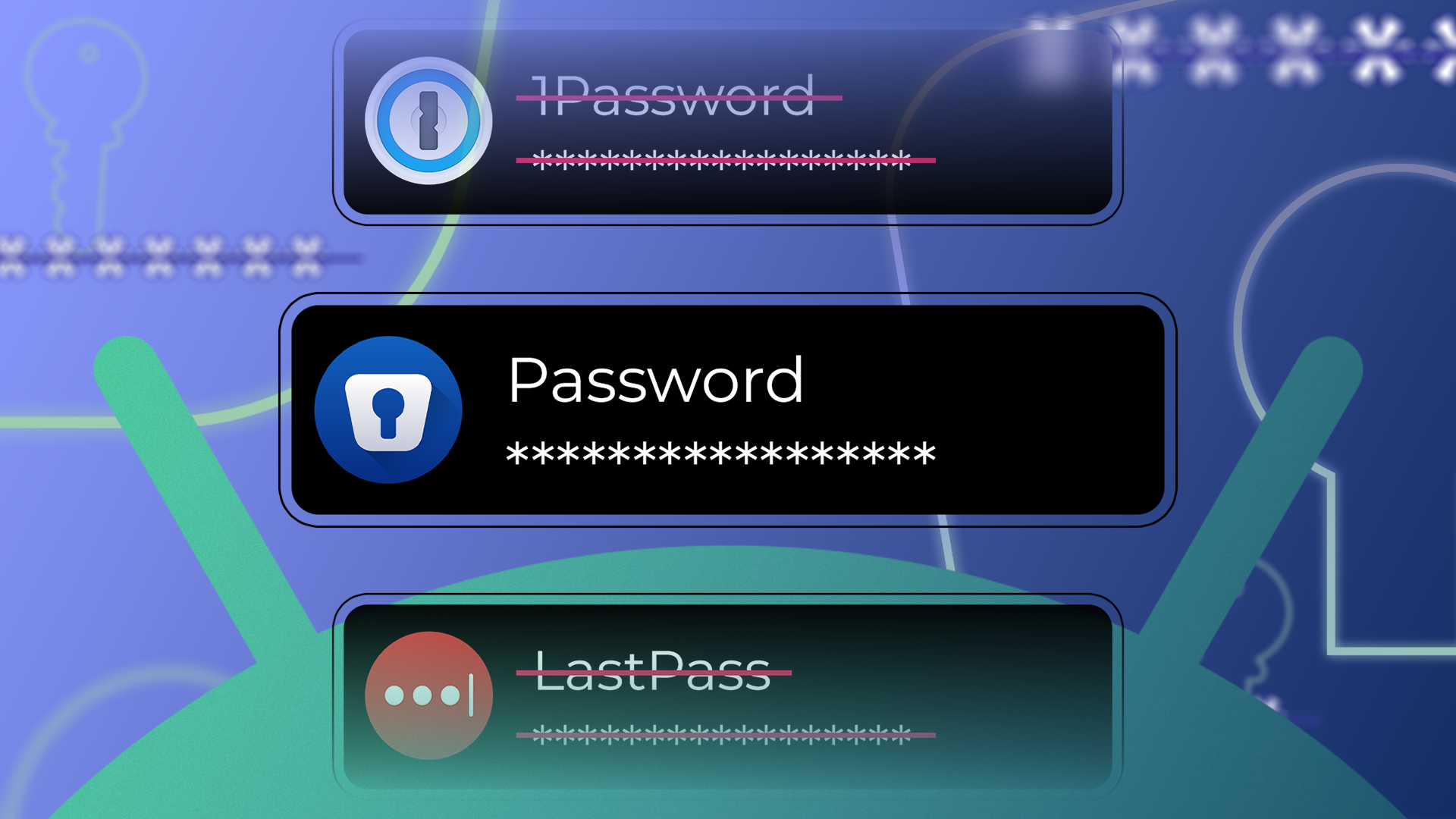
For years, I bounced between LastPass and 1Password. I started my journey with LastPass, but ditched it due to its history of protecting user data.
Later, I joined 1Password, but I wasn’t comfortable storing my most sensitive information on their servers. I always felt something was missing, a level of control and flexibility that I couldn’t quite get.
My search for a new solution led me to Enpass, a password manager that takes a fundamentally different approach.
I was initially skeptical, but after making the switch, I found that Enpass not only matched the core functionality of 1Password and LastPass but also exceeded my expectations with user-centric features.
Cross-platform accessibility
Available on all my devices

Unlike Chrome Password Manager or iCloud Passwords, Enpass is practically everywhere. It’s not just an Android app; it’s the complete ecosystem. I installed and synced it on all my devices, and it works flawlessly.
This means whether I’m working on my PC at home, my MacBook at a coffee shop, or my Linux machine for development, my passwords are always with me and easy to access.
The mobile experience is equally impressive, with native apps for both Android and iOS.
Enpass also offers extensions for all the major browsers: Chrome, Firefox, Edge, and Opera. This allows for seamless auto-filling of logins and credit card details directly in the browser, just like the big players.
While I don’t use it, Enpass is available on smartwatch platforms, too.
Solid core functionality
Covers the basics


Moving to a new password manager can be challenging, especially if you are used to the familiar UIs of 1Password and LastPass.
With Enpass, I found myself right at home. The user interface is clean, intuitive, and seamless to navigate.
Enpass also offers a range of templates to choose from. It goes beyond just username and password.
When I create a new entry, the app presents me with dozens of categories, from Credit Card and Finance to Travel, Computer, and Identity (like my passport or driver’s license).
This makes it incredibly easy to store and organize all my sensitive information in a structured and secure way.
The Password Audit is another neat feature that scans my entire vault and flags weak, identical, and compromised passwords.
The list of features continues with a solid password generator, 2FA, auto-fill, and biometric support. Enpass also supports Passkeys.
Excellent organization
And seamless sharing


For someone with hundreds of password entries, organization is key. The first thing I did was leverage tags. I can assign multiple tags to a single entry, which allows for flexible filtering.
I have a Social Media tag, a Work tag, and a Finance tag. I can then quickly find all my work-related social media accounts by filtering for both tags.
It’s a simple feature, but it makes navigating my vault so much faster and more efficient.
The real game-changer is the ability to create multiple vaults. This allows me to separate my personal and professional lives.
I have a primary Personal vault for all my private accounts, and then a Work vault that contains professional logins, notes, and documents.
When I’m at work, I can open only my Work vault, and none of my personal data is visible. This separation is fantastic for both security and focus.
If I ever leave my job, I can transfer the vault to my personal device without having to go through a messy export and import process.
Flexibility in storing your vaults
Here is where Enpass shines


Now, let’s talk about the biggest reason for choosing Enpass over its rivals. It offers flexibility for storing vault data.
With 1Password and LastPass, I was locked into their servers, their syncing methods, and their terms of service. With Enpass, I am in complete control.
I can choose to keep my vault data completely offline, which is a huge security win for me. It means my passwords never touch the cloud. Enpass supports all the major services: Google Drive, OneDrive, and Dropbox.
As a Microsoft 365 subscriber, this was a killer feature for me. I already have 1TB of OneDrive storage, and I use it to store my Enpass vaults (and Obsidian vaults, but that’s the story for another day).
When I install Enpass on another device, I can log in with my Microsoft account and get my vaults ready in no time.
Tired of LastPass or 1Password? This is the answer
Switching from established giants like 1Password and LastPass to Enpass wasn’t an easy decision. But after weeks of using it, I can confidently say it was the right move.
The peace of mind that comes from having full control over my data, knowing my vault isn’t sitting on a third-party server, is invaluable.
If you have ever felt uneasy about entrusting your most sensitive data to a company’s servers, or if you are looking for an alternative that respects data sovereignty, I recommend downloading Enpass and experiencing the difference yourself.
Aside from Enpass, here are the other productivity apps I use on my Android phone.
