



Despite rumors of a major redesign for Apple’s TV streaming platform, the forthcoming tvOS 26 update doesn’t look all that different.
If you want to see for yourself, the public tvOS 26 beta is now available ahead of a broader launch this fall. To install it on your Apple TV, head to Settings > System > Software Updates > Beta Updates, then choose tvOS 26 Public Beta. (Standard beta disclaimer applies: Don’t try it unless you’re prepared for bugs.)
Just don’t expect major changes from the current tvOS 18 software. While Apple’s updating its visual style and improving some peripheral features, the experience is about the same, for better or worse.
“Liquid Glass” redesign
Jared Newman / Foundry
The most noticeable difference is Apple’s new design language, which it’s calling “Liquid Glass.”
Apple describes the visual refresh with some flowery language—”more expressive and delightful while being instantly familiar”—but it boils down to having more distinct borders around buttons and a translucent, frosted effect behind them. The most noticeable flourish is the way buttons reflect what’s on the screen, as seen when the light from a video’s timestamp bounces off the buttons below.
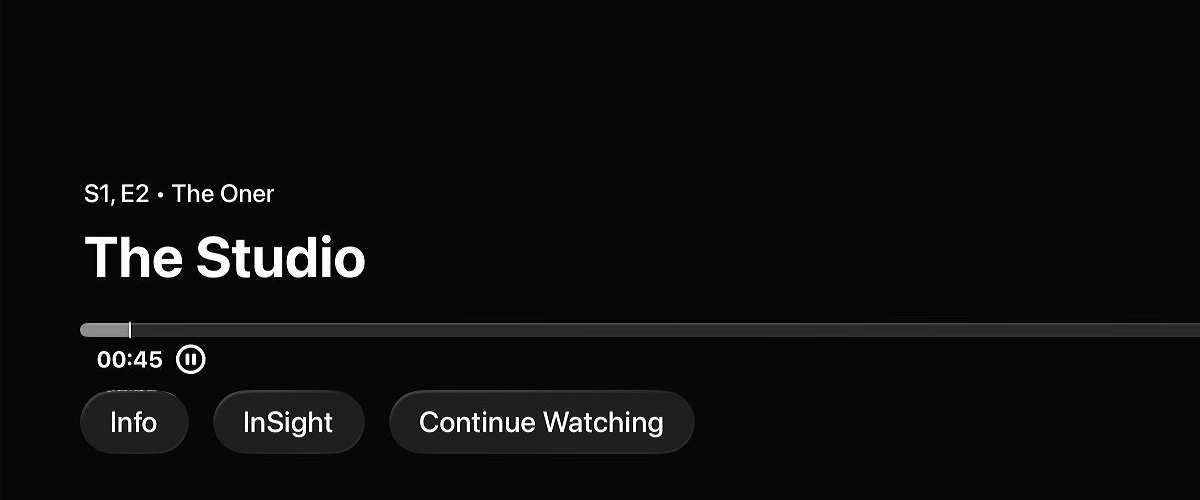
Notice how the “00:45” timestamp reflects off the top of the “Info” button.
Jared Newman / Foundry
The result is both impressive to behold and a bit distracting, as interface elements now have lots of visual effects flickering underneath them. It also comes at a computational cost: Only second- and third-gen Apple TV models (from 2021 and 2022, respectively) support the new look.
Visuals aside, tvOS 26 has nearly same layout as before. Apple’s TV app still opens with a click of the home button—though savvy users know to load the app grid by default instead—and the arrangement of menu items is unchanged. The biggest difference is that movie and show thumbnails in Apple’s TV app look more like theatrical posters, with a portrait layout.
More prominent profiles
Jared Newman / Foundry
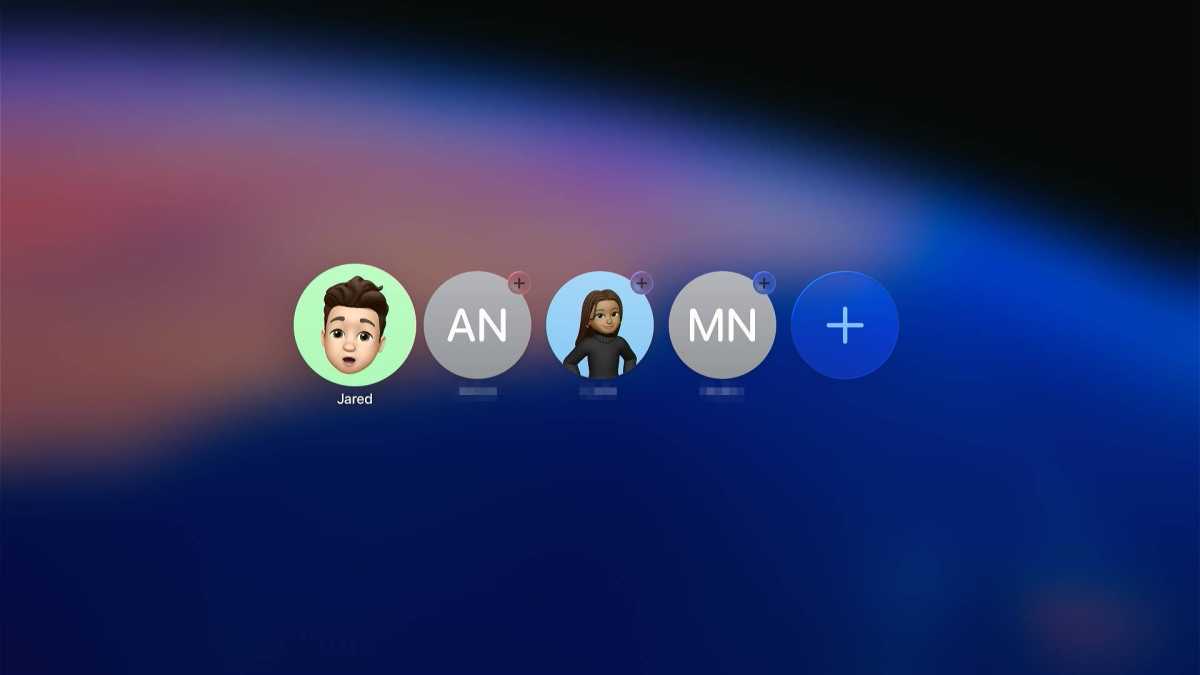
The other big change in tvOS is the way Apple is pushing individual user profiles.
Apple added support for multiple users—each with their own recommendations and “Continue Watching” histories—back in 2019 with tvOS 13, but switching between profiles required digging through menus. With tvOS 26, you’ll see a profile selection screen each time the device wakes up. (You can also disable this by heading to You’ll find it under Settings > Users and Accounts > Who’s Watching, then selecting “Last Profile” instead of “Ask Every Time.”)
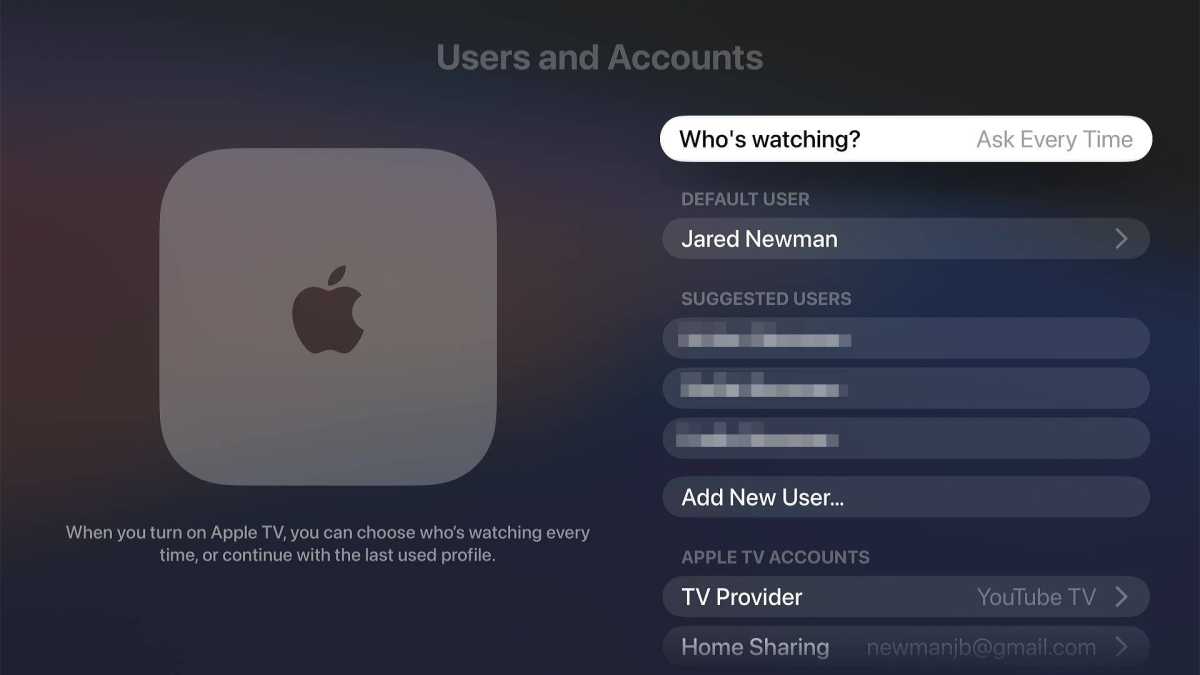
Selecting “Ask Every Time” restores the old profile behavior.
Jared Newman / Foundry
The system also encourages people to make their own profiles if they’re part of an Apple Family Sharing group, with suggested icons on the profile selection screen. Selecting a suggested profile will send a notification to the user’s iPhone so they can complete the setup.
Unfortunately, the more prominent profile selector doesn’t include any new parental controls. Users’ pleas for per-profile content restrictions and Screen Time integration remain unanswered. Still, removing the friction from profile selection could be helpful in homes where people are constantly muddling each other’s recommendations
New tvOS 26 features
The Apple TV’s next software update also includes some new tricks, though most of them aren’t directly related to watching TV.
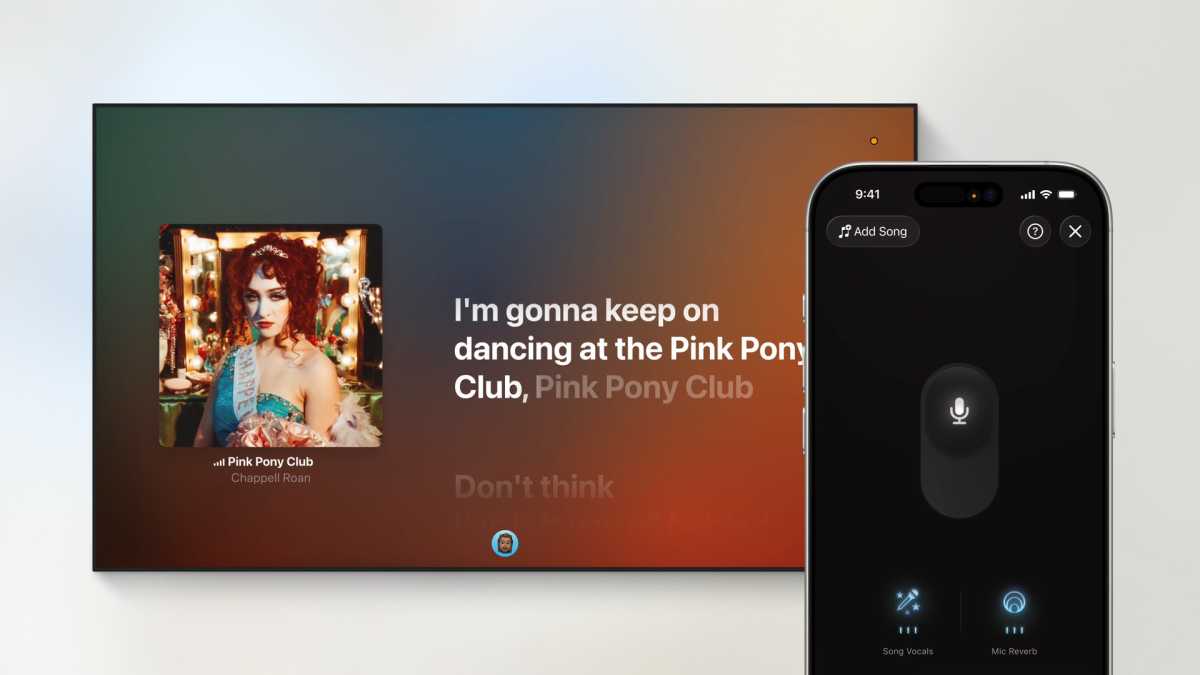
Apple Music’s karaoke mode, for instance, is more prominent now, with a dedicated “Sing” shortcut on the home screen. From here users can start a new karaoke session and invite others to participate with a QR code. This ties into a new trick that lets users sing into their iPhones and hear their voice through the TV. The iPhone displays a menu for adjusting the singer’s volume, adding reverb, and turning the original vocals up or down.
Apple
As before, Apple Music Sing requires a third-gen Apple TV 4K from 2022; plus, an Apple Music subscription. To use the iPhone as a mic, both the Apple TV and iPhone must be running tvOS 26, which means you’ll need to enroll both devices in the beta program to try it now. That’s probably not worthwhile unless you can tolerate a buggier iPhone for the next couple of months.
Apple’s also adding call notifications to tvOS 26. If you’re watching TV and a phone or Facetime Audio call comes in, you’ll see an option to accept it from the Apple TV screen. The caller will then be placed on hold until you pick up the phone.
A couple other little additions: If you route Apple TV audio through an AirPlay speaker, tvOS 26 will let you set it as the default audio source, so it’ll connect automatically after waking up or rebooting. There’s also a new way for app makers to save logins to your Apple account, so you can sign in automatically on new devices, though it’s unclear which apps will support this.
Don’t fix what isn’t broken?
Jared Newman / Foundry
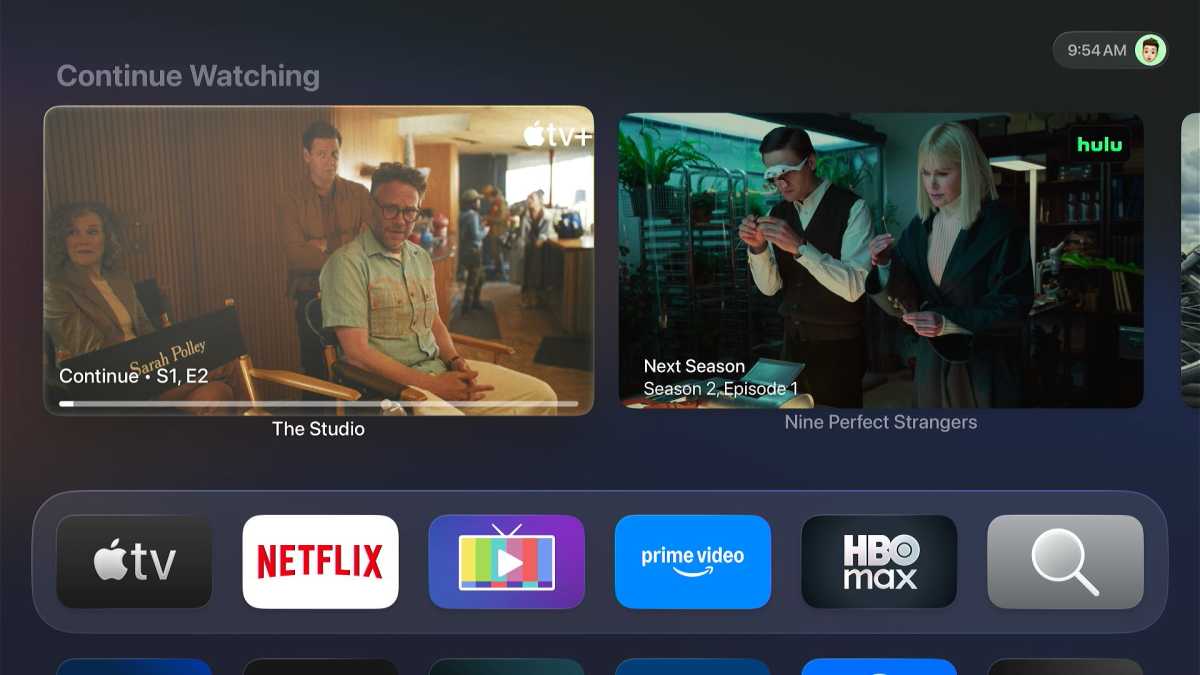
Apple TV is still my favorite streaming platform (even if I’m trying to replace it with a living room PC instead), so I don’t mind the lack of sweeping changes in tvOS 26. While other platforms are increasingly focused on more intrusive ads and extra menu clutter, Apple TV remains a calmer and cleaner alternative.
That’s not going to change in tvOS 26, even if it comes with some fancy new visuals.
Sign up for Jared’s Cord Cutter Weekly newsletter for more streaming TV advice.
