


In the massive, ever-expanding universe of Google, what does it mean for a product to be truly Google?
The company’s original mission was “to organize the world’s information and make it universally accessible and useful.” Today, that mission has grown into a complex, multi-billion-dollar behemoth.
When we search for the purest expression of that original mission, our eyes naturally fall on the Google Pixel smartphone.
It is, after all, Google’s flagship hardware, a showcase for its most advanced AI and a direct link to its entire ecosystem.
But the Pixel, with its ever-shifting features and complexity, is a reflection of modern Google.
The true heir to the company’s founding principles is Android Auto. It’s humble, constrained, and often overlooked.
Minimalism as a safety feature, not a style choice
In software design, there’s a difference between products built for a purpose and purpose-built products.
The first adapts a general tool to a task while the second is designed for one purpose, sacrificing everything else for efficiency and reliability.
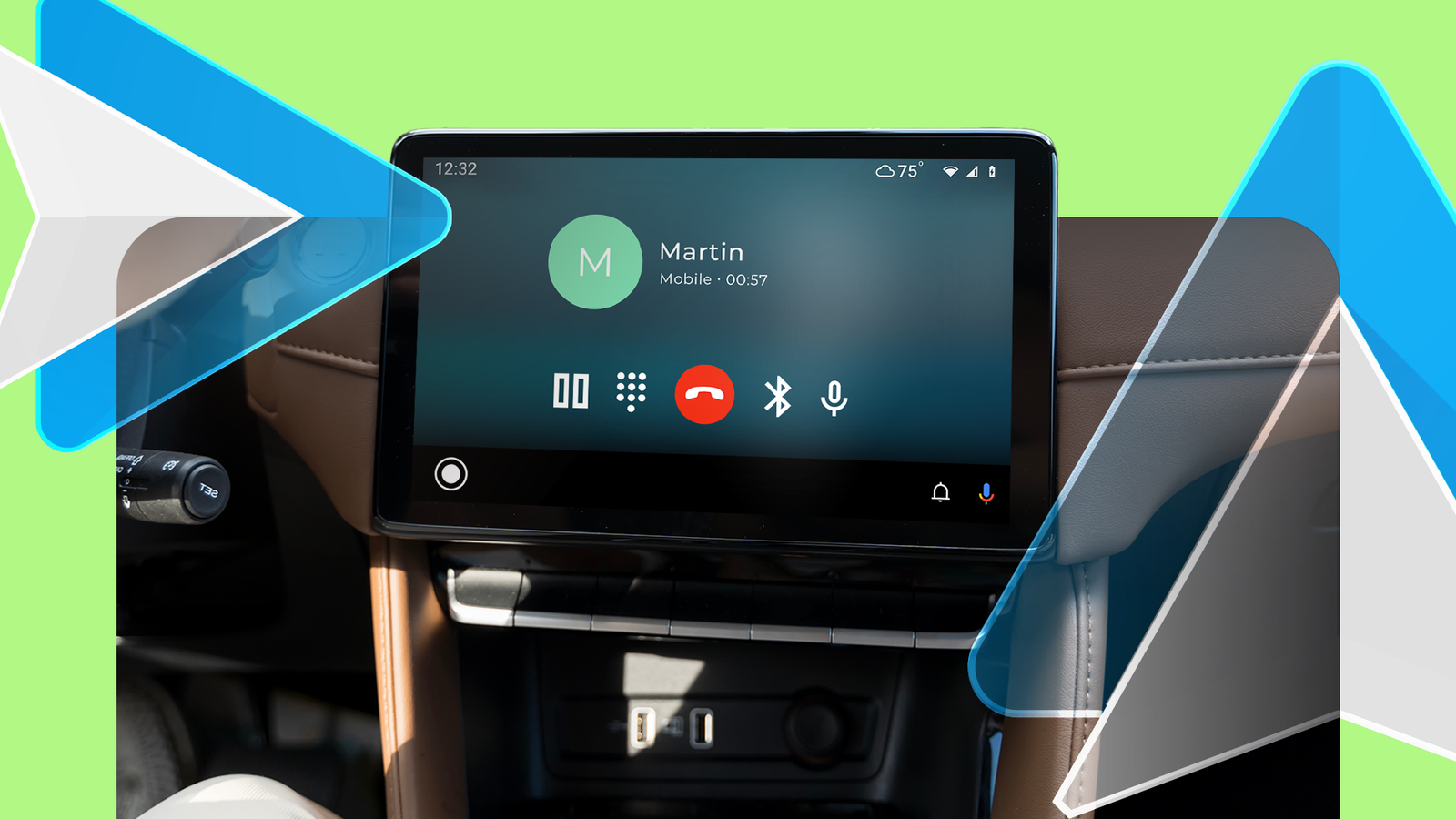
Android Auto is purpose-built, and its purpose is safety. You can see how Google is “making information useful” in the Coolwalk UI. Those oversized icons and buttons are the giveaway.
When you’re in a moving car, your motor skills drop. Bigger buttons for maps, music, and calls make sense in that environment.
Coolwalk also enforces a strict information hierarchy. The interface keeps things simple by displaying only the essentials.
The largest card is almost always dedicated to navigation, because knowing the next turn is the driver’s primary informational need.
Smaller, secondary cards are allocated to media playback and communication summaries.
Computing that responds to real-world context

The moment your phone connects to the car, it sends a single, clear context signal that you’re driving. That context leads to a computing experience and guides every part of the platform.
A good example is the notification management system. Android Auto intercepts and changes your notifications based on the context of driving. It understands that reading a text message is dangerous.
Therefore, it suppresses the visual notification, announces the sender, and offers to read the message aloud via Google Assistant.
It then offers voice-based reply options and simultaneously blocks notifications from apps that are non-essential for driving, collecting them in a notification center that can be reviewed later.
It’s a thoughtful reinterpretation of how notifications should work when you’re driving.
Android Auto keeps showing that it’s built around context, not convenience for its own sake.
Consistency as a foundation for safety

For information to be “universally accessible,” the platform must also be consistent. Consistency is often mistaken for stagnation. Yet, for Android Auto, it is the bedrock of its success.
Compared to other Google products and services, Android Auto’s evolution is slow, deliberate, and predictable. Major changes like the 2019 app drawer and the Coolwalk rollout arrived years apart.
With that cadence, you get stability. Users can build muscle memory that remains valid for years. In a driving setting, that predictability becomes both an accessibility feature and a safety factor.
However, Android Auto’s future isn’t risk-free. The platform built is now facing internal competition that could challenge its role in the car.
While Android Auto projects your phone onto the car’s screen, Android Automotive is an embedded OS that runs on the car itself. That raises a question. Is Android Auto a transitional bridge to fully native car software?
The Pixel’s role as Google’s experimental frontier

In any discussion about the purest expression of Google’s vision, the conversation inevitably turns to the Pixel phone. And for good reason.
The Pixel is the home of pure Android, the first to receive software updates, and the primary vessel for Google’s most advanced and ambitious work in artificial intelligence and machine learning.
However, to see the Pixel as the definitive statement of Google’s core mission is to mistake ambition for purpose. The Pixel is Google’s public-facing research and development lab.
It is a playground for experimentation, a device where Google’s engineers and researchers can test their boldest ideas. Herein lies the distinction.
The Pixel is a statement of intent. It showcases what Google is exploring, where its ambitions lie, and what the future of AI-powered computing might look like. It is a constantly evolving hypothesis about what users will want next.
Android Auto, on the other hand, is a statement of purpose. It is the direct, disciplined application of Google’s foundational mission to solve a clear and present problem.
It doesn’t need to showcase the newest generative AI image creator. It needs to get you to your destination safely and play your podcast without a fuss.
Returning to Google’s original promise
To be truly Google is not to cram every conceivable feature into a single device or to chase every technological trend. The company’s original spirit was the near-invisible use of computing power to solve focused, real-world problems.
As the company explores fields from quantum computing to biotechnology, Android Auto stays true to a focused vision. By avoiding the urge to be everything to everyone, it excels at one critical job.
It organizes the most relevant information — your route, media, and messages — and makes it reliably useful when focus matters most. It remains the most Google product Google makes.
