


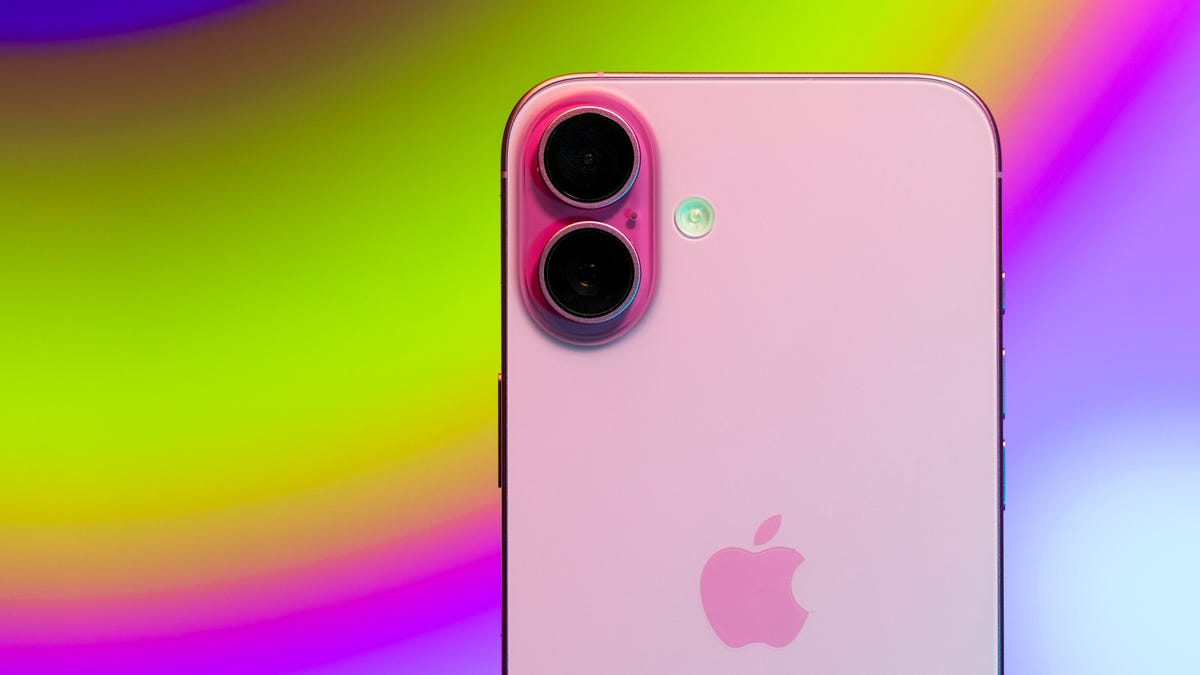
Apple is set to release iOS 26 this fall, and the update will bring a new Liquid Glass design, Games app and more to your iPhone. But when Apple released iOS 18.1 in October, it gave people with the iPhone 15 Pro and Pro Max or a device from the iPhone 16 lineup access to some Apple Intelligence features, like AI-generated summaries across the device.
With Apple Intelligence and a compatible iPhone, your device can provide you with a summary of a lengthy email, a webpage, Message notifications and more. It can also show you a summary of what you have written in Notes and other messages.
Here’s what you need to know about summaries with Apple Intelligence on your iPhone.
Summaries in Mail
Parsing through emails and email chains for information can be tedious, especially if you get a lot of work emails sent to your device. Thankfully, Apple Intelligence can summarize emails for you so you aren’t reading a lot of preamble and want to just get right to the heart of the message.
It was a great show if you were wondering.
To view email summaries, open Mail, choose the email you want to read, and then pull your screen down to reveal a new Summarize button. Tap this and you’ll see some lines of summary. You can change how many lines of summary you see by going to Settings > Apps > Mail > Preview and choosing anything from no lines of summary to five.
It’s also important to note that if you’re using Mail Categories, you can only see AI summaries for emails in your Primary category. Emails in other categories won’t give you summaries. If you’re using List View in Mail all your emails will have a summary available.
Read more: What You Need to Know About Mail Categories in iOS 18.2
Notification summaries
With Apple Intelligence, some of your apps can give you summaries of notifications on your Lock Screen, and this feature is on by default in most cases. This feature can summarize your notifications in a few words, but be careful while reading these. According to the BBC, one of the publication’s headlines was summarized inaccurately.
Following the BBC’s allegations, Apple temporarily disabled these summaries for notifications from news and entertainment apps. The tech company reintroduced these summaries to those app categories in the iOS 26 beta with a warning about the content of the summaries. Developers and beta testers can see these summaries again in the beta. However, since iOS 26 is still in beta, Apple could alter or disable this feature again when the company releases iOS 26 this fall.
If you don’t want to risk reading a bad summary now, you can turn this feature off. Go to Settings > Notifications > Summarize Notifications and tap the toggles next to the apps you no longer want to receive notification summaries from. You can also tap the toggle next to Summarize Notifications at the top of the menu to turn the feature off for all apps.
Read more: Apple’s Notification Summaries Can Be Absurdly Wrong
Webpage summaries in Safari
Apple Intelligence can also summarize certain webpages in Safari. To view these summaries, open Safari and go to a webpage, then look on the left side of the address bar. You should see a rectangle with a few dashes beneath it and sparkles. Tap this symbol and it pulls up a menu showing the summary of the webpage.
Be aware that this feature isn’t available on all webpages. On webpages this feature isn’t working yet, the symbol on the left side of the address bar won’t have any sparkles.
Summarize text with Writing Tools
Writing Tools is an Apple Intelligence menu that lets you proofread, edit or alter something you’re writing. It also lets you summarize your message or notes.
To view these summaries, highlight what you want to summarize, tap Writing Tools in the pop-up menu — you might have to scroll through the options in this menu — and then tap Summary. Writing Tools will show you a summary of what you have highlighted, and it will let you Copy, Replace and Share that summary. These summaries could help you prepare for a presentation, let you quickly read over anything in Notes or trim your own messages down to just the key points.
Read more: Proofread, Edit and More With Apple Intelligence Writing Tools
For more on iOS 26, here are my first impressions of the iOS version and all the new features Apple said it will bring to your device later this year.
Watch this: Apple’s Little-Known Subscription Perks Coming in iOS 26
