


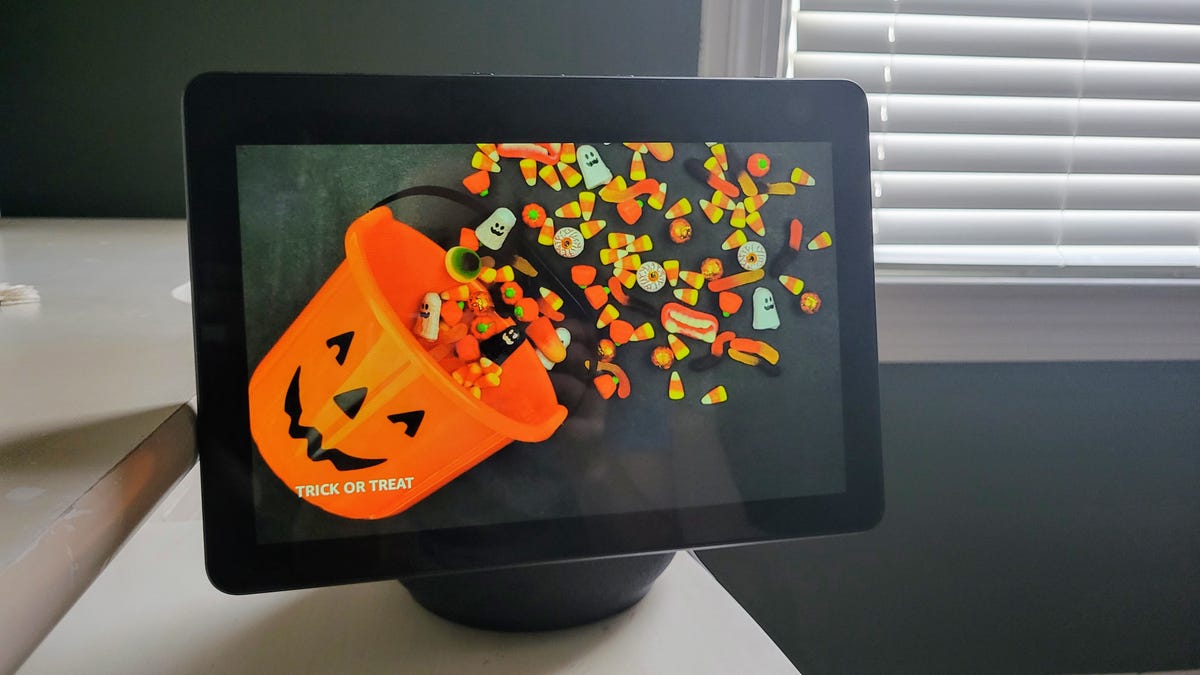
Halloween is finally here, which means it’s your last chance to get your home in full-on spooky mode. And yes, that absolutely includes making your Alexa devices as ghoulish as possible. If you just snagged a new Echo during the recent October Prime Day, or are messing with the new Alexa Plus features on your Fire TV, it’s time to put them to work.
Your Amazon Echo is more than just a speaker-it’s your secret weapon for a haunted house. With a few simple voice commands, you can have Alexa play creepy sounds, tell genuinely scary stories, or even help you brainstorm a costume when you’ve left it way too late.
Getting your home ready for a spooktacular vibe is as easy as enabling a few free Alexa skills. Just make sure you haven’t hidden your Echo in one of those “wrong spots” where no one can hear the ghostly greetings. While you’re queuing up your Halloween movies, here are the best ways to use your Alexa to get spooky.
Here are some scary good ways you can use your Amazon Echo to celebrate the scariest night of the year.
1. Scare neighbors with your Echo speaker
If you’ve got multiple Echo speakers, it can be fun to place one outside, out of sight, to spook others. For example, you can broadcast creepy sounds or play Halloween music. You can also use the Drop In feature on the speaker to let trick-or-treaters know from a safe distance that you enjoy their costume or how much candy to take. Note that it may be best to set out small bags of candy to avoid dozens of hands touching each piece. You should also make sure your Echo is out of the rain to prevent any water damage.
Read also: Try Virtual Tricking and Treating With the Amazon Alexa Halloween Routine
2. Play spooky sounds
It’s not Halloween without creepy sounds, and there are many Alexa skills that provide them. You can also say, “Alexa, let’s get spooky” to prompt Alexa to give you ideas.
- Spooky Halloween Sounds will play a continuous loop of unsettling noises until you tell Alexa to stop. Just say, “Alexa, start Spooky Halloween Sounds” to get started.
- Spooky Sounds plays 50 minutes of original spooky sounds (in a continuous loop), complete with an audio Easter egg hidden within. Say, “Alexa, open Spooky Sounds” to begin.
- Spooky Scream will play a random scream after a set time of your choosing. Say, “Alexa, ask Spooky Scream to start in 5 minutes.” Turn up the volume and wait for your unknowing victim to fall into your trap.
You can also request audio like the Spooky Sounds for Halloween EP on Spotify. Alexa has other creepy sounds available, including Haunted House and Scary Halloween Sounds to turn your Alexa device into a Halloween sound machine.
Spooky sounds are sure to scare the neighborhood kids.
3. Play Halloween-themed games
If you’re looking for an eerie game to play, there are quite a few Alexa skills to choose from. But if you’d rather have Alexa pick for you, just say, “Alexa, let’s get spooky.”
- The Magic Door is a popular interactive adventure game. If you take the Dark Forest Path, it will lead you to the Witch’s mansion in search of the Wise Wizard.
- Ghost Detector is exactly what it sounds like. You must detect and capture ghosts to earn Ghost Bux, which you can use to buy “improvements, gadgets and missions” for further gameplay.
- Haunted Adventure is just one of several spooky adventure games.
- Halloween Feel the Pressure is a spin-off of Feel the Pressure with a Halloween twist. You must answer questions based on a letter of the alphabet. You need 10 correct answers in a row to “save your soul.”
4. Ask Alexa to tell a scary story
Want to hear something chilling, yet kid-friendly? Simply say, “Alexa, tell me a spooky story” and you’ll hear a short story voiced by an actor. They’re pretty cheesy, so they’re best for younger ears.
If you want to hear something a bit scarier, you can try the Scare Me skill. Just say, “Alexa, ask Scare Me to tell me a scary story.” It’ll read you a short, two-sentence scary story. Kids can also use the Scooby Doo! Mystery Inc. Theater for scary stories. Just say, “Alexa, I’m ready for a mystery from Scooby-Doo” or “Alexa, tell Scooby-Doo I want to solve a mystery” from any Echo-enabled device. The skill is free but requires a parent’s permission in the Alexa app.
Still not scary enough? Try creating your own scary story using the Alexa Halloween Blueprint. You can even use names of the people in your home as the characters in the story.
Alexa can tell you scary stories.
5. Play Halloween music
One of Alexa’s best tricks on Halloween is playing party music. You can easily make a playlist with all your Halloween favorites on Amazon Music or Spotify — like this Halloween Party Soundtrack — and ask Alexa to play it. Or you can use the Halloween Music skill.
6. Greet visitors with Halloween-themed doorbell features
Use your Alexa-compatible video doorbell, like Ring, to talk to trick-or-treaters who are waiting at your door. With the Ring doorbell, you can have it say “Boo” to anyone who comes to the door. You can also change the chime to a spookier tone. Your Ring doorbell has a few other spooky features and hardware accessories.
You can also use the Trick the Witch skill for your Alexa device to entertain your guests with a witch voice. Just say, “Alexa, start Trick the Witch” to get started. Lamona, the witch, is an interactive game that trick or treaters can take part in while practicing social distancing. Or you can enable Halloween Facts to share facts about Oct. 31 with your visitors.
When you hear the doorbell, or think you hear it, tell Alexa to “Answer the front door” or “Show [camera name]” to see who’s there.
A video doorbell will show you who’s at the door.
7. Create a smart haunted house
You can turn your home into a haunted house using your Echo devices. You’ll need to replace your regular bulbs with smart bulbs and change the colors to orange, purple and red. However, it’s much more fun to set up a routine that you can trigger by saying, “Alexa, make it spooky,” rather than a boring “Alexa, change the lights to red.”
For example, you could create a routine that turns the lights orange and plays Halloween music. If you’ve got a smart plug, you can even plug a Halloween decoration into it and set it to come on with the routine.
Spookify your house with smart bulbs.
8. Get help with a last-minute costume
If you’re one of those people who wait until the last minute to find a costume (guilty), Alexa can help you come up with some ideas. Using the Halloween Costume Ideas skill, Alexa will list some ideas until you find one that you like.
Just say, “Alexa, open Halloween Costume Ideas.” Then answer the yes-or-no questions until you come across the perfect costume idea.
9. Lighten up with Halloween jokes
If you’re spooked out by the end of the night, have Alexa lighten the mood by telling jokes. Just say, “Alexa, tell me a Halloween joke.” The joke it gave me was, “Why shouldn’t you date a spirit? So you don’t get ghosted.” The jokes may not be fall-over funny, but at least they can distract you from the scary stories you listened to earlier in the night.More Alexa tips and tricks.
