


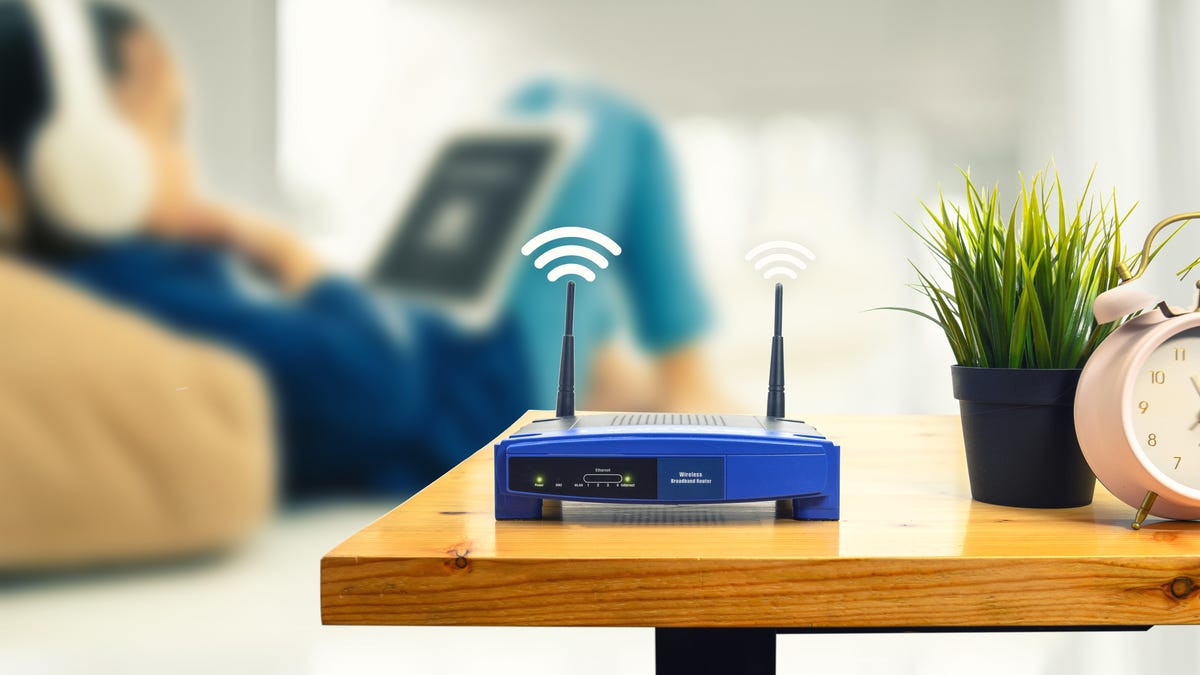
If you’re looking for the best internet provider for your household, chances are you’ve heard the terms modem and router. It can be easy to confuse the two but each device plays its own role in powering your Wi-Fi.
Internet access is important for everyone to stay connected. But most people rely on technicians and their more tech-savvy friends and family to set things up. While there’s no shame in that, having a basic understanding of how your Wi-Fi works at home is still beneficial.
A good start is learning the difference between your modem and router. From there, you’ll have a much easier time fixing problems as they arise and you’ll have a better sense of when and how to best upgrade your network, too. Plenty of internet service providers will also let you skip an equipment rental fee if you use your own modem or router, so buying your own hardware could save you money in the long run. CNET’s broadband expert Joe Supan saves $180 a year by using his own modem and router.
Modem vs. router
- A modem acts as a translator between your internet service provider and your home network.
- A router broadcasts your Wi-Fi network to nearby devices.
- Both devices work in tandem to power your home Wi-Fi. The difference is that a modem takes whatever data you need and sends it to the internet, whereas a router allows the devices in your home to wirelessly connect to the internet from the modem.
What is a modem?
The internet is also known as the World Wide Web because that’s basically what it is — a massive web of computers and servers that can pass information back and forth in mere milliseconds. Smartphones and other cellular devices can connect to the web with a wireless connection to the nearest cell tower, but non-cellular devices like smart home gadgets, gaming consoles and your computer need another way to access the web and get online.
This Arris Surfboard is a good example of a modem. Its job is to encode your internet traffic and send it to the web, then decode the signals you receive in response.
That’s where your home’s modem comes in. Short for modulator-demodulator, your modem’s job is to act as the translator for your home network. Think of it as a bridge for your internet service provider and home network. It takes whatever data you want to send out into the internet — a Google search, a request to refresh your Instagram feed, an email, you name it — and modulates that data into an encoded electronic signal that can travel through the web. When that signal reaches its destination, the receiving modem will demodulate, decode it into readable data and then send a response.
Here’s a practical example: When you’re at home shopping on Amazon and you click “Add to cart,” your modem sends that request to Amazon’s servers. Then, Amazon responds by sending the confirmation that your bulk order of red gummy bears is, indeed, in your cart. All of that happens within a fraction of a second and you see it play out on your screen because your modem is connecting you with Amazon through the web. Thanks, modem!
In the early days of the internet, most people used a modem to get online. You’d plug your modem into your home phone line for a dial-up connection with your internet service provider and then you’d wire the modem to your computer via an Ethernet cable to connect that computer to the web. Wired connections to the modem like that are great for a connection that’s as fast and reliable as your ISP allows but they aren’t practical if you want to be able to connect from anywhere in your house or if you want to use things like wireless devices, such as smart home gadgets. For that, you’ll need a way for those devices to connect to your modem without wires at all.
Gee, if only there was a device for that, some way to “route” all of those wireless signals to the right place…
This Asus router offers wireless access to your modem’s connection with the web.
What is a router?
Instead of wiring each of your devices to your modem, you wire a router to it. From there, that router broadcasts a Wi-Fi network. Any Wi-Fi device in range of that network can use whatever password you’ve set to connect wirelessly to the router and, through it, to the modem and the web. That’s why setting a strong password for your network is important. Without one, anyone within range can use your connection and potentially interfere with other devices or even be a security risk.
There’s a wide range of Wi-Fi routers available for use in people’s homes and a wide range of strengths and weaknesses among them. If you live in a small home and don’t use the internet too heavily, then a basic, stand-alone router might be all you need. If your home is larger, then you might want to upgrade to a mesh router that uses multiple devices throughout your house to relay a stronger, more reliable Wi-Fi signal from room to room. If you’re a hardcore gamer, you might want to invest in a feature-rich gaming router to help optimize your connection with whatever server you’re playing on and keep latency as low as possible as you’re lining up headshots.
You should also know that all routers aren’t created equal. Just as cellular connections got faster and faster from 3G to 4G to 5G, Wi-Fi has improved, too, with new-and-improved versions of the standard released every five to 10 years. The latest generation, Wi-Fi 7, promises top speeds to other Wi-Fi 6 and Wi-Fi 6E devices, plus better performance on networks where many devices are trying to connect simultaneously.
Wireless connections typically aren’t as fast or dependable as wired connections, so the wireless connection between your devices and your router is likely the weakest point in the chain that connects your home to the web. That’s why it makes sense to invest in a capable router with strong performance over Wi-Fi — and it’s why we’re constantly testing the latest routers to bring you the best upgrade recommendations.
This T-Mobile Home Internet gateway acts as a modem and a wireless router.
What is a gateway?
A wireless home network needs a connection to the web (the modem) and wireless access to that connection for your devices (the router). That doesn’t mean that you need two separate devices, though. Shop around, and you’ll see all-in-one devices that combine the two into a single piece of hardware, often called a gateway. They’re simply modems with their own, built-in routers.
Many internet providers, including AT&T, Xfinity and Optimum, rent out devices like this when setting up your connection. Gateways are also common with cellular internet service, like T-Mobile 5G Home Internet, where your incoming internet signal arrives over the air instead of by ground-laid wire like with fiber, cable or DSL. You need a special radio to accept cellular signals like those, so the provider will often provide an all-in-one gateway with that radio built right in.
In most cases, you can turn off the gateway’s wireless network — the router part — and use your own router if you so choose. Just connect that router to the gateway with an Ethernet cable, just like you would with a regular modem. Be sure to turn that gateway’s wireless network off in the device settings — otherwise, you’ll have two networks in your home that could interfere with each other or cause confusion.
Enlarge Image
The speed ratings listed on router packaging give an approximate sense of the combined speed of each band. However, you can only connect to one band at a time so those ratings can be misleading.
How do I know if a modem or router is fast enough?
Modem and router speed is typically described in the amount of data the device can transfer each second, typically in megabits. The more megabits of data a modem or router can handle in a given second, the faster that modem or router is. Look for those top transfer rates listed in Mbps or megabits-per-second. If it’s a really fast piece of hardware, then you might see the speed listed in gigabits-per-second, or Gbps. 1Gbps equals 1,000Mbps.
Mbps is the same unit that internet service providers use to describe the speed of their respective plans so it’s a good idea to ensure that your modem and router are fast enough to make the most out of your connection. For instance, my home has a fiber connection that allows for downloads and uploads up to 300Mbps. A modem and router that supported top speeds of up to 800Mbps would likely be more than enough for my needs but if I had a faster gigabit plan from my provider (1Gbps, or 1,000Mbps), then I’d definitely be looking to upgrade.
With routers, you can get a rough sense of the speed capabilities by looking at the speed rating, typically featured prominently on the box. Those speed ratings consist of two letters followed by a number, like AX1500. The letters tell you which generation of Wi-Fi the router supports (“AX” means Wi-Fi 6, for instance, while “AC” indicates Wi-Fi 5). The number tells you the approximate combined speeds of each of the router’s bands (usually 2.4 and 5GHz, as well as a second 5GHz band if it’s a tri-band router — or a 6GHz band if the router supports Wi-Fi 6E). Just know that those speed ratings are typically pretty misleading because you can only connect to one band at a time. Checking the fine print as you shop to see the top speed of each individual band will give you a better sense of each router’s true capabilities.
Final thoughts
If you’re considering buying your modem, ensure that your provider allows you to do that (AT&T, for instance, does not), and get one your provider supports. Different internet types require different modems, so you’ll want to be sure and get one that’ll work with your connection. The help section of your ISP’s website is the best place to find guidance. Look for a list of supported modems before you pull the trigger on a purchase.
Modem vs. router FAQs
Is a modem the same as a router?
No, it is not. Both devices work in tandem to power your home internet connection. A modem acts as a bridge between your internet service provider and your home network. It takes whatever data you want, translates it and sends it out to the internet. On the other hand, a router broadcasts your Wi-Fi network to other devices within range.
…Read more
What is a gateway device?
A gateway combines a modem and router, all in one. Many ISPs, such as AT&T, Xfinity, Optimum and T-Mobile 5G Home internet, offer customers the option to rent a gateway device. In some cases, you can also turn off the router part of the gateway device and use your own router instead. Doing so would mean that the gateway device would act as a modem and you would supply your own router. To do this, you can turn off the gateway’s wireless network in the device settings and connect your own router to the gateway device using an Ethernet cable.
…Read more
Should I rent or buy my own modem and router?
If your ISP offers you the option to use your own equipment, then go for it. Keep in mind that depending on your internet connection type, this would require different modems. Be sure to find one that supports your connection. If you’re able to buy your own modem and router, you could end up saving more money in the long run than renting through your ISP. CNET’s broadband expert Joe Supan saves $180 a year by using his own modem and router.
…Read more
