


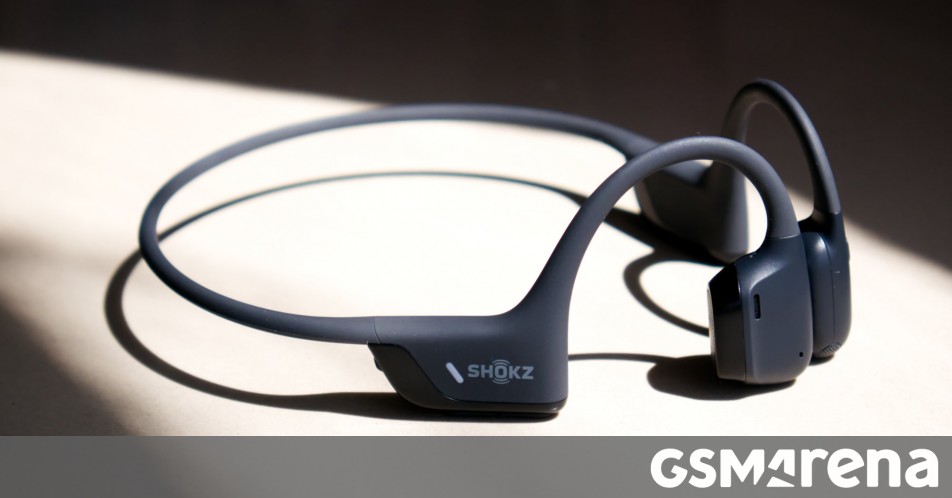
The OpenRun Pro 2 is the latest wireless headset from Shokz. The company specializes in bone conduction headsets, and the OpenRun Pro 2 is the flagship model in its lineup.
The OpenRun Pro 2 uses an interesting hybrid design, combining bone conduction as well as standard air conduction drivers. The bone conduction driver takes care of the mid and high frequencies, while the air conduction driver handles the low frequencies. This should, in theory at least, solve one of the shortcomings of bone conduction audio while maintaining the advantage, which is keeping your ears completely unobstructed.
The OpenRun Pro 2 also promises more comfort than its predecessor, as well as a more robust design with a longer battery life. Let’s see how it performs.
Design
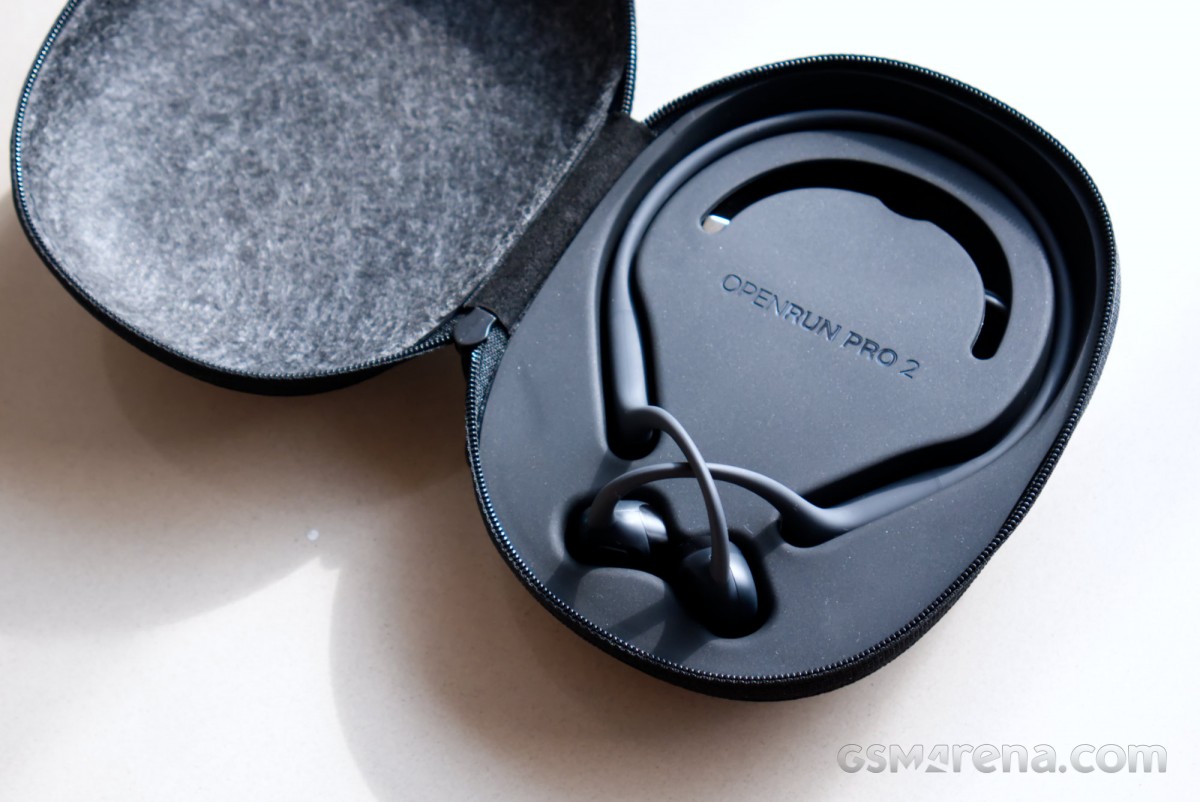
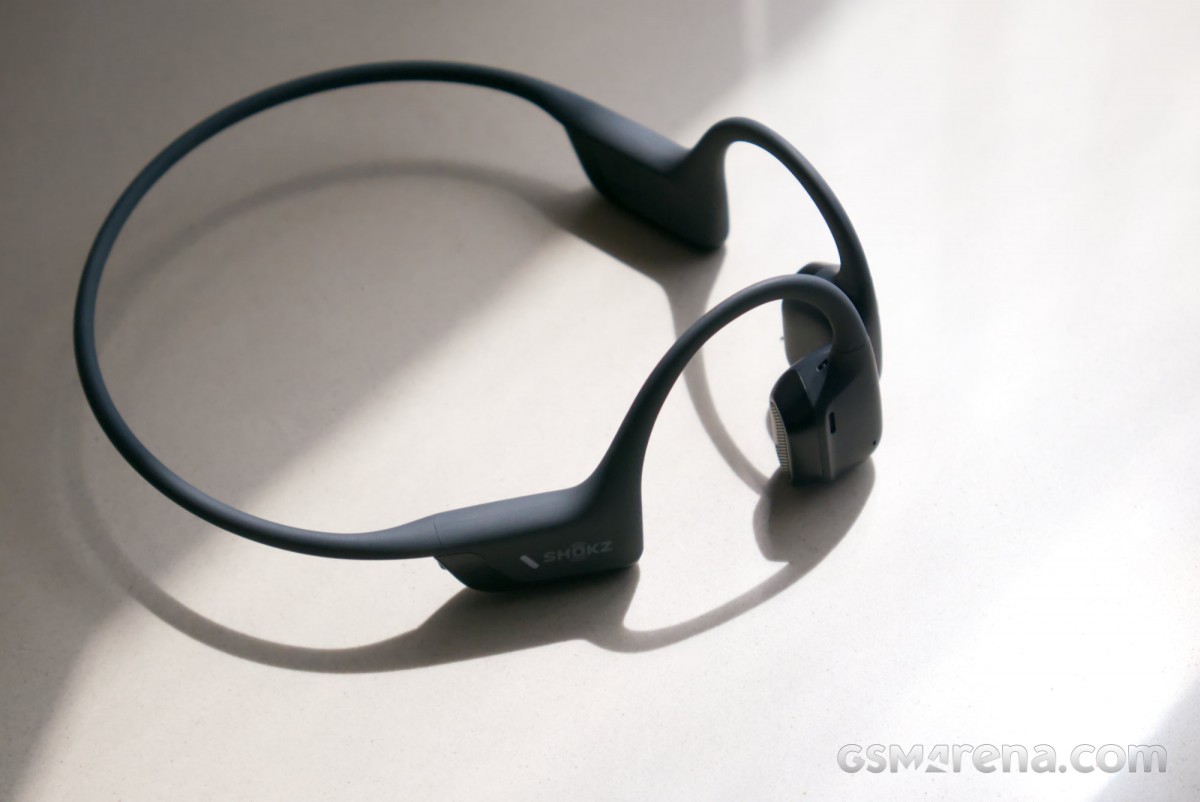
The OpenRun Pro 2 has a standard neckband-style design common to bone conduction headsets. You have a battery and electronics module that sits behind the ear with the driver assembly in the front, connected by a flexible Ni-Ti alloy wire neckband. You can also opt for a smaller headband size that is 0.83″ smaller than the standard size model.
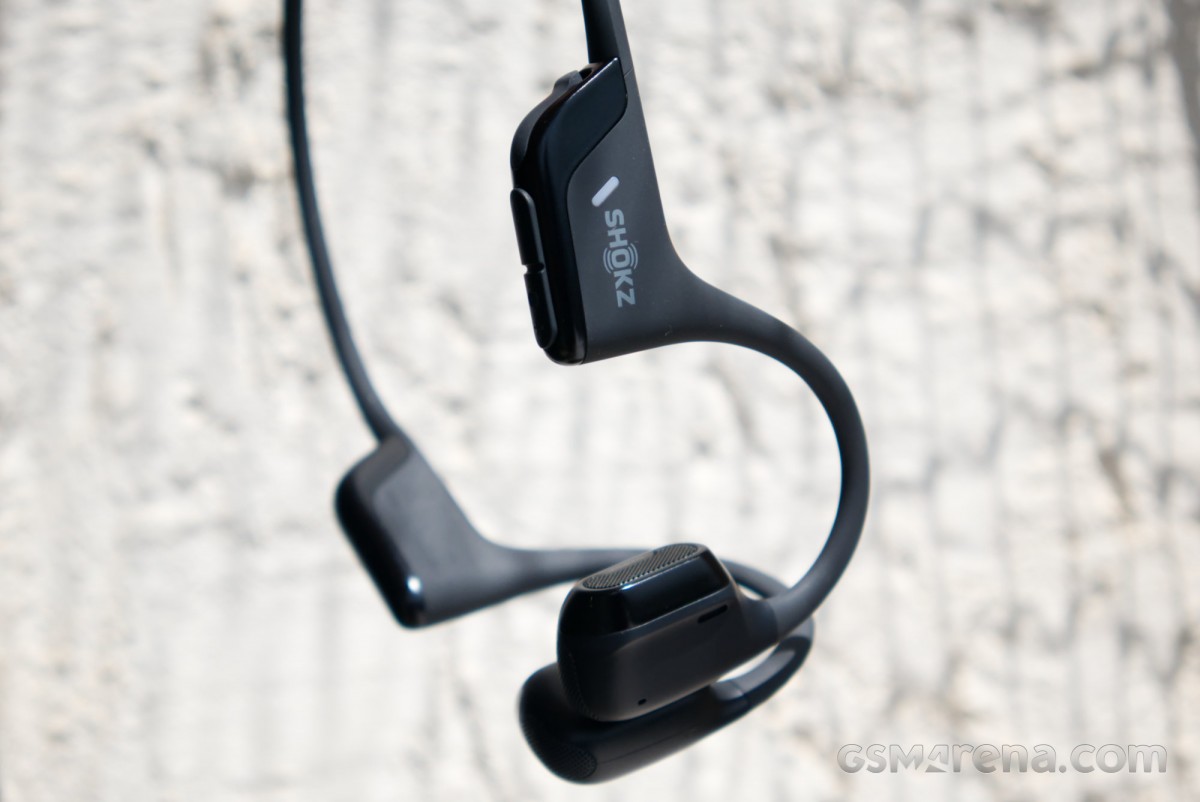
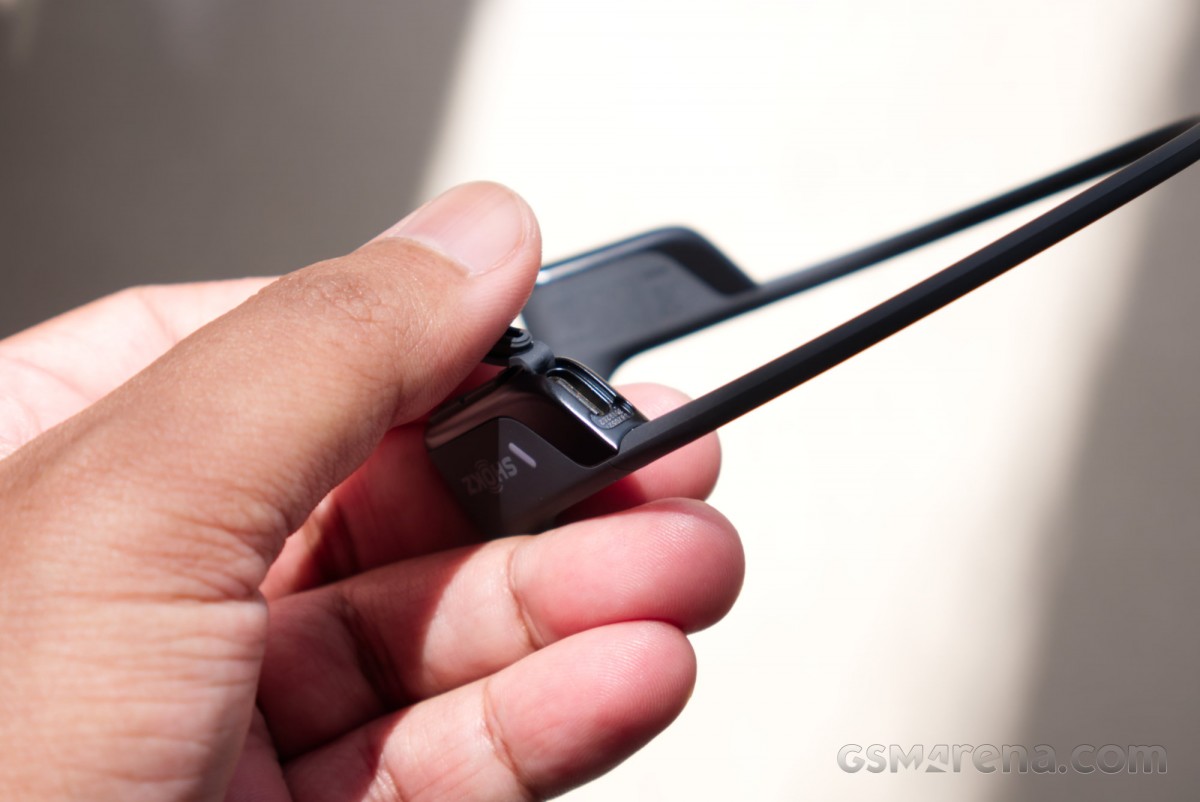
The headset has physical controls on either side. On the left driver unit is a single button that controls playback. It would have been convenient also to have this on the right driver unit so you can use either hand if one is occupied, but that’s not the case. The right module behind the ear has the volume buttons, which also double up as the power/pairing buttons. The USB port can also be found here, underneath a rubber flap.
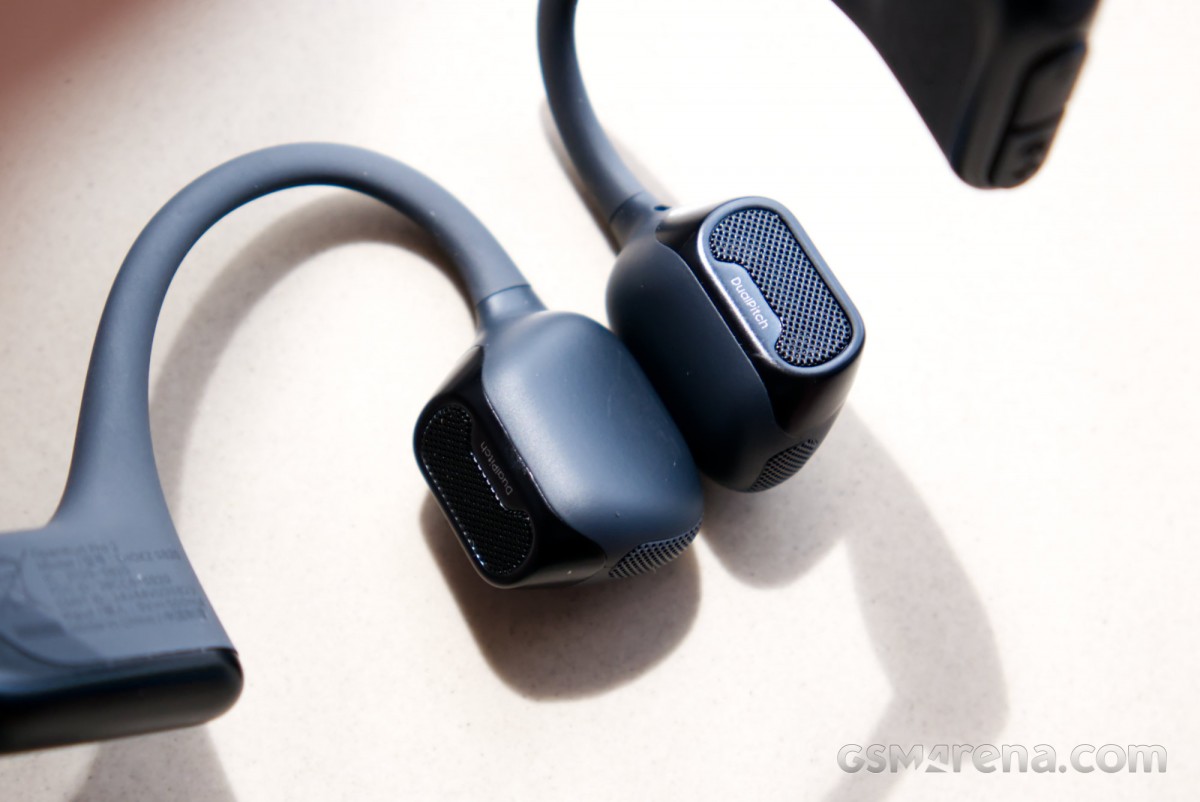
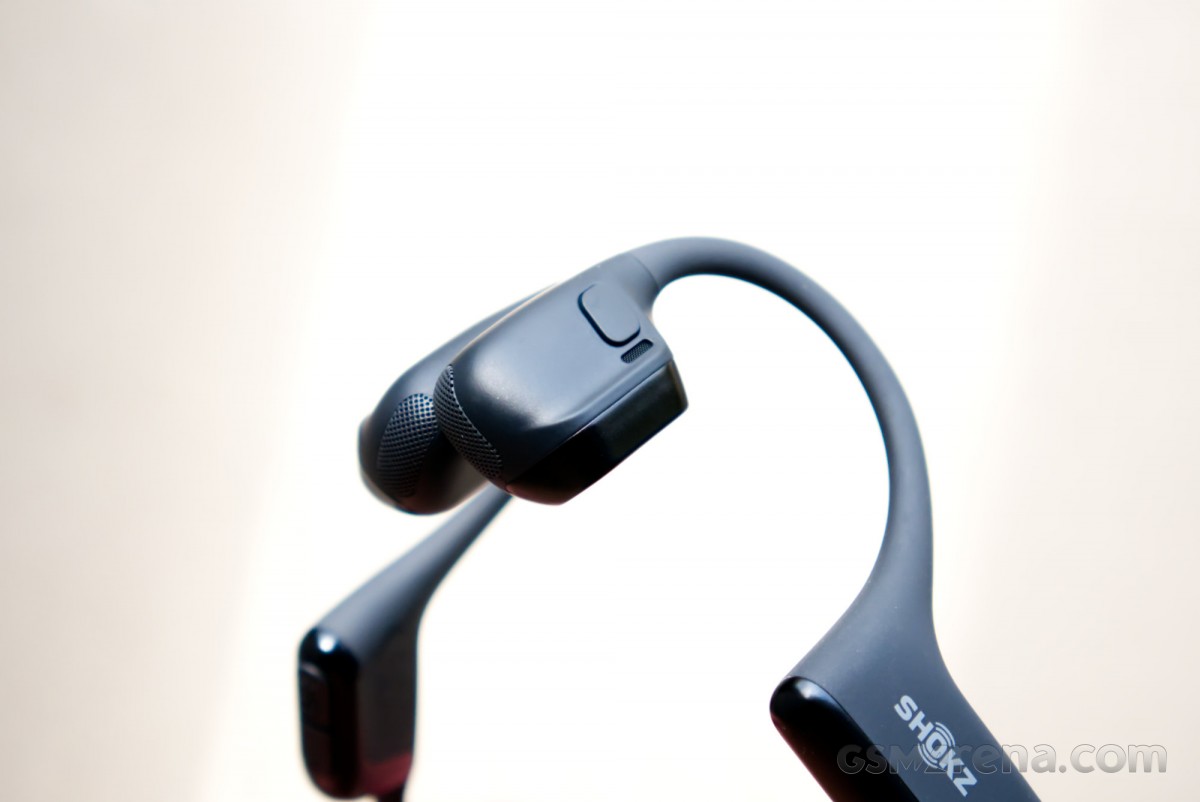
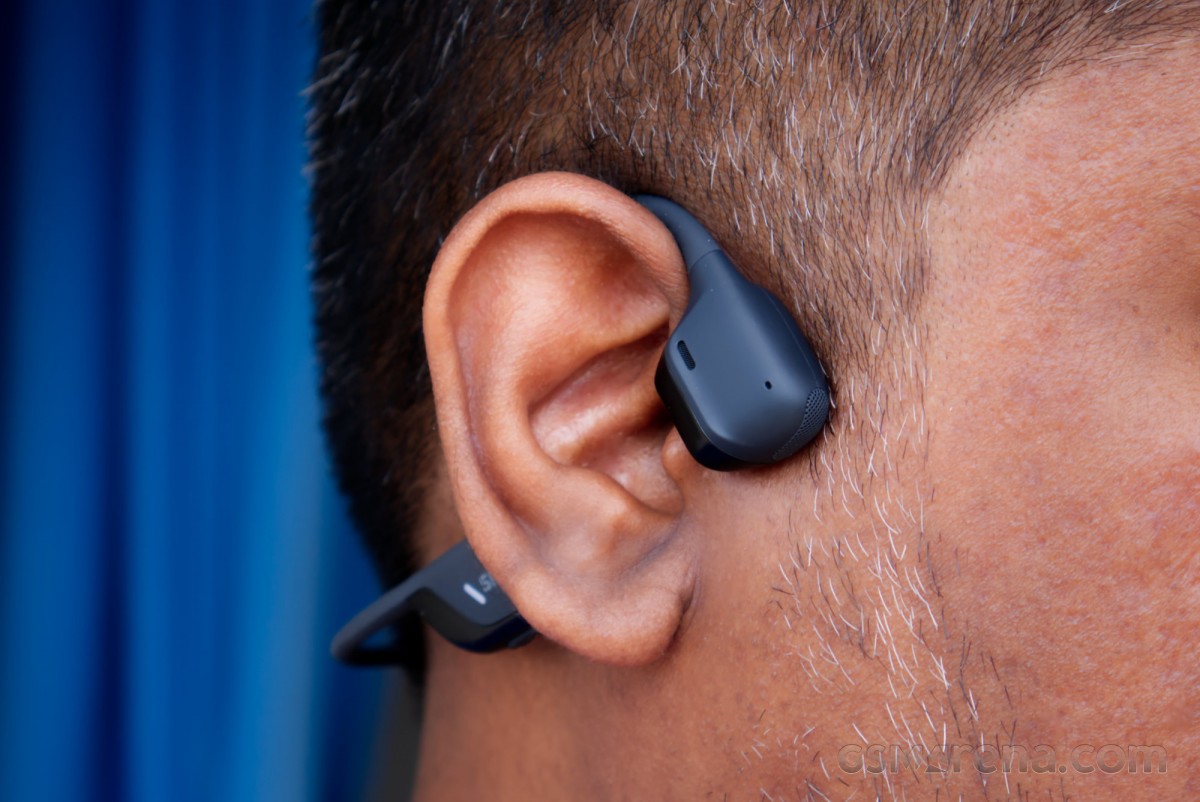
The driver modules on the OpenRun Pro 2 aren’t that much larger compared to other bone conduction headsets from the company, despite the use of the hybrid driver layout. You can see the open grille facing backwards into your ear for the air conduction driver, and then the flat side that presses against the side of your face where the bone conduction drivers sit.
The headset is very thin and light. It barely feels like anything at all when you wear it, and people might not even notice you wearing it from the front. Shokz claims to have reduced the clamping force compared to previous-generation models. The hybrid driver design also means that bone conduction drivers don’t have to work as hard, so the buzzing you may have felt with other bone conduction headsets has been reduced as well.
The OpenRun Pro 2 is generally quite comfortable to wear. The clamping force is negligible, and I did not feel any annoying buzzing from the bone conduction drivers, even at higher volumes. I did find the Ni-Ti alloy wire that runs through the headset a bit uncomfortable whenever it came in contact with my ears, as there isn’t sufficient padding on it. The part that sits above the ears is especially thin and a bit sharp, and needs additional smoothing or padding.
I did not have issues wearing the headset with sunglasses on. It does become a bit finicky to put on and remove, however.
The headset is IP55 rated for dust and water resistance. You should have no issues wearing it through sweat and even some rain. But if you want something to wear while swimming, then you might want to consider the OpenSwim Pro from Shokz, which is built specifically for that use.
Software and features
The OpenRun Pro 2 works with the Shokz app available on iOS and Android. One caveat with using the app is that you have to explicitly agree to the company using and sharing your personal data; otherwise, you cannot proceed past the opening screen.
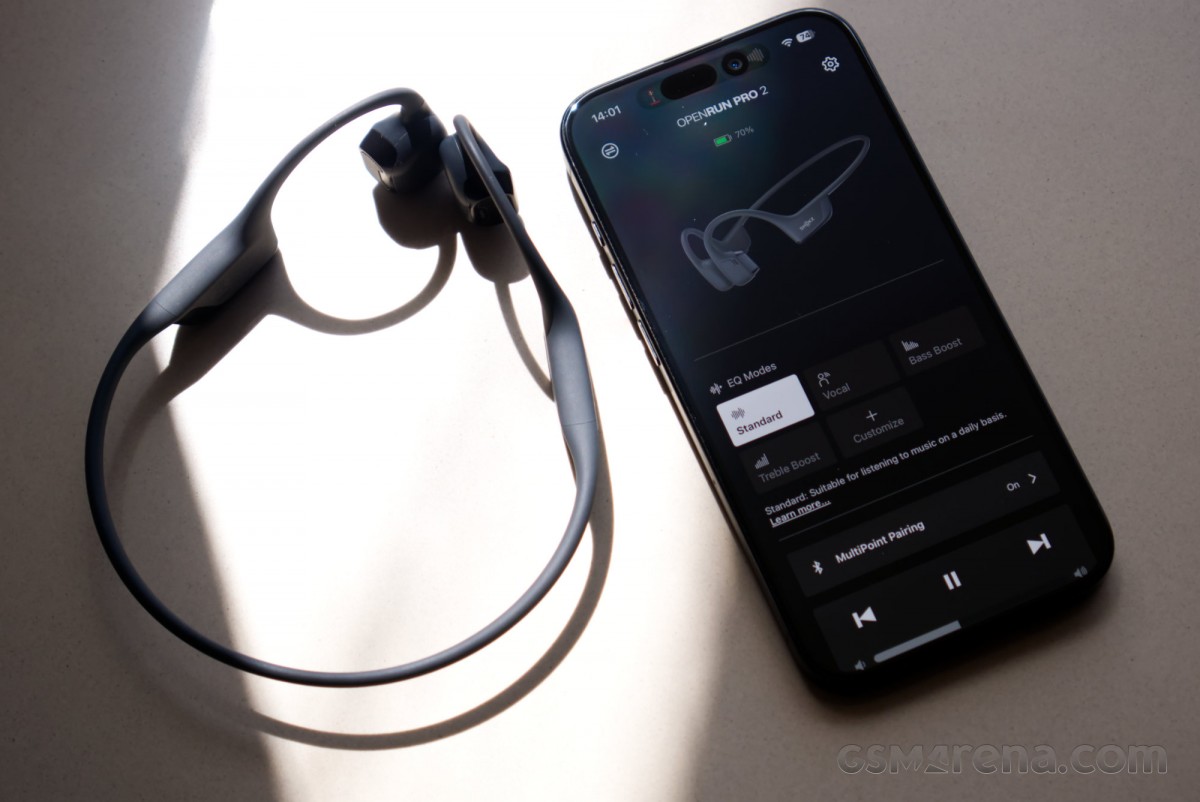
The app is fairly basic otherwise, allowing you to control the sound, enable multipoint pairing, and update the firmware. You can also control playback and volume, as well as change the language and volume of voice prompts.
The sound settings include four EQ presets and a six-band custom EQ. The multipoint pairing setting lets you enable and disable the feature, as well as manage the paired devices.
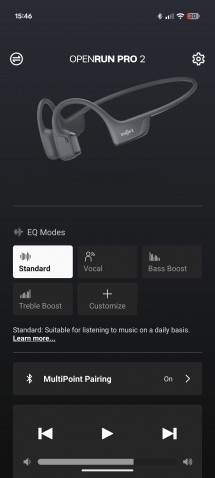
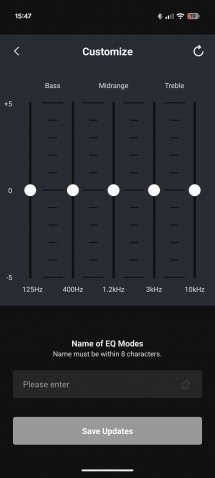
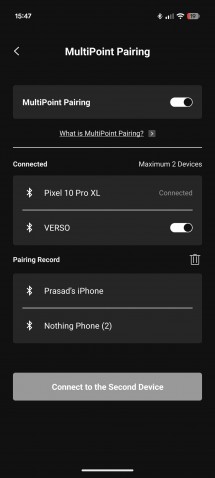

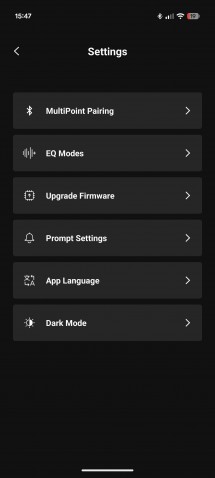

Shokz app
To be honest, there aren’t too many reasons to install the app other than to check if there’s a firmware update available. Once updated, you may as well remove it.
Performance
Audio quality
The OpenRun Pro 2 uses a dual driver design consisting of a metal bone conduction driver for mid and high frequencies and an 18x11mm dynamic air conduction driver for low frequencies. The bone conduction driver passes sound vibrations to your eardrums by direct contact with the side of your face, while the air conduction driver just works like a normal speaker by pointing audio in the direction of the ear opening.
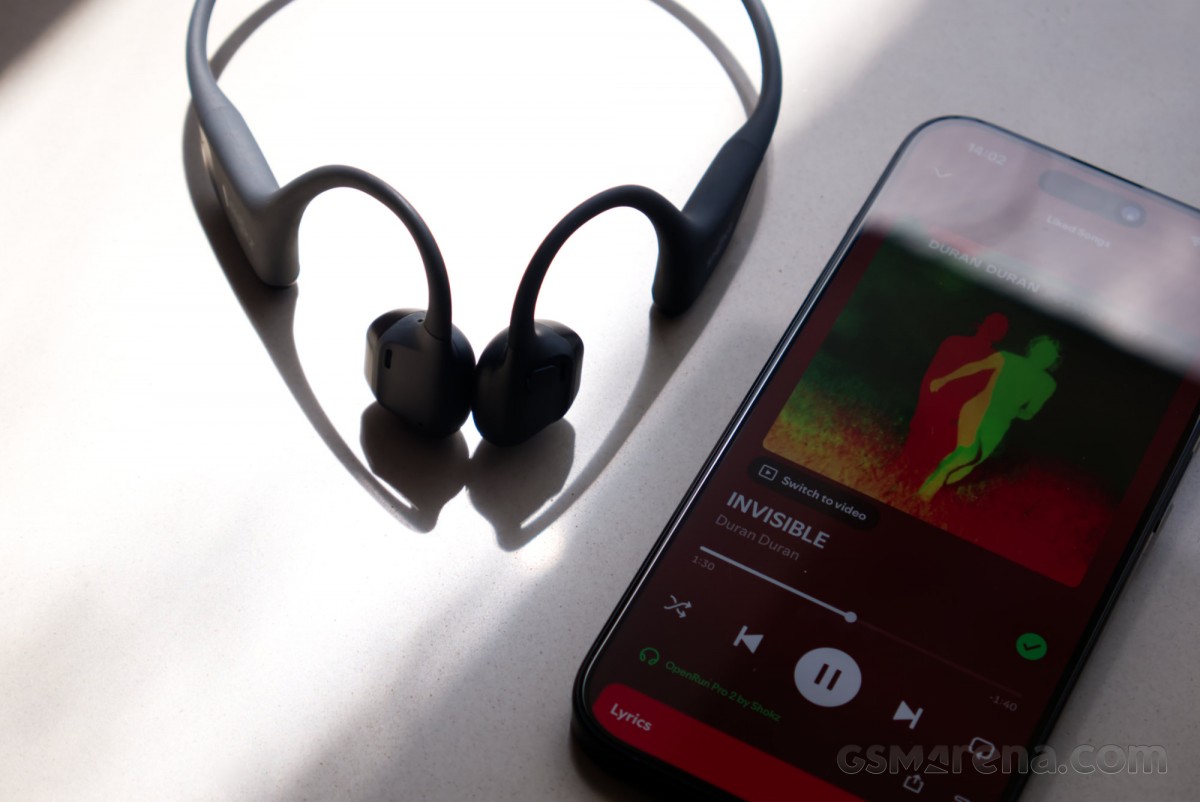
The earbuds connect over a Bluetooth 5.3 connection and support only the SBC codec. It’s rare to see personal audio equipment these days that supports only SBC and does not have at least AAC on top. However, this is not the sort of setup that can benefit from higher quality codecs, so it’s not a particularly major omission.
Due to the way they function, bone conduction headsets don’t have the broadest frequency response, and you can’t expect to get the same earth-shattering bass and shimmering highs as you would with in-ear designs. That said, I was pleasantly surprised with the audio quality of the OpenRun Pro 2.
What Shokz gets right is the timbre. The sound is generally quite natural, without any annoying peaks or colorations. This makes the relatively narrow frequency response band on offer seem serviceable.
Starting with the low frequencies, the frequencies under 50Hz are generally inaudible. The bass frequencies that you can hear above it don’t really have a lot of energy to them, so you don’t quite get the thump you do with traditional in-ear setups. Despite the added bass driver, there is still a fair bit of distance between it and the ears, and a small unit can only move so much air from that distance.
Despite that, it’s not as if there’s no bass at all. There’s just enough mid-bass energy to not make it sound like there’s just a hole where you’d normally find the low-end. However, it’s more of the gently audible sort of bass and not the visceral kind you expect to feel rattling your skull.
The mid-range is easily the best part of the sound. You obviously don’t have to worry about the bass overshadowing it, and the tuning here is generally excellent, so instruments and vocals all sound fantastic.
As you get near the top of the frequency spectrum, the sound once again starts trailing off. While a sine sweep showed that I could hear sounds as high as 16kHz, in actual music, the highs generally sounded dull and lackluster. You don’t get the shimmer and air at the top, which can make the music sound a bit dark and hurt the imaging performance.
The overall sound when seen from a critical listening perspective is obviously limited compared to almost any in-ear design. The limited frequency response aside, the imaging and soundstaging were also unimpressive, as the sound, unsurprisingly, sounded like it was coming from inside the head rather than around you. While the air-conducting driver adds an element of external ear actuation, it’s not enough to actually emulate a three-dimensional, speaker-like soundstage that some open-ear earbuds and headphones can produce.
However, the OpenRun Pro 2 is clearly not designed with critical listening in mind. It is there to play some tunes while you are out and about, doing a workout, on a run, or cycling. This is really where the OpenRun Pro 2 shines, as you get reasonably good sound without anything physically covering your ears.
This is also the situation where one of the OpenRun Pro 2’s major shortcomings isn’t as much of an issue. You see, the OpenRun Pro 2 does not get very loud, or at least not while maintaining the integrity of the sound. The max volume is decently loud, but past 70% whatever little bass there was trails off.
However, this isn’t as much of an issue when the earbuds are used as intended. The whole point of this design is so you can hear your surroundings, and having the earbuds blasting near your ears defeats that purpose. You can have the headset playing at a reasonable volume where you can hear it clearly while also being able to focus on your surroundings.
Microphone
The OpenRun Pro 2 has decent microphone performance. Voices are reasonably clear, if a bit quiet. The headset also does a fantastic job of drowning out ambient noise to the point where you can barely hear it, and the voice quality also doesn’t suffer dramatically in noisy environments.
Latency
The OpenRun Pro 2 has okay latency performance. Having said that, I really wouldn’t bother using it for gaming as that’s really not their intended use case. However, it is adequate for watching a video or two.
Connectivity
The OpenRun Pro 2 had excellent connectivity performance in testing. SBC is an incredibly stable codec, so there were basically no dropouts, and the range was also excellent.
The headset does have a quirk with how it pairs. It tends to prioritize connecting to the last paired device rather than the last connected device. Say, you have the headset paired with your phone, and then you pair it with your PC. You then switch back to your phone and power the device off. When the headset turns back on, it will connect to the PC rather than the phone, even though it was connected to the phone before being switched off. That’s because the PC was the latest device in its pairing list, and somehow that takes priority over the last connected device.
Of course, if you have multipoint pairing enabled, this isn’t an issue, as the headset will connect to both devices. This feature also works quite well overall, and you can pick and delete paired devices through the app.
Noise cancellation
The OpenRun Pro 2 does not support noise cancellation, as that would completely defeat the purpose. Being a bone conduction headset, it leaves your ears completely open.
As I have mentioned several times in the past, you still need to be careful outdoors even if your ears are fully open. Auditory masking is a hell of a thing, and I was quite surprised at how, despite having completely unobstructed ears, I would sometimes struggle to hear things.
This is where the volume discussion comes back. You really shouldn’t be listening to this headset at anything higher than 40-50% volume outdoors, as the sound from the headset can potentially mask other important ambient audio cues.
Whether something like the OpenRun Pro 2 is better than typical in-ear earbuds with a transparency mode is hard to say. No transparency mode can match just having your ears open, but a lot of them have gotten scarily close these days. Moreover, you can just flip a switch and make things quiet, which the OpenRun Pro 2 certainly cannot do. However, with the OpenRun Pro 2, or any open-ear design, for that matter, you don’t have to worry about wind buffeting noise when riding a bike, for example, so it really comes down to what you plan on doing with it.
Battery life
The OpenRun Pro 2 has a promised battery life of 12 hours. In my testing, I got 12 hours and 17 minutes, which is on point. Shokz also claims 2.5 hours of playback after a 5-minute charge, and I managed to get 3 hours and 6 minutes.
The continuous battery life is decent compared to standard TWS earbuds, but you will be plugging them in more often, as the TWS cases allow them to hold a lot more charge for repeated use.
Conclusion
The Shokz OpenRun Pro 2 is priced at $180/INR 25,799 but is frequently on sale. It is a good option for those specifically looking at bone conduction headsets. It’s lightweight, comfortable, well-built, and has decent audio quality considering the limitations of bone conduction technology. Good microphone performance, battery life, and connectivity round out the package.
I wouldn’t necessarily recommend bone conduction headsets to everyone, as most people would be better served with regular wireless earbuds with transparency modes. However, if you are a cyclist or a runner, then this is a more appropriate product category for you, and the OpenRun Pro 2 is about as good as it gets.
