
Close Menu
TechUpdateAlert

    Subscribe to Updates

    Get the latest creative news from FooBar about art, design and business.

    What's Hot

    My Health Anxiety Means I Won’t Use Apple’s or Samsung’s Smartwatches. Here’s Why

    December 22, 2025

    You can now buy the OnePlus 15 in the US and score free earbuds if you hurry

    December 22, 2025

    Today’s NYT Connections: Sports Edition Hints, Answers for Dec. 22 #455

    December 22, 2025
    Facebook X (Twitter) Instagram
    Trending
    • My Health Anxiety Means I Won’t Use Apple’s or Samsung’s Smartwatches. Here’s Why
    • You can now buy the OnePlus 15 in the US and score free earbuds if you hurry
    • Today’s NYT Connections: Sports Edition Hints, Answers for Dec. 22 #455
    • Android might finally stop making you tap twice for Wi-Fi
    • Today’s NYT Mini Crossword Answers for Dec. 22
    • Waymo’s robotaxis didn’t know what to do when a city’s traffic lights failed
    • Today’s NYT Wordle Hints, Answer and Help for Dec. 22 #1647
    • You Asked: OLED Sunlight, VHS on 4K TVs, and HDMI Control Issues
    Facebook X (Twitter) Instagram Pinterest Vimeo
    TechUpdateAlertTechUpdateAlert
    • Home
    • Gaming
    • Laptops
    • Mobile
    • Software
    • Reviews
    • AI & Tech
    • Gadgets
    • How-To
    TechUpdateAlert
    Home»Reviews»Sharing your screen with Copilot on Windows 11 is getting easier
    Reviews

    Sharing your screen with Copilot on Windows 11 is getting easier

    techupdateadminBy techupdateadminSeptember 20, 2025No Comments3 Mins Read
    Share Facebook Twitter Pinterest LinkedIn Tumblr Reddit Telegram Email
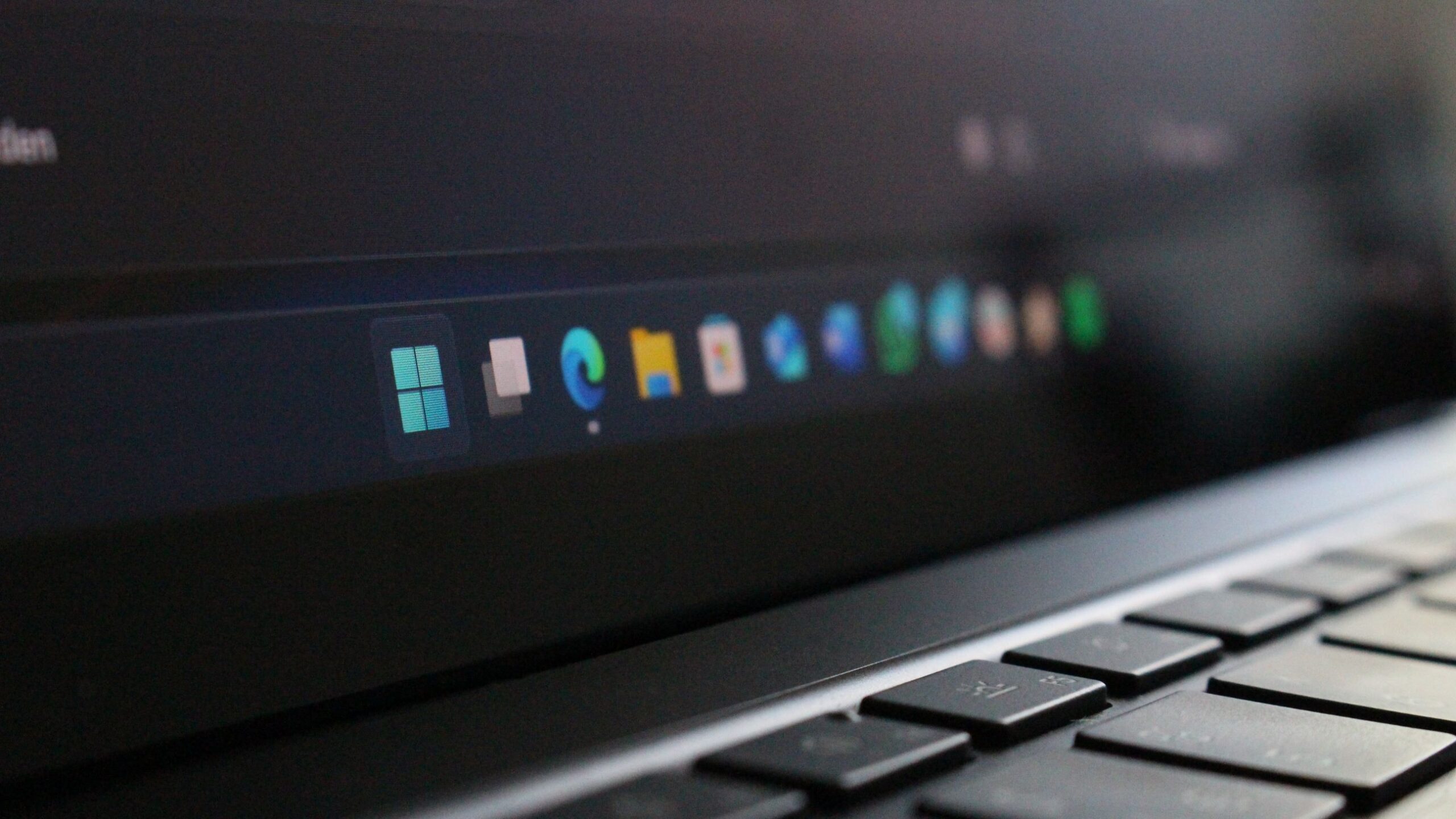
    Windows 11 Taskbar
    Share
    Facebook Twitter LinkedIn Pinterest Email

    Microsoft is rolling out a new preview build of Windows 11 for Insiders in the Dev and Beta Channel’s today that introduces two new features designed to make utilizing Copilot easier across the system. First up, Microsoft is adding the ability to translate text on your screen right from the Click To Do interface using Copilot.

    On Copilot+ PCs, you’ll now be able to hold down the Windows key and click your trackpad to access Click To Do and translate text on your screen. “When you select text that is in a different language from your Windows display language or preferred language settings, a translation suggestion will appear. The selected text is sent to the Copilot app, which provides the translation seamlessly within the experience.”

    The other new feature is one that is designed to make sharing what’s currently on your screen with Copilot easier. Paired with Copilot Vision, the Windows 11 Taskbar will now show a button to share with Copilot when you hover over open apps on the Taskbar. This feature is similar to the button that appears when you want to share your screen in a Teams meeting.


    You may like

    The new share screen button that will appear when you hover over app icons in the Taskbar. (Image credit: Microsoft)

    “When mousing over an opened app window on the taskbar, you will see an option to share with Copilot where you will be able to quickly start a new conversation with Copilot and use Copilot Vision to scan, analyze, and offer insights on what is shown on your screen from that app at that time” says the Microsoft blog post.

    These new features are designed to better position AI capabilities as tools you can access on Windows 11 at any time. Copilot Vision is a feature that is still limited to the United States, and so it’ll likely be a while before those outside of the US can try out these new tools.

    It’s clear that Microsoft is eager to get features like Copilot Vision in front of more people, and integrating it directly into the Taskbar app previews is one way to do that. Now, you no longer need to open Copilot and enable the Copilot Vision mode first to utilize it. Just hover over an app icon and press the button, and Copilot will be able to see the app you chose to share with it.

    The new AI features are now in testing with Insiders on Windows 11, and will likely roll out to production PCs in the coming months should feedback be positive. What are your thoughts on these new Copilot features coming to Windows 11? Let us know in the comments.

    All the latest news, reviews, and guides for Windows and Xbox diehards.

    Copilot Easier Screen sharing Windows
    Share. Facebook Twitter Pinterest LinkedIn Tumblr Email
    Previous ArticleYouTube Thinks AI Is Its Next Big Bang
    Next Article Today’s NYT Wordle Hints, Answer and Help for Sept. 20 #1554- CNET
    techupdateadmin
    • Website

    Related Posts

    Gadgets

    Your next Legion Go 2 might run SteamOS instead of Windows 11

    December 21, 2025
    Gadgets

    LG forced a Copilot web app onto its TVs but will let you delete it

    December 19, 2025
    Gadgets

    Facebook’s wants to turn basic link sharing into a paid feature

    December 18, 2025
    Add A Comment
    Leave A Reply Cancel Reply

    Top Posts

    NYT Strands hints and answers for Monday, August 11 (game #526)

    August 11, 202545 Views

    These 2 Cities Are Pushing Back on Data Centers. Here’s What They’re Worried About

    September 13, 202542 Views

    Today’s NYT Connections: Sports Edition Hints, Answers for Sept. 4 #346

    September 4, 202540 Views
    Stay In Touch
    • Facebook
    • YouTube
    • TikTok
    • WhatsApp
    • Twitter
    • Instagram
    Latest Reviews

    Subscribe to Updates

    Get the latest tech news from FooBar about tech, design and biz.

    Most Popular

    Best Fitbit fitness trackers and watches in 2025

    July 9, 20250 Views

    There are still 200+ Prime Day 2025 deals you can get

    July 9, 20250 Views

    The best earbuds we’ve tested for 2025

    July 9, 20250 Views
    Our Picks

    My Health Anxiety Means I Won’t Use Apple’s or Samsung’s Smartwatches. Here’s Why

    December 22, 2025

    You can now buy the OnePlus 15 in the US and score free earbuds if you hurry

    December 22, 2025

    Today’s NYT Connections: Sports Edition Hints, Answers for Dec. 22 #455

    December 22, 2025

    Subscribe to Updates

    Get the latest creative news from FooBar about art, design and business.

    Facebook X (Twitter) Instagram Pinterest
    • About Us
    • Contact us
    • Privacy Policy
    • Disclaimer
    • Terms and Conditions
    © 2026 techupdatealert. Designed by Pro.

    Type above and press Enter to search. Press Esc to cancel.