


Staying cool during the summer is expensive, especially during massive heat waves. When the temperature outside is in triple digits, your electricity bill won’t be cheap, but some small tweaks to your air conditioner can make a big difference in cost.
To avoid stressing about your energy bill and take some of the pressure off both your AC units and your budget, try setting your thermostat to the right temperature for efficiency. Combine that with small changes like shutting windows during the hottest hours and switching off lights you’re not using. Also, closing the blinds can help you keep the heat from getting even more intense.
A few simple adjustments to how you cool your home can keep the bills from climbing, even during long stretches of hot weather.
This is the ideal thermostat temperature for the summer
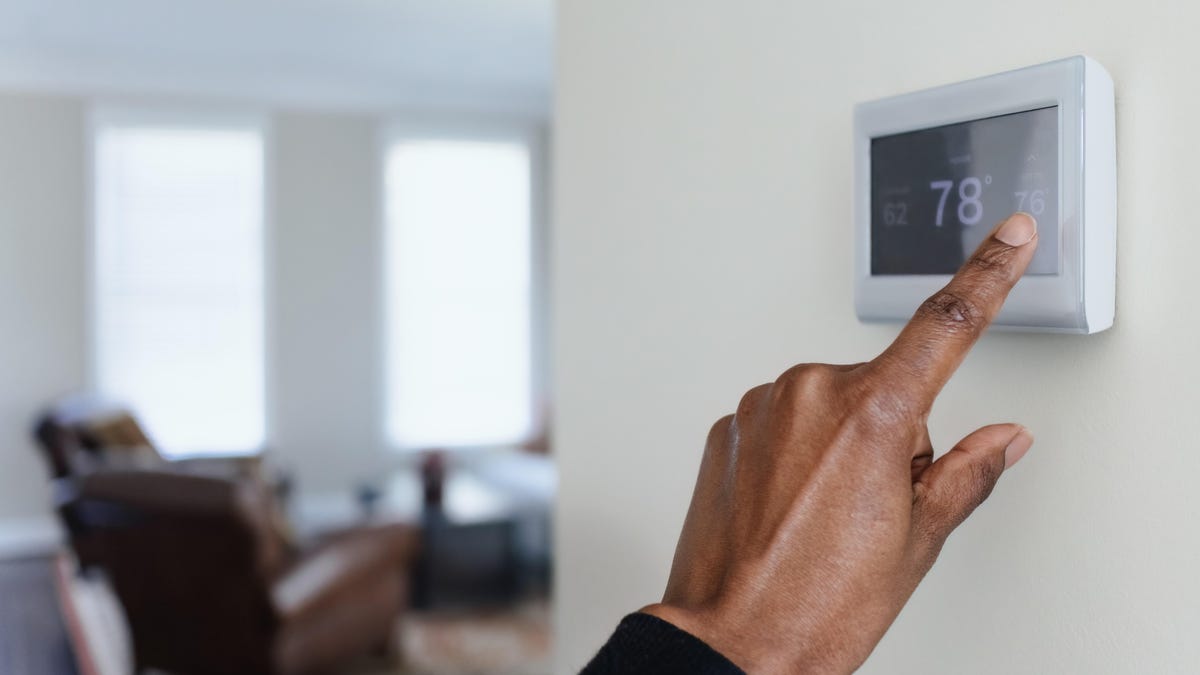
In the summer, the ideal temperature for your thermostat is 75 degrees F to 78 F when you’re home, and 80 F when you’re away or asleep, Dukes said. The DOE suggests 78 F during the day, 82 F when you’re sleeping and 85 F when you’re not home.
Most importantly, you want to make sure your system can handle it. If you notice that the house never gets as cool as your thermostat setting, that probably means your system is not sized well for your home, and you might want to ease up on the cooling. You may also want to check on how well sealed your doors and windows are and how well insulated your home is.
Air conditioners can only really cool your home to 15 to 20 degrees below the outdoor temperature, so setting the thermostat too low can result in your system running without being effective.
Read more: Thinking of Buying a Portable AC? 5 Things You Need to Know Before You Do
This is the ideal thermostat temperature for the winter
In the winter, experts recommend that you set your thermostat to 68 degrees Fahrenheit when you’re home, and 60 to 65 degrees when you’re asleep or away.
You can set it higher, but that will reduce efficiency and lead to higher energy bills. It also depends on the weather outside, Picard said. If it’s 20 F outside, maybe don’t set your thermostat to 80 F, he advised.
Then there’s the question of changing the temperature at night or when you’re not home. The Department of Energy suggests you turn your thermostat back 7 to 10 degrees from its normal setting for 8 hours a day, saying that can save as much as 10% a year on heating and cooling.
Picard suggested a smaller change: Lower the temperature by just four degrees when you’re away or asleep. This means your system won’t have to work quite as hard to get back to temperature..
“You don’t want to have drastic changes in temperature,” said Mahlie Dukes, franchise owner of WIN Home Inspection in Indiana.
You should also get to know your specific heating system. If you notice, for example, that your home never gets up to the temperature you set, that could be a sign that your system is improperly sized for your home, Picard says. And it’s a cue to lower your thermostat setting so your HVAC won’t constantly be working on overdrive.
Read more: You Can Actually Save Money by Using Electricity at These Specific Times
Does it matter what type of HVAC you have?
Yes and no. The same general temperature recommendations apply regardless of the type of HVAC you have in your home, Picard says.
But your results may vary depending on the type and size of your system. Systems that are over- or under-sized for your home will run inefficiently, which leads to higher heating and cooling costs.
This is why Picard recommends that you have an HVAC professional inspect and clean your system annually. These pros can tell you how best to use your specific system for the best comfort and efficiency, he said.
Avoid this common thermostat mistake
Say your home is quite a bit colder than you’d prefer, and you want it to be perfect now. It may be 65 F inside, and you may want it to be 70 F. Don’t set it to 75 in the hopes that it will warm it up faster. Most HVAC units have two settings — on or off — and there’s no getting to 70 F any faster.
Set your thermostat to the temperature you want it to be. Setting to a warmer or cooler temperature than you actually desire in the hopes that will speed things along will just result in overcooling or overheating — and overspending on your energy bills.
Is your thermostat in the wrong place?
Your thermostat knows how to set the temperature because it has a thermometer in it. So if your thermostat is in the wrong spot, it won’t give you an accurate reading of the temp in your home.
You want to avoid having your thermostat in a location that sees frequent changes in temperature or humidity, like in the kitchen or the bathroom. If it’s on an exterior wall, it might be more sensitive to outdoor temperature changes.
Instead, try to position your thermostat on an interior wall in a location like your living room.
If your thermostat supports external room sensors, having sensors in other locations, like a bedroom, can help you better regulate the temperature in the rooms where you spend most of your time.
Save money by setting your thermostat
Reducing your energy bills this year doesn’t have to be hard.
“There’s a huge misconception that in order to be energy efficient, you must be uncomfortable,” Picard said.
Homeowners can also look at areas beyond their thermostat. Investing in good insulation, for example, can greatly reduce how much strain you put on your HVAC system.
“You’d be surprised how much energy we blow right through our attics,” Picard said.
That annual inspection and maintenance appointment can also help save you money. Picard said buildup within your HVAC system can lead to efficiency losses of up to 10% annually, which you’ll see on your energy bill. That’s why having it cleaned every year is a good move.
And if you’re in the market for a new HVAC system, it’s a great time to take stock and make sure what you have fits your specific home.
Here Are 23 Ways to Save On Your Electric Bills Right Now
See all photos
