Close Menu
TechUpdateAlert

    Subscribe to Updates

    Get the latest creative news from FooBar about art, design and business.

    What's Hot

    My Health Anxiety Means I Won’t Use Apple’s or Samsung’s Smartwatches. Here’s Why

    December 22, 2025

    You can now buy the OnePlus 15 in the US and score free earbuds if you hurry

    December 22, 2025

    Today’s NYT Connections: Sports Edition Hints, Answers for Dec. 22 #455

    December 22, 2025
    Facebook X (Twitter) Instagram
    Trending
    • My Health Anxiety Means I Won’t Use Apple’s or Samsung’s Smartwatches. Here’s Why
    • You can now buy the OnePlus 15 in the US and score free earbuds if you hurry
    • Today’s NYT Connections: Sports Edition Hints, Answers for Dec. 22 #455
    • Android might finally stop making you tap twice for Wi-Fi
    • Today’s NYT Mini Crossword Answers for Dec. 22
    • Waymo’s robotaxis didn’t know what to do when a city’s traffic lights failed
    • Today’s NYT Wordle Hints, Answer and Help for Dec. 22 #1647
    • You Asked: OLED Sunlight, VHS on 4K TVs, and HDMI Control Issues
    Facebook X (Twitter) Instagram Pinterest Vimeo
    TechUpdateAlertTechUpdateAlert
    • Home
    • Gaming
    • Laptops
    • Mobile
    • Software
    • Reviews
    • AI & Tech
    • Gadgets
    • How-To
    TechUpdateAlert
    Home»Mobile»Samsung’s new Smart Keyboard can connect to three devices over Bluetooth, has a DeX key
    Mobile

    Samsung’s new Smart Keyboard can connect to three devices over Bluetooth, has a DeX key

    techupdateadminBy techupdateadminNovember 18, 2025No Comments2 Mins Read
    Share Facebook Twitter Pinterest LinkedIn Tumblr Reddit Telegram Email
    Samsung's new Smart Keyboard can connect to three devices over Bluetooth, has a DeX key
    Share
    Facebook Twitter LinkedIn Pinterest Email

    Samsung has unveiled a tenkeyless keyboard that can be used with your Galaxy phone, tablet or laptop – actually, the keyboard can work with all three devices at once.

    It uses Bluetooth 5.4 to connect to up to three devices and you can switch between them using a dedicated key (with LEDs above it to indicate the currently active connection). There’s no 2.4GHz dongle, however. This can be a great pick if you have a desk setup at home with a monitor – it’s the kind of setup that DeX was built for.

    This keyboard – called simply the Samsung Smart Keyboard – also has a dedicated DeX button and F1, F2 and F3 can also act as app shortcuts. These features require One UI 8.0 or above.
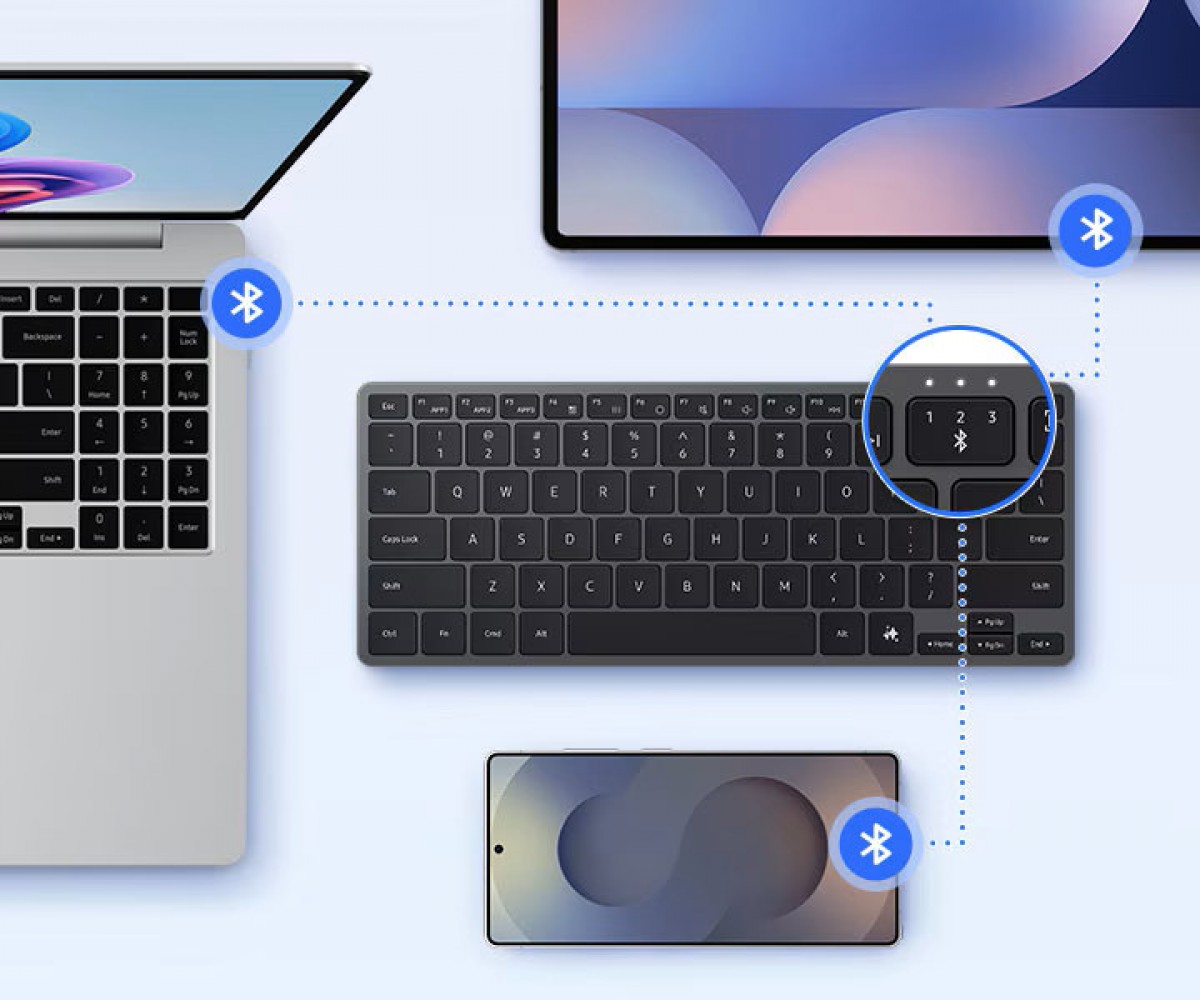
    The Samsung Smart Keyboard can connect to up to three Bluetooth devices
    The Samsung Smart Keyboard can connect to up to three Bluetooth devices

    Naturally, there is an AI button too – on Android phones and tablets it summons either Samsung Bixby or Google Gemini, on Windows devices it calls Microsoft Copilot.
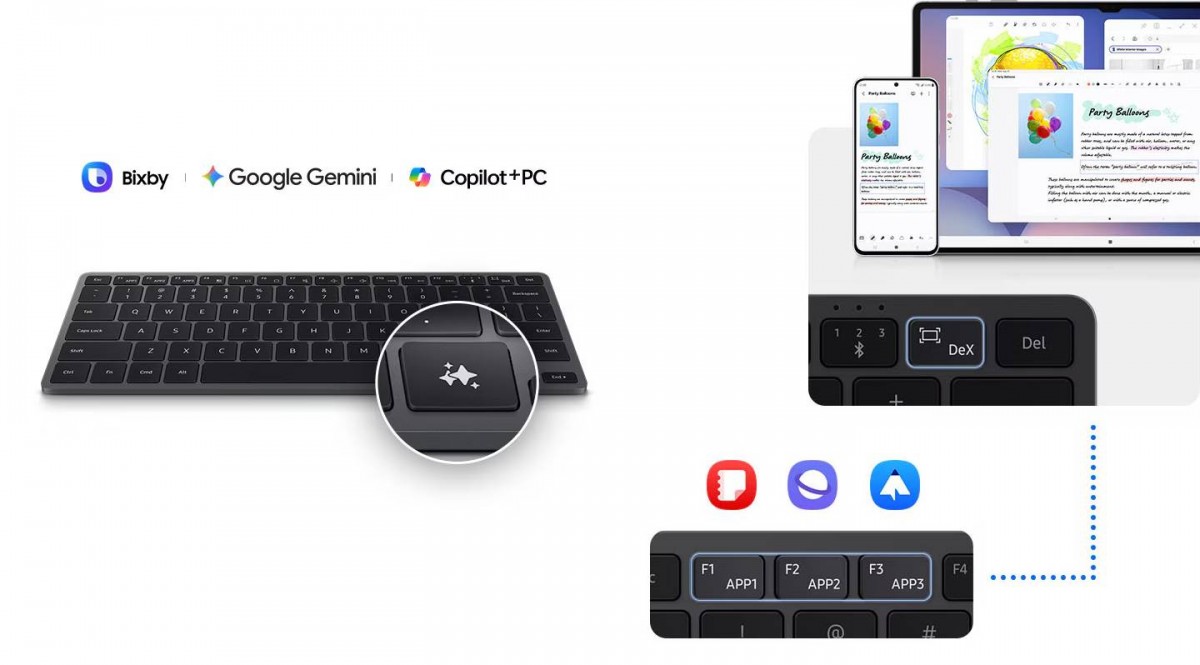
    The Samsung Smart Keyboard has dedicated DeX and AI keys
    The Samsung Smart Keyboard has dedicated DeX and AI keys

    This is a slim 4.3mm keyboard with an aluminum finish. It weighs 218g and has a 19mm key pitch. The keyboard is powered by a coin cell battery (CR2032), which promises “long-lasting battery life”, but Samsung doesn’t offer concrete numbers.

    This is an odd choice – AAA batteries tend to be more practical (longer lasting and you can use rechargeable ones). Also, Samsung doesn’t offer a matching wireless mouse, so the ability to switch the keyboard between three devices runs into a hurdle – you need a mouse that supports three devices as well and you have to switch keyboard and mouse separately. Let’s just say that Logitech can sleep easy.
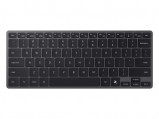
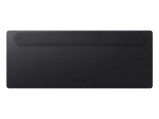
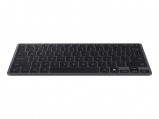
    Samsung Smart Keyboard
    Samsung Smart Keyboard
    Samsung Smart Keyboard
    Samsung Smart Keyboard

    Samsung Smart Keyboard

    The Samsung Smart Keyboard (EJ-B7800) is available in several regions like the US ($110), Canada (coming soon), Italy (€100), India (coming soon), Hong Kong (HKD 1,000), Malaysia (MYR 500) and others.

    We may get a commission from qualifying sales.

    Source

    Bluetooth Connect Devices DeX Key keyboard Samsungs Smart
    Share. Facebook Twitter Pinterest LinkedIn Tumblr Email
    Previous ArticleDJI Osmo Action 6 review
    Next Article Kensington SD7100T5 EQ Pro review: The best dock for your desk
    techupdateadmin
    • Website

    Related Posts

    Gadgets

    My Health Anxiety Means I Won’t Use Apple’s or Samsung’s Smartwatches. Here’s Why

    December 22, 2025
    Mobile

    Today’s NYT Wordle Hints, Answer and Help for Dec. 21 #1646

    December 21, 2025
    Mobile

    OnePlus 15T’s specs tipped – GSMArena.com news

    December 21, 2025
    Add A Comment
    Leave A Reply Cancel Reply

    Top Posts

    NYT Strands hints and answers for Monday, August 11 (game #526)

    August 11, 202545 Views

    These 2 Cities Are Pushing Back on Data Centers. Here’s What They’re Worried About

    September 13, 202542 Views

    Today’s NYT Connections: Sports Edition Hints, Answers for Sept. 4 #346

    September 4, 202540 Views
    Stay In Touch
    • Facebook
    • YouTube
    • TikTok
    • WhatsApp
    • Twitter
    • Instagram
    Latest Reviews

    Subscribe to Updates

    Get the latest tech news from FooBar about tech, design and biz.

    Most Popular

    Best Fitbit fitness trackers and watches in 2025

    July 9, 20250 Views

    There are still 200+ Prime Day 2025 deals you can get

    July 9, 20250 Views

    The best earbuds we’ve tested for 2025

    July 9, 20250 Views
    Our Picks

    My Health Anxiety Means I Won’t Use Apple’s or Samsung’s Smartwatches. Here’s Why

    December 22, 2025

    You can now buy the OnePlus 15 in the US and score free earbuds if you hurry

    December 22, 2025

    Today’s NYT Connections: Sports Edition Hints, Answers for Dec. 22 #455

    December 22, 2025

    Subscribe to Updates

    Get the latest creative news from FooBar about art, design and business.

    Facebook X (Twitter) Instagram Pinterest
    • About Us
    • Contact us
    • Privacy Policy
    • Disclaimer
    • Terms and Conditions
    © 2026 techupdatealert. Designed by Pro.

    Type above and press Enter to search. Press Esc to cancel.