


At a glance
Expert’s Rating
Pros
- Rapid input (thanks to Rapid Trigger)
- Quiet, pleasant typing feel
- Non-slip and high-quality PBT keycaps
- Streamlined web software, profiles on the board
- Stylish, discreet design (optionally with wooden sides)
- Reliable multi-device handling thanks to Bluetooth
Cons
- Hot-Swap only for Gateron Double-Rail HE
- No rotary control, no dedicated media buttons
- High design; palm rest recommended
- High price
Our Verdict
The Keychron K2 HE offers fast, precise gaming performance with a sleek, office-friendly design, though its limited switch options and lack of media keys may be drawbacks.
Price When Reviewed
This value will show the geolocated pricing text for product undefined
Best Pricing Today
Best Prices Today: Keychron K2 HE
£135.99
Friedrich Stiemer
The Keychron K2 HE combines reverb effect technology with a compact 75 percent layout. Designed for gamers, it should also perform well in the office. We tested its design, build quality, features, switches, gaming performance, and everyday usability.
The Keychron K2 HE combines reverb effect technology with a compact 75 percent layout. Designed for gamers, it should also perform well in the office.
Keychron K2 HE: Design and workmanship
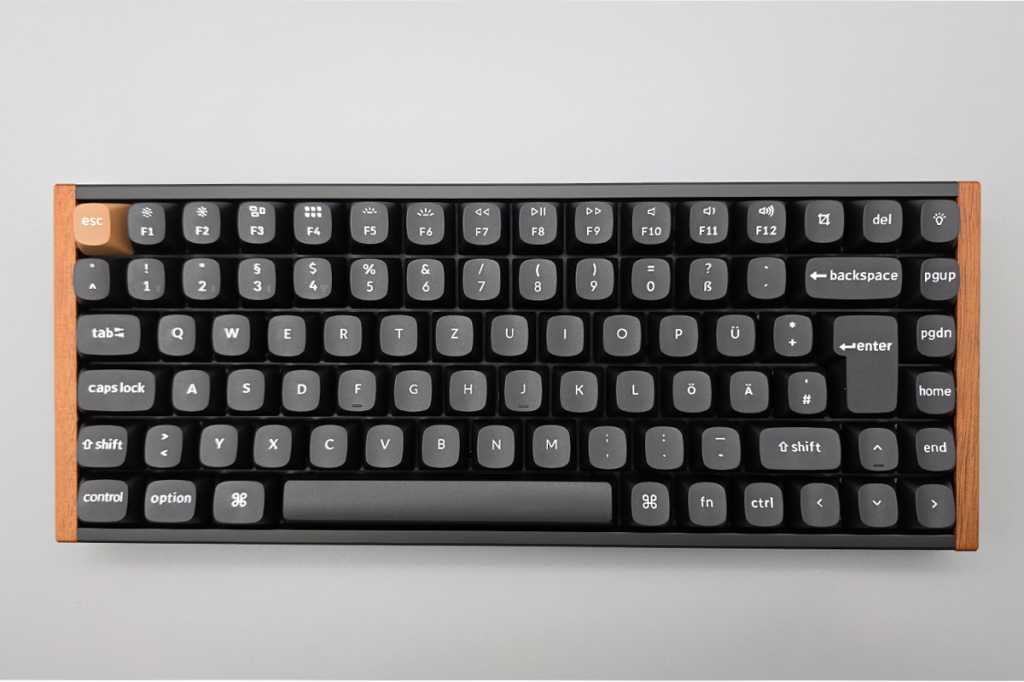
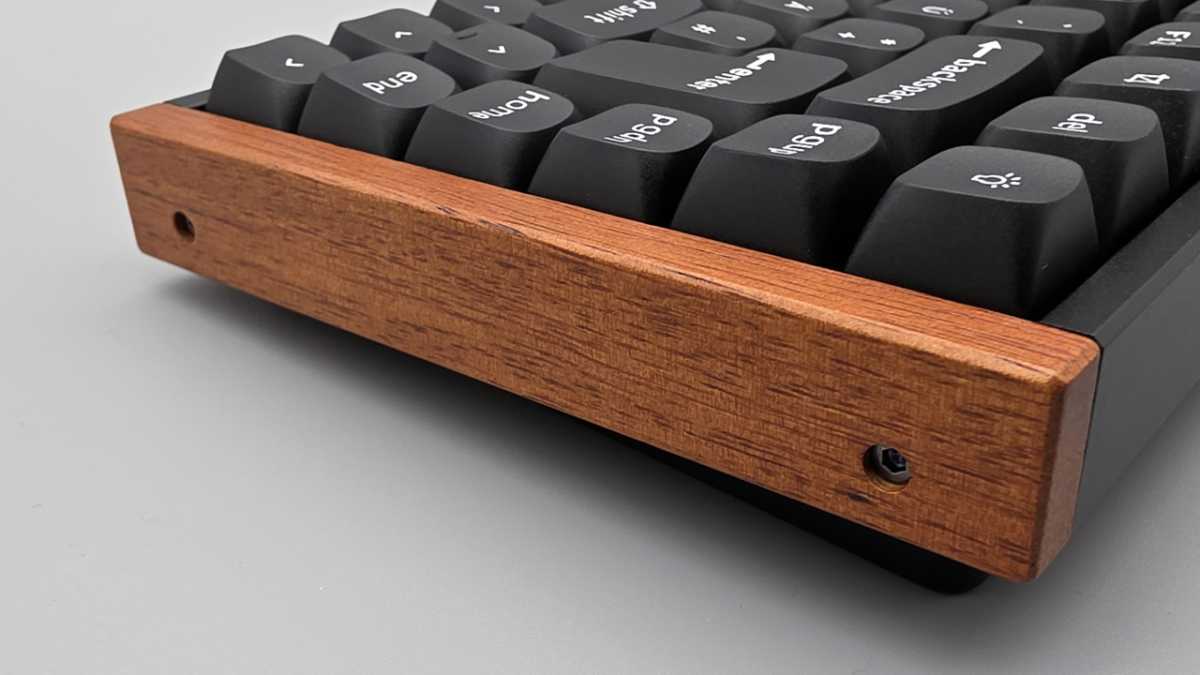
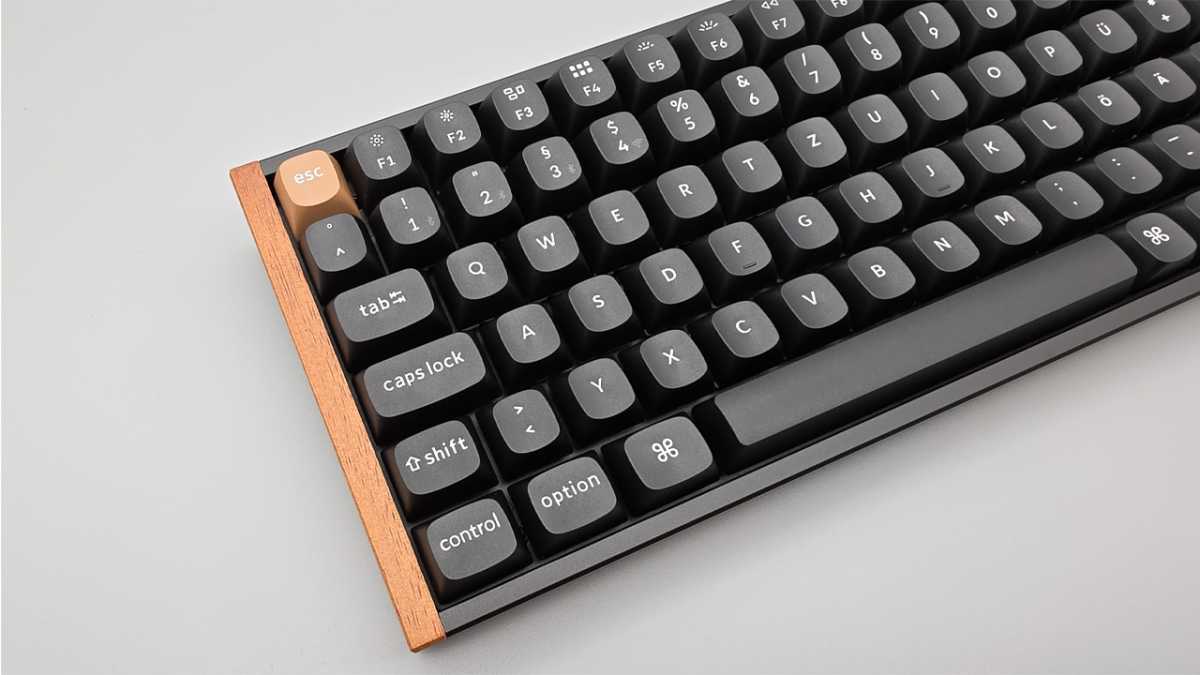
The Keychron K2 HE is available either in black or as a special edition with wooden sides. We tested the latter version. The real wood side panels are neatly fitted, feel smooth and give the keyboard a warm, almost cozy look.
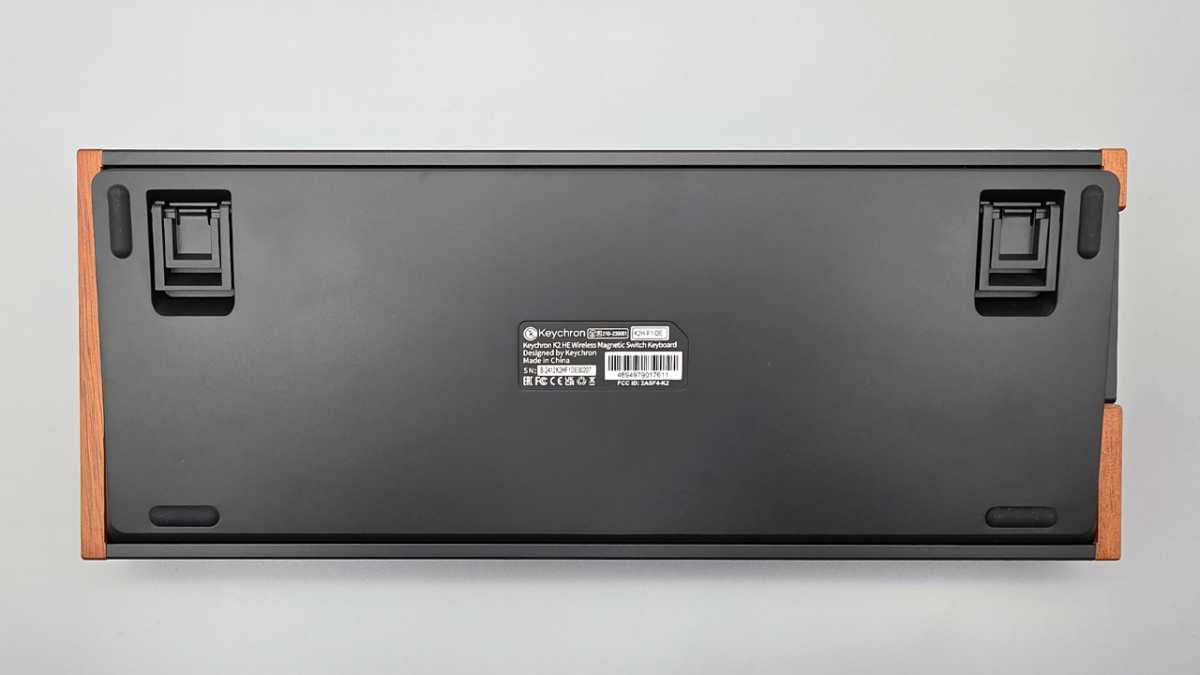
Transitions and gaps are consistent, nothing creaks and the aluminum frame complements the high-quality look. Thanks to its weight of just under one kilogram (965 grams), the board is very stable on the table. The 75 percent layout saves space while retaining the arrow keys and the most important navigation row.
Friedrich Stiemer
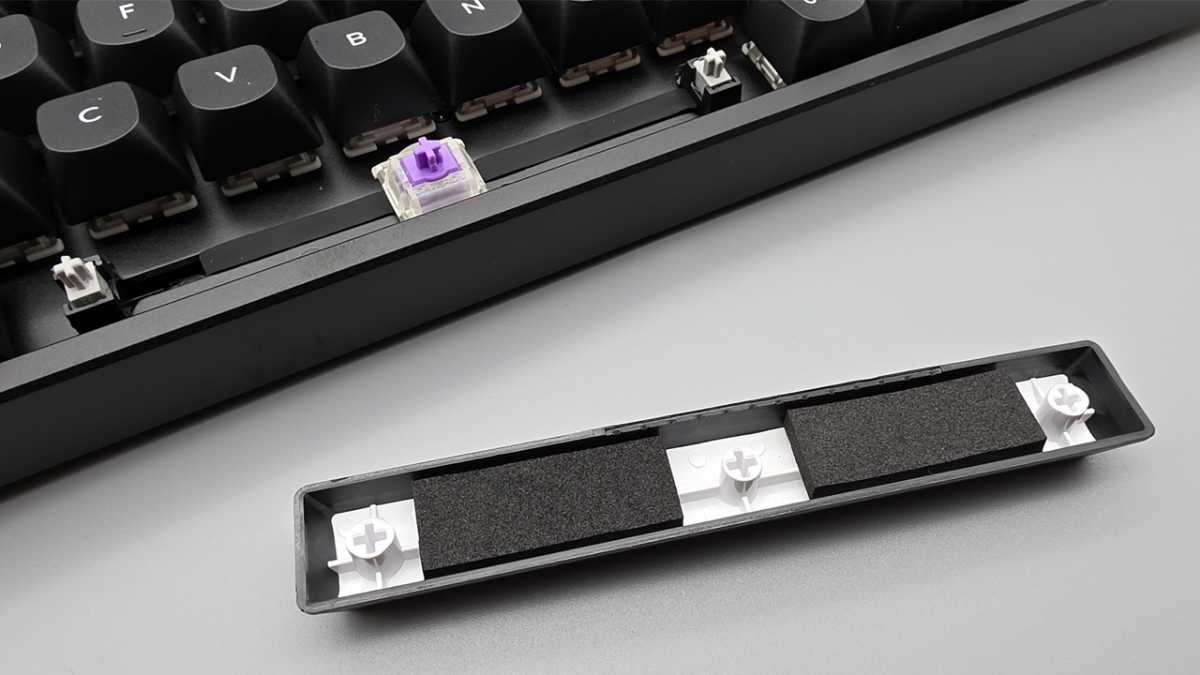
The construction is robust: an aluminum frame at the top (“aluminum top frame”) keeps the keyboard rigid, a metal support plate under the keys (“plate”) stabilizes the switches, and several damping layers absorb vibrations.
The so-called “tray-mount” design means that the circuit board and plate are screwed into the bottom tray, which ensures a direct, rather firm typing feel with little resonance. The acoustics are muted (“thockig”), mechanical background noise is kept to a minimum. However, we recommend a palm rest for prolonged use due to the height of the casing–this is not included and is therefore a minus point.
Keychron K2 HE: Features and technology
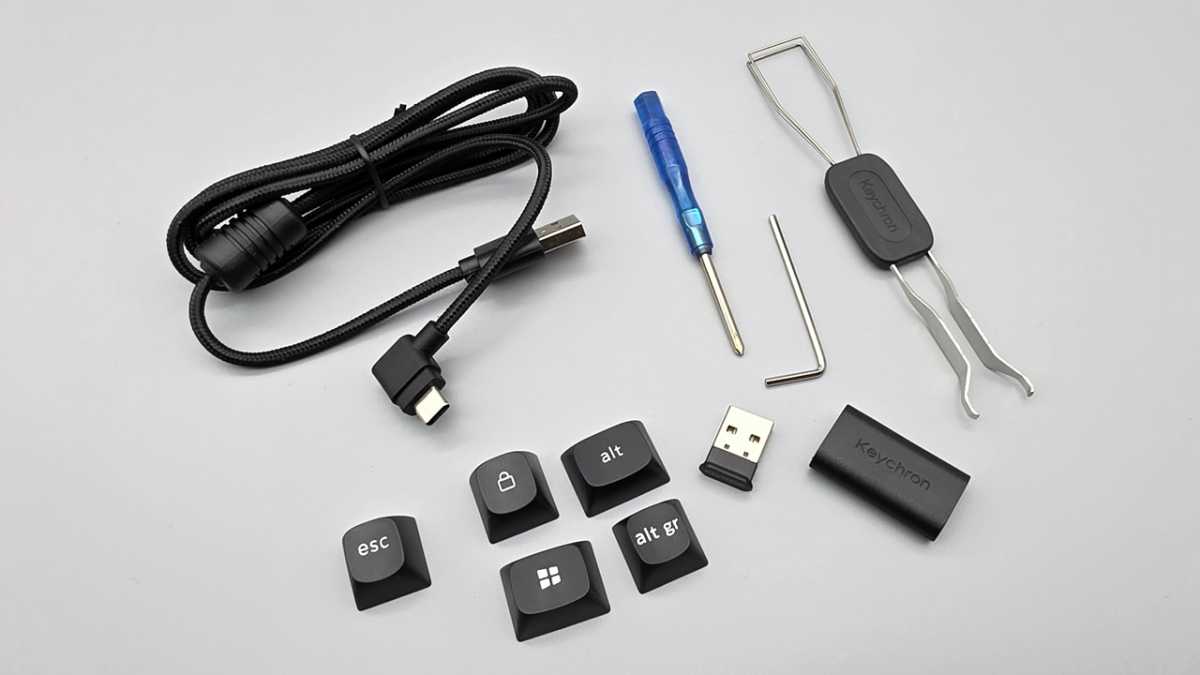
The Keychron K2 HE can be used via cable and wirelessly. Using USB-C and a 2.4 GHz dongle, you can achieve a polling rate of up to 1,000 Hz for fast, stable input. Bluetooth 5.2 connects up to three devices on request, but is noticeably slower, making it more suitable for office and multi-device use.
Inside is a 4,000 mAh battery that lasts from a few days to several working weeks, depending on the lighting and usage profile. The non-slip PBT keycaps are available in ANSI or ISO layout, depending on the variant.
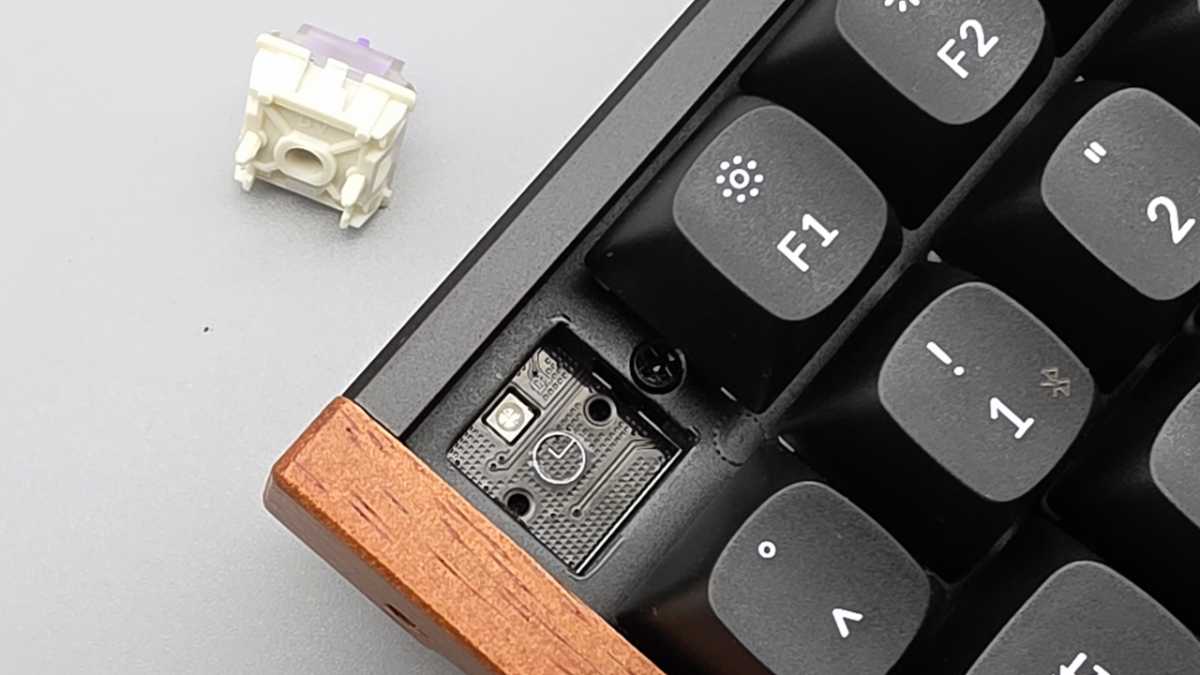
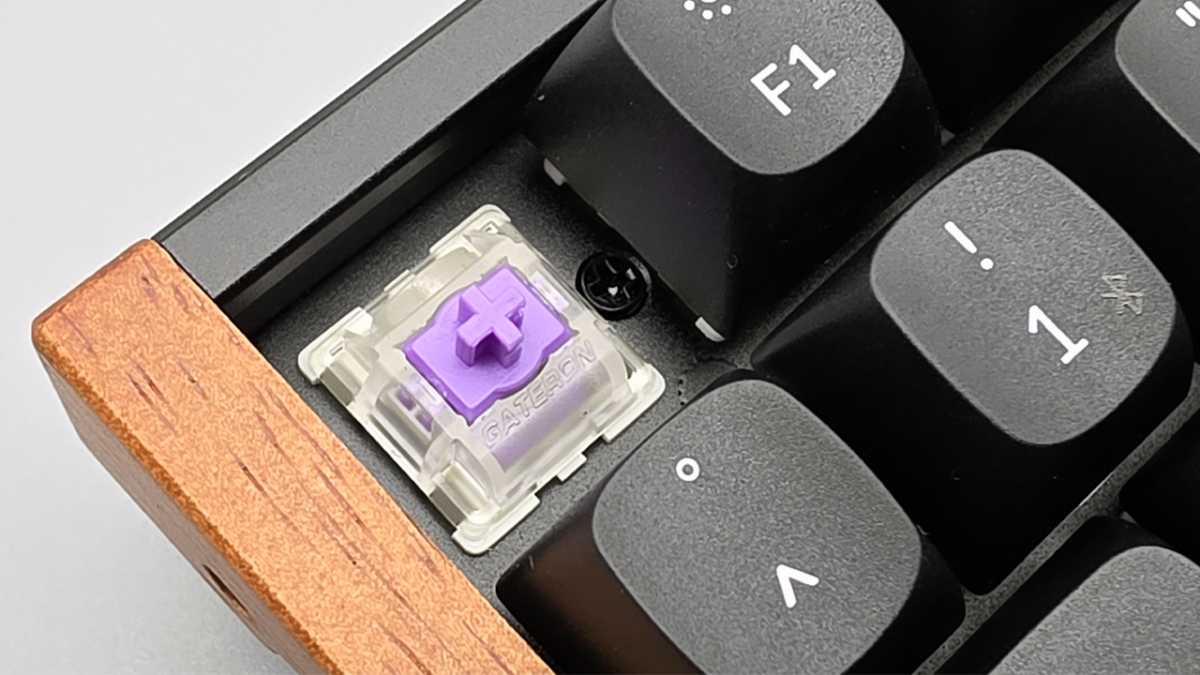
However, the hot-swap system (buttons can be changed without soldering) is limited to Hall-effect switches of the Gateron Double-Rail type; classic MX switches do not fit.
Practical for everyday use, you can switch between Windows and macOS key assignments using a slide switch, and Keychron includes suitable mod keys. Dedicated media keys or a volume knob are missing; control is via Fn combinations or remapping in the software.
Friedrich Stiemer
Keychron K2 HE: Technical specifications
The Keychron K2 HE uses Hall-effect switches, where a magnetic sensor detects the keystroke. This allows the trigger and reset point to be finely adjusted for each button.
The “Rapid Trigger” technology refers to the fast automatic reset immediately after release–ideal for quick follow-up entries. “Multiple Actuation/Dual-Action” allows different actions depending on the depth to which a key is pressed, while “Last-Key-Priority” prioritizes the last key pressed during simultaneous inputs.
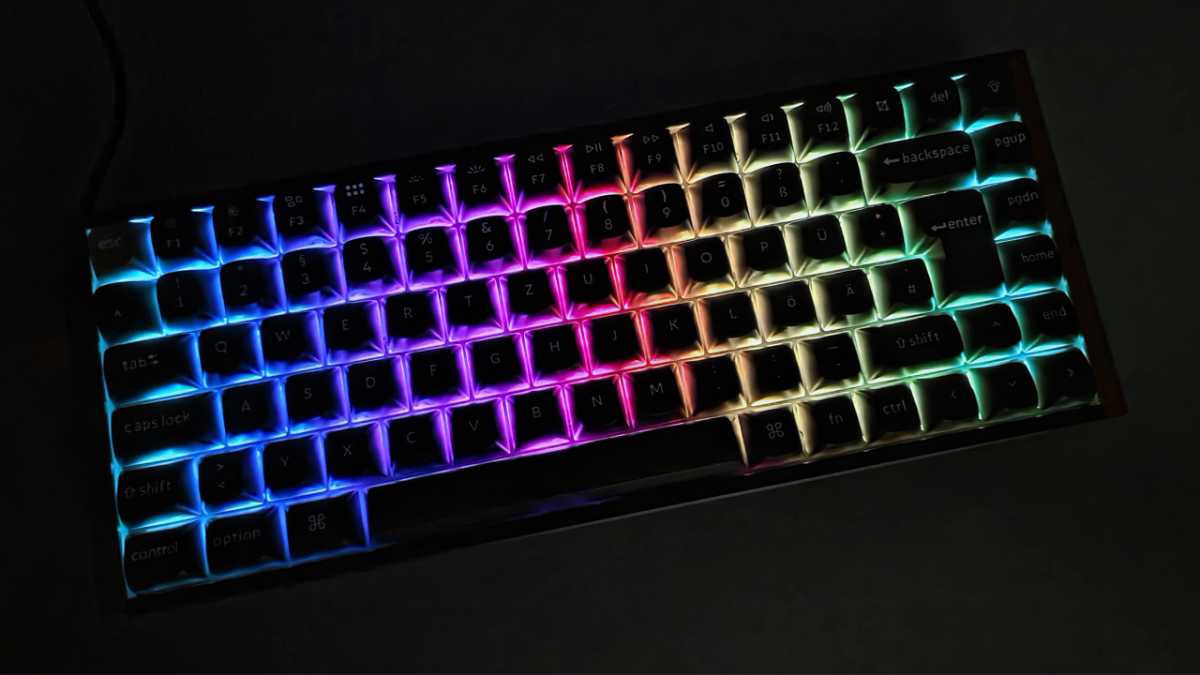
The integrated RGB lighting offers numerous effects and infinitely variable brightness.
Friedrich Stiemer
Everything is controlled via the Keychron Launcher, a web-based app for key assignments, macros, lighting, and fine-tuning the reverb effect switches. The keyboard saves profiles internally, but the USB cable is briefly required to apply changes.
Friedrich Stiemer
Keychron K2 HE: High-end switches
The factory-lubricated linear switches of the “Gateron Double-Rail Nebula” type run very smoothly. The POM plunger with double-rail guide ensures high stability and minimal lateral wobbling. The release is freely selectable via software, from 0.2 to 3.8 mm in 0.1 mm increments.
The spring is in the light range with a starting force of around 40 grams, the bottom-out is around 60 grams. The total travel is around 4.0 mm. The switching characteristics are roughly comparable to the Cherry MX Red.
The typing feel remains soft and quiet, supported by the housing damping. Large keys are well stabilized, and the space bar, for example, is also extra damped. The stabilizers themselves are also lubricated for better acoustics and actuation.
Friedrich Stiemer
Keychron K2 HE: Gaming performance
The Keychron K2 HE shows its strengths in 2.4 GHz and cable operation: low latency, 1,000 Hz polling (1-ms signal rate) and fast resetting thanks to Rapid Trigger. In practical terms, this means that the buttons trigger very early and are immediately ready for use again after minimal release.
For shooters, we recommend a trigger travel of 1.2 to 1.5 mm on WASD and an RT hysteresis (the short reset travel that the button requires after release until it triggers again) of 0.1 to 0.2 mm. “Counter-punishments” and fine corrections are thus more stable.
In our opinion, the space bar–for example, for jumping–can trigger even flatter (approx. 0.8 to 1.0 mm), while abilities or reloading are deliberately lower (approx. 1.8 to 2.2 mm) in order to avoid incorrect inputs.
“Last-Key-Priority” prevents “stuck” inputs when changing direction simultaneously. The K2 HE processes N-key rollover (NKRO) without ghosting; fast double-taps and micro-corrections remain cleanly reproducible.
With “Multiple Actuation/Dual-Action,” you can assign two actions to one key–for example, light press = walk, deep press = run or create, and then zoom on the same key. For rhythm/action games, the triggering per button can be very finely staggered; in our testing, short reaction chains were noticeably easier to time with Rapid Trigger.

Friedrich Stiemer
Bluetooth is noticeably slower (typical 125 Hz signal rate) and is not recommended for competitive gaming; there is occasionally a short “wake-up second” after standby. BT is sufficient for single-player games, streaming PCs, and office work.
For gaming, you should use 2.4 GHz or USB-C. Practically, in the Keychron launcher, you can save profiles with different trigger depths and dual-action assignments for each game and load them quickly if needed.
Keychron K2 HE: Everyday work
Quiet operation, compact dimensions, and reliable multi-device handling make the Keychron K2 HE suitable for everyday use. The PBT keycaps are non-slip and resist shiny spots. The 75 percent layout takes some getting used to, but offers a good balance of space-saving and direct access.
Friedrich Stiemer
Keychron K2 HE: Battery life
Depending on the brightness and mode, the board can comfortably last one to two working weeks in mixed use. Heavy RGB use and pure Bluetooth operation noticeably shorten the runtime. On the positive side, the board also maintains 1,000 Hz performance wirelessly via 2.4 GHz.
Friedrich Stiemer
Keychron K2 HE: Software
As the Keychron launcher is a web app, you don’t need to install anything. Simply plug in the Keychron K2 HE via USB-C, allow the browser to access the device and customize key assignments, macros, lighting, and the reverb effect parameters. The keyboard saves these profiles internally, and they also apply in 2.4 GHz and Bluetooth modes.
In practice, the trigger, reset point, and rapid trigger can only be changed via USB; there are no direct shortcuts for this on the keyboard itself. Light, brightness, and effect changes, on the other hand, work immediately via Fn combinations.
Two profiles are recommended: a gaming profile with a flat trigger and an office profile with a deeper trigger travel and quiet lighting. Frequent remaps include Caps Lock to Ctrl or media functions on the arrow keys. Macros can trigger command sequences such as “mute mic and push-to-talk.”
Friedrich Stiemer
The launcher works on Windows and macOS, and usually also on Linux, provided the browser supports WebHID. Transferred changes take effect within a few seconds and then run autonomously on the keyboard. Input latency remains unchanged. Dedicated controls, such as a volume knob, are missing; media control is handled via Fn levels or remapping.
This article originally appeared on our sister publication PC-WELT and was translated and localized from German.
