


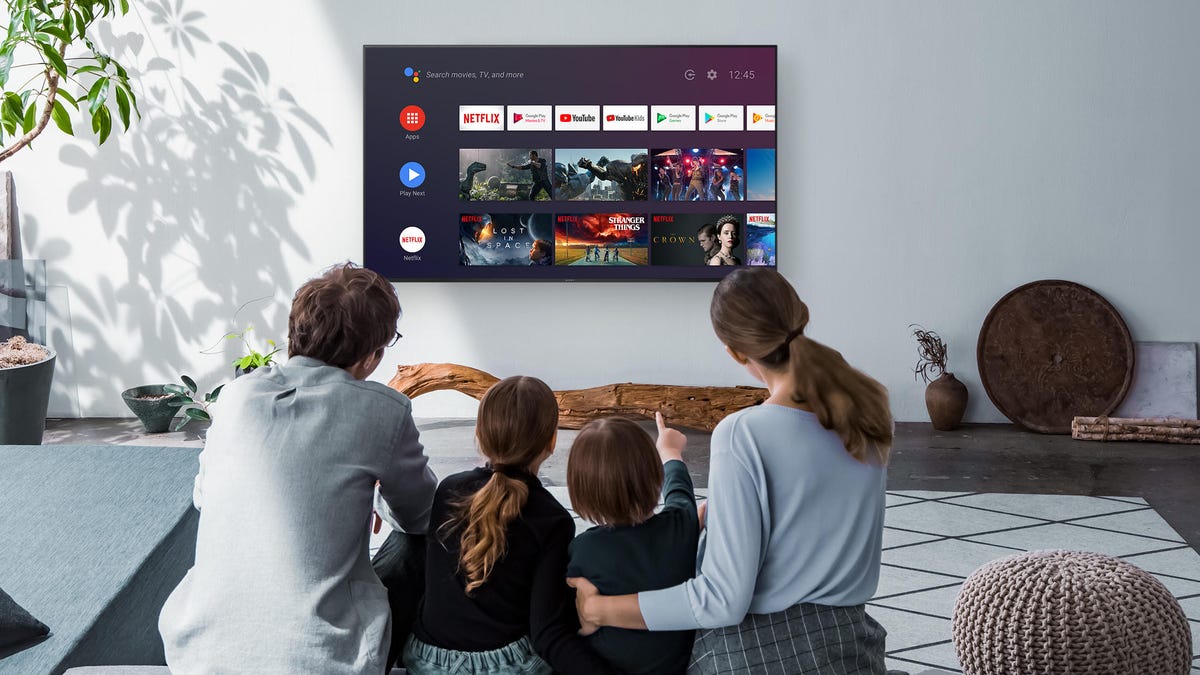
If you’re having trouble understanding dialogue when watching movies or sports on TV, it might not be your hearing. It could be either your TV settings or hardware that’s making it difficult to hear speech. Either way, there are some quick and easy fixes.
The most likely culprit for poor sound is the TV’s tiny speakers. The latest TVs may be able to produce amazing images, but with such thin frames, they can also suffer from poor sound quality.
Even if you have a separate speaker or soundbar, perhaps it is errant settings that are to blame. While enabling subtitles on your TV is a great option, if you want to listen to the set in the background, or don’t want to read your shows, then it’s sound quality we need to rectify. Let’s begin.
Read more: Best TVs of 2025
1. Check your TV’s sound settings
Television speakers sound terrible out of the box, but most TVs have settings you can use to improve their audio a little. For example, my family asked me to fix the lounge TV’s sound — they said the dialogue was boomy and hard to understand. When I got there, I found the soundtrack was distorting at anything but the quietest levels. A look inside the settings uncovered why: Someone had created a weird custom mode that had the bass jacked all the way up.
Fine-tuning your TV sound settings can make dialogue sound much more understandable.
Bass in particular is the enemy of understandable speech: It tends to hide the frequencies that help us decipher what people are saying. Rather than play with individual bass and treble controls, the easiest thing to do is to try the preset sound modes first.
1. Use your remote to access the TV’s Settings menu, then look for a section called Audio, Sound or something similar.
2. At the top of the menu, there should be a selection of presets such as Movie, User or Standard.
3. While watching a speech-heavy show or movie, cycle through the modes to see which ones sound best.
If you’re finding that the dialogue is mumbly, for example, try a Dialogue, News or Speech Boost mode (or if you have an Amazon Fire TV, try this setting). If that’s not available, Movie or Standard is the next-best option. Lastly, if you have an Apple TV, you can also use the Enhance Dialog feature.
Also, disabling audio enhancements like Bass Boost or Surround, which often harm dialogue, or Night Mode can help (or not). Every TV and every room sounds different, so it’s worthwhile to experiment.
If your TV has an individual bass control, you can also try reducing the individual level like I did in the example above. Also, a little boost to treble may help improve intelligibility. Once you’ve got the audio as good as you can, simply exit the menu. Press “save” if the TV asks you to, but otherwise, you’re all set.
2. Have a soundbar or speaker system? Try these tweaks
External speakers will sound better than what’s built into your TV, but they may need a little tweaking to help with dialogue, too. Your speakers might be too close to the wall, for instance, or stuffed inside a cabinet. There could be other causes — for example, if you find that people’s lips are moving but speech isn’t correlating, you may need help with a lip-sync issue.
Here are some common fixes for bad sound that don’t cost a cent. First, simply pick the kind of system that you have:
Soundbar
As with TVs in step 1, try setting the soundbar to a speech-enhancing mode, Movie or Standard.
If your system has a subwoofer, it could be too loud compared with the rest of the system. While explosions are fun, they shouldn’t be at the expense of a good story. If you have a separate bass or sub control, try turning it down. You can also try placing the sub in an optimal position with this guide.
The Klipsch Reference Theater Pack is a set of ultracompact 5.1 surround speakers with a wireless subwoofer.
AV or stereo system with speakers
If you have tower or bookshelf speakers, try moving them away from the walls and corners, and then point or “toe” them in toward the middle where you sit. Removing speaker grilles will also boost speech by a small amount. These little changes alone won’t be enough to transform Sly Stallone into Laurence Olivier, but they could be enough for you to discern what an actor is mumbling about.
The other thing to try is a calibration, whether via your receiver’s menu or app, or manual. I prefer to do a manual calibration by ear as automated routines almost always need manual tinkering anyway.
3. Invest in a new soundbar
If the previous options aren’t cutting it, it may be time to buy a soundbar designed to improve dialogue. Thankfully, excellent soundbars aren’t very expensive, and almost anything will sound better than a TV speaker. The Roku Streambar, for example, is an affordable soundbar and offers HDMI connections and an onboard 4K streamer. Vizio also makes an excellent range of soundbars.
There are also soundbars specifically designed to make speech more intelligible. For instance, when Zvox branched out into hearing aid design, the company brought the tech to its range of AccuVoice soundbars. The company has models starting at $45 for the AccuVoice AV120.
Taking the next step and buying a surround system may be more expensive, but it also has added benefits — especially if the system has a dedicated center-channel speaker. In surround mixes, dialogue often comes primarily from the center channel, and being able to increase its volume independently can really help.
Read more: Best Soundbars to Enhance TV Dialogue
