


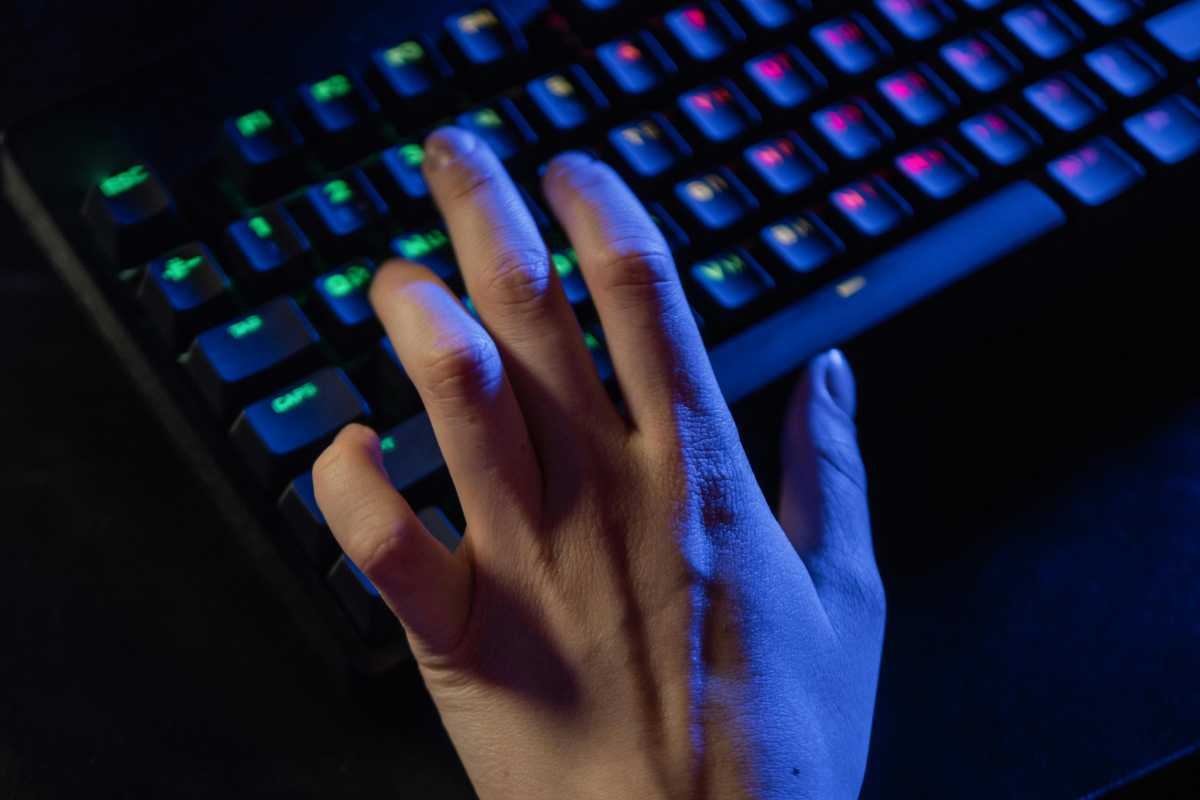
A gamer’s preference for their keyboard switches is a personal affair. You’re almost always guaranteed to start a debate if you ask a room full of gamers which they’d prefer: linear or clicky switches, with each side claiming that their choice is the best.
But beyond personal preferences, there are some real differences worth considering that make me lean towards the linear switches for all my gaming needs. Let me explain.
The difference between clicky and linear switches
The difference is denoted in the naming. Linear switches travel straight down with a consistent resistance. It’s a smooth ride downwards. Popular names include Cherry MX Reds and Gateron Yellows, and there are equivalent switches from Razer and SteelSeries.
Clicky switches, on the other hand, are all about registering the, well, clicks. They have a tactile bump and audible click when the key activates. Common clicky switches are found in Cherry MX Browns and Kailh Box Whites.
Because of these differences, linear and clicky switches feel different. Linear switches feel smooth and precise whereas clicky switches feel like they are giving deliberate feedback with each keystroke.
The reason I prefer linear switches for gaming is that they have the edge in raw performance. Let’s consider how that’s the case now.
Why linear switches win out in competitions
Without a bump to overcome, keys register more quickly with linear switches, especially during rapid or repeated presses. Most linear switches activate around 1.2-2mm into a keystroke whereas clicky switches typically need more travel, about 2-2.2mm before registering. The difference is particularly noticeable in games that require super-fast reactions. Linear switches tend to be faster, which is why most pro gamers prefer them.
Linear switches also require less actuation force. They can get away with 45-60 grams of force or, in some speed variants, as little as 35-45 grams. Clicky switches, on the other hand, generally need 50-60 grams actuation force. This is because extra force is needed to overcome the tactile bump. This is significant for player endurance. Less actuation force means players are less likely to suffer finger fatigue, so linear switches are the better choice for marathon gaming sessions.
Pexels: Alena Darmel
Linear switches also come off better when you consider the reset point of a key–the point at which the key can be pressed again after being released. Linear switches have a reset point very close to their actuation point while clicky switches have a bigger gap between actuation and reset with a longer travel between presses.
That said, clicky switches aren’t completely without merit for performance, as they offer more certainty in actuation. The tactile bump and sound offer players indisputable confirmation when a key registers. That can be a big benefit in games where deliberate inputs matter more than speed (like MMOs and some strategy games). Some people perform better with that kind of clarity.
It’s also just about the feeling
Beyond performance, it also just comes down to how the switches feel while I’m gaming. The consistent resistance through each keystroke on linear switches just feels more comfortable, especially for extended gaming sessions.
The smooth action puts less pressure on my finger joints and lets me use a lighter touch on the keys. That’s much less fatiguing when I’m playing games that require sustained key pressing–for example, using the arrow keys to move forward.

Pexels: Alexander Kovalev
For actions like stutter-stepping or quick double-taps on the WASD keys, the uniform feel of linear switches is crucial. Without a tactile bump, my fingers don’t have to work against additional points of resistance, so presses feel very smooth.
Clicky switches, by comparison, demand a more deliberate keystroke. The force builds to overcome the bump, then drops off rapidly, but this variable resistance can cause fatigue in longer gaming sessions.
That’s why I’m sticking with my linear switches for the foreseeable future.
Related content:
- Best gaming keyboards 2025: The top budget, mid-tier, RGB, and more
- What are hybrid switches in gaming mice?
- I can’t stop thinking about Logitech’s radical Superstrike gaming mouse
