


What’s your malware tally? I’ve had plenty stopped by my antivirus and antimalware software but the number I’ve had actually infect my PC is, I’m proud to say, a big fat donut (zero). What’s more, it’s been that way for more than 10 years.
So, what’s my secret? Here’s what I do to prevent malware from infecting my PC.
1. Dodgy websites are a no-go for me
Hackers tend to infect websites that people flock to in droves or where people go to download programs for free. Because of that I stay well clear of torrent sites, unverified download sites and adult websites, some of which are the worst offenders and teeming with malware.
Also, if I get a banner or ad pop up that I just can’t close, instead of trying to click my way out of it, that can end up with me accidentally downloading malware, I’ll often just shut the whole PC down to prevent infection. If possible, you can also simply close the tab in your browser — but that’s not always an available option. Do not click on anything interacting with potential rogue ads!
2. I always use reputable antivirus and antimalware software
Every year I purchase an annual subscription to a reputable antivirus and antimalware software program and have the program running in the background on my PC. It runs regular daily scans for malware, provides me with a safe search browser that scans all and every website I go to and, it also checks every file I download to stop malware from reaching my PC.
PCWorld’s go-to recommendation is Norton 360 Deluxe, which offers strong protection against malware and Internet scams alike while barely making an impact on your PC’s performance.
Pexels: Cottonbro Studio
3. My Windows Firewall is always active
With Windows Defender Firewall always active I can rest assured that I have a strong line of defense that prevents malicious actors and malicious software or viruses and malware from accessing my PC or my network from the internet.
4. I keep everything updated
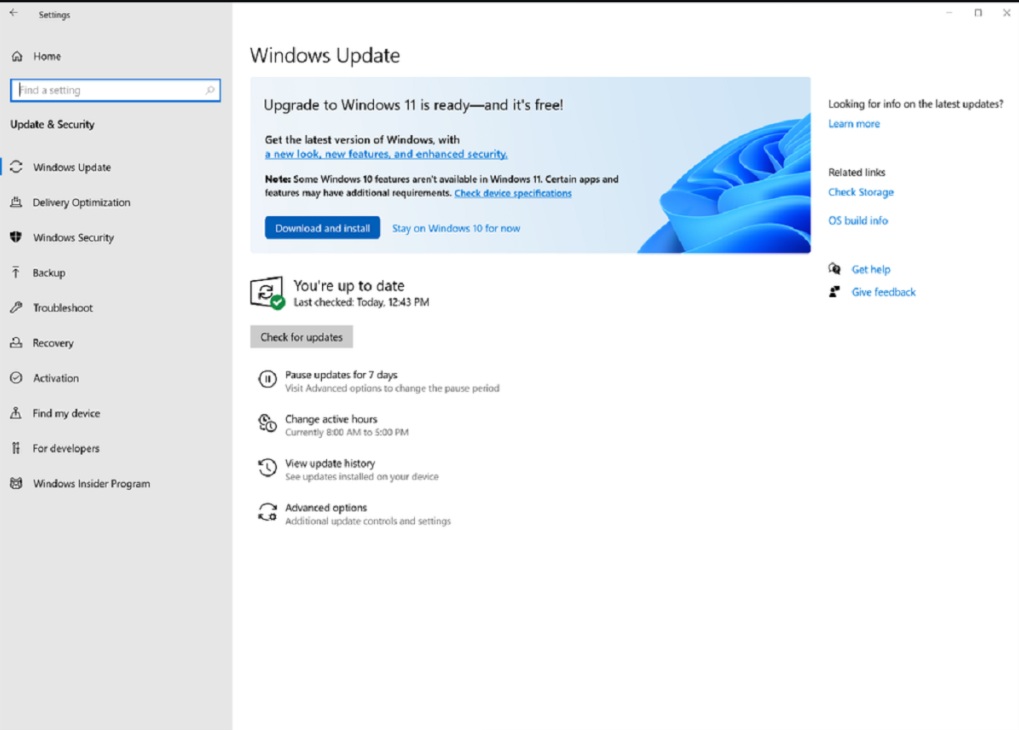
I always keep all my software patched and updated. That includes all my apps but also my Windows OS and security software. That way my PC is armed with the latest virus definitions and security intelligence updates to deal with the latest malicious code circulating at any given time. But it also means that I’m closing down any vulnerabilities in the apps and programs themselves as developers patch and update their software.
Foundry
5. I read emails with a sceptical mind
I’d say 90 percent of the emails I get are spam which makes it easy to bring a sceptical mind to their contents. But I’ll bring that same attitude to reading emails that look legitimate too. That means I never click on any links or download any attachments and look out for the obvious warning signs, like dodgy spelling mistakes that are giveaways that emails are phishing attempts. If your bank or another critical account emails you about potential concerns, navigate to the website for that account, log in and check your status — do not click on links in emails that supposedly come from crucial accounts.
6. I avoid public networks and use a VPN
Public Wi-Fi is a favorite way many hackers like to spread malware. For that reason, I mostly don’t use it. I say mostly, because I very infrequently use it when I travel and have no other option.
When I must, I have my security firmly tied down with a bunch of Windows settings tweaks that involve switching off things like my PC’s network visibility and file sharing to reduce the access hackers on the same network might have to my PC. I’m also very careful to use a VPN (Virtual Private Network), which encrypts my network traffic and prevents hackers from intercepting it. Our comprehensive guide to the best VPNs available has Nord VPN as the best option, with ExpressVPN coming in a close second.
Pexels: Stefan Coders
7. I use strong passwords and multi-factor authentication
Where possible I’ll use long passphrases with special characters rather than just short easy-to-hack passwords for my accounts. Activating multi-factor authentication on my accounts also means logging into them requires multiple points of verification, making it a lot harder for hackers to gain access.
That keeps a lid on hackers either infecting my files or else stealing my data or credentials for use in phishing or identify theft scams.
