
Close Menu
TechUpdateAlert

    Subscribe to Updates

    Get the latest creative news from FooBar about art, design and business.

    What's Hot

    My Health Anxiety Means I Won’t Use Apple’s or Samsung’s Smartwatches. Here’s Why

    December 22, 2025

    You can now buy the OnePlus 15 in the US and score free earbuds if you hurry

    December 22, 2025

    Today’s NYT Connections: Sports Edition Hints, Answers for Dec. 22 #455

    December 22, 2025
    Facebook X (Twitter) Instagram
    Trending
    • My Health Anxiety Means I Won’t Use Apple’s or Samsung’s Smartwatches. Here’s Why
    • You can now buy the OnePlus 15 in the US and score free earbuds if you hurry
    • Today’s NYT Connections: Sports Edition Hints, Answers for Dec. 22 #455
    • Android might finally stop making you tap twice for Wi-Fi
    • Today’s NYT Mini Crossword Answers for Dec. 22
    • Waymo’s robotaxis didn’t know what to do when a city’s traffic lights failed
    • Today’s NYT Wordle Hints, Answer and Help for Dec. 22 #1647
    • You Asked: OLED Sunlight, VHS on 4K TVs, and HDMI Control Issues
    Facebook X (Twitter) Instagram Pinterest Vimeo
    TechUpdateAlertTechUpdateAlert
    • Home
    • Gaming
    • Laptops
    • Mobile
    • Software
    • Reviews
    • AI & Tech
    • Gadgets
    • How-To
    TechUpdateAlert
    Home»Reviews»Here’s how I keep my USB-C ports clean for the best performance
    Reviews

    Here’s how I keep my USB-C ports clean for the best performance

    techupdateadminBy techupdateadminOctober 16, 2025No Comments3 Mins Read
    Share Facebook Twitter Pinterest LinkedIn Tumblr Reddit Telegram Email
    USB-C
    Share
    Facebook Twitter LinkedIn Pinterest Email

    USB-C ports are a bit smaller than their USB-A counterparts. That doesn’t protect them from getting dirty. Over time USB-C ports will collect dust, grime, and debris that can even make it difficult to insert a cable. If you have USB-C ports building up dirt and grime this guide will show you how to safely clean them.

    Step 1. Gather the cleaning materials

    Before you start, you’ll need to ensure you have the right materials. I recommend the following:

    • A can of compressed air or air blub
    • A plastic dental pick or toothpick
    • Cotton and rubbing alcohol (70 percent isopropyl)
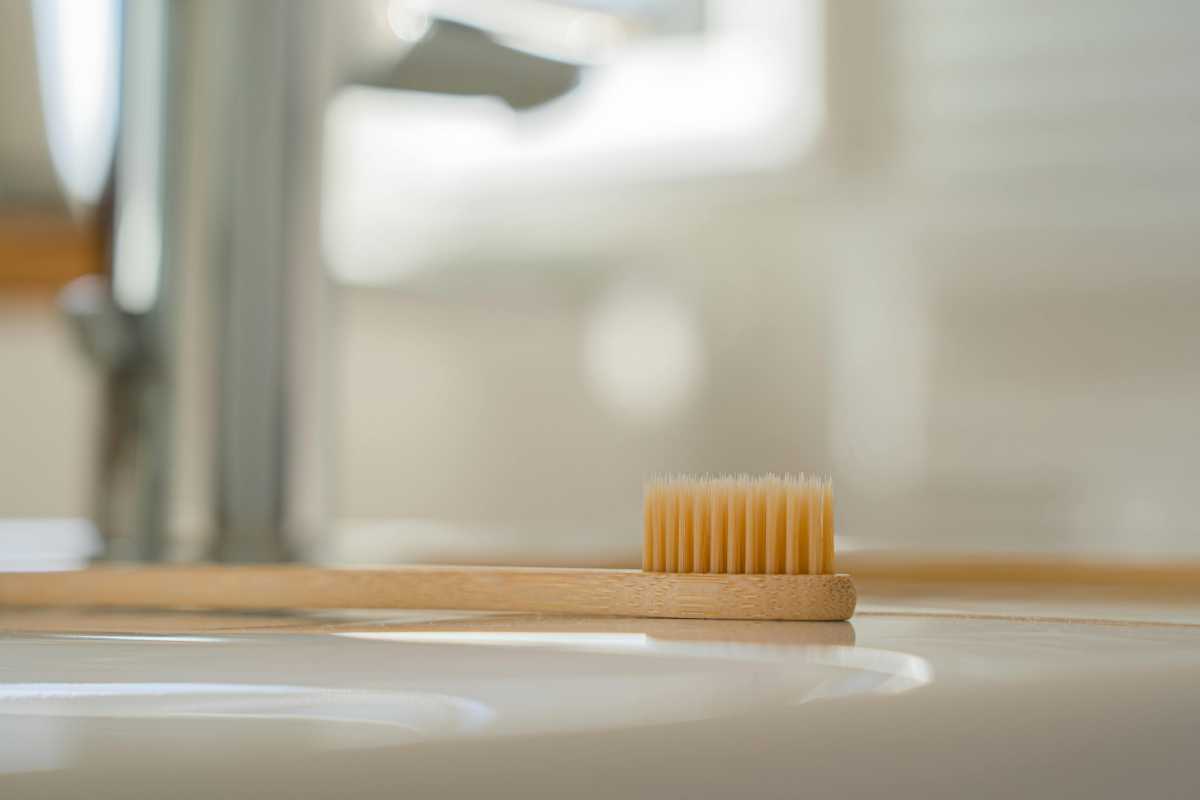
    • A toothbrush

    You’ll also want to proceed with caution, because you don’t want to damage the electronics in the port. Make sure the device is switched off before you attempt the clean.

    Step 2. Spray compressed air

    Start by spraying bursts of compressed air into the port (or using your air bulb). Two-second bursts should be enough to dislodge any material stuck there. Change the angle of the compressed air bursts to ensure the whole port is getting some air.

    Tip: It can be helpful to hold your device so that the USB-C port is facing downwards. Then you can then shoot bursts of air upwards into the port.

    Step 3. Use your dental pick or toothpick

    Use the sharp edge of a dental pick or toothpick to circle around the edges of the USB-C port. Use firm pressure but not too firm because you don’t want to loosen the port. Avoid touching the USB connector prong.

    Once you’ve circled around the port a few times, hold the device so that the port is facing downwards again and spray a few more bursts of compressed air into it.

    Step 4. Use cotton or a toothbrush for sticky substances

    If there are sticky substances or grime in the USB-C port, wrap a small amount of cotton around a dental pick and dampen it with isopropyl alcohol. Now circle it again in the USB-C port, being very careful that the cotton doesn’t get dislodged in the port. Just be sure not to wet your cotton too much — you only need to dampen it.

    Alternatively, if you’re worried about cotton getting stuck in your port you can use a toothbrush to gently scrub around the outside.

    Pexels: Castorly

    Step 5. Protect your port for the future

    Now that you have cleaned your port, you might like to try to prevent it from getting dirty in the future. Here are some things to try:

    • Get a USB-C dust plug. This is a small plastic or silicon plug that sits inside your port when you’re not using it.
    • Use a strip of adhesive tape to cover your port when you’re not using it. This will leave residue that you’ll need to clean off at some time, however.
    • Get a case that covers the USB-C port. A laptop sleeve, or a phone cover or case can keep the dust and grime at bay. Most phone cases leave a hole for access to the port, but you could choose one without a hole.

    Related content

    • Buying a USB-C cable? Watch out for these 6 crucial gotchas
    • Why your fraying USB cables are a problem
    • USB-C not charging? Try these tricks
    • My USB cable got wet. Can I still use it?
    Clean Heres performance ports USBC
    Share. Facebook Twitter Pinterest LinkedIn Tumblr Email
    Previous ArticleSpit On, Sworn At, and Undeterred: What It’s Like to Own a Cybertruck
    Next Article 6 ways to give your ROG Ally an Xbox Ally-like glow-up
    techupdateadmin
    • Website

    Related Posts

    Gadgets

    My Health Anxiety Means I Won’t Use Apple’s or Samsung’s Smartwatches. Here’s Why

    December 22, 2025
    Mobile

    Oppo Pad Air5’s launch date is official, here’s what it looks like

    December 20, 2025
    Mobile

    Video Game Hardware Sales Are the Worst in Decades: Here’s Why You Should Buy Now

    December 18, 2025
    Add A Comment
    Leave A Reply Cancel Reply

    Top Posts

    NYT Strands hints and answers for Monday, August 11 (game #526)

    August 11, 202545 Views

    These 2 Cities Are Pushing Back on Data Centers. Here’s What They’re Worried About

    September 13, 202542 Views

    Today’s NYT Connections: Sports Edition Hints, Answers for Sept. 4 #346

    September 4, 202540 Views
    Stay In Touch
    • Facebook
    • YouTube
    • TikTok
    • WhatsApp
    • Twitter
    • Instagram
    Latest Reviews

    Subscribe to Updates

    Get the latest tech news from FooBar about tech, design and biz.

    Most Popular

    Best Fitbit fitness trackers and watches in 2025

    July 9, 20250 Views

    There are still 200+ Prime Day 2025 deals you can get

    July 9, 20250 Views

    The best earbuds we’ve tested for 2025

    July 9, 20250 Views
    Our Picks

    My Health Anxiety Means I Won’t Use Apple’s or Samsung’s Smartwatches. Here’s Why

    December 22, 2025

    You can now buy the OnePlus 15 in the US and score free earbuds if you hurry

    December 22, 2025

    Today’s NYT Connections: Sports Edition Hints, Answers for Dec. 22 #455

    December 22, 2025

    Subscribe to Updates

    Get the latest creative news from FooBar about art, design and business.

    Facebook X (Twitter) Instagram Pinterest
    • About Us
    • Contact us
    • Privacy Policy
    • Disclaimer
    • Terms and Conditions
    © 2026 techupdatealert. Designed by Pro.

    Type above and press Enter to search. Press Esc to cancel.