
Close Menu
TechUpdateAlert

    Subscribe to Updates

    Get the latest creative news from FooBar about art, design and business.

    What's Hot

    My Health Anxiety Means I Won’t Use Apple’s or Samsung’s Smartwatches. Here’s Why

    December 22, 2025

    You can now buy the OnePlus 15 in the US and score free earbuds if you hurry

    December 22, 2025

    Today’s NYT Connections: Sports Edition Hints, Answers for Dec. 22 #455

    December 22, 2025
    Facebook X (Twitter) Instagram
    Trending
    • My Health Anxiety Means I Won’t Use Apple’s or Samsung’s Smartwatches. Here’s Why
    • You can now buy the OnePlus 15 in the US and score free earbuds if you hurry
    • Today’s NYT Connections: Sports Edition Hints, Answers for Dec. 22 #455
    • Android might finally stop making you tap twice for Wi-Fi
    • Today’s NYT Mini Crossword Answers for Dec. 22
    • Waymo’s robotaxis didn’t know what to do when a city’s traffic lights failed
    • Today’s NYT Wordle Hints, Answer and Help for Dec. 22 #1647
    • You Asked: OLED Sunlight, VHS on 4K TVs, and HDMI Control Issues
    Facebook X (Twitter) Instagram Pinterest Vimeo
    TechUpdateAlertTechUpdateAlert
    • Home
    • Gaming
    • Laptops
    • Mobile
    • Software
    • Reviews
    • AI & Tech
    • Gadgets
    • How-To
    TechUpdateAlert
    Home»How-To»Google teases its Snapdragon-powered Android PC project
    How-To

    Google teases its Snapdragon-powered Android PC project

    techupdateadminBy techupdateadminSeptember 24, 2025No Comments2 Mins Read
    Share Facebook Twitter Pinterest LinkedIn Tumblr Reddit Telegram Email
    Google teases its Snapdragon-powered Android PC project
    Share
    Facebook Twitter LinkedIn Pinterest Email

    Android already powers more than just phones, running on smartwatches, TVs, tablets, and several other devices. Some Chinese PC makers have even shipped Android-powered computers. But the form factor could soon get its biggest push yet, with Google confirming it’s working on a Snapdragon-powered Android desktop.

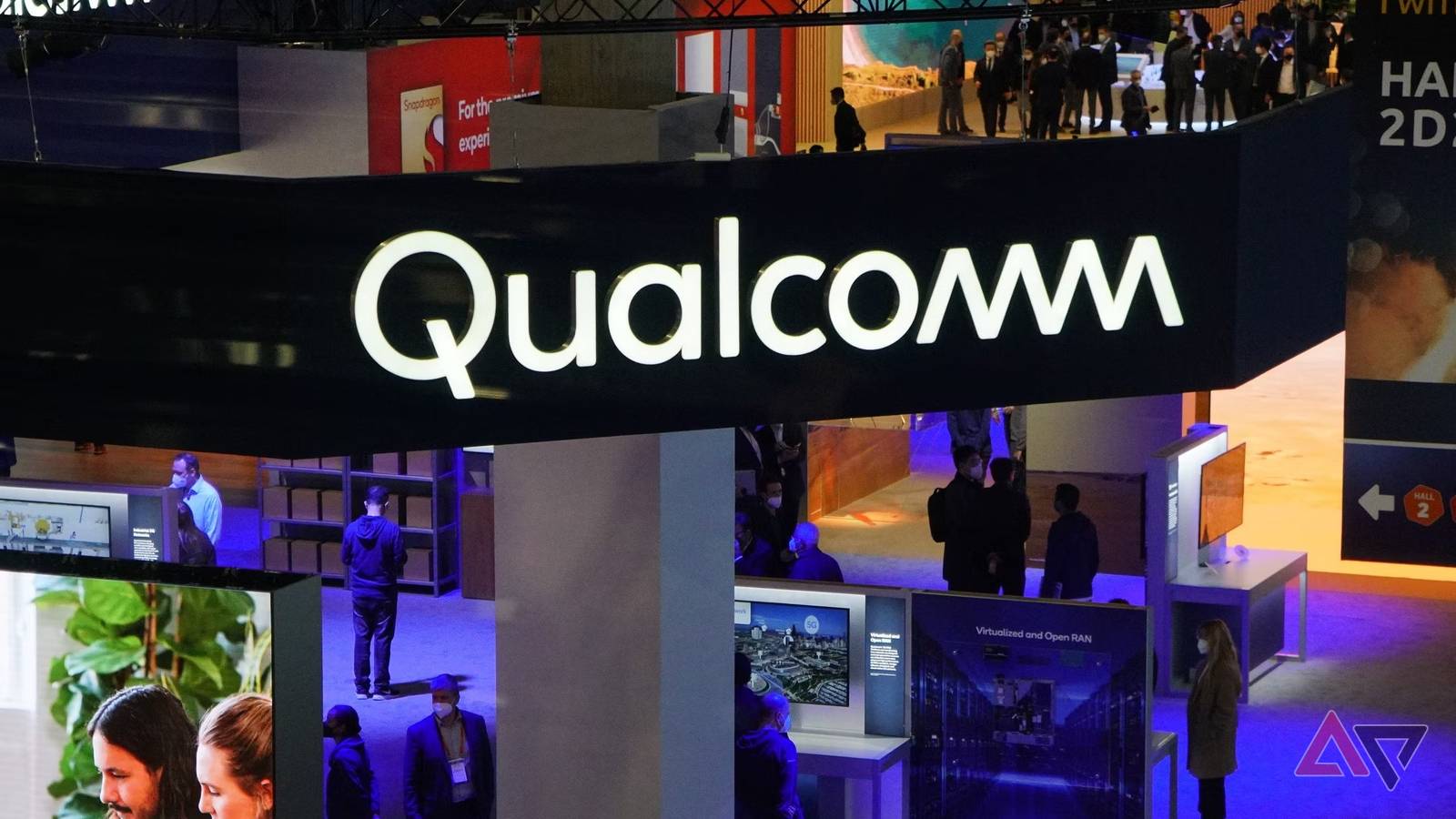
    During the opening keynote of Snapdragon Summit 2025, Qualcomm CEO Cristiano Amon and Google’s Rick Osterloh teased bringing Android to the desktop, with Qualcomm powering the experience.

    Osterloh says that, so far, Google has had “very different systems between what we are building on PCs and what we are building on smartphones.” But now, the company has “embarked on a project to combine that,” building a common technical foundation for devices across different form factors, including PCs.

    By using Android as the technical foundation, Google can “leverage all of the great work we’re doing together on our AI stack, our full stack, bringing Gemini models, bringing the assistant, bringing all of our applications and developer community into the PC domain,” notes Osterloh.

    The Google executive is clearly about merging ChromeOS with Android, something which Sameer Samat, the President of the Android Ecosystem, confirmed earlier this year.

    Following Osterloh’s remarks, Qualcomm CEO Cristiano Amon added, “I’ve seen it. It’s incredible. It delivers on the vision of convergence between mobile and PC, and I cannot wait to have one.”

    Android laptops to use Snapdragon chips

    Current-gen Chromebooks are powered by Intel CPUs. But with Android being the technical foundation, it seems Google will lean on its long-term silicon partner Qualcomm instead.

    Snapdragon chips have become increasingly powerful in recent years, with the Oryon CPU cores bringing a major leap in performance. And since they are built on Arm, Snapdragon chips should also deliver big efficiency gains, making them well-suited for Google’s Android desktop ambitions.

    Osterloh openly teasing Android PCs suggests Google has made significant progress in this area. The new desktop mode, external display support, and better window management features in Android 16 further reinforce that.

    Android Google project Snapdragonpowered teases
    Share. Facebook Twitter Pinterest LinkedIn Tumblr Email
    Previous ArticleLCD vs. LED: Which TV Technology Is Better?
    Next Article Today’s NYT Wordle Hints, Answer and Help for Sept. 24 #1558- CNET
    techupdateadmin
    • Website

    Related Posts

    Gadgets

    Android might finally stop making you tap twice for Wi-Fi

    December 22, 2025
    Gadgets

    Gear News of the Week: LG Debuts an RGB LED TV, and Google Brings Find Hub to Wear OS

    December 21, 2025
    Mobile

    Deals: Freebies with Google Pixels, discounts on Xiaomi 15, Poco F7 Ultra, and more

    December 20, 2025
    Add A Comment
    Leave A Reply Cancel Reply

    Top Posts

    NYT Strands hints and answers for Monday, August 11 (game #526)

    August 11, 202545 Views

    These 2 Cities Are Pushing Back on Data Centers. Here’s What They’re Worried About

    September 13, 202542 Views

    Today’s NYT Connections: Sports Edition Hints, Answers for Sept. 4 #346

    September 4, 202540 Views
    Stay In Touch
    • Facebook
    • YouTube
    • TikTok
    • WhatsApp
    • Twitter
    • Instagram
    Latest Reviews

    Subscribe to Updates

    Get the latest tech news from FooBar about tech, design and biz.

    Most Popular

    Best Fitbit fitness trackers and watches in 2025

    July 9, 20250 Views

    There are still 200+ Prime Day 2025 deals you can get

    July 9, 20250 Views

    The best earbuds we’ve tested for 2025

    July 9, 20250 Views
    Our Picks

    My Health Anxiety Means I Won’t Use Apple’s or Samsung’s Smartwatches. Here’s Why

    December 22, 2025

    You can now buy the OnePlus 15 in the US and score free earbuds if you hurry

    December 22, 2025

    Today’s NYT Connections: Sports Edition Hints, Answers for Dec. 22 #455

    December 22, 2025

    Subscribe to Updates

    Get the latest creative news from FooBar about art, design and business.

    Facebook X (Twitter) Instagram Pinterest
    • About Us
    • Contact us
    • Privacy Policy
    • Disclaimer
    • Terms and Conditions
    © 2026 techupdatealert. Designed by Pro.

    Type above and press Enter to search. Press Esc to cancel.