
Close Menu
TechUpdateAlert

    Subscribe to Updates

    Get the latest creative news from FooBar about art, design and business.

    What's Hot

    My Health Anxiety Means I Won’t Use Apple’s or Samsung’s Smartwatches. Here’s Why

    December 22, 2025

    You can now buy the OnePlus 15 in the US and score free earbuds if you hurry

    December 22, 2025

    Today’s NYT Connections: Sports Edition Hints, Answers for Dec. 22 #455

    December 22, 2025
    Facebook X (Twitter) Instagram
    Trending
    • My Health Anxiety Means I Won’t Use Apple’s or Samsung’s Smartwatches. Here’s Why
    • You can now buy the OnePlus 15 in the US and score free earbuds if you hurry
    • Today’s NYT Connections: Sports Edition Hints, Answers for Dec. 22 #455
    • Android might finally stop making you tap twice for Wi-Fi
    • Today’s NYT Mini Crossword Answers for Dec. 22
    • Waymo’s robotaxis didn’t know what to do when a city’s traffic lights failed
    • Today’s NYT Wordle Hints, Answer and Help for Dec. 22 #1647
    • You Asked: OLED Sunlight, VHS on 4K TVs, and HDMI Control Issues
    Facebook X (Twitter) Instagram Pinterest Vimeo
    TechUpdateAlertTechUpdateAlert
    • Home
    • Gaming
    • Laptops
    • Mobile
    • Software
    • Reviews
    • AI & Tech
    • Gadgets
    • How-To
    TechUpdateAlert
    Home»How-To»Gboard’s settings menu is finally getting a makeover
    How-To

    Gboard’s settings menu is finally getting a makeover

    techupdateadminBy techupdateadminAugust 29, 2025No Comments2 Mins Read
    Share Facebook Twitter Pinterest LinkedIn Tumblr Reddit Telegram Email
    Gboard's settings menu is finally getting a makeover
    Share
    Facebook Twitter LinkedIn Pinterest Email

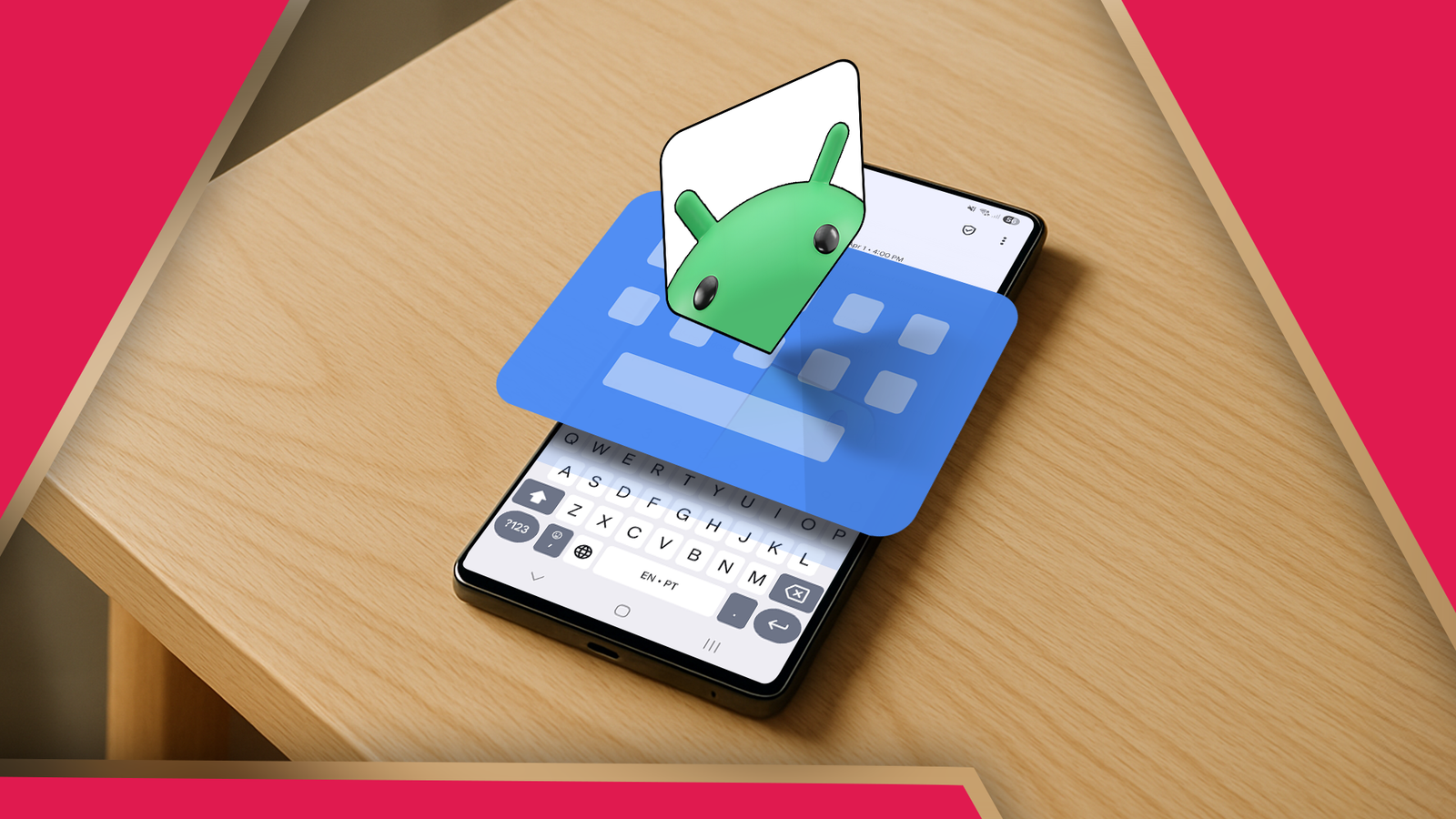
    If you’ve ever gone digging through Gboard’s settings looking for one specific toggle, you know the drill: it’s a bit of a maze. A new update spotted in testing suggests Google agrees, and it’s giving the entire menu a much-needed organizational shuffle.

    As spotted by 9to5Google, the keyboard app is rolling out a fresh look and a much-needed cleanup of its settings menu, making it easier to tweak your keyboard. The Preferences section, for instance, is a long, single list that requires a lot of scrolling. The new layout groups everything into clear categories.

    Now, that section has been reorganized for easier navigation. Layout controls now house the “Suggestion strip” toggle, while a new Shortcuts section displays options like double-space for periods, auto-spacing after punctuation, symbol shortcuts, and swipe controls. The Key tap section handles all tap feedback settings, from sound and haptics to key pop-ups and icon visibility.

    Corrections and suggestions, simplified

    Another noticeable visual change is the new pill-shaped design for clipboard suggestions, as well as prompts like Magic Cue and Pixel screenshot actions for Pixel 10 users. This update first showed up in beta, and is now arriving for everyone on version 15.8.4.

    Meanwhile, the old Text correction menu has been renamed “Corrections & suggestions” and is divided into clearer categories: automatic corrections, spelling and grammar, suggestions, and writing tools. For Pixel 10 and QPR2 beta users, this replaces the old Proofread menu. There’s also a dedicated toggle to control whether word suggestions appear in the suggestion strip. This feature is currently rolling out with beta version 15.8.5.

    This update doesn’t reinvent Gboard, it just removes the friction. Everything you need to tweak is now easier to find and adjust. Paired with the new suggestion strip, it just feels more considered, especially if you’re picky about how you type.

    Finally Gboards makeover menu Settings
    Share. Facebook Twitter Pinterest LinkedIn Tumblr Email
    Previous ArticleMSI Datamag portable SSD review
    Next Article Crossword lovers in mourning as the New York Times commits its latest unspeakable act: Paywalling the Mini puzzle
    techupdateadmin
    • Website

    Related Posts

    Gadgets

    Android might finally stop making you tap twice for Wi-Fi

    December 22, 2025
    Mobile

    Rainbow Six Mobile finally gets a global release date and two exclusive maps

    December 18, 2025
    Mobile

    This tiny drone tracks, films, and follows you, and it finally has a sane price

    December 16, 2025
    Add A Comment
    Leave A Reply Cancel Reply

    Top Posts

    NYT Strands hints and answers for Monday, August 11 (game #526)

    August 11, 202545 Views

    These 2 Cities Are Pushing Back on Data Centers. Here’s What They’re Worried About

    September 13, 202542 Views

    Today’s NYT Connections: Sports Edition Hints, Answers for Sept. 4 #346

    September 4, 202540 Views
    Stay In Touch
    • Facebook
    • YouTube
    • TikTok
    • WhatsApp
    • Twitter
    • Instagram
    Latest Reviews

    Subscribe to Updates

    Get the latest tech news from FooBar about tech, design and biz.

    Most Popular

    Best Fitbit fitness trackers and watches in 2025

    July 9, 20250 Views

    There are still 200+ Prime Day 2025 deals you can get

    July 9, 20250 Views

    The best earbuds we’ve tested for 2025

    July 9, 20250 Views
    Our Picks

    My Health Anxiety Means I Won’t Use Apple’s or Samsung’s Smartwatches. Here’s Why

    December 22, 2025

    You can now buy the OnePlus 15 in the US and score free earbuds if you hurry

    December 22, 2025

    Today’s NYT Connections: Sports Edition Hints, Answers for Dec. 22 #455

    December 22, 2025

    Subscribe to Updates

    Get the latest creative news from FooBar about art, design and business.

    Facebook X (Twitter) Instagram Pinterest
    • About Us
    • Contact us
    • Privacy Policy
    • Disclaimer
    • Terms and Conditions
    © 2026 techupdatealert. Designed by Pro.

    Type above and press Enter to search. Press Esc to cancel.