
Close Menu
TechUpdateAlert

    Subscribe to Updates

    Get the latest creative news from FooBar about art, design and business.

    What's Hot

    My Health Anxiety Means I Won’t Use Apple’s or Samsung’s Smartwatches. Here’s Why

    December 22, 2025

    You can now buy the OnePlus 15 in the US and score free earbuds if you hurry

    December 22, 2025

    Today’s NYT Connections: Sports Edition Hints, Answers for Dec. 22 #455

    December 22, 2025
    Facebook X (Twitter) Instagram
    Trending
    • My Health Anxiety Means I Won’t Use Apple’s or Samsung’s Smartwatches. Here’s Why
    • You can now buy the OnePlus 15 in the US and score free earbuds if you hurry
    • Today’s NYT Connections: Sports Edition Hints, Answers for Dec. 22 #455
    • Android might finally stop making you tap twice for Wi-Fi
    • Today’s NYT Mini Crossword Answers for Dec. 22
    • Waymo’s robotaxis didn’t know what to do when a city’s traffic lights failed
    • Today’s NYT Wordle Hints, Answer and Help for Dec. 22 #1647
    • You Asked: OLED Sunlight, VHS on 4K TVs, and HDMI Control Issues
    Facebook X (Twitter) Instagram Pinterest Vimeo
    TechUpdateAlertTechUpdateAlert
    • Home
    • Gaming
    • Laptops
    • Mobile
    • Software
    • Reviews
    • AI & Tech
    • Gadgets
    • How-To
    TechUpdateAlert
    Home»How-To»Gboard update lets you adjust font size separately
    How-To

    Gboard update lets you adjust font size separately

    techupdateadminBy techupdateadminSeptember 2, 2025No Comments2 Mins Read
    Share Facebook Twitter Pinterest LinkedIn Tumblr Reddit Telegram Email
    Gboard update lets you adjust font size separately
    Share
    Facebook Twitter LinkedIn Pinterest Email

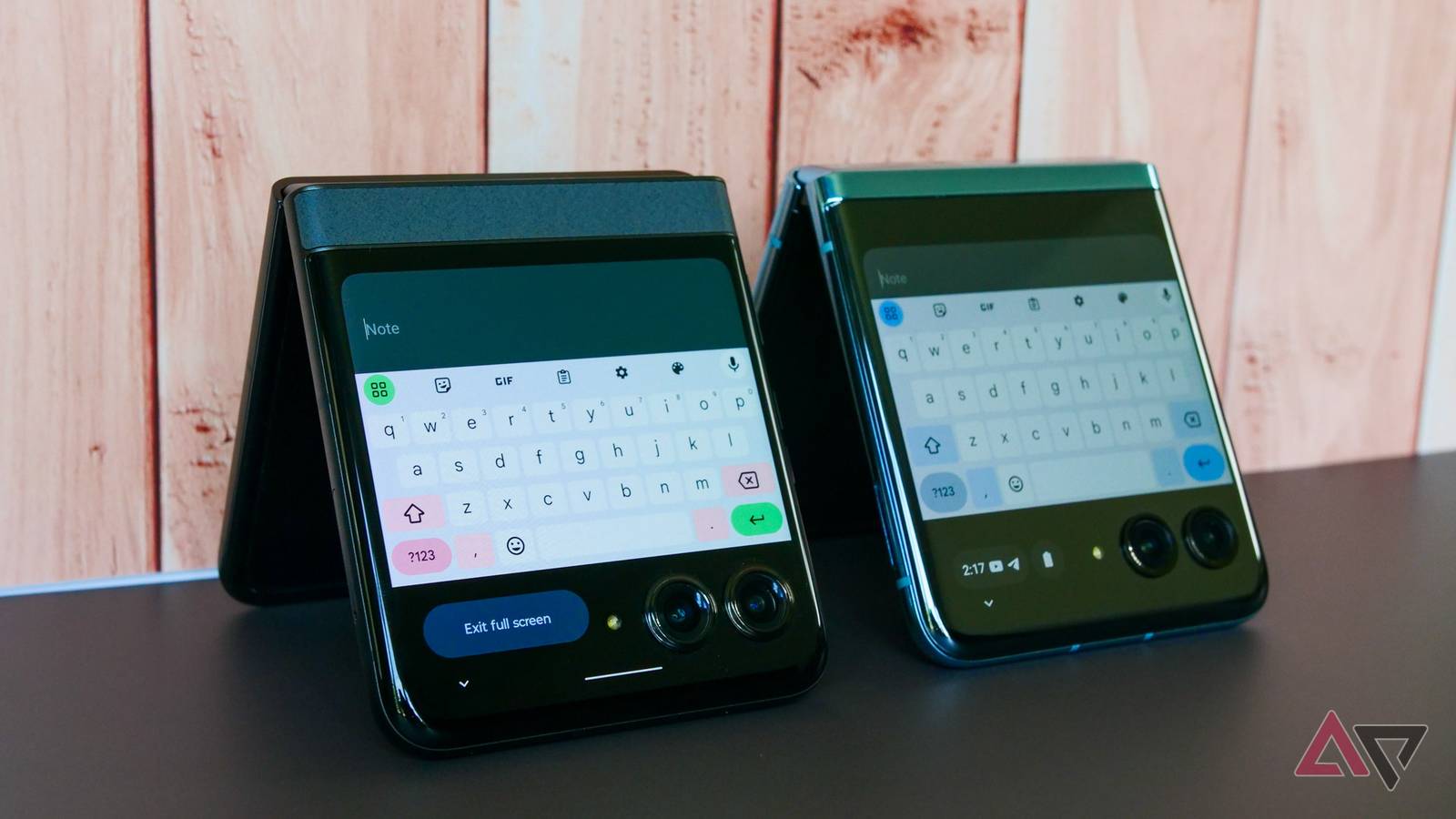
    In recent months, Google has made several improvements to Gboard, including giving its Settings menu a much-needed spring cleaning and better autofill integration. Now, the company is rolling out another change to Gboard, making its font size independent of your phone’s settings.

    Until now, Gboard’s font size was linked to your phone’s system font. Any change you made to the device font size automatically applied to Gboard as well. This sounds good in theory, but it falls apart if you prefer unusually small or large font sizes.

    Now, Google is rolling out an independent font size setting for its Android keyboard. When the feature makes its way to your account, you should see a “Keyboard font size updated” tip the next time you invoke the keyboard. You can tap the settings icon from the banner or head into Gboard settings > Preferences > Font size.

    From here, you can use a slider to adjust Gboard’s font size independently. By default, it matches the system size, but you can increase it in 15% increments starting at 85%. Beyond 130%, the slider jumps to 150%, 180%, and 200%.

    The changes are limited to Gboard’s keys, toolbar, and its header at the top. They don’t extend to emoji. It may seem like a small tweak, but it helps fix the awkward layout issues many Android users run into when using larger-than-usual font sizes.

    One oversight in Google’s implementation: it does not show a preview. You can only adjust the keyboard font size — there’s no way to tell how big or small they become after that until you invoke Gboard. This could mean adjusting the font size settings multiple times until you find the right size.

    Gboard’s new font size setting is not widely available yet

    I’m seeing Gboard’s new font size setting on v15.9.0.799068799-beta. However, the feature appears to be tied to a server-side rollout, as it’s not showing up on all my Android devices.

    Google was also previously spotted working on letting you change Gboard’s stock font. More than a year later, that feature still isn’t widely available. Hopefully, the font size setting won’t meet the same fate and will see a wider rollout.

    adjust font Gboard Lets separately size Update
    Share. Facebook Twitter Pinterest LinkedIn Tumblr Email
    Previous ArticleFounders, freelancers, hustlers: this AI tool just replaced half your workflow
    Next Article Nvidia says AI models lack ‘common sense’ so it’s drafting in good old fashioned human beings to give them a pop quiz
    techupdateadmin
    • Website

    Related Posts

    Gadgets

    Your Ring doorbell now lets Alexa+ answer the door for you

    December 19, 2025
    Mobile

    LG’s First Dolby FlexConnect Soundbar Lets You Place Speakers Anywhere

    December 18, 2025
    Gadgets

    Adobe’s Firefly AI now lets you edit videos by describing changes

    December 16, 2025
    Add A Comment
    Leave A Reply Cancel Reply

    Top Posts

    NYT Strands hints and answers for Monday, August 11 (game #526)

    August 11, 202545 Views

    These 2 Cities Are Pushing Back on Data Centers. Here’s What They’re Worried About

    September 13, 202542 Views

    Today’s NYT Connections: Sports Edition Hints, Answers for Sept. 4 #346

    September 4, 202540 Views
    Stay In Touch
    • Facebook
    • YouTube
    • TikTok
    • WhatsApp
    • Twitter
    • Instagram
    Latest Reviews

    Subscribe to Updates

    Get the latest tech news from FooBar about tech, design and biz.

    Most Popular

    Best Fitbit fitness trackers and watches in 2025

    July 9, 20250 Views

    There are still 200+ Prime Day 2025 deals you can get

    July 9, 20250 Views

    The best earbuds we’ve tested for 2025

    July 9, 20250 Views
    Our Picks

    My Health Anxiety Means I Won’t Use Apple’s or Samsung’s Smartwatches. Here’s Why

    December 22, 2025

    You can now buy the OnePlus 15 in the US and score free earbuds if you hurry

    December 22, 2025

    Today’s NYT Connections: Sports Edition Hints, Answers for Dec. 22 #455

    December 22, 2025

    Subscribe to Updates

    Get the latest creative news from FooBar about art, design and business.

    Facebook X (Twitter) Instagram Pinterest
    • About Us
    • Contact us
    • Privacy Policy
    • Disclaimer
    • Terms and Conditions
    © 2026 techupdatealert. Designed by Pro.

    Type above and press Enter to search. Press Esc to cancel.