


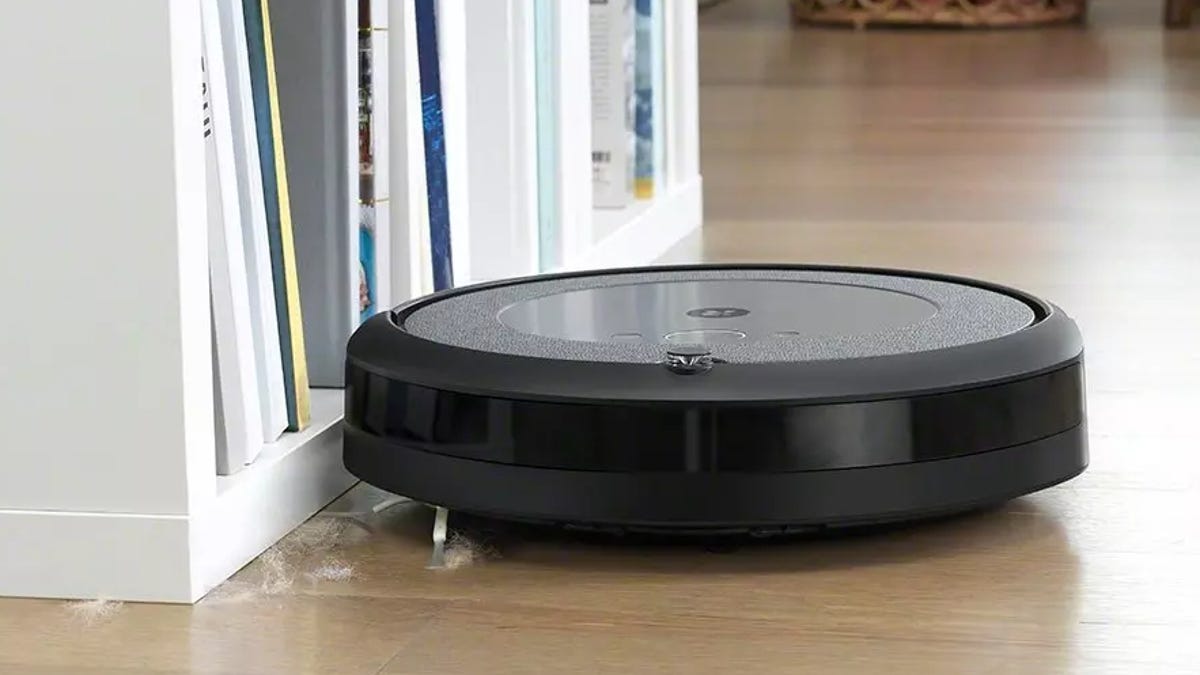
Maximizing your robot vacuum‘s performance and lifespan comes down to consistent care and regular maintenance. With attention to its upkeep, your robotic cleaner will operate more effectively, maintain peak cleaning performance and seamlessly integrate into your daily routine as the effortless cleaning solution you envisioned.
This guide covers essential maintenance strategies and proven techniques to keep your automated cleaner running at its best. Regular care prevents premature breakdowns and performance issues that could leave you with an expensive paperweight after just a few months of use. Given that quality robot vacuums represent a significant investment, new owners should prioritize proper maintenance to protect their purchase and ensure optimal long-term value.
Tips for optimizing your robot vacuum setup
As the saying goes, you never get a second chance to make a first impression. This is also true for our little robot companions, where how well the setup stage goes will inform a lot about how well your vacuum functions over the long run.
1. Choose the right dock location
First, you’ll want to find an optimal place to install the base and charging dock. Ideally, this will be centrally located in the area you want to clean, without many nearby obstacles, so you’ll have to move around every time you start a cleaning cycle. That said, you’ll also want to choose a place that’s out of the way of heavy foot traffic, like walls opposite doorways or corners where there isn’t already existing furniture.
The J15 Max Ultra comes with a all-in-one-base station and self-emptying dock.
2. Start mapping right away
You’ll also want to start mapping as early as possible; the more mapping data your little buddy has, the better they’ll find their way around (and not get stuck or damaged). You can use boundary/magnetic tape to ensure your vacuum doesn’t enter dicey areas, usually available directly from the manufacturer, or set up no-go zones in the app. There are even “virtual wall” devices that allow you to block off entire areas or rooms using small pylons.
Most robot vacuums have a dedicated mapping mode or automatically begin mapping an area during a specific cleaning mode. In either case, make sure you closely monitor the vacuum during initial runs so it doesn’t tumble down the stairs or get lodged under an entertainment system.
Nowadays, most robot vacuums are pretty good at this on their own, but it doesn’t hurt to baby it a little if you have an unusual space or lots of clutter. Usually, after it gets a good sense of the space and assumes nothing changes, you can leave it to its own devices during later passes.
Follow these maintenance tips for longevity
The best relationships take work, but luckily, most robot vacuums are low-maintenance. That said, there are a few things you’ll want to do regularly to ensure they keep running smoothly.
3. Empty the dustbin
First, empty the dustbin after every run. While it varies from unit to unit, this typically just involves unlatching the bin and emptying it into the garbage, though some have fully removable bins. In either case, brushing or wiping out the bin with a paper towel to ensure you’ve fully emptied it is a good idea.
4. Check the brushes
You’ll also want to regularly check to ensure the brushes aren’t clogged with hair and other detritus, or your little friend will start grumbling (or give up the ghost entirely). If things get particularly hairy, you can use a small knife or scissors to cut through the tangled hair, making it much easier to pull out. The better idea is a quick, regular cleaning to ensure it doesn’t get to that stage in the first place.
Cleaning all parts of your robot vacuum is important to keep it in tip-top shape.
5. Change dust filters
Make sure to knock the dust out of your little guy’s filters and regularly replace them. Depending on how frequently your robot vacuum is running, this may be as often as once a month, though they can last significantly longer with frequent cleaning.
6. Keep the sensors clean
Finally, you’ll want to keep the electronic bits clean. Occasionally, wipe down the glass sensor pods with a little glass cleaner and a soft microfiber cloth, and ensure that the charging contacts on both the vacuum and the base are clean and dust-free.
The Roomba Combo 505 can navigate around obstacles.
Maximize the battery life
7. Keep the charging base clean and cool
It’s worth paying attention to your robot vacuum’s charging habits and environment. As we mentioned above, keeping the charging contacts on both the unit and the charging base clean is key, but you can do a few other things to ensure the battery lasts as long as possible.
As with other electronics, your robot vacuum won’t appreciate exposure to extreme temperatures. Avoid installing the charging base near heating registers or vents, in front of an AC unit, or in a place where it’ll be consistently hit with direct sunlight.
8. Replace it when it begins to struggle
Lithium-ion batteries are pretty long-lasting, but they’re not eternal. If you notice that your vacuum no longer has the get-up-and-go to clean your space fully, replace the battery, likely every one to three years, depending on usage.
There are ways to make your robot vacuum battery lasts longer.
Bonus hacks for deeper cleaning
Everybody needs a hand occasionally, and your robot vacuum is no exception. It’ll likely do a lovely job straight out of the box, but to truly elevate its game, there are a few things you can do to take the cleaning experience to the next level.
Add essential oil
Consider adding a few drops of essential oil to the filter, for instance, to eradicate dirt and dust and contribute a little aromatherapy to your living space. You can also apply cleaning powder or baking soda to your carpets to help eliminate odors.
Get some accessories
Another fun way to amplify your vacuum’s functionality is through accessories. Some manufacturers sell add-ons to help reach otherwise inaccessible areas or extras like upgraded batteries or larger water tanks for robot mop units. Suppose you want to take your accessory to the next level. In that case, there’s also a growing community of DIYers 3D-printing things like additional filter compartments to add air fresheners to a unit or cliff sensor covers that prevent a vacuum from reading a dark patch of carpet as an impassable edge.
The Roomba 405 can clean up after pets and avoid messes.
Robot vacuums and pet owners
While they’re immune to human foibles like allergies, most robot vacuums don’t play nicely with pets. Your cat might like tooling around on it while it deep cleans your living room, but you’ll probably want to schedule cleanings for times when larger animals won’t block its path (or outright decimate it by knocking it around or landing directly on top of it).
If pet hair is a significant issue, or you have a lot of furry friends you’ll be integrating your new vacuum companion with, consider our pick for the best robot vacuum for pet hair, the iRobot Roomba j9 Plus. However, we’re also partial to the J7 Plus9 has the sensors and smarts to avoid larger messes entirely, sparing you a very uncomfortable cleaning process. This feature is also being refined on newer models, with the Eureka J15 Max Ultra using AI to detect spills and untangle itself.
Conclusion
While they don’t demand much, a little forethought, occasional maintenance, and some intelligent use will make your robot vacuum experience much more rewarding (and much less annoying).
How often should I empty the dustbin of my robot vacuum?
Unless it’s only covering a very small area, or very frequently covering the same area so there’s little time for additional dirt and debris to pile up, you empty your robovac’s dustbin after every use. This is especially crucial for larger or multistory homes, assuming you’re covering the entire place every time you run a cleaning cycle.
Where is the best place to position my robot vacuum’s charging dock?
Ideally, your charging station should be centrally located and accessible. You also want to avoid any area blocked by one or more obstacles, and any area that might be exposed to extreme temperatures, like where the sun frequently shines through windows or in front of HVAC vents.
Can I use essential oils with my robot vacuum?
Yes, adding a few drops of essential oil to your vacuum’s filter can add an aromatherapy dimension to your standard cleaning cycle, and help reduce the natural odors that occur when dust and dander are kicked up while vacuuming.
