


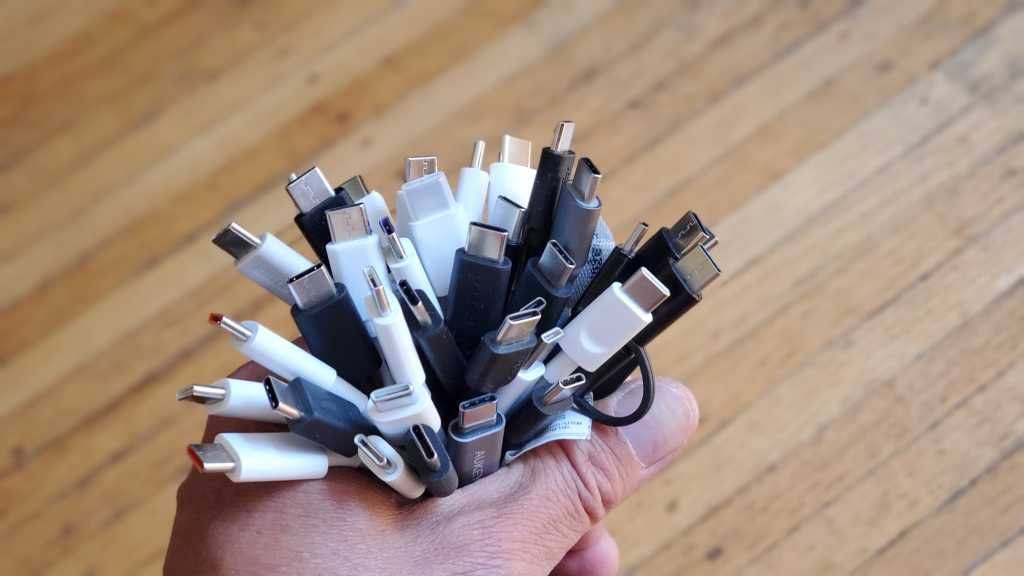
It’s been a few years since USB-C first hit the scene. And while we still love how reversible it is and how powerful it’s become, we’re also more aware of the potential pitfalls around this high-powered cable.
There have been plenty of stories of poor-quality cables frying components, shorting chargers, or even catching fire, so we’ve gone to great lengths to test many options, including some of the best USB-C cables you can get and some of the most hazardous to avoid.
Here are some key gotchas you need to be aware of before buying a USB-C cable these days. Learn how to spot the bad ones and what you can do to end up with one that’s fast, durable, and priced well.
Further reading: Laptop makers, I’m begging you for this one simple feature
Don’t buy from no-name brands
This tip is true for most electronics, but it’s especially important for USB-C cables. You might think a USB-C cable is just a bit of wiring in a sheath, but actually there are several safety features — at least, there should be — that ensure safe power delivery.
Of course, just because safety regulations exists doesn’t mean that all manufacturers follow them, especially manufacturers who don’t have a reputation to uphold. That tends to be the case for manufacturers on the other side of the world who sell to the international market through sites like Temu, AliExpress, and Amazon.
Although sticking to recognizable brands isn’t an entirely foolproof method of securing a high-quality USB-C cable, it does eliminate a lot of the risk as far as safety transgressions are concerned. There’s also more likelihood of recompense if something does go wrong.
USB-C cable brands we recommend include:
- Anker
- Apple
- Belkin
- Cable Matters
- Dockcase
- JSAUX
- Microsoft
- SooPii
- Ugreen
Avoid USB-C-to-USB-A cables
Gordon Mah Ung / IDG
If transfer speed is important to you and if your devices and chargers support it, always prefer to use a USB-C-to-USB-C cable rather than a USB-C-to-USB-A cable or converting it from one to the other with an adapter.
USB-A is limited in data transfer speed to 10Gbps and limited in charging speed to just 15W. Although there are some USB-C-to-USB-A cables that claim to handle up to 100W, these are typically based on proprietary charging technologies and only reach those rates when paired with appropriately compatible devices and chargers.
In comparison, modern USB-C-to-USB-C cables can handle up to 40Gbps of data transfer and up to 240W for fast charging. (That said, 100W and less is still the most common.) You don’t need to buy a cable with the highest specifications, but higher-spec cables are usually higher quality, and that can help ensure that you’re getting a good USB-C cable.
So unless you’re powering legacy devices that only support USB-A, you’re better off moving to end-to-end USB-C for both data transfers and charging if performance is a priority.
Buy Thunderbolt or USB4 if you can
Mark Hachman / Foundry
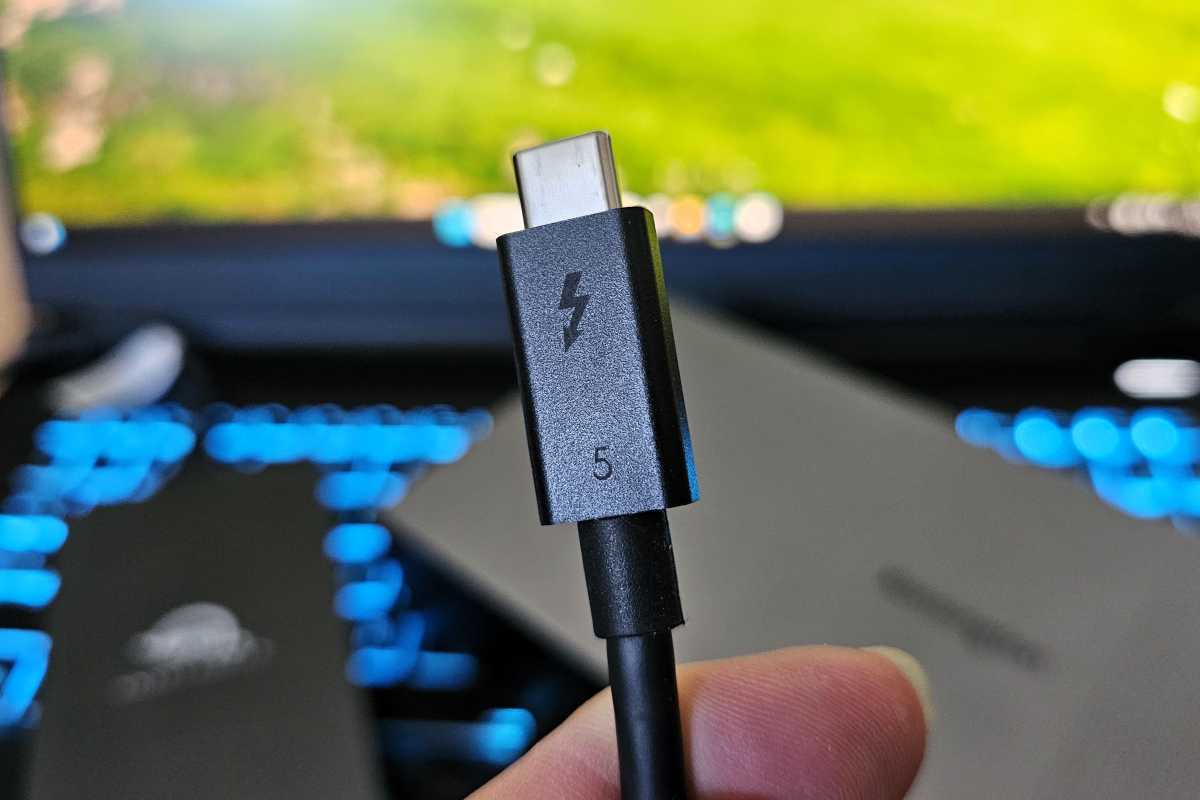
Thunderbolt (3, 4, or 5) and USB4 cables offer the highest charging and data transfer speeds possible for USB-C as of this writing. But most people don’t exactly need those tip-top specs, right?
Even so, there’s another good reason to buy one of these cable types: they must adhere to stricter specifications to earn their Thunderbolt or USB4 labels, especially Thunderbolt.
A USB-C 3.2 cable isn’t just slower and less capable than a USB4 cable, it’s actually built to a weaker standard and probably isn’t as high-quality. Thunderbolt 3, 4, and the newest Thunderbolt 5 standard have far higher minimum requirements and taller ceilings on potential quality.
All of this means that you’re way less likely to purchase a dangerous or underperforming USB-C cable if you stick to Thunderbolt or USB4. Just make sure you get whatever’s supported by your devices. (I mean, if none of your devices support Thunderbolt 4, you might as well save a bit of cash and opt for Thunderbolt 3 instead.)
Check the cable’s weight
Marcus Urbenz / Unsplash
Weighing cables before you buy them might seem like some old-timey superstition, but it’s as legitimate as anything else on this list.
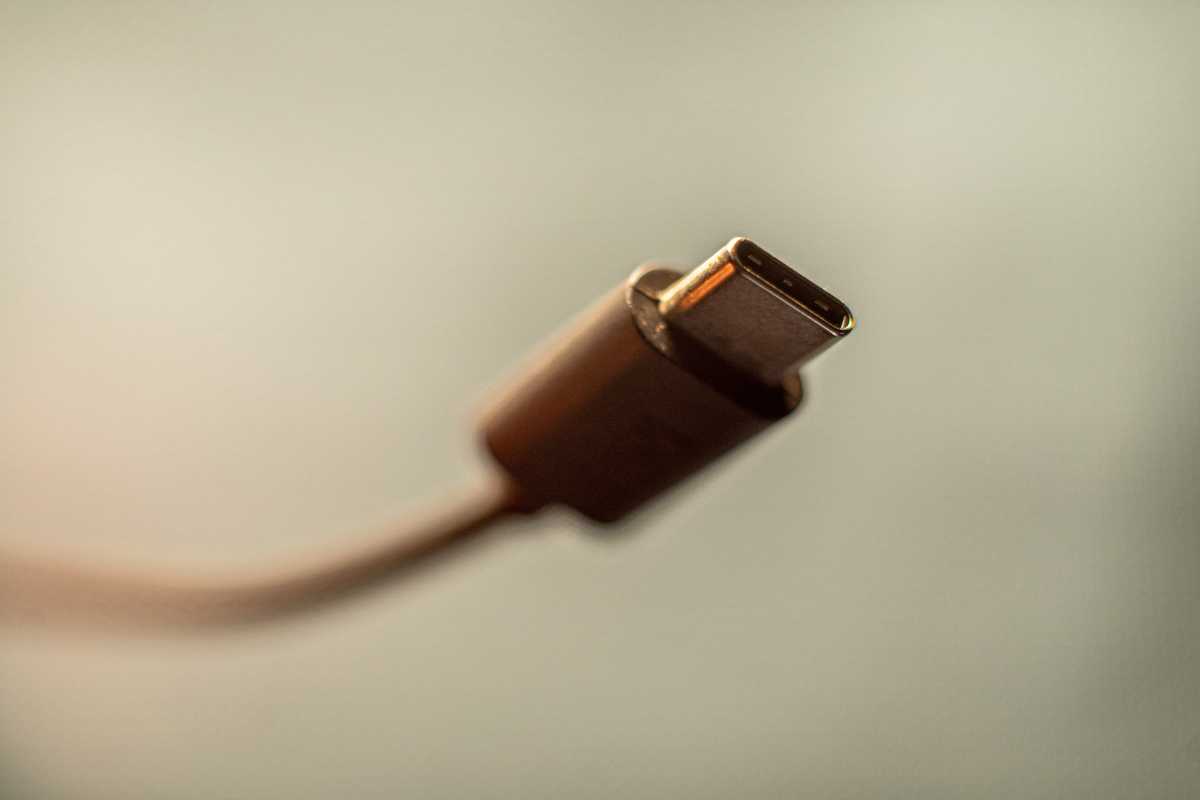
Higher-quality USB-C cables are built with a thicker wire gauge, and that thicker copper wiring delivers a cleaner signal. Although some of a thicker cable’s heft and weight comes from its sheath, some of it comes from the wire itself — and more of that means a better cable.
We have the receipts to back this up, too. We previously tested whether all USB-C cables are the same and compared a $9 USB-C cable to a $19 alternative. Both measured six feet in length, but the cheaper one was much thinner and lighter. (The $9 one weighed 38 grams while the $19 one weighed 86 grams. A significant difference.)
Now, I know it’s not always easy or possible to weigh a cable before you buy it on the internet, but you can usually find weight in the cable’s technical specs. A little variation is okay, but if one cable is substantially lighter than others, consider axing it as a potential buy.
Avoid third-party magnetic adapters
Michael Crider / IDG
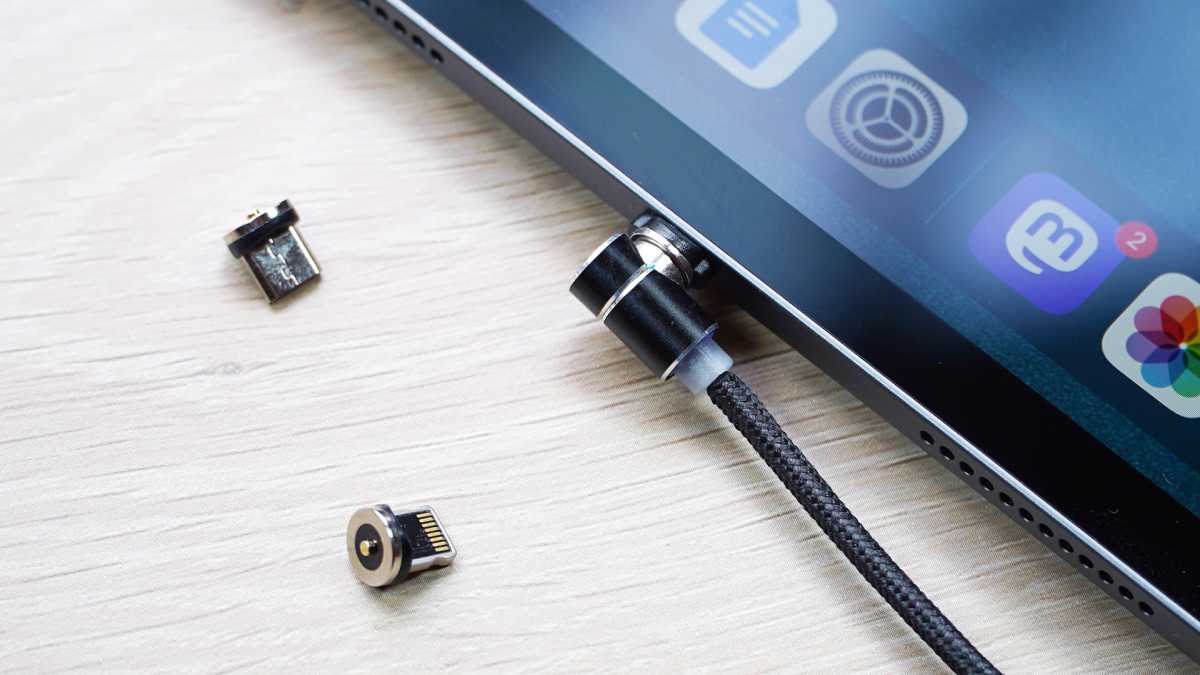
You may have seen magnetic tip adapters that attach a USB-C cable and turns one end into a magnetic quick release, much like what we saw in Apple’s defunct MagSafe cables. But you should steer clear of these because they pose a significant risk of hardware damage.
Many third-party magnetic USB-C cable adapters don’t offer protection against environmental damage to exposed pins. Others aren’t protected against debris shorting out the pins. There’s even the possibility of electrical arc damage when unplugging the connector.
That last point is particularly dangerous, and it happens because the USB-C standard was designed with the idea that a USB-C cable would be plugged into a USB-C port, providing ample time to cut power when the cable is removed. However, magnetic connections are much faster to detach, so there’s a chance that power delivery is still going on even after detaching, leading to electrical arcs and potential damage.
Stop using old USB-C cables
James Barber / Foundry
After all this advice, you might be thinking that it’s not worth the trouble and you might as well just use whatever old USB-C cables are lying around your home.
But be wary of doing that! USB-C standards have continued to improve dramatically over the years, and many of those older USB-C cables from years ago weren’t just slow — they were dangerous.
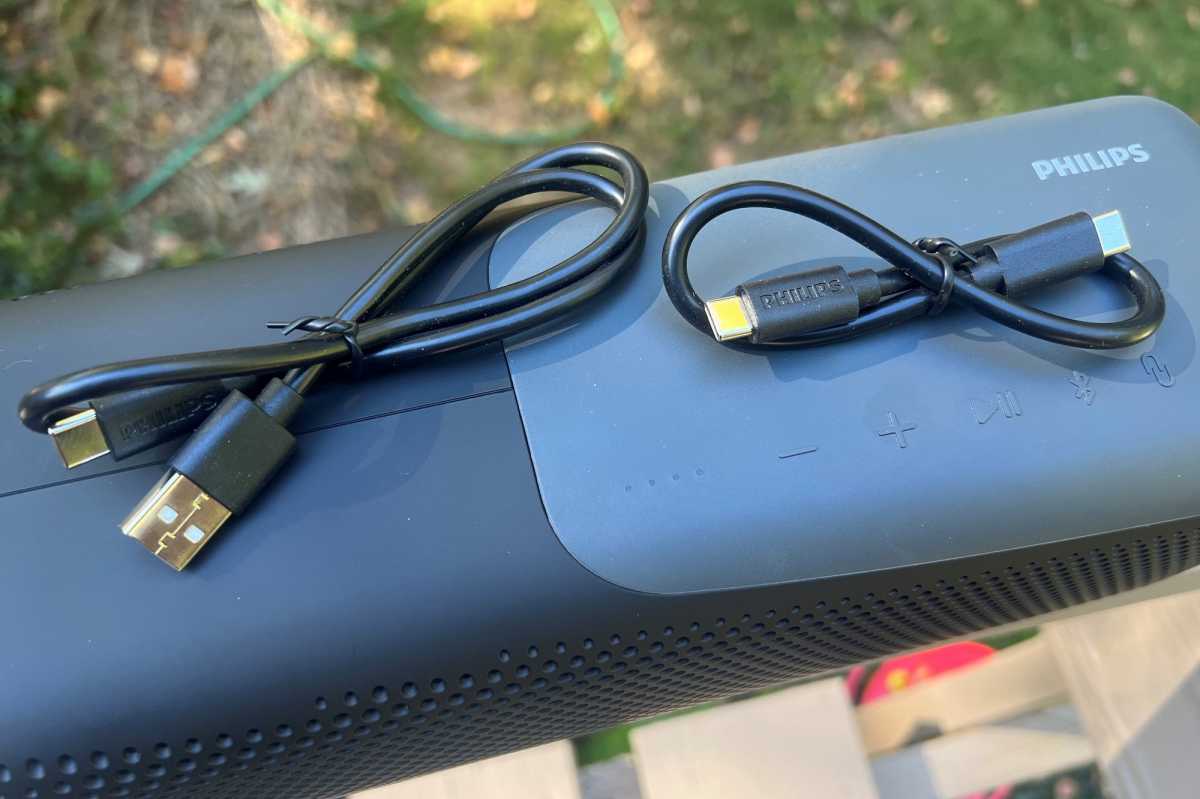
We performed an extensive test on older USB-C cables and found that most actually had the potential to provide too much power, which can damage ports and even fry devices. Do you really want to risk shorting your expensive laptop because you didn’t want to toss that old USB-C cable that’s been sitting in your drawer?
Spending a few bucks on a new USB-C cable can protect you from all sorts of headaches and make life more convenient with faster data transfer and charging speeds.
Further reading: The best USB-C cables worth buying
