


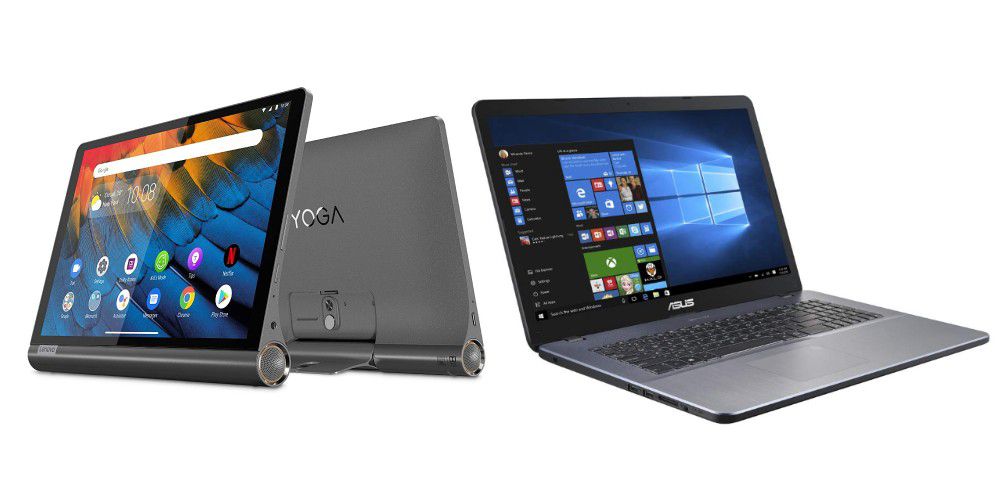
Support for many Windows 10 devices ends on October 14th. Although Microsoft is accommodating fans of the operating system in some respects, for many the question arises as to whether a switch to Windows 11 (currently 50% off on the PCWorld Software store) makes sense in the long term—or whether remaining in the Microsoft ecosystem is still necessary at all. A classic Windows laptop is no longer indispensable for everyday mobile use and modern tablets can keep up in many scenarios, plus they offer a number of convenience benefits.
Even those who already own a desktop PC or a powerful work computer can ask themselves the question: Does it really have to be a classic Windows laptop? Or is it worth looking at modern tablets with a keyboard dock, desktop mode, and sophisticated multitasking? We’ll answer all of these questions in this article.
Tablet instead of a laptop—when is it worth it?
A tablet does not completely replace a laptop—especially not for power users. But they are easily sufficient for many everyday scenarios: writing emails, editing texts, surfing the internet, preparing presentations, or streaming films works at least as comfortably on iPads and Android tablets today as it does on inexpensive Windows laptops. A tablet is therefore particularly suitable for:
- Users with a powerful main PC who are only looking for a lightweight second device.
- Students or pupils who prioritize mobility and battery life.
- Frequent travellers for whom a lightweight, compact device is sufficient.
- Private users who don’t need Windows programs.
- Anyone who categorically rejects Windows 11 and does not want to switch to Linux.
Mobile work: Super convenient with a Bluetooth keyboard
Modern tablets can be combined with Bluetooth keyboards, trackpads, or pens. This makes it easy to type long texts or emails—without the clunky notebook feel. Those who frequently work on the move will also appreciate the lightning-fast readiness for use: simply switch on and get started—no long booting or system updates.
Less ballast, more battery: Mobility beats multitasking
A Galaxy Tab with DeX mode (such as the Galaxy Tab S4) or an iPad with a keyboard case usually weighs well under a kilogram—including accessories. A typical Windows notebook weighs at least twice as much.
What’s more, tablets often run for 10 to 14 hours at a time, while many inexpensive laptops have to be plugged in again after 5 to 6 hours. Tablets are simply superior for mobile working or for binging series marathons on long commutes.
Apps instead of programs: Often sufficient for most tasks
Office, Zoom, Outlook, Google Docs, banking, media libraries, browsers: most everyday applications are also available as apps—often even more optimized versions than on Windows.
If you don’t use niche software or complex programs, you can easily get through everyday digital life with a tablet. And if you do want more, devices such as the Samsung Galaxy Tab or Apple’s iPad Pro even come with desktop features such as split screen, drag-and-drop, and file manager.
Tablets are becoming more productive and more versatile
Thanks to keyboard docks, touchpads, pen operation, and optional mouse support, modern tablets can be used almost like notebooks. iPads (from iPadOS 16) now even support external display management.
Android tablets offer real window control with DeX or in desktop mode. And with cloud services or remote desktop apps, access to the home PC is no longer a problem.
Windows 11: More computing power, less freedom?
Not everyone wants to or can switch to Windows 11. The strict hardware requirements (keyword TPM 2.0) rule out many older laptops. And those who prefer Windows 11-free zones will find the tablet a platform that offers less update stress, less bloatware and more control over data protection and access rights.
Tablet recommendations: These devices are suitable as notebook replacements
Do you want to work on the move, stream videos or simply have a lightweight second device for travelling? Then you will find product recommendations here that meet these requirements.
All three models currently offer sufficient performance for office work, surfing, or light gaming—and support accessories such as keyboards or stylus pens. Thanks to their long battery life, desktop functions and good price-performance ratio, they are a real alternative to the classic notebook.
Samsung Galaxy Tab S9
Samsung
Price: $919.99 (currently only $669.99)
Technical data:
- Display: 11-inch Dynamic AMOLED 2X, 2560 × 1600 pixels, 120 Hz
- Processor: Snapdragon 8 Gen 2
- Memory: 8 GB RAM
- Memory: 128 GB, expandable via microSD (up to 1 TB)
- Camera: 13 megapixel rear camera, 12 megapixel front camera
- Audio: 4 speakers with Dolby Atmos
- Battery: 8,400 mAh, fast charging with 45 watts
- Special features: IP68 certification, S Pen included, DeX mode
- Dimensions & weight: approx. 5.9 mm and 498 g
With its (very good) 11-inch AMOLED display, fast Snapdragon 8 processor and the included S Pen, the Galaxy Tab S9 offers everything a modern notebook replacement needs.
It is slim, light and supports Samsung’s DeX mode for a desktop-like interface. Ideal for mobile working, creative writing or multimedia – and with the matching Bluetooth keyboard also for working from home.
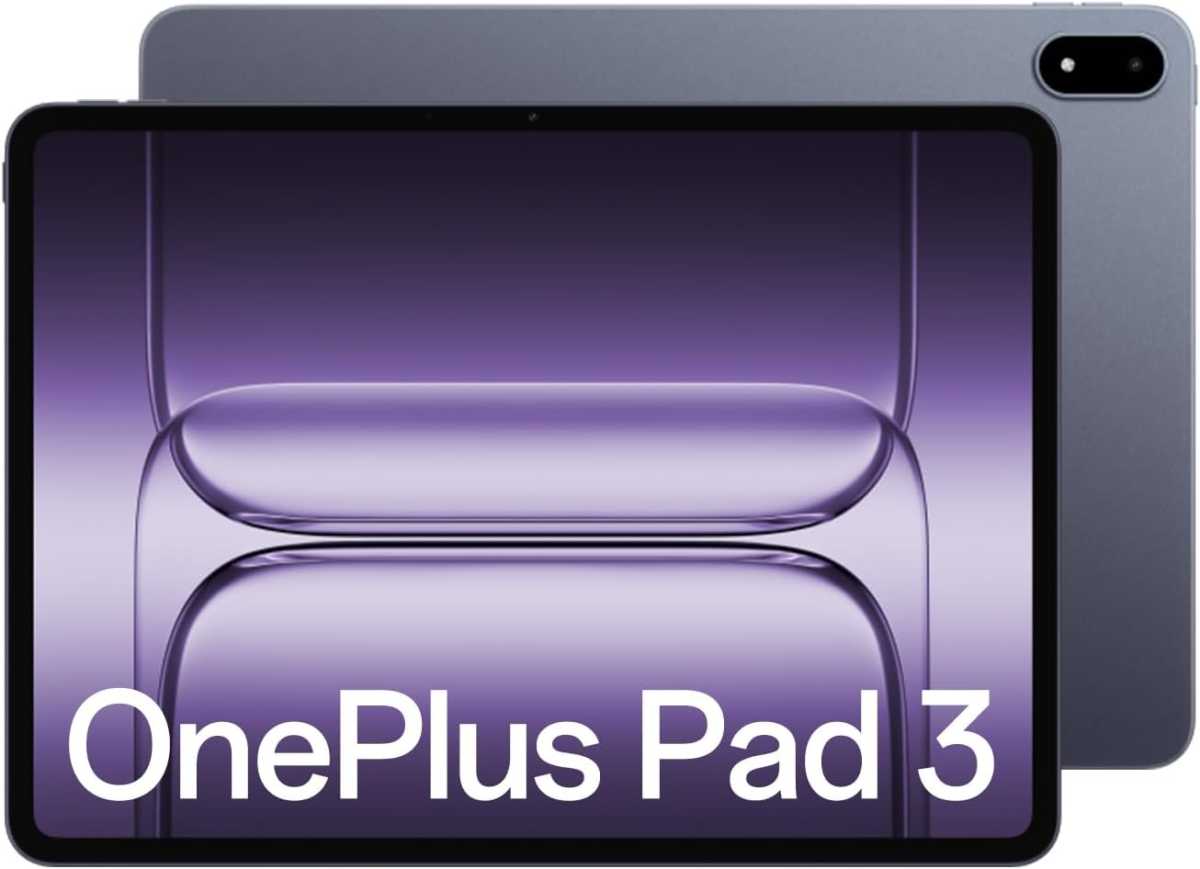
OnePlus Pad 3 tablet
OnePlus
Price: $699.99
Technical data:
- Display: 13.2-inch LCD, 3,392 × 2,400 pixels, 144 Hz
- Processor: Snapdragon 8 Elite
- Memory: 12 GB RAM 256 GB or 16 GB RAM 512 GB
- Battery & charging: 12,140 mAh, 80 W fast charging
- Cameras: 13 megapixel rear camera, 8 megapixel front camera
- Audio: 8 speakers (4 woofers 4 tweeters)
- Weight: approx. 675 g, ultra-slim (~ 6 mm)
- Software and features: Android 15 with OxygenOS 15, “Open Canvas” multitasking, AI tools (e.g. AI Writer)
The OnePlus Pad 3 comes with a generous 13.2-inch 3.4K display and the fast Snapdragon 8 Gen 2 Elite processor, which ensures smooth performance. With up to 16 GB RAM and Wi-Fi 7, it is ideally equipped for multitasking and fast surfing.
The slim design and a battery life of around 15 hours make the tablet mobile and suitable for everyday use.
The Android-based OxygenOS interface is clearly laid out, but software updates are limited to three years. Overall, the OnePlus Pad 3 offers an attractive price-performance ratio and is a strong alternative to other high-end tablets.
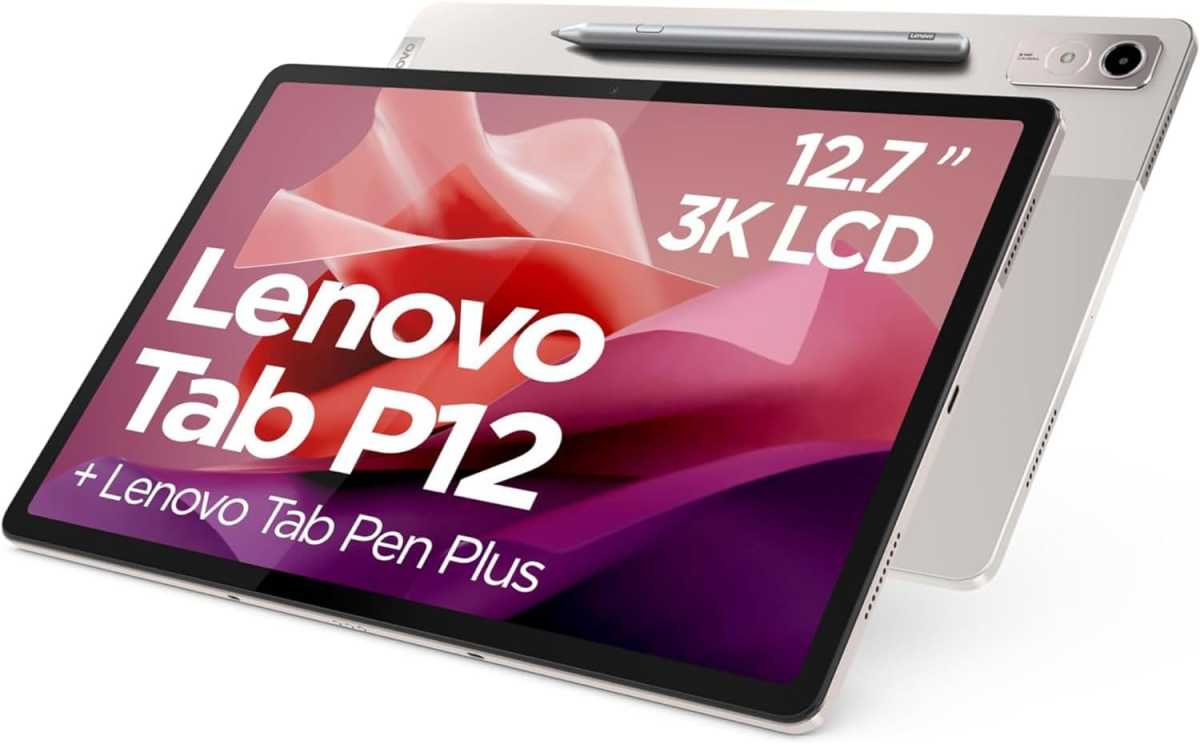
Lenovo Tab P12
Lenovo
Price: $299.99
Technical data:
- Display: 12.7-inch LTPS LCD, 2944 × 1840 px, 60 Hz, 400 cd/m²
- Processor: MediaTek Dimensity 7050 (octa-core, up to 2.6 gigahertz)
- Memory: 8 GB RAM
- Memory: 128 GB internal, expandable via microSD (up to 1 TB)
- Battery: 10,200 mAh, 30 watt fast charging
- Cameras: 13 megapixel rear camera, 8 megapixel front camera
- Audio: Quad JBL speakers with Dolby Atmos
- Operating system: Android 13
- Dimensions & weight: approx. 6.9 mm thin, 615 g
- Special features: Fingerprint sensor, facial recognition, USB-C 2.0, 3-pin pogo connector for keyboard (sold separately)
The Lenovo Tab P12 offers a 12.7-inch 3K display with 2944 × 1840 pixels, Dolby Atmos and JBL quad stereo speakers.
The MediaTek Dimensity 7050 processor ensures smooth performance for office applications, multimedia, and light gaming. With 8 GB RAM, 128 GB internal memory (expandable up to 1 TB via microSD) and Android 13, it is a solid notebook replacement for travelling.
The Tab Pen Plus included with purchase enables precise drawing and note-taking.
Conclusion: Tablets can be clever second devices or even lite laptop replacements
Today, a good tablet is much more than just a Netflix screen. If you don’t need a fully-fledged Windows computer on the go, but value mobility, long battery life, ease of use, and flexibility, a modern tablet is often the better choice.
Especially as a mobile second device or versatile everyday companion, it can be superior to the classic Windows notebook in many areas—especially if you already have a powerful PC at home.
Still want to stick with a laptop? No problem: Here you will find the best models, selected by the PCWorld editorial team.
This article originally appeared on our sister publication PC-WELT and was translated and localized from German.
