
Close Menu
TechUpdateAlert

    Subscribe to Updates

    Get the latest creative news from FooBar about art, design and business.

    What's Hot

    My Health Anxiety Means I Won’t Use Apple’s or Samsung’s Smartwatches. Here’s Why

    December 22, 2025

    You can now buy the OnePlus 15 in the US and score free earbuds if you hurry

    December 22, 2025

    Today’s NYT Connections: Sports Edition Hints, Answers for Dec. 22 #455

    December 22, 2025
    Facebook X (Twitter) Instagram
    Trending
    • My Health Anxiety Means I Won’t Use Apple’s or Samsung’s Smartwatches. Here’s Why
    • You can now buy the OnePlus 15 in the US and score free earbuds if you hurry
    • Today’s NYT Connections: Sports Edition Hints, Answers for Dec. 22 #455
    • Android might finally stop making you tap twice for Wi-Fi
    • Today’s NYT Mini Crossword Answers for Dec. 22
    • Waymo’s robotaxis didn’t know what to do when a city’s traffic lights failed
    • Today’s NYT Wordle Hints, Answer and Help for Dec. 22 #1647
    • You Asked: OLED Sunlight, VHS on 4K TVs, and HDMI Control Issues
    Facebook X (Twitter) Instagram Pinterest Vimeo
    TechUpdateAlertTechUpdateAlert
    • Home
    • Gaming
    • Laptops
    • Mobile
    • Software
    • Reviews
    • AI & Tech
    • Gadgets
    • How-To
    TechUpdateAlert
    Home»Reviews»Windows 11 is gaining a simplified naming scheme for updates going forward
    Reviews

    Windows 11 is gaining a simplified naming scheme for updates going forward

    techupdateadminBy techupdateadminOctober 30, 2025No Comments3 Mins Read
    Share Facebook Twitter Pinterest LinkedIn Tumblr Reddit Telegram Email
    Windows 11 is gaining a simplified naming scheme for updates going forward
    Share
    Facebook Twitter LinkedIn Pinterest Email

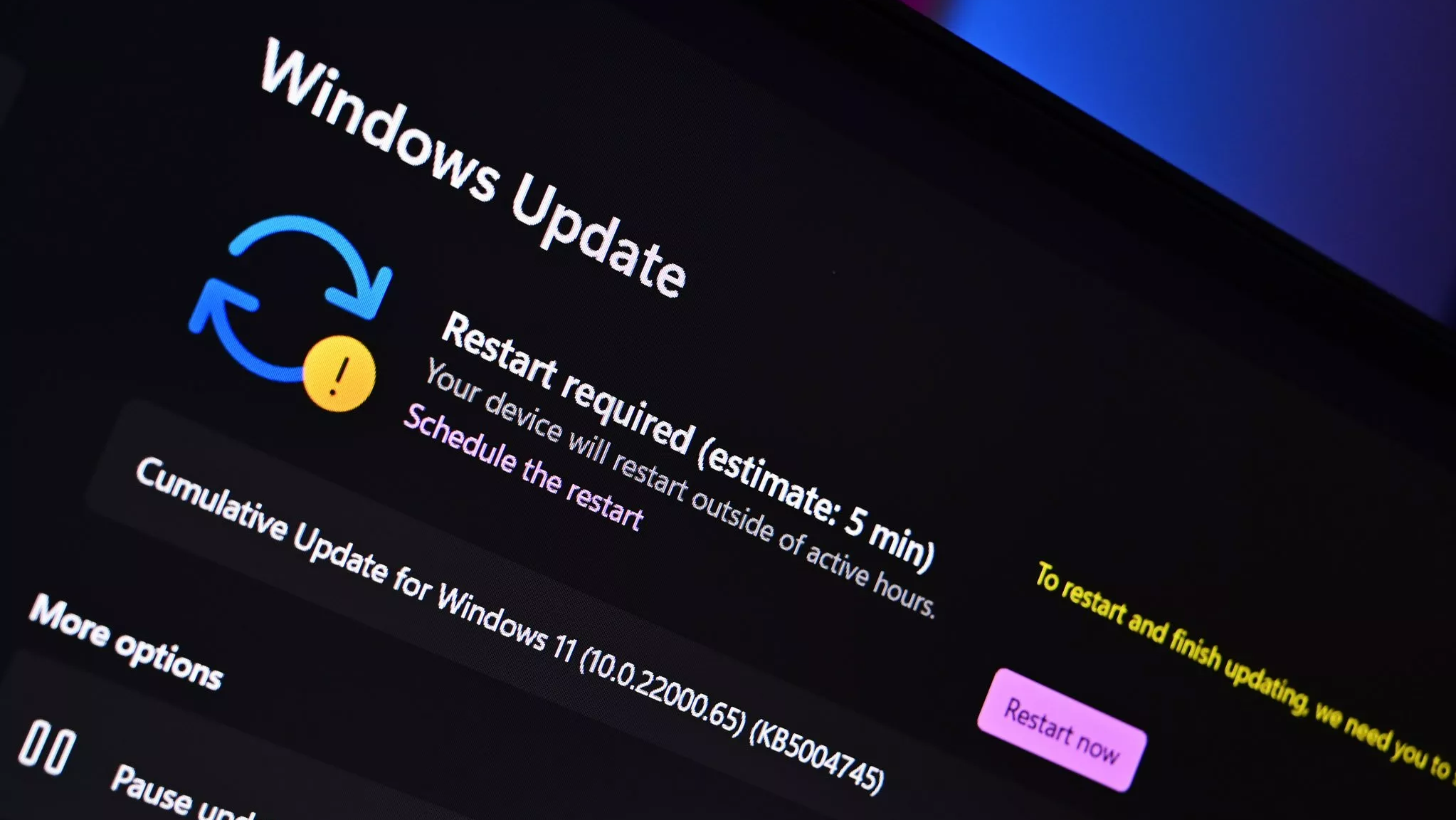
    Microsoft has announced that it’s updating and simplifying the way Windows updates are named on Windows 11. The new naming scheme is designed to standardize updates across Windows platforms, and make it clearer to end users what Windows Update is actually downloading.

    Going forward, each type of Windows update will be distinctly identified during the download and install process. Monthly security patches will be denoted as “Security Update,” and driver updates will be denoted as “Driver Update” for example.

    Microsoft says the new naming scheme is designed to be more intuitive and consistent, easier to read and understand, and focused on the most relevant details pertaining to the update that is being downloaded. The new naming scheme will appear in Windows Update and the Windows Update history page.


    You may like

    Swipe to scroll horizontally

    Update Type

    Simplified Title

    Monthly security updates

    Security Update (KB5034123) (26100.4747)

    Monthly preview non-security updates

    Preview Update (KB5062660) (26100.4770)

    .NET Framework security updates

    .NET Framework Security Update (KB5056579)

    .NET Framework non-security updates

    .NET Framework Preview Update (KB5056579)

    Driver updates

    Logitech Driver Update (123.331.1.0)

    Previously, update titles in Windows updates were littered with unnecessary information such as platform architecture, OS edition, and more. “The updated titles follow a clear and predictable structure across multiple update types. Each title now refers to the update by a more user-friendly name” Microsoft explains. “It also includes just the most relevant identifiers, such as KB number and build or version. What we omit are the unnecessary technical details like platform architecture or date prefixes.”

    The new naming scheme for Windows updates is already available, and you’ll see it when the next driver, .NET, or security update begins rolling out on your PC. The new names apply to the following types of updates pushed through Windows Update:

    • Windows OS quality updates (monthly security and non-security preview updates)
    • .NET Framework updates
    • Driver updates
    • AI component updates
    • Visual Studio updates

    Unfortunately, the new simplified naming scheme only applies to OS servicing updates and drivers. Feature updates and new versions of Windows will continue to use the “version 2XHX” naming strategy.

    Where will the new naming scheme for Windows updates appear?

    The new naming scheme for Windows updates, will appear in Windows Update and the Windows Update history page. It does not show up in the Microsoft Update Catalog website or Windows Server Update Services.

    Can I turn off the new Windows update naming scheme?

    No, the new naming scheme is a change made server side and cannot be changed by the end user.

    All the latest news, reviews, and guides for Windows and Xbox diehards.

    gaining naming scheme Simplified Updates Windows
    Share. Facebook Twitter Pinterest LinkedIn Tumblr Email
    Previous ArticleCybertruck Recalls Hit Double Figures. For This Latest One, Blame the Glue
    Next Article Bigme HiBreak S pairs a color E Ink display with LTE support and Android 14
    techupdateadmin
    • Website

    Related Posts

    Gadgets

    Your next Legion Go 2 might run SteamOS instead of Windows 11

    December 21, 2025
    Gadgets

    Microsoft makes theming your Windows 11 PC as easy as phones, but not as much fun

    December 15, 2025
    Mobile

    Running Android apps on your Windows 11 PC is about to feel slightly better

    December 12, 2025
    Add A Comment
    Leave A Reply Cancel Reply

    Top Posts

    NYT Strands hints and answers for Monday, August 11 (game #526)

    August 11, 202545 Views

    These 2 Cities Are Pushing Back on Data Centers. Here’s What They’re Worried About

    September 13, 202542 Views

    Today’s NYT Connections: Sports Edition Hints, Answers for Sept. 4 #346

    September 4, 202540 Views
    Stay In Touch
    • Facebook
    • YouTube
    • TikTok
    • WhatsApp
    • Twitter
    • Instagram
    Latest Reviews

    Subscribe to Updates

    Get the latest tech news from FooBar about tech, design and biz.

    Most Popular

    Best Fitbit fitness trackers and watches in 2025

    July 9, 20250 Views

    There are still 200+ Prime Day 2025 deals you can get

    July 9, 20250 Views

    The best earbuds we’ve tested for 2025

    July 9, 20250 Views
    Our Picks

    My Health Anxiety Means I Won’t Use Apple’s or Samsung’s Smartwatches. Here’s Why

    December 22, 2025

    You can now buy the OnePlus 15 in the US and score free earbuds if you hurry

    December 22, 2025

    Today’s NYT Connections: Sports Edition Hints, Answers for Dec. 22 #455

    December 22, 2025

    Subscribe to Updates

    Get the latest creative news from FooBar about art, design and business.

    Facebook X (Twitter) Instagram Pinterest
    • About Us
    • Contact us
    • Privacy Policy
    • Disclaimer
    • Terms and Conditions
    © 2026 techupdatealert. Designed by Pro.

    Type above and press Enter to search. Press Esc to cancel.