


I got the Pixel Watch 2 right when it launched alongside the Pixel 8 Pro, and it has been my go-to watch since then.
While not perfect, it delivers a clean Wear OS experience, with Fitbit integration being the key highlight for my use case.
Subsequent Wear OS updates since the watch’s launch made it better, but they did not radically improve the experience.
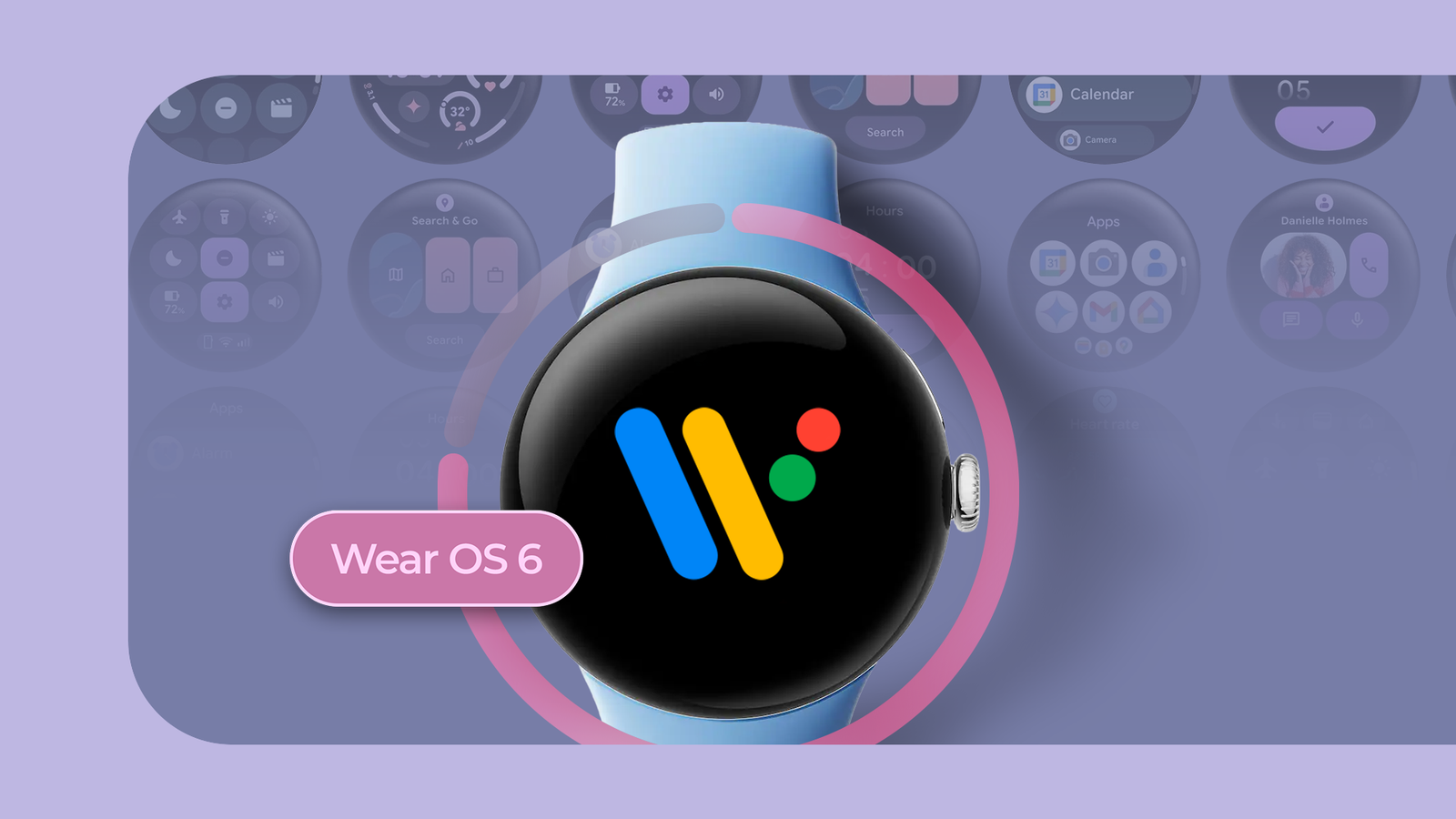
Wear OS 6 changes that, breathing new life into my aging but trusty Pixel Watch 2.
Material 3 Expressive in Wear OS 6 is a breath of fresh air
The visual glow-up Wear OS needed
I’ve used plenty of Android phones and watches over the years, but it’s rare to see a big software update massively improve the device a couple of years after release.
However, Wear OS 6 does exactly that. While the watch never exactly felt slow, it did not feel faster either. The animations did not stutter, but the UI never felt fast and polished — it just looked flat and lifeless.
Wear OS 6 brings a huge change to this with Material 3 Expressive support. Even on my Pixel Watch 2’s tiny display, the colorful new UI stands out, giving a more modern look and feel. It’s not just about the vibrant new look.
Additionally, Wear OS 6 finally embraces dynamic color theming, matching the UI’s color with that of the watch face.
Since Wear OS 6 is based on Android 16, it also supports predictive back gesture. So, when you swipe back, you get a preview of the screen you’ll return to. It’s a small change, but one that shows the level of polish Wear OS 6 brings to the Pixel Watch.
The incoming notification interface gets a much-needed visual revamp, too. It’s now easier to read at a glance and understand, thanks to the addition of the display picture of the contact messaging you.
Plus, notifications finally support image previews. That means you no longer have to check your phone every time someone sends you a picture.
Google also finally paid some much-needed attention to Tiles with Wear OS 6.
There’s a new multi-slot layout, allowing Tiles to optimize the available space to show as much content as possible. They also show the app icon at the top, making it instantly clear which app each Tile belongs to.
Admittedly, not everything is perfect. The redesigned Quick Settings panel looks bolder, with everything spaced out better. But it’s still not customizable — a frustration I’ve voiced since Wear OS 4.
For all the personalization options that Google introduced in Wear OS 6, I can’t believe it still has not figured out how to enable Quick Settings customization.
Facer’s comeback means way more watch faces
More variety, more fun
With Wear OS 6, Google is finally embracing custom watch faces after shutting the door on them. While there are plenty of great watch faces on the Play Store, you can never have too many.
Wear OS 6 brings back support for Facer, a community favorite watch face maker, providing access to hundreds of highly customizable watch faces.
As Facer announced in May, it has worked closely with Google to ensure full Wear OS 6 support. And as part of this, it converted its entire catalog of custom watch faces into the new Watch Face Format.
It has only been a few days since I started using watch faces from Facer on my Pixel Watch 2, and I’m already loving every bit of it.
Smooth performance, same great battery life
Performance boost without the usual battery penalty
Typically, major OS updates lead to performance and battery life issues on older devices. I was fully expecting my Pixel Watch 2 to feel a bit slow and start lagging after installing Wear OS 6. But, to my surprise, it has been the exact opposite.
Navigating the system now feels much smoother and faster, with slick and clean animations. I don’t remember my Pixel Watch 2 running so smoothly, even when I purchased it back in 2023.
It almost feels like the watch has got a silent hardware upgrade with Wear OS 6. With how smoothly it runs now, it’s hard to believe the Pixel Watch 2 is already two years old — that’s how good the update is.
It’s not just that the performance is better. There has been no noticeable hit to battery life either. Again, another surprise, since it’s common for battery life to tank after such big updates.
Google boasts improved battery life with Wear OS 6, but I am just happy that the update is not draining my Pixel Watch 2’s battery faster.
Google finally gets it right with Wear OS 6
The last couple of Wear OS updates left me disappointed, as I felt Google did not go far enough with the changes.
Despite each build arriving after a year’s gap, they only introduced incremental improvements. And these changes were not enough to bridge the gap between Wear OS and watchOS.
Wear OS 6 finally bucks that trend. Sure, watchOS still packs more features, but Google’s latest update makes Wear OS feel just as smooth. If anything, it paves the way for Google to work on bigger features for the future.

- Case Material
-
Aluminum
- Case size
-
41mm
- Colors
-
Matte Black; Polished Silver; Champagne Gold
- Display
-
1.2″ 450 x 450 AMOLED
- CPU
-
Qualcomm Snapdragon W5 with Cortex M33 co-processor
- RAM
-
2GB
The Google Pixel Watch 2 is the sequel to Google’s first self-branded smartwatch. The second generation doesn’t reinvent the wheel, instead offering a handful of low-key improvements like a redesigned digital crown, Wear OS 4 out of the box, and a newer chipset that should offer better performance and battery life.
