
Close Menu
TechUpdateAlert

    Subscribe to Updates

    Get the latest creative news from FooBar about art, design and business.

    What's Hot

    My Health Anxiety Means I Won’t Use Apple’s or Samsung’s Smartwatches. Here’s Why

    December 22, 2025

    You can now buy the OnePlus 15 in the US and score free earbuds if you hurry

    December 22, 2025

    Today’s NYT Connections: Sports Edition Hints, Answers for Dec. 22 #455

    December 22, 2025
    Facebook X (Twitter) Instagram
    Trending
    • My Health Anxiety Means I Won’t Use Apple’s or Samsung’s Smartwatches. Here’s Why
    • You can now buy the OnePlus 15 in the US and score free earbuds if you hurry
    • Today’s NYT Connections: Sports Edition Hints, Answers for Dec. 22 #455
    • Android might finally stop making you tap twice for Wi-Fi
    • Today’s NYT Mini Crossword Answers for Dec. 22
    • Waymo’s robotaxis didn’t know what to do when a city’s traffic lights failed
    • Today’s NYT Wordle Hints, Answer and Help for Dec. 22 #1647
    • You Asked: OLED Sunlight, VHS on 4K TVs, and HDMI Control Issues
    Facebook X (Twitter) Instagram Pinterest Vimeo
    TechUpdateAlertTechUpdateAlert
    • Home
    • Gaming
    • Laptops
    • Mobile
    • Software
    • Reviews
    • AI & Tech
    • Gadgets
    • How-To
    TechUpdateAlert
    Home»AI & Tech»Don’t Remember Someone’s Number? Here’s How to Use T9 Dialing on iPhone Instead
    AI & Tech

    Don’t Remember Someone’s Number? Here’s How to Use T9 Dialing on iPhone Instead

    techupdateadminBy techupdateadminOctober 18, 2025No Comments4 Mins Read
    Share Facebook Twitter Pinterest LinkedIn Tumblr Reddit Telegram Email
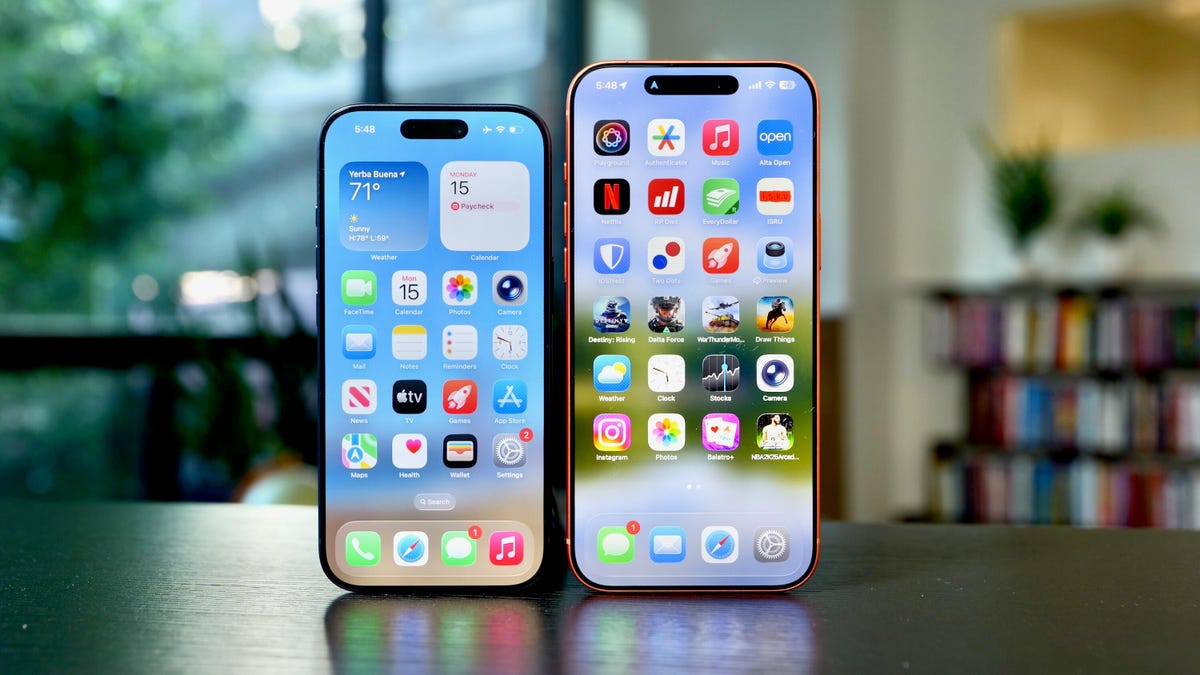
    The iPhone 17 Pro and 17 Pro Max with their screens on
    Share
    Facebook Twitter LinkedIn Pinterest Email

    I don’t know my wife’s phone number. If I needed to call her and I didn’t have my iPhone, I wouldn’t be able to reach her. And according to a poll by WhistleOut, I’m not alone. About 17% of respondents said they don’t know their partner’s phone number, and less than 20% of respondents said they know more than six phone numbers. But if you need to make a call on your iPhone, you can use T9 dialing to find your contact’s name instead of memorizing their number.

    Tech Tips

    Apple introduced T9 dialing to all iPhones when the tech giant released iOS 18 in 2024. With T9 dialing, you can call someone just by typing their name into your iPhone’s Phone app. That means you don’t have to memorize phone numbers, or search through your Contacts, to call them.


    Don’t miss any of our unbiased tech content and lab-based reviews. Add CNET as a preferred Google source.


    Here’s everything you need to know about T9 dialing and how to use it on your iPhone.

    What exactly is T9 dialing?

    T9 stands for text on nine keys. Before cellphones had full keyboards, many phones had 12 keys. These were for the numbers zero to nine, star and the pound sign or hashtag. I felt old just writing that. And to text someone, you mostly used the nine numbered keys. Each numbered key had either three or four corresponding letters attached to it, with the zero key being the spacebar and the one key blank.

    If you go into your Phone app and tap Keypad across the bottom of your screen, you can see the corresponding numbers and letters there. At first, if you wanted to type “hello” you had to press 44(H)-33(E)-555(L)-555(L)-666(0). That’s a lot of typing for one fairly short word. T9 texting was introduced as an early form of predictive typing. It lets you press fewer keys and send messages faster. So for “hello” you’d type 4-3-5-5-6. Much easier.

    Phone keypad

    Getty Images

    How to use T9 dialing on iPhone

    With iOS 18, you can now use T9 dialing to make calls. Here’s how.

    1. Open your Call app on your iPhone.
    2. Tap Keypad at the bottom of the screen.

    From here, start typing the name of the person you want to call using the principles of T9. So if you want to call dad, you’d type 3-2-3 into your keypad, and for mom, you’d type 6-6-6, but nothing to be freaked out about, promise. Their name should appear across the top of the screen. As you type, a backspace button will appear beneath the pound sign/hashtag if you make a mistake. Press that as many times as needed. Note there is no space button. Once you find the person, tap their name and their phone number will automatically be entered. Then hit the green call button, and you’re set.

    New keypad

    That is not his real number.

    Apple/CNET

    If there is more than one person in your Contacts app by a given name, as you type you’ll see an option beneath the top result that says something like “3 more…” Tap that to open a new menu with all the corresponding contacts. Then tap the call button next to the correct contact and your call will immediately start. Be prepared to explain why you’re calling the other person and not just texting them.

    For more iOS news, here’s my review of iOS 26, as well as how to reduce the Liquid Glass effects and how to block spam calls in the update. You can also check out our iOS 26 cheat sheet.

    Watch this: Apple Unveils the New M5 Chip, Microsoft Ends Support for Windows 10, Walmart’s Retail Partnership With OpenAI | Tech Today

    03:25

    Dialing Dont Heres iPhone Number Remember Someones
    Share. Facebook Twitter Pinterest LinkedIn Tumblr Email
    Previous ArticleWhy AI smart home assistants aren’t good enough
    Next Article How to watch New Zealand v England T20 series 2025 for FREE
    techupdateadmin
    • Website

    Related Posts

    Gadgets

    My Health Anxiety Means I Won’t Use Apple’s or Samsung’s Smartwatches. Here’s Why

    December 22, 2025
    Gadgets

    Samsung Galaxy owners get even more customization options, leaving iPhone and Pixel in the dust

    December 21, 2025
    Gadgets

    I Bought a Used iPhone 13 Mini and Learned a Hard Lesson

    December 20, 2025
    Add A Comment
    Leave A Reply Cancel Reply

    Top Posts

    NYT Strands hints and answers for Monday, August 11 (game #526)

    August 11, 202545 Views

    These 2 Cities Are Pushing Back on Data Centers. Here’s What They’re Worried About

    September 13, 202542 Views

    Today’s NYT Connections: Sports Edition Hints, Answers for Sept. 4 #346

    September 4, 202540 Views
    Stay In Touch
    • Facebook
    • YouTube
    • TikTok
    • WhatsApp
    • Twitter
    • Instagram
    Latest Reviews

    Subscribe to Updates

    Get the latest tech news from FooBar about tech, design and biz.

    Most Popular

    Best Fitbit fitness trackers and watches in 2025

    July 9, 20250 Views

    There are still 200+ Prime Day 2025 deals you can get

    July 9, 20250 Views

    The best earbuds we’ve tested for 2025

    July 9, 20250 Views
    Our Picks

    My Health Anxiety Means I Won’t Use Apple’s or Samsung’s Smartwatches. Here’s Why

    December 22, 2025

    You can now buy the OnePlus 15 in the US and score free earbuds if you hurry

    December 22, 2025

    Today’s NYT Connections: Sports Edition Hints, Answers for Dec. 22 #455

    December 22, 2025

    Subscribe to Updates

    Get the latest creative news from FooBar about art, design and business.

    Facebook X (Twitter) Instagram Pinterest
    • About Us
    • Contact us
    • Privacy Policy
    • Disclaimer
    • Terms and Conditions
    © 2026 techupdatealert. Designed by Pro.

    Type above and press Enter to search. Press Esc to cancel.