
Close Menu
TechUpdateAlert

    Subscribe to Updates

    Get the latest creative news from FooBar about art, design and business.

    What's Hot

    My Health Anxiety Means I Won’t Use Apple’s or Samsung’s Smartwatches. Here’s Why

    December 22, 2025

    You can now buy the OnePlus 15 in the US and score free earbuds if you hurry

    December 22, 2025

    Today’s NYT Connections: Sports Edition Hints, Answers for Dec. 22 #455

    December 22, 2025
    Facebook X (Twitter) Instagram
    Trending
    • My Health Anxiety Means I Won’t Use Apple’s or Samsung’s Smartwatches. Here’s Why
    • You can now buy the OnePlus 15 in the US and score free earbuds if you hurry
    • Today’s NYT Connections: Sports Edition Hints, Answers for Dec. 22 #455
    • Android might finally stop making you tap twice for Wi-Fi
    • Today’s NYT Mini Crossword Answers for Dec. 22
    • Waymo’s robotaxis didn’t know what to do when a city’s traffic lights failed
    • Today’s NYT Wordle Hints, Answer and Help for Dec. 22 #1647
    • You Asked: OLED Sunlight, VHS on 4K TVs, and HDMI Control Issues
    Facebook X (Twitter) Instagram Pinterest Vimeo
    TechUpdateAlertTechUpdateAlert
    • Home
    • Gaming
    • Laptops
    • Mobile
    • Software
    • Reviews
    • AI & Tech
    • Gadgets
    • How-To
    TechUpdateAlert
    Home»How-To»Gboard finally lets you tweak font size the way you want
    How-To

    Gboard finally lets you tweak font size the way you want

    techupdateadminBy techupdateadminOctober 15, 2025No Comments3 Mins Read
    Share Facebook Twitter Pinterest LinkedIn Tumblr Reddit Telegram Email
    Gboard finally lets you tweak font size the way you want
    Share
    Facebook Twitter LinkedIn Pinterest Email

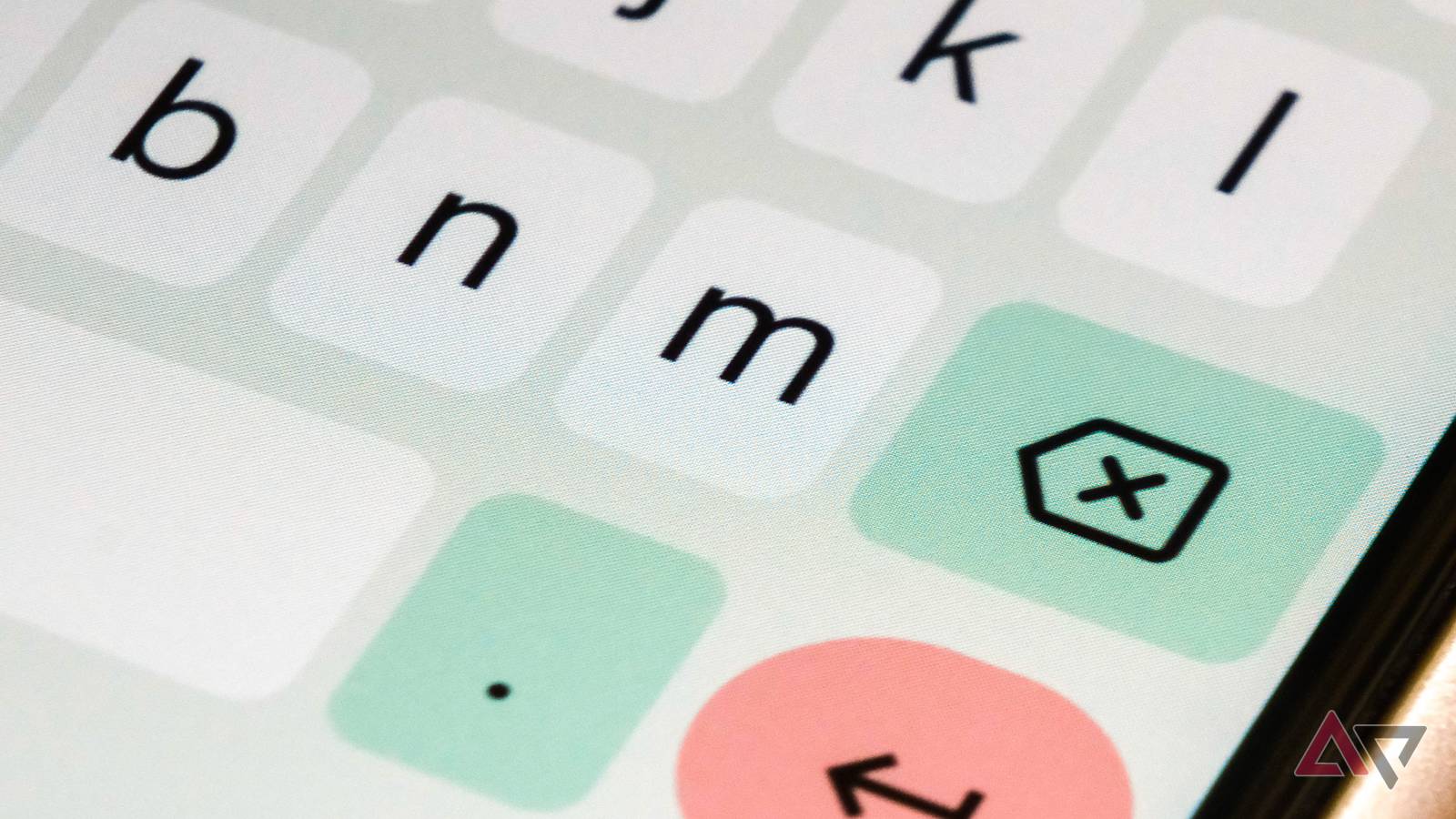
    We don’t think about it much, but having a good keyboard on your phone or tablet is an essential part of the Android experience. Without great typing, the interactions would become an absolute nightmare. And while there are some great options out there, Gboard is the one many people stick with because it offers one of the best typing experiences available.

    Although Google could just keep it as it is, it has added a number of updates over the years to improve the user experience. One small update that had a pretty huge impact was the ability to adjust the font size of the keyboard independently of the phone’s settings. And while it was limited in release just a month ago, we’re now finally seeing it roll out more widely with the latest release of Gboard on the Google Play Store (via 9to5Google).

    Independent adjustments for all

    If you’re not really aware of what’s going on here, the font setting for your phone used to be tied across most areas of the device. So, whatever changes you made in the settings menu, that same setting would be applied to your keyboard as well. Now, for most people, this really isn’t a huge issue, but if you’re someone that likes to really tweak things, it did cause some problems.

    For example, if you’re someone that wants to set their font to something minuscule or extra large on the keyboard, this would apply to all areas of the phone, which could leave a bit of a visual mess. With this new change, you’ll be able to head into the Settings menu for Gboard, dive into the Preferences section, and navigate to the Font size to make any necessary changes.

    You’ll be able to use the slider in order to change the font size of the keyboard to your liking. As reported previously, the font size can be adjusted in 15% increments starting at 85%, which will continue until the 130% mark. After that, the slider will jump from 150% to 180%, and finally to 200%.

    Just as a heads-up, the emoji key will not change when the adjustments are made, but everything else will. And just like what we saw in the beta, there isn’t a preview of the font size changes being made. So you’ll have to just give it a try and see whether you like it or not. If you’ve never given Gboard a try, now’s going to be a good time.

    Finally font Gboard Lets size tweak
    Share. Facebook Twitter Pinterest LinkedIn Tumblr Email
    Previous ArticlePractical Gift Ideas for New Parents and Their Babies (2025)
    Next Article SteelSeries Arctis Nova 3 Review: The Best Budget Headset
    techupdateadmin
    • Website

    Related Posts

    Gadgets

    Android might finally stop making you tap twice for Wi-Fi

    December 22, 2025
    Gadgets

    Your Ring doorbell now lets Alexa+ answer the door for you

    December 19, 2025
    Mobile

    LG’s First Dolby FlexConnect Soundbar Lets You Place Speakers Anywhere

    December 18, 2025
    Add A Comment
    Leave A Reply Cancel Reply

    Top Posts

    NYT Strands hints and answers for Monday, August 11 (game #526)

    August 11, 202545 Views

    These 2 Cities Are Pushing Back on Data Centers. Here’s What They’re Worried About

    September 13, 202542 Views

    Today’s NYT Connections: Sports Edition Hints, Answers for Sept. 4 #346

    September 4, 202540 Views
    Stay In Touch
    • Facebook
    • YouTube
    • TikTok
    • WhatsApp
    • Twitter
    • Instagram
    Latest Reviews

    Subscribe to Updates

    Get the latest tech news from FooBar about tech, design and biz.

    Most Popular

    Best Fitbit fitness trackers and watches in 2025

    July 9, 20250 Views

    There are still 200+ Prime Day 2025 deals you can get

    July 9, 20250 Views

    The best earbuds we’ve tested for 2025

    July 9, 20250 Views
    Our Picks

    My Health Anxiety Means I Won’t Use Apple’s or Samsung’s Smartwatches. Here’s Why

    December 22, 2025

    You can now buy the OnePlus 15 in the US and score free earbuds if you hurry

    December 22, 2025

    Today’s NYT Connections: Sports Edition Hints, Answers for Dec. 22 #455

    December 22, 2025

    Subscribe to Updates

    Get the latest creative news from FooBar about art, design and business.

    Facebook X (Twitter) Instagram Pinterest
    • About Us
    • Contact us
    • Privacy Policy
    • Disclaimer
    • Terms and Conditions
    © 2026 techupdatealert. Designed by Pro.

    Type above and press Enter to search. Press Esc to cancel.