
Close Menu
TechUpdateAlert

    Subscribe to Updates

    Get the latest creative news from FooBar about art, design and business.

    What's Hot

    My Health Anxiety Means I Won’t Use Apple’s or Samsung’s Smartwatches. Here’s Why

    December 22, 2025

    You can now buy the OnePlus 15 in the US and score free earbuds if you hurry

    December 22, 2025

    Today’s NYT Connections: Sports Edition Hints, Answers for Dec. 22 #455

    December 22, 2025
    Facebook X (Twitter) Instagram
    Trending
    • My Health Anxiety Means I Won’t Use Apple’s or Samsung’s Smartwatches. Here’s Why
    • You can now buy the OnePlus 15 in the US and score free earbuds if you hurry
    • Today’s NYT Connections: Sports Edition Hints, Answers for Dec. 22 #455
    • Android might finally stop making you tap twice for Wi-Fi
    • Today’s NYT Mini Crossword Answers for Dec. 22
    • Waymo’s robotaxis didn’t know what to do when a city’s traffic lights failed
    • Today’s NYT Wordle Hints, Answer and Help for Dec. 22 #1647
    • You Asked: OLED Sunlight, VHS on 4K TVs, and HDMI Control Issues
    Facebook X (Twitter) Instagram Pinterest Vimeo
    TechUpdateAlertTechUpdateAlert
    • Home
    • Gaming
    • Laptops
    • Mobile
    • Software
    • Reviews
    • AI & Tech
    • Gadgets
    • How-To
    TechUpdateAlert
    Home»Gaming»How to Remove or Disable AI From Your Pixel Phone
    Gaming

    How to Remove or Disable AI From Your Pixel Phone

    techupdateadminBy techupdateadminOctober 15, 2025No Comments4 Mins Read
    Share Facebook Twitter Pinterest LinkedIn Tumblr Reddit Telegram Email
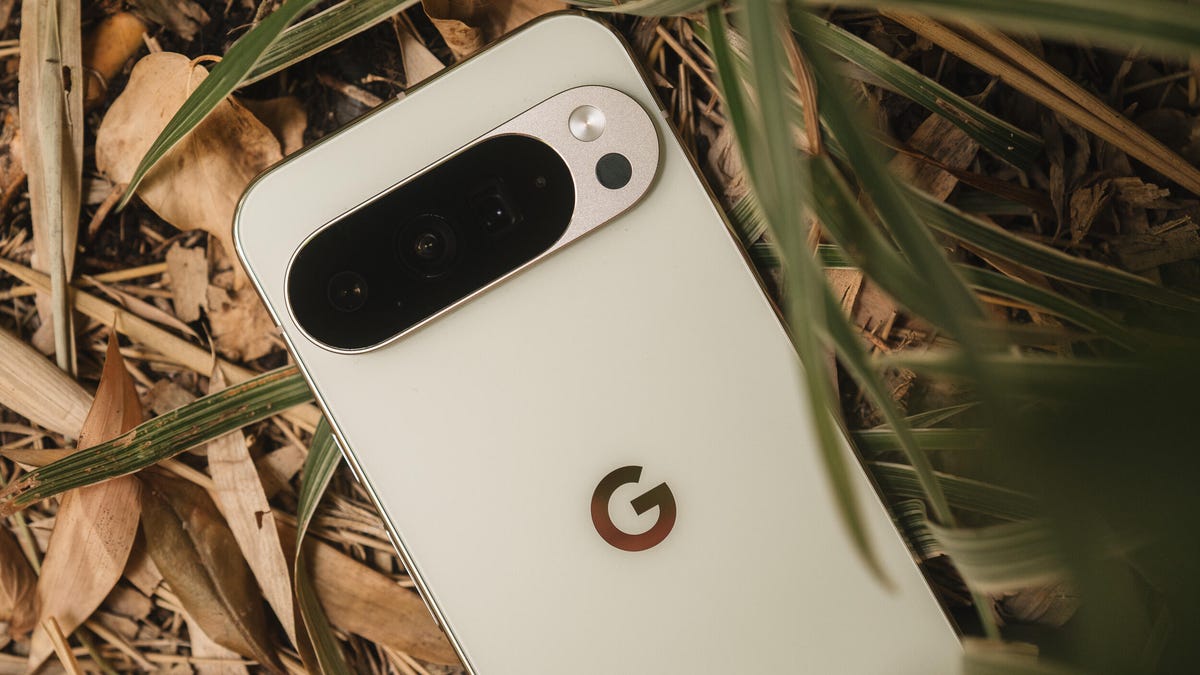
    A Pixel 10 Pro phone lying face down amid leaves and grass.
    Share
    Facebook Twitter LinkedIn Pinterest Email

    If you strip out all of the AI from a Pixel, is it still a Pixel? Google’s primary selling point for its devices for the past few years is to market them as an “AI-first” phone, but that wasn’t always the case. Pixel phones, at their core, have always been simple and full of clever tricks, even before Gemini. The Pixel 10 lineup now appears to be AI down to the core. 

    Because AI has been grafted to the DNA of the Pixel, it’s a bit harder to strip away, but it’s not impossible to reduce its presence. Below are a few things you can do to mute, minimize or remove AI features completely on your Pixel phone.

    For this article, I’m using a Pixel 10 Pro XL, which has more AI baked in than any previous generation, though some of these steps may apply to the Pixel 9 and Pixel 8 series of devices.

    Before jumping into Pixel-specific features, don’t miss how to disable AI in your Google account more broadly.

    Uninstall or disable AI-driven apps or features

    Disabling some of the AI settings may affect other parts of your phone, so take note of the features you turn off so you know to enable them again if your Pixel starts acting odd. 

    Journal 

    New for the Pixel 10 is the AI-centric Journal app. Though the app is an interesting idea, it’s one of the first expendable apps you can uninstall. 

    Screenshots

    The Pixel 9 introduced a dedicated screenshots app that would process the content within them to make them easily searchable. You can choose to uninstall the app completely or head to the app settings and toggle the Search your screenshots with on-device AI to off.

    If you previously had this feature enabled, you’ll have the option to delete all of the AI summaries and metadata created from the previously processed screenshots.

    Google Photos 

    AI is front and center in Google Photos, but you can reduce Gemini features in the app with a few taps. 

    • Tap your profile icon
    • Photos settings
    • Preferences
    • Gemini features in Photos

    From here, you can disable Gemini completely in Photos or turn off individual features, like Ask Photos, Gemini-powered memories and Help me title. 

    Disable the following apps:

    • Pixel Studio
    • AI-Core.
    • Private computer services
    • Android System Intelligence

    Messages

    In messages, Google added a dedicated Gemini button that you can choose to remove if you don’t want to see it.  

    • Open Messages
    • Tap your profile icon
    • Tap Message settings
    • Tap Gemini in Messages
    • Toggle Show Gemini button to off

    Phone app settings

    The Pixel phone app is loaded with AI features that are pretty nifty, but you can turn them off easily in the settings. 

    • Open the Phone app
    • Tap the menu button at the top left
    • Tap settings
    • You can disable the AI features under the Call Assist section

    Disable Circle To Search

    Another feature you may or may not use is Circle to Search. It’s baked right into your Pixel, so here’s how to turn it off if you don’t use or want it. 

    • Go to Settings
    • Tap Display & touch
    • Tap Navigation Mode
    • Toggle Circle to Search to off

    Remove AI mode from the Google Search

    The Pixel Launcher’s Google Search added an AI mode button to the static search bar on the home screen, but you can remove it if you want a cleaner look. 

    • Open the Google App
    • Tap your profile icon
    • Tap Settings
    • Tap Customize Pixel Search Box
    • Toggle AI Mode to off

    Revert back to Google Assistant

    Gemini is the primary digital assistant on Pixel phones, so if you want to switch back to Google Assistant, here’s how to do it. 

    • Open Gemini
    • Tap your profile icon
    • Tap Switch to Google Assistant
    • Confirm your selection
    • Tap Switch

    Uninstall Gemini 

    Once you’ve reverted back to Google Assistant, go ahead and uninstall Gemini. If you want, take a look at your Gemini Apps Activity beforehand and delete any old data you don’t want Google hanging onto. 

    disable Phone Pixel Remove
    Share. Facebook Twitter Pinterest LinkedIn Tumblr Email
    Previous ArticleThe future of enterprise AI that M&A should build towards
    Next Article Waymo’s Robotaxis Are Heading to London. Everything to Know About the Self-Driving Service
    techupdateadmin
    • Website

    Related Posts

    Gadgets

    Samsung Galaxy owners get even more customization options, leaving iPhone and Pixel in the dust

    December 21, 2025
    Mobile

    Deals: Samsung Galaxy S25 series, Galaxy Z Fold7, Pixel 10 series discounted

    December 21, 2025
    Gadgets

    Apple’s foldable phone might be coming in 2026 but you won’t be able to buy it yet

    December 20, 2025
    Add A Comment
    Leave A Reply Cancel Reply

    Top Posts

    NYT Strands hints and answers for Monday, August 11 (game #526)

    August 11, 202545 Views

    These 2 Cities Are Pushing Back on Data Centers. Here’s What They’re Worried About

    September 13, 202542 Views

    Today’s NYT Connections: Sports Edition Hints, Answers for Sept. 4 #346

    September 4, 202540 Views
    Stay In Touch
    • Facebook
    • YouTube
    • TikTok
    • WhatsApp
    • Twitter
    • Instagram
    Latest Reviews

    Subscribe to Updates

    Get the latest tech news from FooBar about tech, design and biz.

    Most Popular

    Best Fitbit fitness trackers and watches in 2025

    July 9, 20250 Views

    There are still 200+ Prime Day 2025 deals you can get

    July 9, 20250 Views

    The best earbuds we’ve tested for 2025

    July 9, 20250 Views
    Our Picks

    My Health Anxiety Means I Won’t Use Apple’s or Samsung’s Smartwatches. Here’s Why

    December 22, 2025

    You can now buy the OnePlus 15 in the US and score free earbuds if you hurry

    December 22, 2025

    Today’s NYT Connections: Sports Edition Hints, Answers for Dec. 22 #455

    December 22, 2025

    Subscribe to Updates

    Get the latest creative news from FooBar about art, design and business.

    Facebook X (Twitter) Instagram Pinterest
    • About Us
    • Contact us
    • Privacy Policy
    • Disclaimer
    • Terms and Conditions
    © 2026 techupdatealert. Designed by Pro.

    Type above and press Enter to search. Press Esc to cancel.