


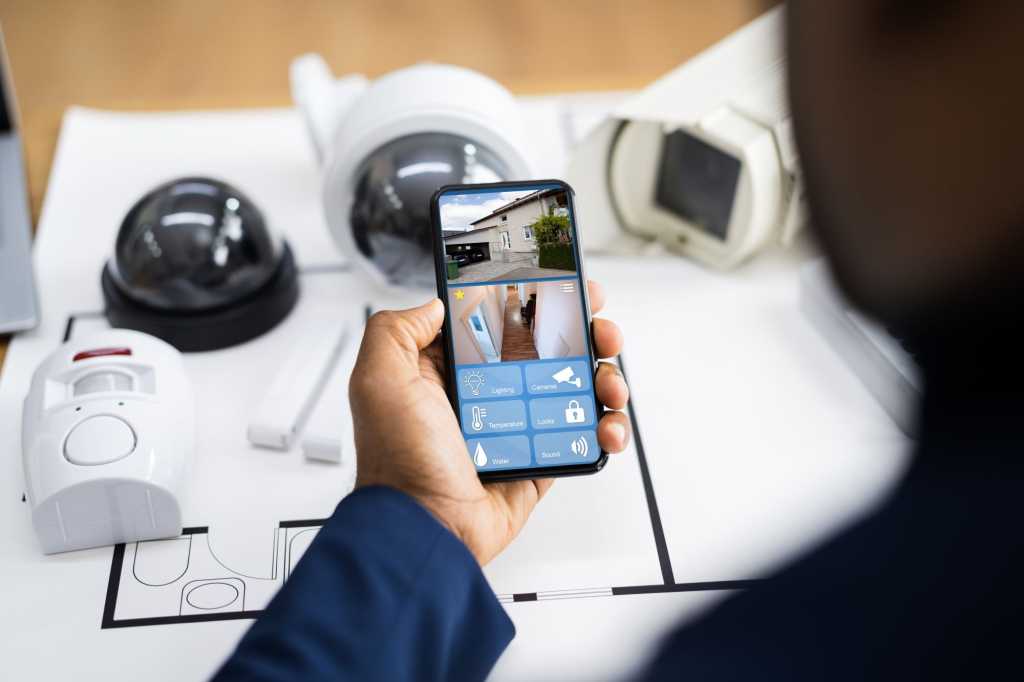
You’ve installed a camera to keep an eye on your front door. One afternoon a package goes missing, so you check the footage. Sure enough, someone walks up, grabs the box, and disappears. But as you scrub through the video, something else jumps out—a private moment in your neighbor’s yard. Through a narrow gap in the fence, your camera has captured them having a heated argument. Or maybe something more personal.
In one 30-second clip, you’ve caught someone breaking the law–but you might also have broken one yourself.
Smart cameras are everywhere now—mounted on porches, tucked under eaves, perched on fences, and watching over driveways, garages, and balconies. They’re cheaper, easier to install, and produce sharper video than ever. But with that convenience comes a degree of legal uncertainty. Can you record anything your camera sees? What about what it hears? Can a neighbor make you take it down? And what if you rent instead of own?
We’ll break down what the law actually says about surveillance at home—what’s legally allowable, where things get complicated, and how to protect your home without accidentally violating someone else’s privacy.
Courts often decide camera cases based on whether someone had a “reasonable expectation of privacy.”
Reolink
Video vs. audio: Same camera, very different laws
Your security camera might look like a single device, but the law treats it as two. One set of rules for video, another for audio. And the difference can get you into trouble if you’re not familiar with both.
There’s no single federal law that spells out where you can and can’t point a security camera. Instead, video recording is governed by a mix of state voyeurism statutes and civil privacy claims such as intrusion upon seclusion. The key principle courts use when deciding if surveillance crossed a legal line is the “reasonable expectation of privacy.”
If someone can be seen from the street—in your driveway, porch, or front yard—you’re usually fine recording it. But if your camera peers through a window into a bedroom, bathroom, or anywhere else in the interior of a neighboring home–or even into its fenced-off yard–that’s where the law says people have a right to privacy. Courts have allowed claims in these situations, and state laws–like this one in California–are often written to enable such claims.
Audio is much more clear-cut because it’s covered by federal and state wiretap laws. At the federal level, the Wiretap Act (18 U.S.C. § 2511) bans secretly intercepting conversations but follows a one-party consent rule: if you’re part of the conversation, or one particpant agrees, it’s legal.
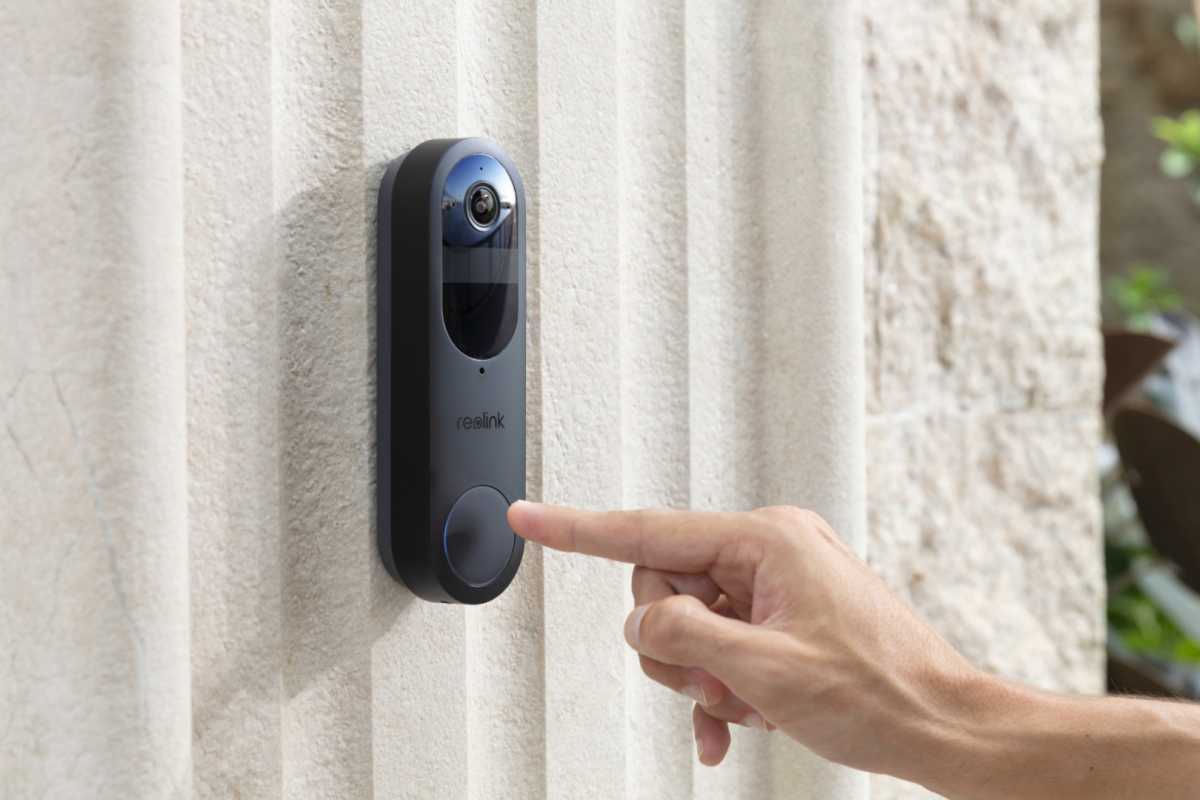
In some states, a doorbell camera can break the law simply by recording conversations on the porch.
Reolink
Eleven states—including California, Florida, and Massachusetts—go further with all-party consent laws. In those places, recording without every participant’s knowledge is illegal. That means your doorbell camera could be breaking the law just by picking up porch chatter.
What about neighbors and shared spaces?
Just because your camera can see into your neighbor’s yard doesn’t mean you’re breaking the law. Again, if the area is plainly visible from your porch, deck, or upstairs window, it’s generally fair game to capture it incidentally. The key word there is incidentally.
The trouble starts when cameras are purposely aimed at private spaces, like a backyard hot tub, a bedroom window, or a fenced-in patio. If it looks like you’re using a security camera to monitor someone else’s life, not your own property, you could face legal pushback.
Shared spaces get even murkier. If you and your neighbor use the same driveway, walkway, or fence line, recording those areas could land you in a gray area. Technically, it might be legal, but it depends on local laws and on whether your camera becomes a source of tension. In some cities and states, nuisance or harassment laws can apply even when surveillance is otherwise allowed.
So, if a neighbor raises concerns, don’t brush them off. You might be within your rights, but it’s often easier to shift a camera angle than start a feud.
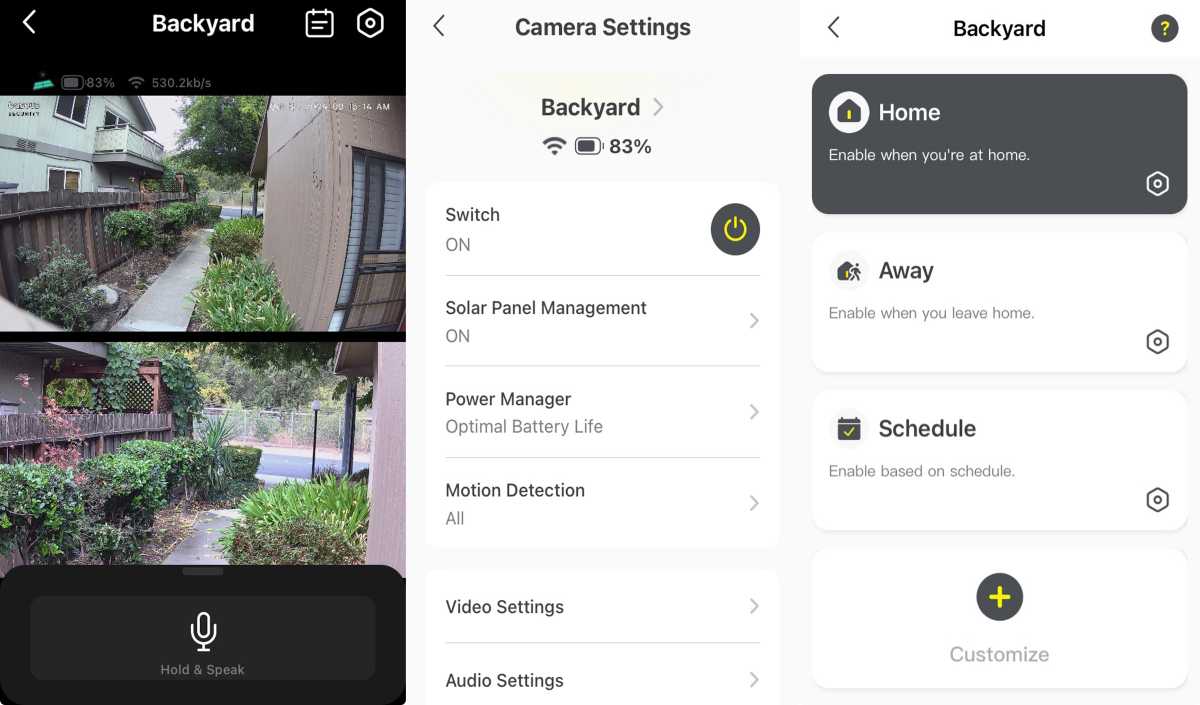
Recording what’s visible from the street—like your driveway, porch, or front yard—is usually legal.
Michael Ansaldo/Foundry
Apartments and multi-unit dwellings
Things get trickiest when you don’t control the entire property. In apartments, condos, or duplexes, shared spaces come with shared rules and you can’t just stick up a camera wherever you want.
Generally, you can’t install personal security cameras in common indoor areas like hallways, laundry rooms, or lobbies without permission from the landlord or homeowners’ association. Even doorbell cams can be a problem if they capture too much shared space or record audio.
If you’re a renter, check your lease. Some spell out what kind of equipment is allowed, if any. Others ban cameras altogether in shared zones, especially if audio is involved.
That said, landlords and HOAs can legally monitor common areas if they give proper notice. Posted signs that say something like “This area is under video and audio surveillance” typically reduce legal risk and might satisfy notice requirements in many states.
Tips for legal, respectful surveillance
If you’re going to use security cameras, use them smartly. Most of the legal trouble people get into isn’t because they intended to break the law, it’s because they didn’t give enough thought to where they were putting the camera. These quick dos and don’ts will help you stay on the right side of the law and your neighbors.
Do:
- Keep cameras visible. Hidden cameras feel sneaky and can raise legal red flags, especially indoors.
- Post a sign. Some camera manufacturers like Ring offer branded signage, but if yours doesn’t, you can buy generic “Audio and Video Recording in Use” signs online or at hardware stores. A simple notice can defuse tension and in some states, help with legal compliance.
- Point your cameras where they belong. Stick to your own entryways, driveway, and yard. Avoid anything that could be considered a private space.
- Know your state’s audio laws. If you live in an all-party consent state, disable audio recording unless you have clear permission.
- Use your camera’s privacy features to block your neighbors doors and windows.
- Consider showing your neighbor the view from your camera if their property is in its field of view. Point out the privacy screens you’ve put in place.
- Remind a neighbor who objects to your camera because their property is in its field of view that the camera could capture an intruder lurking around their home as well yours.
Don’t:
- Spy on your neighbors. Even if you think it’s harmless, courts might not agree.
- Share clips of other people without consent. This is particularly true for recordings that capture private conversations.
- Install cameras in shared spaces without written permission. For renters, that includes common areas such as hallways.
Lock it down
- Use strong passwords, enable two-factor authentication, and keep your camera firmware up to date.
- A hacked camera doesn’t just compromise your security, it could end up leaking footage that gets you sued.
The surveillance age needs boundaries
Smart cameras are now as much a part of home security as locks and porch lights. But having the ability to record everything doesn’t mean you should. The line between safety and snooping usually comes down to common sense: Why are you recording? Where is the camera pointed? Do people know it’s there?
When you’re not sure where the boundary is, here’s a simple gut check: Would I be okay being recorded in this exact situation?
If you’re not, then the person on the other side of the lens probably isn’t either.
