
Close Menu
TechUpdateAlert

    Subscribe to Updates

    Get the latest creative news from FooBar about art, design and business.

    What's Hot

    My Health Anxiety Means I Won’t Use Apple’s or Samsung’s Smartwatches. Here’s Why

    December 22, 2025

    You can now buy the OnePlus 15 in the US and score free earbuds if you hurry

    December 22, 2025

    Today’s NYT Connections: Sports Edition Hints, Answers for Dec. 22 #455

    December 22, 2025
    Facebook X (Twitter) Instagram
    Trending
    • My Health Anxiety Means I Won’t Use Apple’s or Samsung’s Smartwatches. Here’s Why
    • You can now buy the OnePlus 15 in the US and score free earbuds if you hurry
    • Today’s NYT Connections: Sports Edition Hints, Answers for Dec. 22 #455
    • Android might finally stop making you tap twice for Wi-Fi
    • Today’s NYT Mini Crossword Answers for Dec. 22
    • Waymo’s robotaxis didn’t know what to do when a city’s traffic lights failed
    • Today’s NYT Wordle Hints, Answer and Help for Dec. 22 #1647
    • You Asked: OLED Sunlight, VHS on 4K TVs, and HDMI Control Issues
    Facebook X (Twitter) Instagram Pinterest Vimeo
    TechUpdateAlertTechUpdateAlert
    • Home
    • Gaming
    • Laptops
    • Mobile
    • Software
    • Reviews
    • AI & Tech
    • Gadgets
    • How-To
    TechUpdateAlert
    Home»Gaming»Easily Find Recently Saved Photos on Your iPhone With This One Trick
    Gaming

    Easily Find Recently Saved Photos on Your iPhone With This One Trick

    techupdateadminBy techupdateadminOctober 12, 2025No Comments2 Mins Read
    Share Facebook Twitter Pinterest LinkedIn Tumblr Reddit Telegram Email
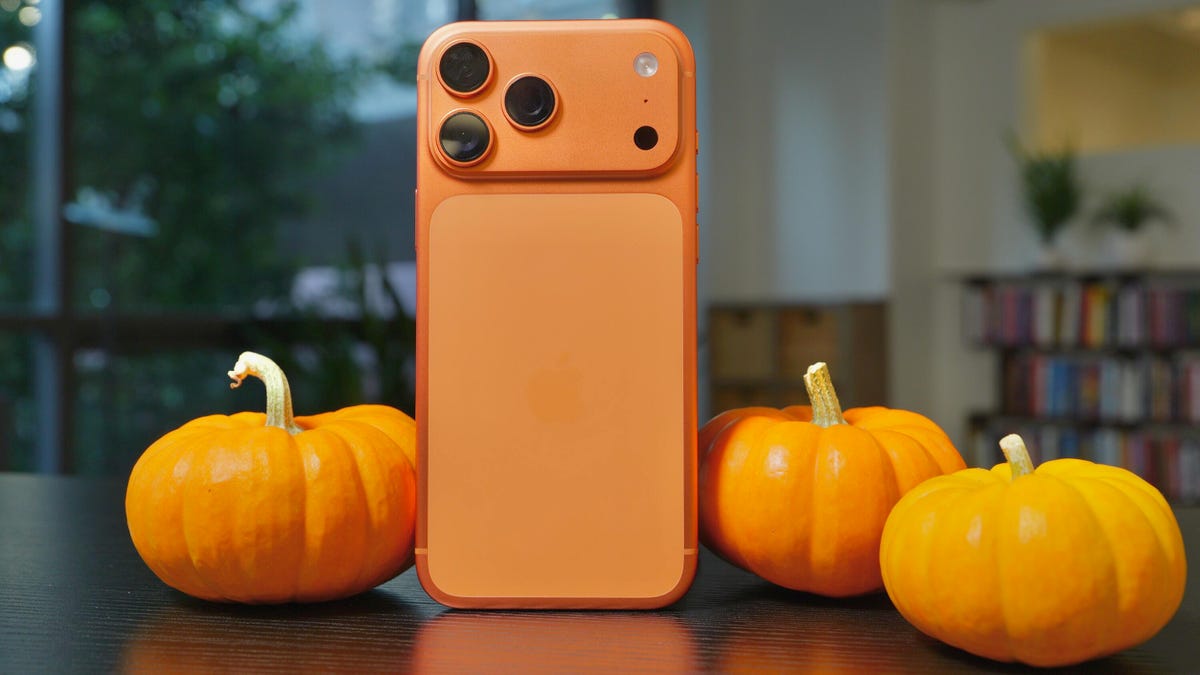
    An iPhone 17 Pro Max in cosmic orange next to pumpkins
    Share
    Facebook Twitter LinkedIn Pinterest Email

    Apple released iOS 26 on Sept. 15, and the update brought a new Liquid Glass redesign, call screening and many hidden features to your iPhone. But when Apple released iOS 18 in 2024, it brought a simple change to Photos to make it easy to find recently saved photos, no matter when they were taken. The change sorts your photos by when they were added to Photos, not by when the photo was taken, and it’s saved me so much time searching for photos.

    Tech Tips

    Before, if someone sent me a photo and I saved it, the photo would be placed in chronological order — based on when the picture was taken — alongside all my other photos. So if a family member sent me a photo from last summer and I saved it, the photo would be lost in a sea of other snaps from the past year.

    I’d scroll through hundreds of pics and videos to find it, and sometimes I’d give up. But there’s a toggle in Photos called Sort by Recently Added that lets you sort your pics based on when they were saved to your device, not when they were taken.


    Don’t miss any of our unbiased tech content and lab-based reviews. Add CNET as a preferred Google source.


    Here’s how to sort your photos by when they were saved to Photos so you won’t lose a picture again.

    How to sort your photos based on when they were saved

    1. Open Photos.
    2. Tap the three dots in the upper right corner of your screen.
    3. Tap Sort by Recently Added.

    Sort by Recently Added option in iOS 26.

    Apple/Screenshot by CNET

    Once you’ve tapped that option, you may see your photos shift to adjust to the setting change. Your most recently saved or taken photo will now be at the bottom of the grid, even if it was from your wedding years ago.

    For more on iOS 26, here’s my review of the OS, how to reduce the Liquid Glass effects and how to block spam calls in the update. You can also check out our iOS 26 cheat sheet.

    Watch this: Apple Smart Glasses Could Address Meta’s Mistakes

    08:55

    easily Find iPhone Photos Saved trick
    Share. Facebook Twitter Pinterest LinkedIn Tumblr Email
    Previous ArticleDeals: Google Pixel 10 Pro Fold and Pixel Buds 2a launch, Samsung counters with a free tablet
    Next Article Windows 10 end of life – Apple gives us 5 reasons SMBs should make the switch to Mac before Windows 10 goes AWOL
    techupdateadmin
    • Website

    Related Posts

    Gadgets

    Samsung Galaxy owners get even more customization options, leaving iPhone and Pixel in the dust

    December 21, 2025
    Gadgets

    How to Quickly Find Out What’s Streaming on Multiple Services at Once

    December 21, 2025
    Gadgets

    Gear News of the Week: LG Debuts an RGB LED TV, and Google Brings Find Hub to Wear OS

    December 21, 2025
    Add A Comment
    Leave A Reply Cancel Reply

    Top Posts

    NYT Strands hints and answers for Monday, August 11 (game #526)

    August 11, 202545 Views

    These 2 Cities Are Pushing Back on Data Centers. Here’s What They’re Worried About

    September 13, 202542 Views

    Today’s NYT Connections: Sports Edition Hints, Answers for Sept. 4 #346

    September 4, 202540 Views
    Stay In Touch
    • Facebook
    • YouTube
    • TikTok
    • WhatsApp
    • Twitter
    • Instagram
    Latest Reviews

    Subscribe to Updates

    Get the latest tech news from FooBar about tech, design and biz.

    Most Popular

    Best Fitbit fitness trackers and watches in 2025

    July 9, 20250 Views

    There are still 200+ Prime Day 2025 deals you can get

    July 9, 20250 Views

    The best earbuds we’ve tested for 2025

    July 9, 20250 Views
    Our Picks

    My Health Anxiety Means I Won’t Use Apple’s or Samsung’s Smartwatches. Here’s Why

    December 22, 2025

    You can now buy the OnePlus 15 in the US and score free earbuds if you hurry

    December 22, 2025

    Today’s NYT Connections: Sports Edition Hints, Answers for Dec. 22 #455

    December 22, 2025

    Subscribe to Updates

    Get the latest creative news from FooBar about art, design and business.

    Facebook X (Twitter) Instagram Pinterest
    • About Us
    • Contact us
    • Privacy Policy
    • Disclaimer
    • Terms and Conditions
    © 2026 techupdatealert. Designed by Pro.

    Type above and press Enter to search. Press Esc to cancel.