
Close Menu
TechUpdateAlert

    Subscribe to Updates

    Get the latest creative news from FooBar about art, design and business.

    What's Hot

    My Health Anxiety Means I Won’t Use Apple’s or Samsung’s Smartwatches. Here’s Why

    December 22, 2025

    You can now buy the OnePlus 15 in the US and score free earbuds if you hurry

    December 22, 2025

    Today’s NYT Connections: Sports Edition Hints, Answers for Dec. 22 #455

    December 22, 2025
    Facebook X (Twitter) Instagram
    Trending
    • My Health Anxiety Means I Won’t Use Apple’s or Samsung’s Smartwatches. Here’s Why
    • You can now buy the OnePlus 15 in the US and score free earbuds if you hurry
    • Today’s NYT Connections: Sports Edition Hints, Answers for Dec. 22 #455
    • Android might finally stop making you tap twice for Wi-Fi
    • Today’s NYT Mini Crossword Answers for Dec. 22
    • Waymo’s robotaxis didn’t know what to do when a city’s traffic lights failed
    • Today’s NYT Wordle Hints, Answer and Help for Dec. 22 #1647
    • You Asked: OLED Sunlight, VHS on 4K TVs, and HDMI Control Issues
    Facebook X (Twitter) Instagram Pinterest Vimeo
    TechUpdateAlertTechUpdateAlert
    • Home
    • Gaming
    • Laptops
    • Mobile
    • Software
    • Reviews
    • AI & Tech
    • Gadgets
    • How-To
    TechUpdateAlert
    Home»How-To»Google brings Gemini to drive on Android and iOS for smarter file summaries
    How-To

    Google brings Gemini to drive on Android and iOS for smarter file summaries

    techupdateadminBy techupdateadminSeptember 30, 2025No Comments2 Mins Read
    Share Facebook Twitter Pinterest LinkedIn Tumblr Reddit Telegram Email
    Google brings Gemini to drive on Android and iOS for smarter file summaries
    Share
    Facebook Twitter LinkedIn Pinterest Email

    It used to be difficult to find what you needed in Google Drive. Summarizing reports or collecting insights from different files often meant scrolling through long documents, switching between files, and doing a lot of manual work.

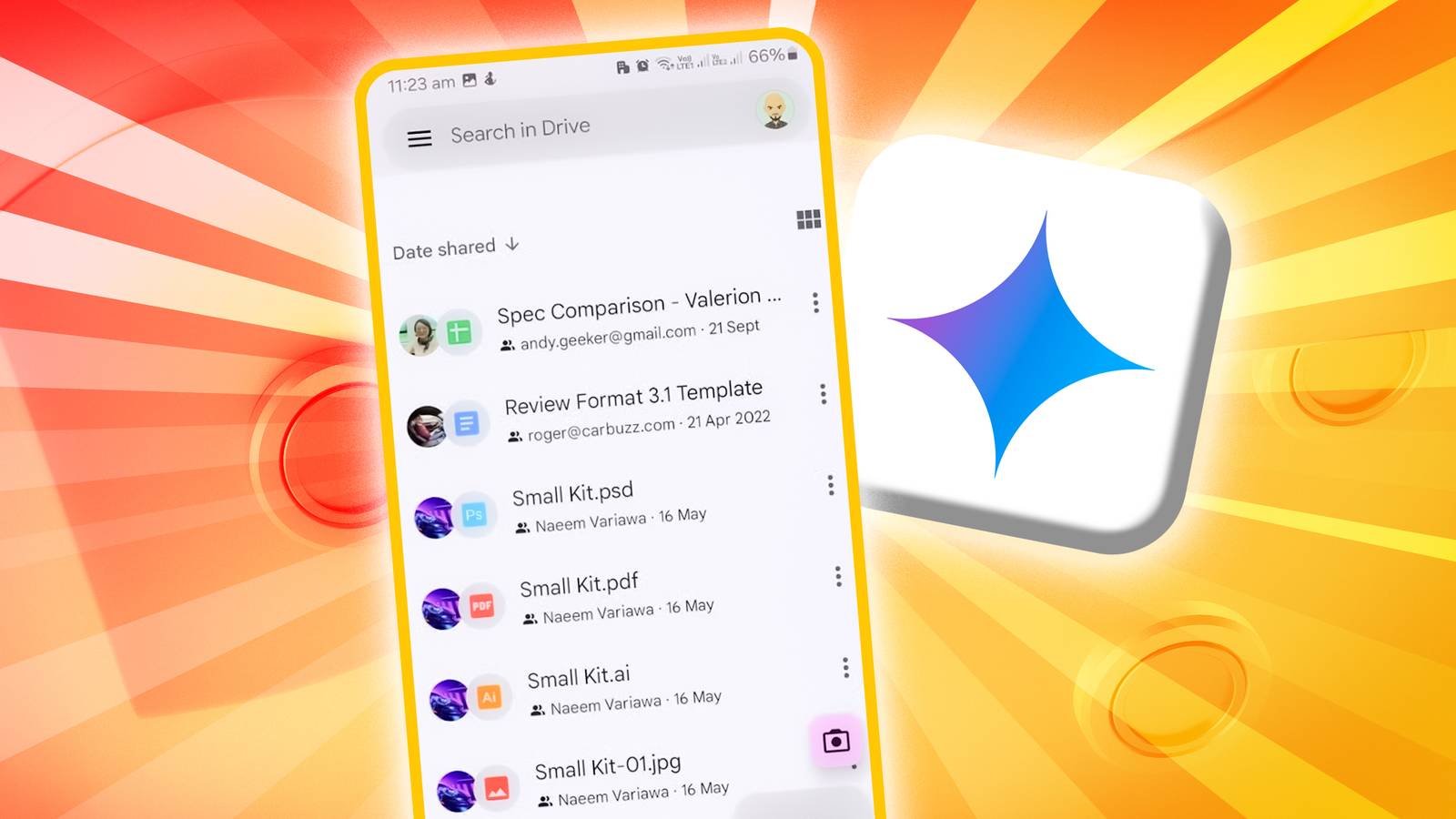
    Google is now addressing this issue by adding Gemini directly to the Drive apps for Android and iOS. Until now, Gemini’s collaboration tools were only available on the web, but they are now coming to mobile. The update began rolling out on September 22 and, like most Workspace updates, may take up to two weeks to reach everyone. However, free personal accounts are not included; only paid plans like Business Standard, Business Plus, Enterprise Standard, Enterprise Plus, Google AI Pro for Education, and Google One AI Premium will have access.

    On mobile, Gemini can summarize individual files, give overviews of whole folders, and highlight key points from several documents at once. If you are following a project, you can ask about its progress or details without checking each file yourself. Gemini also works with images in Drive, creating summaries or answering questions about them. It acts as a search assistant too, helping you find files or details much faster than browsing the old way.

    Easy access to Gemini inside the app

    Credit: Google

    Google has made Gemini easy to find in the app. There is a new ‘Ask Gemini’ button at the top right, options like ‘Summarize this file’ at the bottom of document viewers, and entries in the overflow menus. When you tap one, Gemini opens at the bottom of the screen, where you can type questions or pick from suggested prompts. Gemini can give overviews of whole projects or folders, helping you keep track of your work without switching between files.

    This move is part of Google’s bigger plan to add Gemini across all of Workspace. Drive now joins Gmail, Docs, and Slides, where AI already helps with writing, editing, and organizing. Gemini’s integration with Drive highlights how important the service is for both personal and work life, storing everything from project files to receipts. Making this information easy to access adds a lot of value.

    Android Brings drive File Gemini Google iOS smarter summaries
    Share. Facebook Twitter Pinterest LinkedIn Tumblr Email
    Previous ArticlePeloton Bike or Bike Plus: We Tested Both Models to Help You Decide
    Next Article Logitech MX Master 4 Review: Productivity Pro
    techupdateadmin
    • Website

    Related Posts

    Gadgets

    Android might finally stop making you tap twice for Wi-Fi

    December 22, 2025
    Gadgets

    Gear News of the Week: LG Debuts an RGB LED TV, and Google Brings Find Hub to Wear OS

    December 21, 2025
    Mobile

    Deals: Freebies with Google Pixels, discounts on Xiaomi 15, Poco F7 Ultra, and more

    December 20, 2025
    Add A Comment
    Leave A Reply Cancel Reply

    Top Posts

    NYT Strands hints and answers for Monday, August 11 (game #526)

    August 11, 202545 Views

    These 2 Cities Are Pushing Back on Data Centers. Here’s What They’re Worried About

    September 13, 202542 Views

    Today’s NYT Connections: Sports Edition Hints, Answers for Sept. 4 #346

    September 4, 202540 Views
    Stay In Touch
    • Facebook
    • YouTube
    • TikTok
    • WhatsApp
    • Twitter
    • Instagram
    Latest Reviews

    Subscribe to Updates

    Get the latest tech news from FooBar about tech, design and biz.

    Most Popular

    Best Fitbit fitness trackers and watches in 2025

    July 9, 20250 Views

    There are still 200+ Prime Day 2025 deals you can get

    July 9, 20250 Views

    The best earbuds we’ve tested for 2025

    July 9, 20250 Views
    Our Picks

    My Health Anxiety Means I Won’t Use Apple’s or Samsung’s Smartwatches. Here’s Why

    December 22, 2025

    You can now buy the OnePlus 15 in the US and score free earbuds if you hurry

    December 22, 2025

    Today’s NYT Connections: Sports Edition Hints, Answers for Dec. 22 #455

    December 22, 2025

    Subscribe to Updates

    Get the latest creative news from FooBar about art, design and business.

    Facebook X (Twitter) Instagram Pinterest
    • About Us
    • Contact us
    • Privacy Policy
    • Disclaimer
    • Terms and Conditions
    © 2026 techupdatealert. Designed by Pro.

    Type above and press Enter to search. Press Esc to cancel.