
Close Menu
TechUpdateAlert

    Subscribe to Updates

    Get the latest creative news from FooBar about art, design and business.

    What's Hot

    My Health Anxiety Means I Won’t Use Apple’s or Samsung’s Smartwatches. Here’s Why

    December 22, 2025

    You can now buy the OnePlus 15 in the US and score free earbuds if you hurry

    December 22, 2025

    Today’s NYT Connections: Sports Edition Hints, Answers for Dec. 22 #455

    December 22, 2025
    Facebook X (Twitter) Instagram
    Trending
    • My Health Anxiety Means I Won’t Use Apple’s or Samsung’s Smartwatches. Here’s Why
    • You can now buy the OnePlus 15 in the US and score free earbuds if you hurry
    • Today’s NYT Connections: Sports Edition Hints, Answers for Dec. 22 #455
    • Android might finally stop making you tap twice for Wi-Fi
    • Today’s NYT Mini Crossword Answers for Dec. 22
    • Waymo’s robotaxis didn’t know what to do when a city’s traffic lights failed
    • Today’s NYT Wordle Hints, Answer and Help for Dec. 22 #1647
    • You Asked: OLED Sunlight, VHS on 4K TVs, and HDMI Control Issues
    Facebook X (Twitter) Instagram Pinterest Vimeo
    TechUpdateAlertTechUpdateAlert
    • Home
    • Gaming
    • Laptops
    • Mobile
    • Software
    • Reviews
    • AI & Tech
    • Gadgets
    • How-To
    TechUpdateAlert
    Home»Reviews»Windows 11’s Photos app gains AI-powered categorization feature
    Reviews

    Windows 11’s Photos app gains AI-powered categorization feature

    techupdateadminBy techupdateadminSeptember 26, 2025No Comments2 Mins Read
    Share Facebook Twitter Pinterest LinkedIn Tumblr Reddit Telegram Email
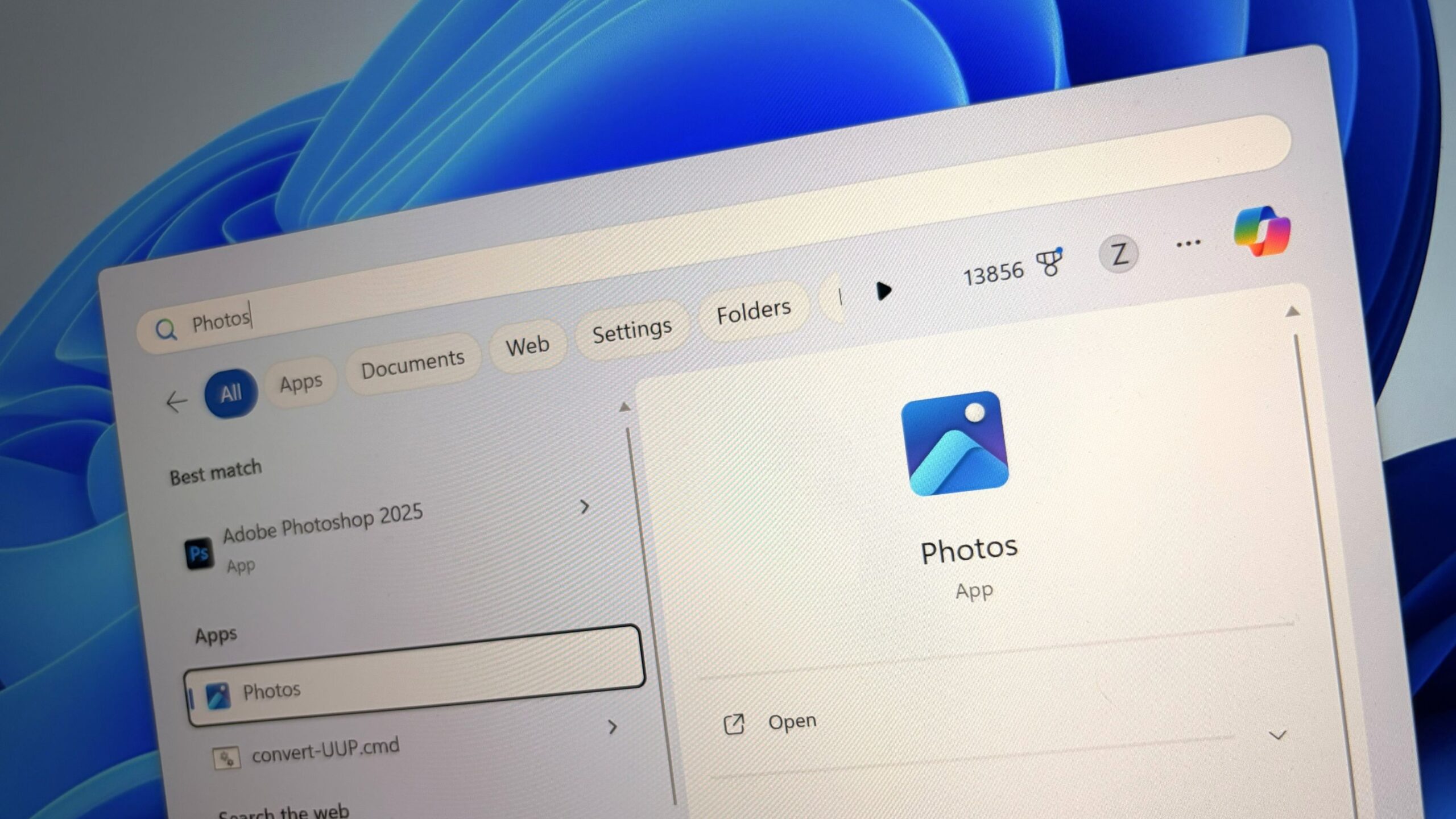
    Windows 11 Photos logo
    Share
    Facebook Twitter LinkedIn Pinterest Email

    Microsoft has announced a new update coming soon to the Photos app on Windows 11 that introduces AI-powered categories into the app. The update is now in testing with Windows Insiders, and is expected to begin rolling out generally in the coming weeks.

    The new update adds different folders into the app and will use AI to categorize photos into the folders based on visual content. Categories include receipts, identity cards, notes, and screenshots, which will be automatically grouped together using AI.

    “Auto-Categorization automatically detects and organizes your photo collection into meaningful categories like screenshots, receipts, identity documents, and notes using AI. It’s designed to save time, reduce clutter, and make your photo library easier to navigate.” The AI processing is all handled on-device too, meaning this new feature will require a Copilot+ PC with an NPU of at least 40 TOPS worth of power.


    You may like

    The new categories feature in Photos (Image credit: Microsoft)

    You can check out the full outline of AI-powered categorization features coming to Photos below.

    • Smart sorting into categories: Photos are automatically grouped into predefined folders based on visual content, such as handwritten notes, printed documents, or receipts.
    • Language-agnostic recognition: The AI model can identify document types regardless of the language in the image. For example, a Hungarian passport will still be categorized as “Passport,” even if the text isn’t in English.
    • Explore your organized photo library with Auto-Categorization in Photos.
    • Use the Left Nav or Search bar to find categorized images instantly.
    • Change categories manually or provide feedback to improve accuracy.

    AI-categories in Photos is one of several new AI-powered features that have been added to the app on Windows 11 over the last year. Since the launch of Copilot+ PCs, the photos app has been upgraded into a capable photo editing tool, which AI-powered spot removal and background removal tools, and more.

    The new AI-powered categories feature is available in preview with version version 2025.11090.25001.0 or above, and can be installed via the Microsoft Store if you’re in the Windows Insider Program.

    All the latest news, reviews, and guides for Windows and Xbox diehards.

    11s AIPowered app categorization Feature gains Photos Windows
    Share. Facebook Twitter Pinterest LinkedIn Tumblr Email
    Previous ArticleA $1,000 Xbox Ally handheld tests the appetite for pricey next-gen consoles
    Next Article First Week of iPhone 17: What Really Happens Inside an Apple Store Launch
    techupdateadmin
    • Website

    Related Posts

    Gadgets

    Your next Legion Go 2 might run SteamOS instead of Windows 11

    December 21, 2025
    Gadgets

    LG forced a Copilot web app onto its TVs but will let you delete it

    December 19, 2025
    Mobile

    I found a Mac app to take care of my health, and it’s a godsend for all desk warriors

    December 19, 2025
    Add A Comment
    Leave A Reply Cancel Reply

    Top Posts

    NYT Strands hints and answers for Monday, August 11 (game #526)

    August 11, 202545 Views

    These 2 Cities Are Pushing Back on Data Centers. Here’s What They’re Worried About

    September 13, 202542 Views

    Today’s NYT Connections: Sports Edition Hints, Answers for Sept. 4 #346

    September 4, 202540 Views
    Stay In Touch
    • Facebook
    • YouTube
    • TikTok
    • WhatsApp
    • Twitter
    • Instagram
    Latest Reviews

    Subscribe to Updates

    Get the latest tech news from FooBar about tech, design and biz.

    Most Popular

    Best Fitbit fitness trackers and watches in 2025

    July 9, 20250 Views

    There are still 200+ Prime Day 2025 deals you can get

    July 9, 20250 Views

    The best earbuds we’ve tested for 2025

    July 9, 20250 Views
    Our Picks

    My Health Anxiety Means I Won’t Use Apple’s or Samsung’s Smartwatches. Here’s Why

    December 22, 2025

    You can now buy the OnePlus 15 in the US and score free earbuds if you hurry

    December 22, 2025

    Today’s NYT Connections: Sports Edition Hints, Answers for Dec. 22 #455

    December 22, 2025

    Subscribe to Updates

    Get the latest creative news from FooBar about art, design and business.

    Facebook X (Twitter) Instagram Pinterest
    • About Us
    • Contact us
    • Privacy Policy
    • Disclaimer
    • Terms and Conditions
    © 2026 techupdatealert. Designed by Pro.

    Type above and press Enter to search. Press Esc to cancel.