
Close Menu
TechUpdateAlert

    Subscribe to Updates

    Get the latest creative news from FooBar about art, design and business.

    What's Hot

    My Health Anxiety Means I Won’t Use Apple’s or Samsung’s Smartwatches. Here’s Why

    December 22, 2025

    You can now buy the OnePlus 15 in the US and score free earbuds if you hurry

    December 22, 2025

    Today’s NYT Connections: Sports Edition Hints, Answers for Dec. 22 #455

    December 22, 2025
    Facebook X (Twitter) Instagram
    Trending
    • My Health Anxiety Means I Won’t Use Apple’s or Samsung’s Smartwatches. Here’s Why
    • You can now buy the OnePlus 15 in the US and score free earbuds if you hurry
    • Today’s NYT Connections: Sports Edition Hints, Answers for Dec. 22 #455
    • Android might finally stop making you tap twice for Wi-Fi
    • Today’s NYT Mini Crossword Answers for Dec. 22
    • Waymo’s robotaxis didn’t know what to do when a city’s traffic lights failed
    • Today’s NYT Wordle Hints, Answer and Help for Dec. 22 #1647
    • You Asked: OLED Sunlight, VHS on 4K TVs, and HDMI Control Issues
    Facebook X (Twitter) Instagram Pinterest Vimeo
    TechUpdateAlertTechUpdateAlert
    • Home
    • Gaming
    • Laptops
    • Mobile
    • Software
    • Reviews
    • AI & Tech
    • Gadgets
    • How-To
    TechUpdateAlert
    Home»How-To»Pocket’s shutdown didn’t hurt my workflow, thanks to this free Chrome extension
    How-To

    Pocket’s shutdown didn’t hurt my workflow, thanks to this free Chrome extension

    techupdateadminBy techupdateadminSeptember 26, 2025No Comments4 Mins Read
    Share Facebook Twitter Pinterest LinkedIn Tumblr Reddit Telegram Email
    Pocket's shutdown didn't hurt my workflow, thanks to this free Chrome extension
    Share
    Facebook Twitter LinkedIn Pinterest Email

    When Mozilla announced it was shutting down Pocket, I expected my carefully saved reading list to unravel.

    Pocket was my catch-all inbox for articles, research, and tutorials. I also used the app on my phone to save stray links I wanted to revisit later.

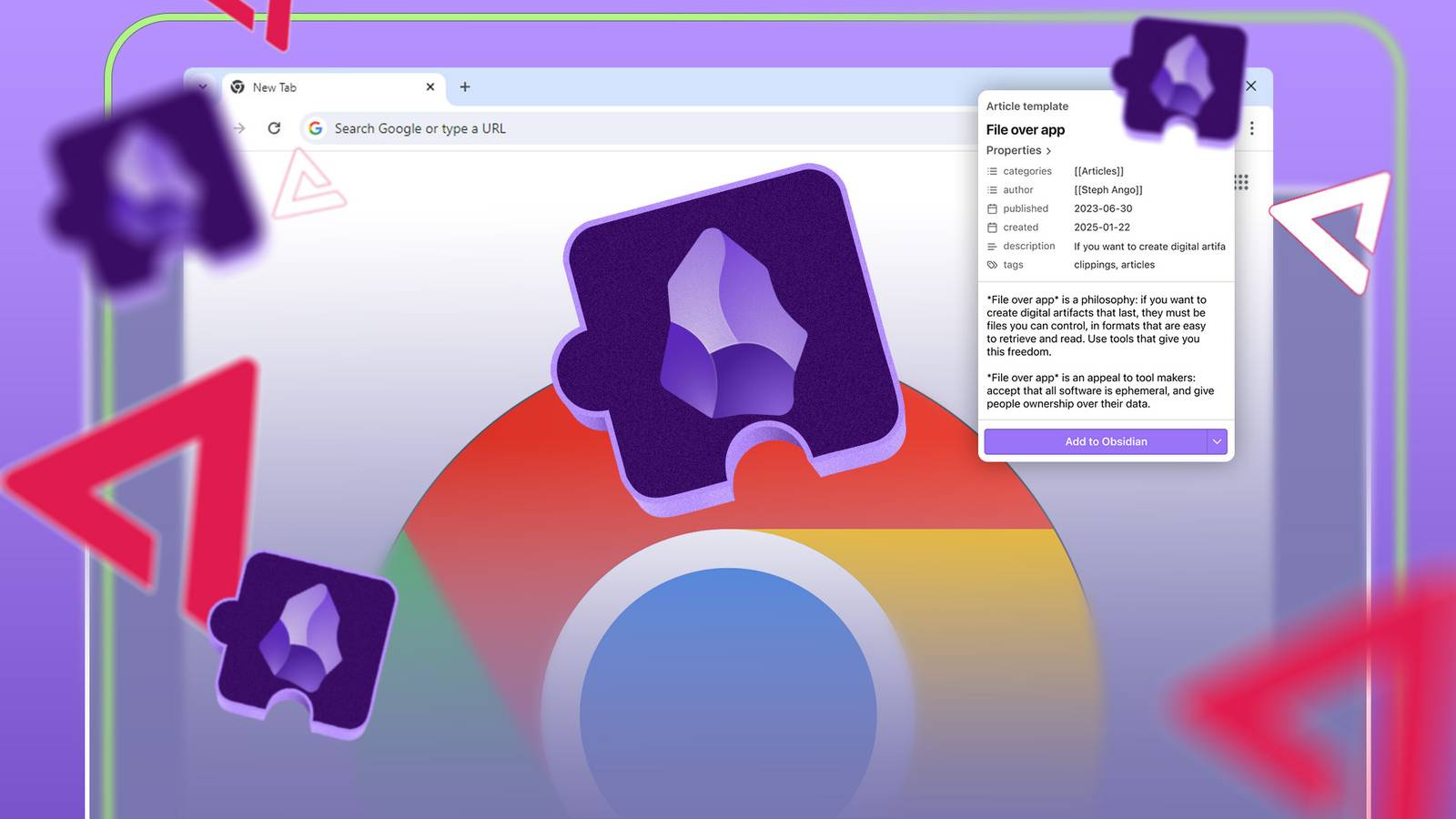
    But instead of scrambling for a new service, I switched to Obsidian Web Clipper, a free Chrome extension I’d already been testing.

    This lightweight tool saves pages straight into my Obsidian vault, alongside my notes and ideas. The best part was that there was no risk of losing my library when a company changes course.

    Here’s how the switch worked and the few settings that make Obsidian Web Clipper a perfect long-term replacement for anyone who relies on a system for managing reading materials.

    What is Obsidian Web Clipper?

    Save web pages straight to your Obsidian vault

    Obsidian Web Clipper is a free Chrome extension that lets you save any web page directly into your Obsidian vault, the same place where you can store all your notes, ideas, and research.

    Instead of juggling a separate app or worrying about syncing, every article or snippet you clip becomes a Markdown file inside your existing Obsidian setup.

    To get started, you must install the Obsidian Web Clipper extension from the Chrome Web Store.

    When you find something worth keeping, click the extension’s icon, add optional tags or highlights, and click Add to Obsidian. The page is instantly converted into a clean Markdown, ready for linking and organizing alongside your other notes.

    Because it’s tied to Obsidian, the clipper fits neatly into a broader knowledge-management workflow. You can connect clippings to related notes, search everything in one place, and keep your data entirely local if you prefer.

    My reading list is under my control

    I can save articles with ease

    Woman wearing glasses looking upward as the top of her head is opened, with Obsidian icons emerging from it. Credit: Lucas Gouveia / Android Police | HBRH / Shutterstock

    After moving to Obsidian Web Clipper, there is a sense of ownership over my reading list. With Pocket, my articles existed in the cloud, under Mozilla’s control.

    Even though I could save and tag them, I was ultimately dependent on a service that could change rules, go offline, or, as we now know, shut down entirely.

    Now, every clipping is stored directly in my Obsidian vault. I decide how it is organized, tagged, and linked. Nothing is subject to a third party’s policies.

    The best part is that I can search and reference these articles exactly how I want, integrating them into my broader knowledge base.

    Customize saved articles in Obsidian

    Clipping is flexible

    Screenshot showing saved articles in the Obsidian app on desktop

    One of the things I immediately appreciated about Obsidian Web Clipper is its adaptability.

    Unlike tools like Pocket that force every saved article into a fixed format, this extension lets me decide how each clipping fits into my vault. I can choose the folder, add tags, and highlight or annotate before saving.

    Every page becomes a Markdown file that I can link to other notes, integrate into ongoing projects, or store for later reference.

    Organizing notes, simplified

    Screenshot showing how to search for articles in the Obsidian app on desktop

    When I save an article using Obsidian Web Clipper, I can add multiple tags, a custom title, or even notes about the article.

    Because every clipping is a Markdown file in my vault, I can later filter by tags, search for keywords, or follow links to related notes. Finding a specific article from months ago is no longer a scavenger hunt.

    The trade-offs (and why they’re worth it)

    There are a few compromises

    Obsidian Pixel Vault with folders

    Switching to Obsidian Web Clipper hasn’t been all smooth sailing.

    Unlike Pocket, there’s no dedicated mobile app with automatic syncing. On mobile, the only way to clip articles directly into Obsidian is to use a browser that supports extensions, like Firefox, and use the Obsidian Web Clipper extension.

    The interface is also a bit less polished compared to Pocket’s streamlined design. For quick browsing and casual reading, it can feel more hands-on than the “save and forget” simplicity I was used to.

    That said, the trade-offs are more than worth it. Every clipping is stored locally, and I have complete freedom over its organization.

    Obsidian Web Clipper has become a welcome upgrade for my workflow

    Switching from Pocket to Obsidian Web Clipper feels like an upgrade. Despite a few trade-offs, like the lack of a dedicated mobile app, the benefits far outweigh the minor inconveniences.

    The flexibility of clipping, the power of tags and metadata, and the peace of mind that comes with owning my content completely transformed my reading workflow.

    For anyone frustrated by Pocket’s closure, Obsidian Web Clipper is a worthy alternative.

    Chrome didnt Extension free hurt Pockets shutdown Workflow
    Share. Facebook Twitter Pinterest LinkedIn Tumblr Email
    Previous ArticleiPhone Air vs. Galaxy S25 Edge: Does Thinner Make a Winner?
    Next Article A $1,000 Xbox Ally handheld tests the appetite for pricey next-gen consoles
    techupdateadmin
    • Website

    Related Posts

    Gadgets

    You can now buy the OnePlus 15 in the US and score free earbuds if you hurry

    December 22, 2025
    Gadgets

    Waymo’s robotaxis didn’t know what to do when a city’s traffic lights failed

    December 22, 2025
    Gadgets

    Watch ‘Stranger Things’ for Free and More With These T-Mobile Streaming Freebies

    December 19, 2025
    Add A Comment
    Leave A Reply Cancel Reply

    Top Posts

    NYT Strands hints and answers for Monday, August 11 (game #526)

    August 11, 202545 Views

    These 2 Cities Are Pushing Back on Data Centers. Here’s What They’re Worried About

    September 13, 202542 Views

    Today’s NYT Connections: Sports Edition Hints, Answers for Sept. 4 #346

    September 4, 202540 Views
    Stay In Touch
    • Facebook
    • YouTube
    • TikTok
    • WhatsApp
    • Twitter
    • Instagram
    Latest Reviews

    Subscribe to Updates

    Get the latest tech news from FooBar about tech, design and biz.

    Most Popular

    Best Fitbit fitness trackers and watches in 2025

    July 9, 20250 Views

    There are still 200+ Prime Day 2025 deals you can get

    July 9, 20250 Views

    The best earbuds we’ve tested for 2025

    July 9, 20250 Views
    Our Picks

    My Health Anxiety Means I Won’t Use Apple’s or Samsung’s Smartwatches. Here’s Why

    December 22, 2025

    You can now buy the OnePlus 15 in the US and score free earbuds if you hurry

    December 22, 2025

    Today’s NYT Connections: Sports Edition Hints, Answers for Dec. 22 #455

    December 22, 2025

    Subscribe to Updates

    Get the latest creative news from FooBar about art, design and business.

    Facebook X (Twitter) Instagram Pinterest
    • About Us
    • Contact us
    • Privacy Policy
    • Disclaimer
    • Terms and Conditions
    © 2026 techupdatealert. Designed by Pro.

    Type above and press Enter to search. Press Esc to cancel.