
Close Menu
TechUpdateAlert

    Subscribe to Updates

    Get the latest creative news from FooBar about art, design and business.

    What's Hot

    My Health Anxiety Means I Won’t Use Apple’s or Samsung’s Smartwatches. Here’s Why

    December 22, 2025

    You can now buy the OnePlus 15 in the US and score free earbuds if you hurry

    December 22, 2025

    Today’s NYT Connections: Sports Edition Hints, Answers for Dec. 22 #455

    December 22, 2025
    Facebook X (Twitter) Instagram
    Trending
    • My Health Anxiety Means I Won’t Use Apple’s or Samsung’s Smartwatches. Here’s Why
    • You can now buy the OnePlus 15 in the US and score free earbuds if you hurry
    • Today’s NYT Connections: Sports Edition Hints, Answers for Dec. 22 #455
    • Android might finally stop making you tap twice for Wi-Fi
    • Today’s NYT Mini Crossword Answers for Dec. 22
    • Waymo’s robotaxis didn’t know what to do when a city’s traffic lights failed
    • Today’s NYT Wordle Hints, Answer and Help for Dec. 22 #1647
    • You Asked: OLED Sunlight, VHS on 4K TVs, and HDMI Control Issues
    Facebook X (Twitter) Instagram Pinterest Vimeo
    TechUpdateAlertTechUpdateAlert
    • Home
    • Gaming
    • Laptops
    • Mobile
    • Software
    • Reviews
    • AI & Tech
    • Gadgets
    • How-To
    TechUpdateAlert
    Home»Laptops»Windows 11’s Paint app is gaining Photoshop-like project files
    Laptops

    Windows 11’s Paint app is gaining Photoshop-like project files

    techupdateadminBy techupdateadminSeptember 18, 2025No Comments2 Mins Read
    Share Facebook Twitter Pinterest LinkedIn Tumblr Reddit Telegram Email
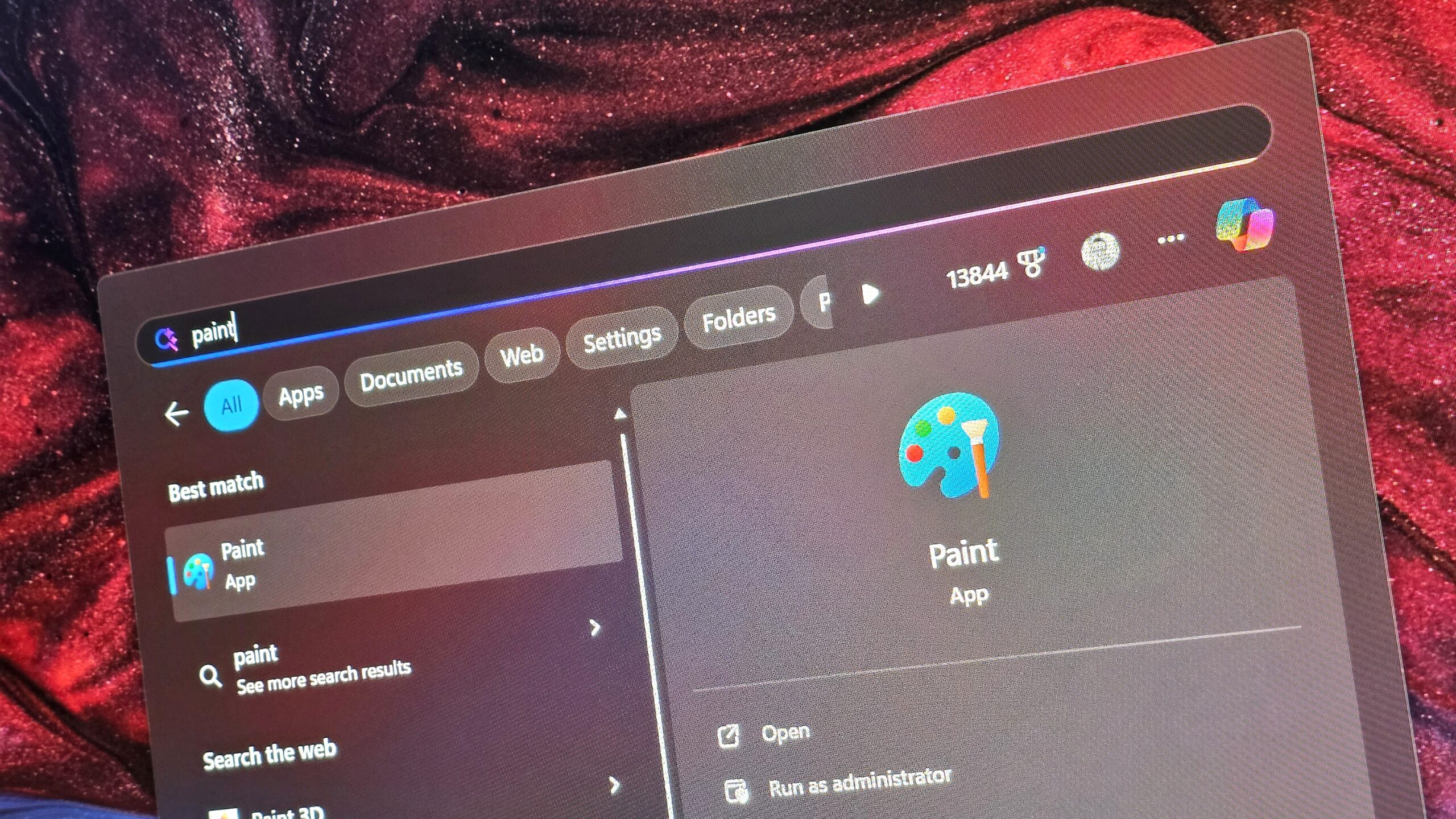
    Microsoft Paint icon in Windows Search
    Share
    Facebook Twitter LinkedIn Pinterest Email

    Microsoft has announced a major update to the Paint app on Windows 11 that introduces support for project files, a feature just like what Photoshop has where you can save a work-in-progress image as a project for opening and editing at a later point.

    The new project file feature will save your Paint projects as .paint files, and will let you resume a project with multiple layers and edits, just like in Photoshop. “We’re introducing project files, you can now save your creation as an editable Paint project file and seamlessly pick up where you left off” says Dave Grochocki, Microsoft Principal Group Product Manager.

    This new feature is one of many in recent months that are designed to pit Paint as a capable and free alternative to Adobe Photoshop. Up until Windows 11, it felt like Paint had been left by the wayside, but the app has received numerous updates in the last handful of years that has truly transformed it into something useful.


    You may like

    (Image credit: Microsoft)

    Microsoft is also adding a new opacity slider to Paint, which will let users control the transparency of strokes with pencil and brush tools. This is in addition to features like layers and support for transparency, which are features that have been available for some time now.

    It’s good to see Microsoft continuing to update Paint with new features and experiences. I think for many people who just need to do basic edits to a photo or image, Paint is now good enough to complete those tasks with ease.

    The new Paint update is now in testing with Windows Insiders in the Canary and Dev Channels, and is expected to begin rolling out generally in the coming weeks.

    What are your thoughts on these new Paint features? Do you use Microsoft Paint often on Windows 11? Let us know in the comments.

    All the latest news, reviews, and guides for Windows and Xbox diehards.

    11s app files gaining paint Photoshoplike project Windows
    Share. Facebook Twitter Pinterest LinkedIn Tumblr Email
    Previous ArticleIs the new Outlook really a native Windows app?
    Next Article Done With Facebook? Pull the Plug on Your Account (and Keep All Your Stuff)
    techupdateadmin
    • Website

    Related Posts

    Gadgets

    Your next Legion Go 2 might run SteamOS instead of Windows 11

    December 21, 2025
    Gadgets

    LG forced a Copilot web app onto its TVs but will let you delete it

    December 19, 2025
    Mobile

    I found a Mac app to take care of my health, and it’s a godsend for all desk warriors

    December 19, 2025
    Add A Comment
    Leave A Reply Cancel Reply

    Top Posts

    NYT Strands hints and answers for Monday, August 11 (game #526)

    August 11, 202545 Views

    These 2 Cities Are Pushing Back on Data Centers. Here’s What They’re Worried About

    September 13, 202542 Views

    Today’s NYT Connections: Sports Edition Hints, Answers for Sept. 4 #346

    September 4, 202540 Views
    Stay In Touch
    • Facebook
    • YouTube
    • TikTok
    • WhatsApp
    • Twitter
    • Instagram
    Latest Reviews

    Subscribe to Updates

    Get the latest tech news from FooBar about tech, design and biz.

    Most Popular

    Best Fitbit fitness trackers and watches in 2025

    July 9, 20250 Views

    There are still 200+ Prime Day 2025 deals you can get

    July 9, 20250 Views

    The best earbuds we’ve tested for 2025

    July 9, 20250 Views
    Our Picks

    My Health Anxiety Means I Won’t Use Apple’s or Samsung’s Smartwatches. Here’s Why

    December 22, 2025

    You can now buy the OnePlus 15 in the US and score free earbuds if you hurry

    December 22, 2025

    Today’s NYT Connections: Sports Edition Hints, Answers for Dec. 22 #455

    December 22, 2025

    Subscribe to Updates

    Get the latest creative news from FooBar about art, design and business.

    Facebook X (Twitter) Instagram Pinterest
    • About Us
    • Contact us
    • Privacy Policy
    • Disclaimer
    • Terms and Conditions
    © 2026 techupdatealert. Designed by Pro.

    Type above and press Enter to search. Press Esc to cancel.