


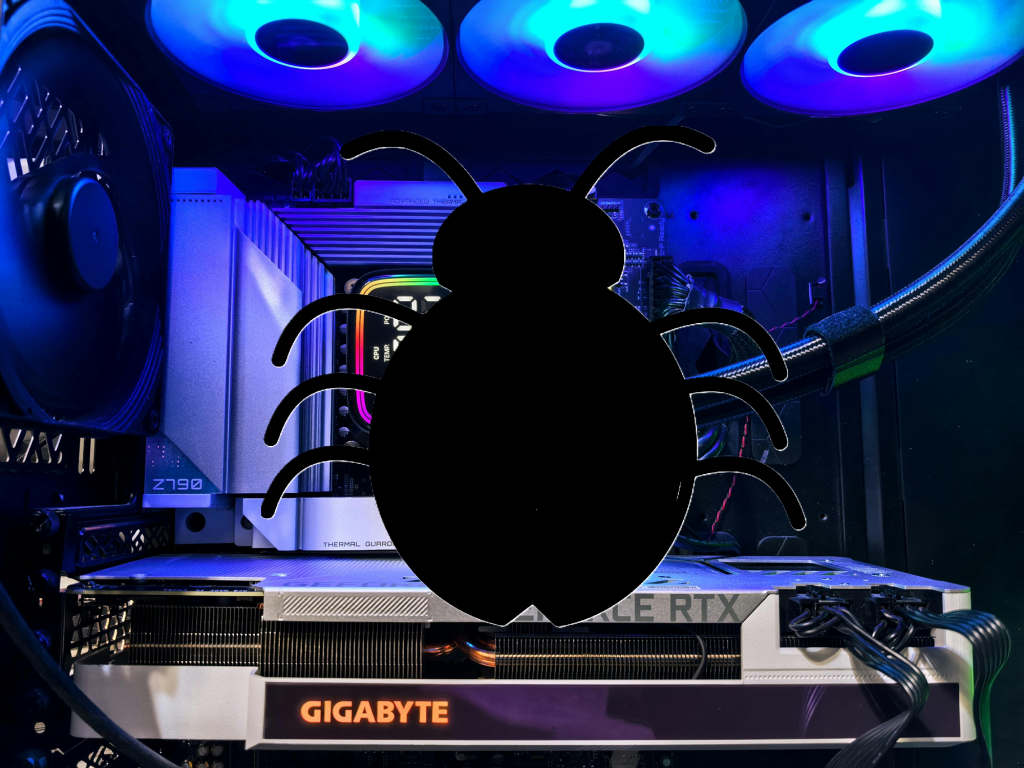
If Microsoft Defender has begun issuing warnings on your gaming PC for a “Winring0 vulnerable driver,” you have a major choice to make: you can set an exception and exempt popular RGB and fan control applications, but you’ll run the risk of malware exploiting it to attack your PC.
As identified by Microsoft, Defender might issue a warning identifying that “VulnerableDriver:WinNT/Winring0” has been detected on your PC. And it’s a valid concern, because it ties back to a known vulnerablilty in two drivers, WinRing0.sys and WinRing0x64.sys, as recorded by the NIST, part of the U.S. Department of Commerce.
The problem is that those drivers are the foundation for many, many third-party applications that take advantage of the drivers for controlling functions like fan speed and RGB lighting, “including tools like CapFrameX, EVGA Precision X1 (older versions), FanCtrl, HWiNFO, Libre Hardware Monitor, MSI Afterburner, Open Hardware Monitor, OpenRGB, OmenMon, Panorama9, Razer Synapse, SteelSeries Engine, ZenTimings, and others,” Microsoft says. They’re the tools and utilities used by gamers and enthusiasts alike, and they’re all subject to the same vulnerability.
As Gamers Nexus pointed out in an in-depth video on the subject, the WinRing0.sys library was written ages ago. In 2010, Hiyohiyo (Noriyuki Miyazaki,) a developer known for CrystalDiskMark, a key benchmark which tracks the read and write speeds used to evaluate the best SSDs, created it. But when it came time for an update, the developer removed almost all functionality and called the project a failure.
Unfortunately, WinRing0.sys was still a convenient entry point into low-level access into the hardware itself. Without a maintainer, it couldn’t and can’t be patched. At that point, however, the vulnerable library had been incorporated into the many utilities that Microsoft identified. In the meantime, Gamers Nexus found evidence of malware that has been actively using the vulnerability, basically equating the presence of the driver to the presence of powerful gaming hardware and sneakily loading cryptocurrency miners onto the PC to sap its resources.
Right now, however, Microsoft is playing both sides.
In its security document, Microsoft states plainly that the “VulnerableDriver:WinNT/Winring0” alert isn’t a mistake: “This detection is valid,” it says. (Note that the driver itself isn’t malware, but it’s vulnerable to other malware applications atacking it.)
Yet just a few lines down, it offers users the option to add an exclusion within Microsoft Defender Antivirus, allowing the user to choose the affected file or application and essentially whitelist it within Defender. That’s risky. Choosing to ignore a known vulnerability opens your PC up to malware, more of which may be in circulation as the issue comes to light.
Without Miyazaki’s active particiaption, it’s up to the app developers themselves to come up with their own solutions. EVGA patched their drivers, leaving just older, deprecated drivers vulnerable. But other apps still contain the vulnberability.
As Wendell Wilson of Level1 Techs noted in the Gamer Nexus video, Microsoft is actively developing the Dynamic Lighting feature within Windows to allow Windows itself to control RGB lighting. That could theoretically lead to a future where Microsoft steps in to replace the functionality of the WinRing0.sys driver with something up-to-date and secure. But Wilson also noted that Microsoft has yet to do that with fan controls. That puts an application like Razer Synapse or MSI Overdrive right back in the same place it began: dependent upon a vulnerable piece of code.
There are alternatives, as Windows Forum notes: “Software vendors must adapt by using secure driver frameworks or operate in user space, employing techniques such as Windows Management Instrumentation (WMI), Hardware Abstraction Layers (HALs), or other sandboxed environments,” it wrote. “Collaboration between ISVs and Microsoft is critical here.”
Until that day comes, enthusiasts are in a difficult place: Roll the dice and enjoy all the controls and functionality that you always have, or allow Defender to essentially quarantine key applications that control their gaming PCs’ fans and lighting. We urge you to play it safe, regardless of how blinged-out you’d like your PC to be.
