


Why you can trust Windows Central
Our expert reviewers spend hours testing and comparing products and services so you can choose the best for you. Find out more about how we test.
Handheld gaming PCs are proving to be more than a fad or a fleeting niche, as the ASUS ROG Ally remains the strongest Windows-based alternative to Valve’s Steam Deck. I use both, and frankly, the Ally is fast becoming my preferred choice, despite the performance advantages that SteamOS can bring.
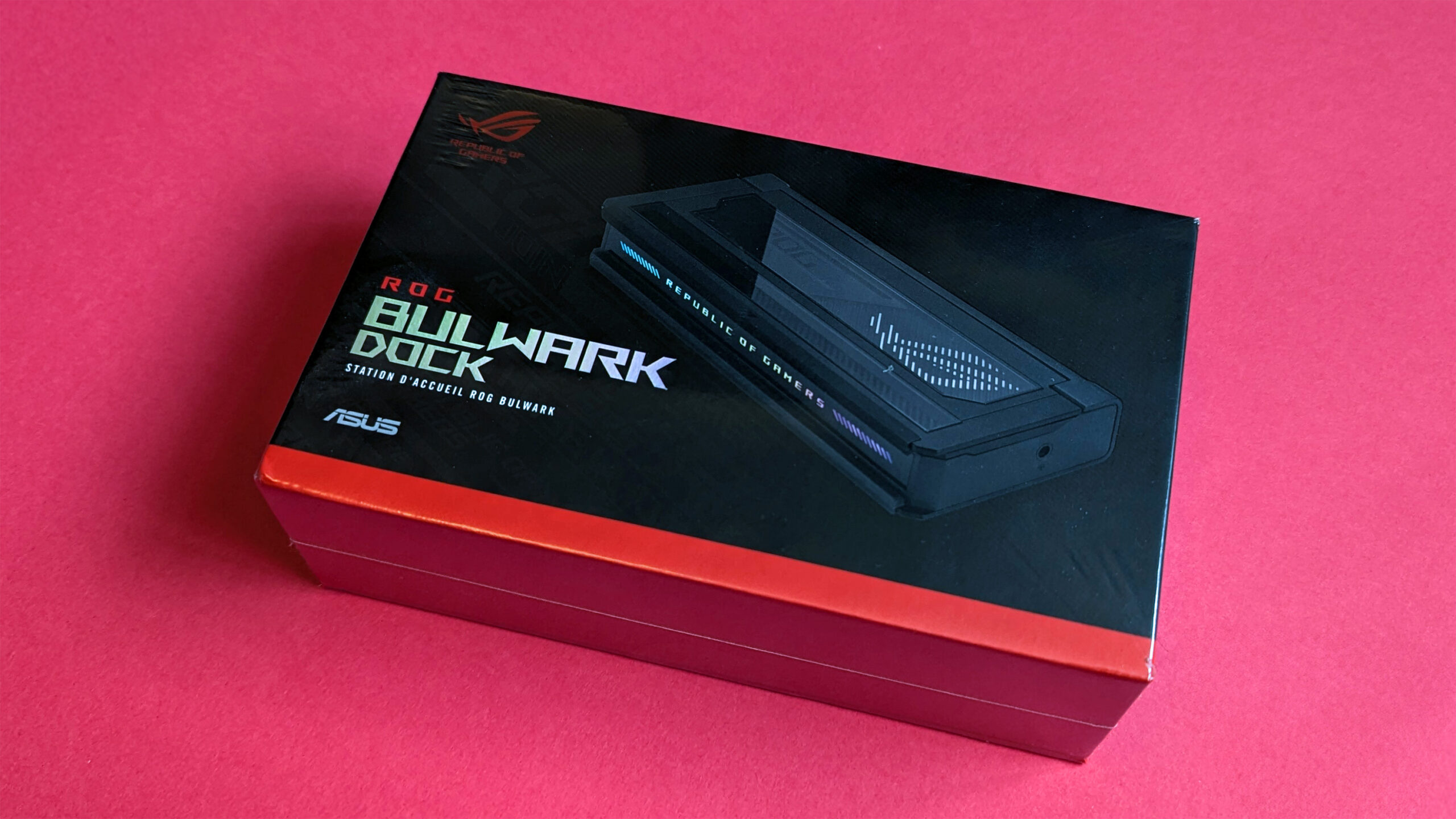
However, no matter which you choose, you’ll eventually find yourself in a situation where playing on a larger screen would be even better. Sure, you can get some bizarre USB-C to HDMI conversion cables, but a docking station is a far better solution. ASUS has its own, and I got my hands on a sample for this ROG Bulwark Dock review.
Ben Wilson
I play gaming handhelds like ASUS’ ROG Ally and Valve’s Steam Deck practically every day, and I’ve travelled around the world with both of them.
This review was made possible thanks to a review unit provided by ASUS ROG. The company did not see the contents of this review before publishing.
ROG Bulwark Dock: Price and availability

The ASUS ROG Bulwark Dock launched for $139.99 at Best Buy, which is the MSRP (manufacturer’s suggested retail price), and should only come down from there with potential discounts.
ROG Bulwark Dock (DG300) specs
Price: $139.99 MSRP at Best Buy.com
Ports: 1x Ethernet, 1x audio jack, 1 x HDMI 2.1, 1 x USB-A 3.2 Gen 2, 2x USB-A 3.2 Gen 2, 1x USB-C 3.2 Gen 2
Resolution: 3840×2160 @ 144Hz or 7680×4320 @ 30Hz
Cable: 25 cm
Size: 160 x 74 x 25.5 mm
Weight: 335 g / 0.73 lbs
You don’t get much in the box, only a single 25cm USB-C cable with a right-angled connector at one end.
This cable is designed to connect to an ASUS ROG Ally or any of its variants, like the ROG Ally X and upcoming ROG Xbox Ally | ROG Xbox Ally X.
Importantly, you do not get an AC power adapter with this dock, so you’ll need to provide your own USB-C charger, like the 65W equivalents included with ROG Ally handhelds.
Similarly, you’ll need to supply an HDMI 2.1 cable if you want to connect an external display and view any media or play games with a 2160p (4K) resolution at 144Hz. As unlikely as that prospect may be for a PC gaming handheld, it’s still a hardware limitation for previous-generation HDMI cables (2.0 and earlier).
Despite the majority of its advertising revolving (understandably) around ASUS’ ROG Ally handhelds, the Bulwark dock is compatible with other Windows-based handhelds like the Lenovo Legion Go and the Linux-based Steam Deck. However, its Aura Sync RGB isn’t guaranteed to link with those via the Armoury Crate app.

The short-lived unboxing experience gave me one of the more discouraging impressions of the ROG Bulwark dock, as there simply isn’t very much in here. It’s not that I expect a handheld docking station to include a power supply; on the contrary, I’ve personally never seen that happen, but the 65W USB-C AC adapter packaged with my ASUS ROG Ally (Z1 Extreme) isn’t able to provide the 100W+ that I need to enjoy all of the features that the Bulwark offers.
You’re already facing a potential $240 price tag to use the Bulwark dock at full capacity, which is frankly outrageous.
Before you even begin to decide which of your peripherals or accessories might plug into each of the USB-A 3.2 Gen 2 ports, you need to consider buying an additional power adapter. Even from ASUS itself, the $99.99 ROG 140W charger dock from Best Buy is a steep add-on expense, particularly since you won’t use that plug’s bonus ports if you want the Bulwark to harness its full power.
Even my go-to charging brand, Anker, asks $99.99 for a 140W USB-C charger at Amazon, so it’s not like there’s a wealth of cheaper alternatives. You’re already facing a potential $240 price tag to use the Bulwark dock at full capacity, which is frankly outrageous. Pushing on, let’s look at what this handheld docking station can actually do to see if the absolute minimum cost is worth considering.
Image 1 of 2


Once you’ve connected a 100W+ power supply to the USB-C 3.2 Gen 2 upstream port, you’re left with a single Type-C downstream port, which is reserved for that 25cm cable and its right-angled connector, leading to your handheld gaming PC. After that, you’re left with three USB-A 3.2 Gen2 ports, one providing 7.5W of charging power and 10Gbps data transfer, while the other two give 4.5W at the same transfer rate.
Otherwise, you can connect an RJ45 Ethernet cable for LAN networking with up to Gigabit speeds. Yes, that’s 1Gbps — not 2.5Gb and definitely not 5Gb — so it’s a fairly standard port for wired internet. The Wi-Fi 6E speeds and signal strength on offer from my ASUS ROG Ally mean I don’t have too much desire for Gigabit LAN, but I’ll always appreciate Ethernet options on any gaming hardware.
Finally, there’s a combo audio jack, which is undoubtedly the least interesting aspect of the entire dock. Every mainstream gaming handheld released to date has kept the 3.5mm headphone port intact, so this is only really useful if you’re docking something that might be missing that option, like a smartphone or tablet. Still, you aren’t exactly restricted from accessing the standard audio port on a ROG Ally, even when it’s hooked up to the Bulwark dock.

As for the Bulwark dock itself, I can say that it has one of the best designs among ASUS ROG Ally and Ally X accessories that I’ve seen to date. That, and it’s sturdy as hell; so I’d be much happier to travel with this than some of the third-party offerings I’ve used in the past, with their permanently-attached cables dangling around in my bag. Yes, the transparent “lid” is basically just a rest for your handheld, but it hides a rubberized shelf that reduces slippage.
It’s sturdy as hell, so I’d be much happier to travel with this than some of the third-party offerings I’ve used in the past.
Even the animated RGB looks good in person, at least for the moments you’ll want to look at it. Ultimately, it doesn’t need to draw your attention for too long, since the entire point is generally to hook up an external monitor or TV and have your attention focused on that instead. Nevertheless, it’s slim, easy to transport, and looks great beside the TV in my living room. Personally, I disable the RGB around the thumbsticks on my ROG Ally, but it’s tempting to re-enable those so ASUS’ Aura Sync can do its thing.
ROG Bulwark Dock: Should you buy it?

You should buy this if …
✅ You already own a 100W+ USB-C power adapter and an HDMI 2.1 cable
✅ You regularly travel with a gaming handheld and multiple accessories
You shouldn’t buy this if …
❌ You just need to play your ROG Ally handheld on a TV
❌ You want Thunderbolt data transfers or 2.5Gb+ Ethernet speeds
ASUS ROG, in a familiar fashion, walks a line between sensible and audacious, but regularly trips onto the latter’s side regarding pricing. The Bulwark dock is capable, but the price is so brash when its rivals are absolutely crushing the category, like the JSAUX 6-in-1 selling for $29.99 at Amazon with barely-noticeable USB downgrades and 4K @ 120Hz display compatibility.
If you really craved a best-in-class port expansion for a handheld, laptop, or any USB-C device for that matter, I’d point you towards the best Thunderbolt docking stations instead. That way, you’ll still get 4K+ display compatibility alongside even faster data transfer rates and better pass-through power. The Bulwark dock doesn’t fail to deliver on its promises; it just asks an incredible amount of money for the privilege.

ASUS ROG
Bulwark 7-in-1 Charging Dock
Designed for ASUS’ ROG Ally X but compatible with others, this sturdy dock offers a reliable solution to handheld gamers who want to connect extra peripherals or play on the big screen.
