


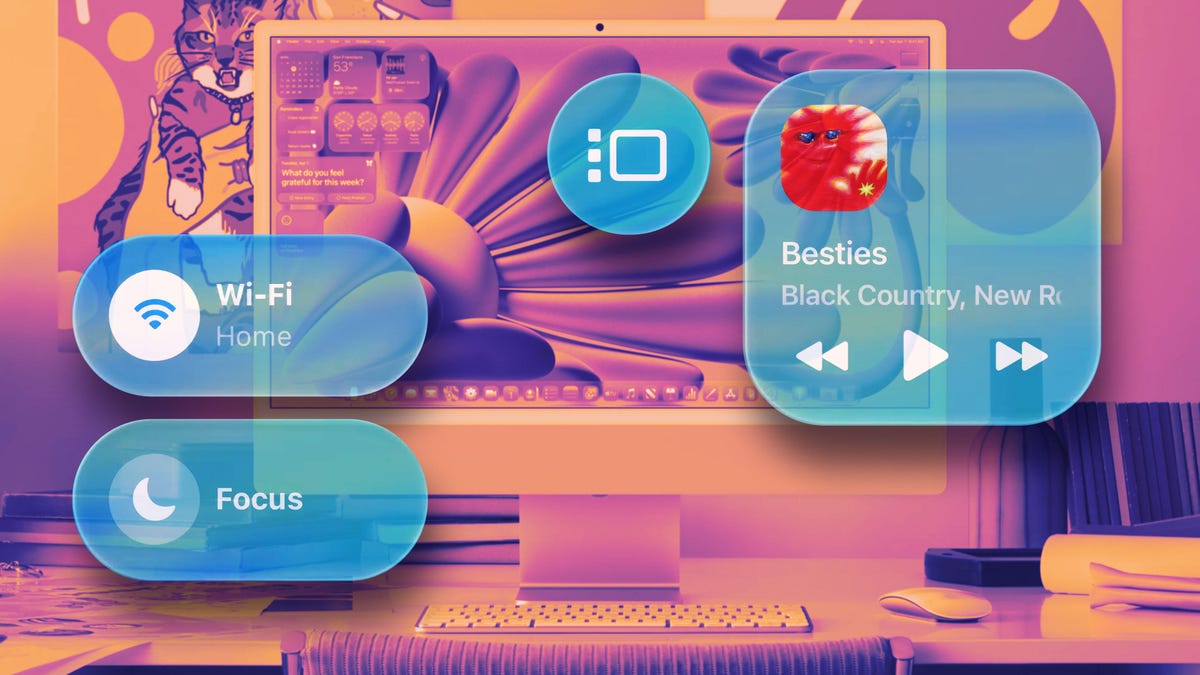
Liquid Glass isn’t just coming to your iPhone — It’s coming to just about every Apple product with a screen you can think of, including your Mac. MacOS 26 Tahoe will bring the design overhaul, which can be both somewhat dramatic or barely noticeable, with an overall look of feeling fresh while remaining comfortably familiar.
MacOS 26 Tahoe is far from just a design overhaul and will come with several new features when it officially rolls out, but it’s easy to get caught up with all the styling Apple has done with this release. Some of these changes are brand new and some are new for the Mac but borrowed from iOS, like changes to the icons.
New icon options for the Mac include color tinting and making them completely clear like you can on the iPhone. But even without those visual tweaks, Apple went to work on redesigning the standard Mac icons — some of which haven’t been changed in decades.
Don’t miss any of our unbiased tech content and lab-based reviews. Add CNET as a preferred Google source.
What’s more interesting to me is that Apple manages to tell the same story while visually saying less with some of the redesigned icons.
If you’re curious, I’ve highlighted a few of the new icons you can expect to see in MacOS 26 Tahoe, but you should keep in mind that the icons could change again by the time the official build is released. Below, I’ll compare the newly designed icons to the current version of MacOS, Sequoia.
For more, don’t miss what to expect at the Apple event today.
Tucked in, flattened down and rounded out
Icons on the Mac now feel more like that of those on iOS, with a more rounded, squircle design. Compared to Sequoia, Tahoe’s icons become flatter in the details and sometimes that texture found in the former OS version’s icons is replaced with a subtle translucent effect. Sequoia’s sometimes concave or indented style has been pushed outwards, allowing for Liquid Glass to add a little shine on the corners of elements within the icon’s design. Apple has also pulled in all icon elements that had previously hung off the edges — now everything is tucked within the icon shape.
Books
Left: MacOS Sequoia. Right: MacOS Tahoe.
The Apple Books icon updates are simple, but do a lot for the overall design. The pages show gradients to inform depth and the edges add a touch of the signature Liquid Glass shine. Additionally, a book cover has been added behind the pages, showing off a layered glass look.
Contacts
Left: MacOS Sequoia. Right: MacOS Tahoe.
The Contacts app icon largely looks the same as far as the elements within it are concerned, but otherwise — wow, what a difference. The cardboard-box brown of the “contact book” is replaced with a gradient and translucent off-white surface with a contrasting standard profile image. There’s one less colored tab to the right of the icon, and the remaining three are now flat in design and span the entire height of the icon.
Digital Color Meter
Left: MacOS Sequoia. Right: MacOS Tahoe.
Another good example of Apple turning down the detail without sacrificing impact is the Digital Color Meter app. The dropper no longer hangs off the edge, the background is a simple white instead of stark red, the shapes have been simplified to circles and the colors take on more pastel shades.
Disk Utility
Left: MacOS Sequoia. Right: MacOS Tahoe.
MacOS Tahoe shows Apple pulling back and toning down details of its icons while communicating the same thing. The Disk Utility app is one of the better examples of this — compare the new version to Sequoia and previous versions.
Folders
Left: MacOS Sequoia. Right: MacOS Tahoe.
For years and years, the default folder on a Mac has been a turquoise blue, without much customization at your disposal. And maybe the folder color on your Mac isn’t something you’ve cared to spend time on thinking about, but if who’ve wished that they could change their folder color, you’ll be able to with Tahoe.
Tucked into the Appearance menu in system settings is a new default folder color option, allowing you to switch between red, orange, yellow, green, blue, purple, pink and graphite. In addition, the icon in Tahoe shows a document in it, as opposed to Sequoia’s empty folder.
iPhone Mirroring
Left: MacOS Sequoia. Right: MacOS Tahoe.
The updated iPhone Mirroring icon is now more representative of what the app does. It may not say much about the app’s functionality, but it’s a step up from Sequoia’s icon with a single iPhone.
Photos
Left: MacOS Sequoia. Right: MacOS Tahoe.
Another subtle Liquid Glass icon tweak is found in the Photos app. In essence, it’s the same design, but the overlapping, oblong color panels look to have a slight decrease in overall width and Apple has added shiny glass edges to them.
Settings
Left: MacOS Sequoia. Right: MacOS Tahoe.
The updates to the Settings icon in Tahoe are minor, but it’s a good example of Liquid Glass’ subtlety. That inward depth the icon has maintained for over a decade has shifted, colors are changed, and the teeth of the gears are both widened and softened. Liquid Glass is most notable in the smaller gear, which is slightly more transparent, as if it has a piece of layered glass on top of it.
Stickies
Left: MacOS Sequoia. Right: MacOS Tahoe.
The Stickies app redesign is a return to how its icon appeared from 2000 to 2020, according to Basic Apple Guy’s MacOS icon history chart. Instead of what looks like a Post-It notepad, the latest icon returns to a stack of three notes lying on top of each other.
Text Edit
Left: MacOS Sequoia. Right: MacOS Tahoe.
Tahoe’s update to the Text Edit app might almost be too reductive from Sequoia’s, removing the pen entirely, leaving only a segment of a piece of notebook paper. It’s most certainly simplified, but Mac users that may not be so intimately familiar with each individual icon may easily mistake Text Edit for something else.
For more, don’t miss how Apple’s iPhone release schedule might change.
