
Close Menu
TechUpdateAlert

    Subscribe to Updates

    Get the latest creative news from FooBar about art, design and business.

    What's Hot

    My Health Anxiety Means I Won’t Use Apple’s or Samsung’s Smartwatches. Here’s Why

    December 22, 2025

    You can now buy the OnePlus 15 in the US and score free earbuds if you hurry

    December 22, 2025

    Today’s NYT Connections: Sports Edition Hints, Answers for Dec. 22 #455

    December 22, 2025
    Facebook X (Twitter) Instagram
    Trending
    • My Health Anxiety Means I Won’t Use Apple’s or Samsung’s Smartwatches. Here’s Why
    • You can now buy the OnePlus 15 in the US and score free earbuds if you hurry
    • Today’s NYT Connections: Sports Edition Hints, Answers for Dec. 22 #455
    • Android might finally stop making you tap twice for Wi-Fi
    • Today’s NYT Mini Crossword Answers for Dec. 22
    • Waymo’s robotaxis didn’t know what to do when a city’s traffic lights failed
    • Today’s NYT Wordle Hints, Answer and Help for Dec. 22 #1647
    • You Asked: OLED Sunlight, VHS on 4K TVs, and HDMI Control Issues
    Facebook X (Twitter) Instagram Pinterest Vimeo
    TechUpdateAlertTechUpdateAlert
    • Home
    • Gaming
    • Laptops
    • Mobile
    • Software
    • Reviews
    • AI & Tech
    • Gadgets
    • How-To
    TechUpdateAlert
    Home»Reviews»Microsoft fixes a big Windows 11 webcam limitation
    Reviews

    Microsoft fixes a big Windows 11 webcam limitation

    techupdateadminBy techupdateadminSeptember 9, 2025No Comments4 Mins Read
    Share Facebook Twitter Pinterest LinkedIn Tumblr Reddit Telegram Email
    HP ENVY 34
    Share
    Facebook Twitter LinkedIn Pinterest Email

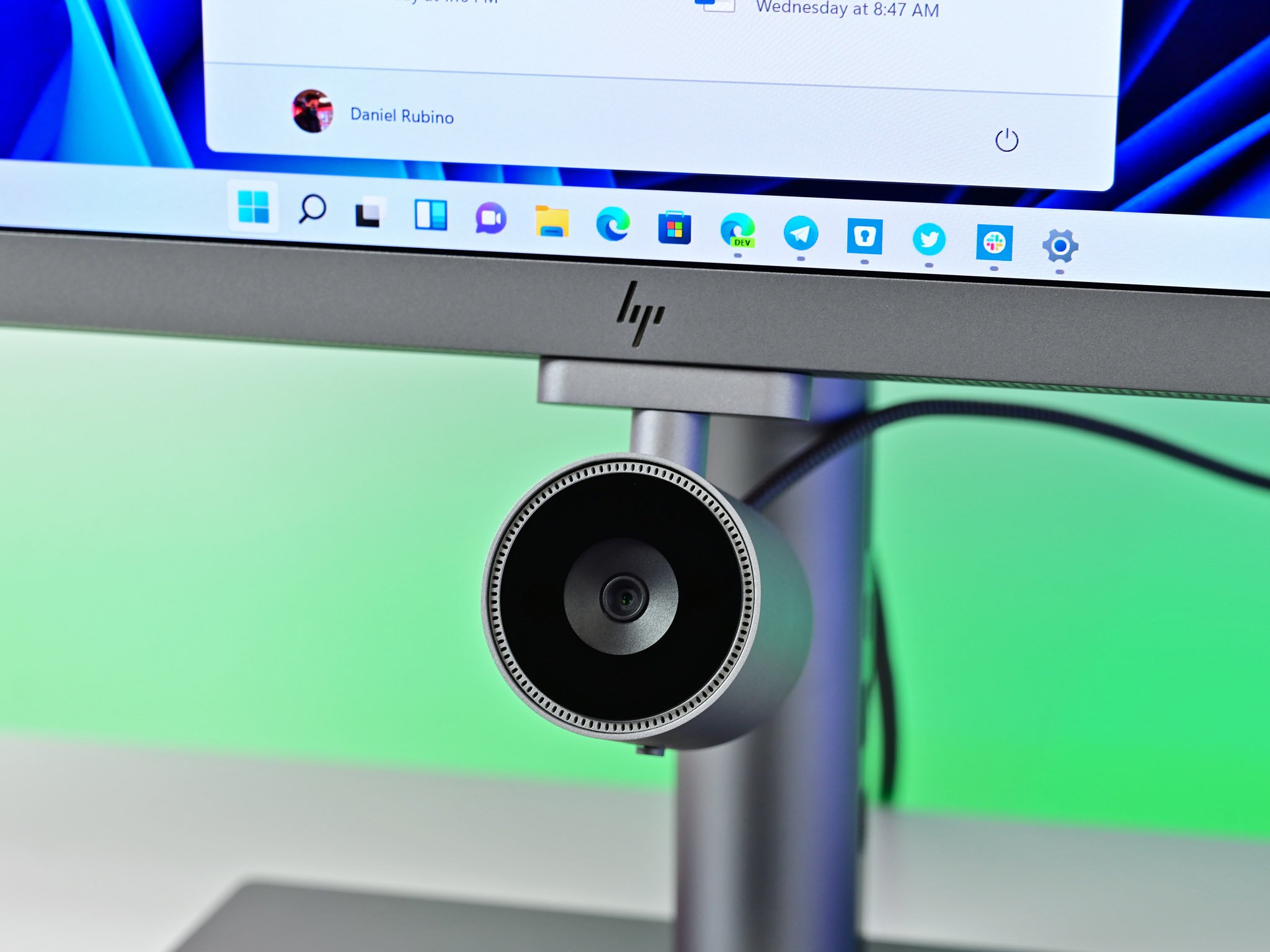
    Microsoft has started testing a big improvement to the Windows Studio Effects feature on Windows 11 that finally addresses my biggest issue with Microsoft’s AI powered webcam tool — the ability to apply its effects to external cameras.

    Until now, Windows Studio Effects have only been applicable to the built-in webcam on a device. If you’re using a Copilot+ PC and decide to dock it to an external monitor and webcam, the ability to have your PC automatically center you in the frame or blur your background would become disabled.

    That’s finally changed with the latest Windows 11 preview builds, which introduces a setting that lets Windows utilize the NPU and apply those same effects to an external camera, no longer limiting it to whatever is built into the device.


    You may like

    “We are working to bring the Windows Studio Effects experience from integrated laptop cameras to a broader range of camera hardware, helping you stay professional and look your best across more setups.” says a Microsoft blog post. “On supported Copilot+ PCs, we are rolling out the ability to use Studio Effect’s AI-powered camera enhancements with an additional, alternative camera – such as a USB webcam or your laptop’s built-in rear camera.”

    The new feature exists under a settings area dubbed “Advanced camera options” and needs to be enabled first before you can begin applying Windows Studio Effects to an external webcam peripheral. Interestingly, Microsoft has introduced a number of improvements to the overall webcam and microphone pipeline on Windows 11 in recent months.

    This new setting makes all the difference for Copilot+ PC users. (Image credit: Microsoft)

    Earlier this year, the company introduced a new feature that allowed Windows to share a webcam feed with multiple apps at once, which finally fixed the issue you’d often find where apps that rely on your webcam would fail to load if the webcam was already in use by another program.

    Now, with the addition of enabling Windows Studio Effects on external camera peripherals, Microsoft is finally ensuring Copilot+ PC users can take full advantage of their NPU even when docked to an external monitor and webcam. It never made any sense that you couldn’t use this feature when not using the built-in camera, so it’s good to see it finally addressed.

    All the latest news, reviews, and guides for Windows and Xbox diehards.

    In addition to these camera improvements, Microsoft has also started testing a number of other AI-powered features with the latest Windows 11 preview builds. There’s a new “Ask copilot” button coming to the File Explorer’s home page, which will let you quickly ask Copilot about information on a particular file.

    The company is also testing a new “fluid voice” dictation feature in voice access, which is designed to make voice-based dictation “smoother and smarter.” Microsoft says that it “automatically corrects grammar, punctuation, and filler words as you speak, reducing the need for manual editing. This experience is powered by on-device small language models (SLMs) so ensure fast and private processing.”

    That’s a lot of new AI features that are now in testing on Windows 11, most of which requires a Copilot+ PC to access. So if any of these features sound interesting to you, make sure you have a Copilot+ PC on hand as they’ll only be available on them.

    Recently, Microsoft confirmed that the upcoming Windows 11 version 25H2 release will include no new features over what’s currently shipping on version 24H2. That means these features that are now in testing will eventually rollout to both version 24H2 and version 25H2 when they’re ready. as part of Microsoft’s continuous innovation strategy that sees the company ship new features on a monthly cadence instead of yearly.

    That means these new AI features could arrive on your PC in just a few months if you don’t want to sign up to Microsoft’s Insider preview program for Windows 11.

    Big fixes limitation Microsoft webcam Windows
    Share. Facebook Twitter Pinterest LinkedIn Tumblr Email
    Previous ArticleSony Xperia 10 VII specs and more renders leak
    Next Article Tiny11 brings Windows 11 to old PCs without AI and bloatware
    techupdateadmin
    • Website

    Related Posts

    Gadgets

    Your next Legion Go 2 might run SteamOS instead of Windows 11

    December 21, 2025
    Gadgets

    Apple’s next iPad mini could take a big leap in performance and visual experience

    December 17, 2025
    Gadgets

    You can pair a tiny wireless mic to this 4K webcam

    December 17, 2025
    Add A Comment
    Leave A Reply Cancel Reply

    Top Posts

    NYT Strands hints and answers for Monday, August 11 (game #526)

    August 11, 202545 Views

    These 2 Cities Are Pushing Back on Data Centers. Here’s What They’re Worried About

    September 13, 202542 Views

    Today’s NYT Connections: Sports Edition Hints, Answers for Sept. 4 #346

    September 4, 202540 Views
    Stay In Touch
    • Facebook
    • YouTube
    • TikTok
    • WhatsApp
    • Twitter
    • Instagram
    Latest Reviews

    Subscribe to Updates

    Get the latest tech news from FooBar about tech, design and biz.

    Most Popular

    Best Fitbit fitness trackers and watches in 2025

    July 9, 20250 Views

    There are still 200+ Prime Day 2025 deals you can get

    July 9, 20250 Views

    The best earbuds we’ve tested for 2025

    July 9, 20250 Views
    Our Picks

    My Health Anxiety Means I Won’t Use Apple’s or Samsung’s Smartwatches. Here’s Why

    December 22, 2025

    You can now buy the OnePlus 15 in the US and score free earbuds if you hurry

    December 22, 2025

    Today’s NYT Connections: Sports Edition Hints, Answers for Dec. 22 #455

    December 22, 2025

    Subscribe to Updates

    Get the latest creative news from FooBar about art, design and business.

    Facebook X (Twitter) Instagram Pinterest
    • About Us
    • Contact us
    • Privacy Policy
    • Disclaimer
    • Terms and Conditions
    © 2026 techupdatealert. Designed by Pro.

    Type above and press Enter to search. Press Esc to cancel.