
Close Menu
TechUpdateAlert

    Subscribe to Updates

    Get the latest creative news from FooBar about art, design and business.

    What's Hot

    My Health Anxiety Means I Won’t Use Apple’s or Samsung’s Smartwatches. Here’s Why

    December 22, 2025

    You can now buy the OnePlus 15 in the US and score free earbuds if you hurry

    December 22, 2025

    Today’s NYT Connections: Sports Edition Hints, Answers for Dec. 22 #455

    December 22, 2025
    Facebook X (Twitter) Instagram
    Trending
    • My Health Anxiety Means I Won’t Use Apple’s or Samsung’s Smartwatches. Here’s Why
    • You can now buy the OnePlus 15 in the US and score free earbuds if you hurry
    • Today’s NYT Connections: Sports Edition Hints, Answers for Dec. 22 #455
    • Android might finally stop making you tap twice for Wi-Fi
    • Today’s NYT Mini Crossword Answers for Dec. 22
    • Waymo’s robotaxis didn’t know what to do when a city’s traffic lights failed
    • Today’s NYT Wordle Hints, Answer and Help for Dec. 22 #1647
    • You Asked: OLED Sunlight, VHS on 4K TVs, and HDMI Control Issues
    Facebook X (Twitter) Instagram Pinterest Vimeo
    TechUpdateAlertTechUpdateAlert
    • Home
    • Gaming
    • Laptops
    • Mobile
    • Software
    • Reviews
    • AI & Tech
    • Gadgets
    • How-To
    TechUpdateAlert
    Home»How-To»Google halts Pixel 10’s Daily Hub feature to refine it further
    How-To

    Google halts Pixel 10’s Daily Hub feature to refine it further

    techupdateadminBy techupdateadminSeptember 9, 2025No Comments2 Mins Read
    Share Facebook Twitter Pinterest LinkedIn Tumblr Reddit Telegram Email
    Google halts Pixel 10's Daily Hub feature to refine it further
    Share
    Facebook Twitter LinkedIn Pinterest Email

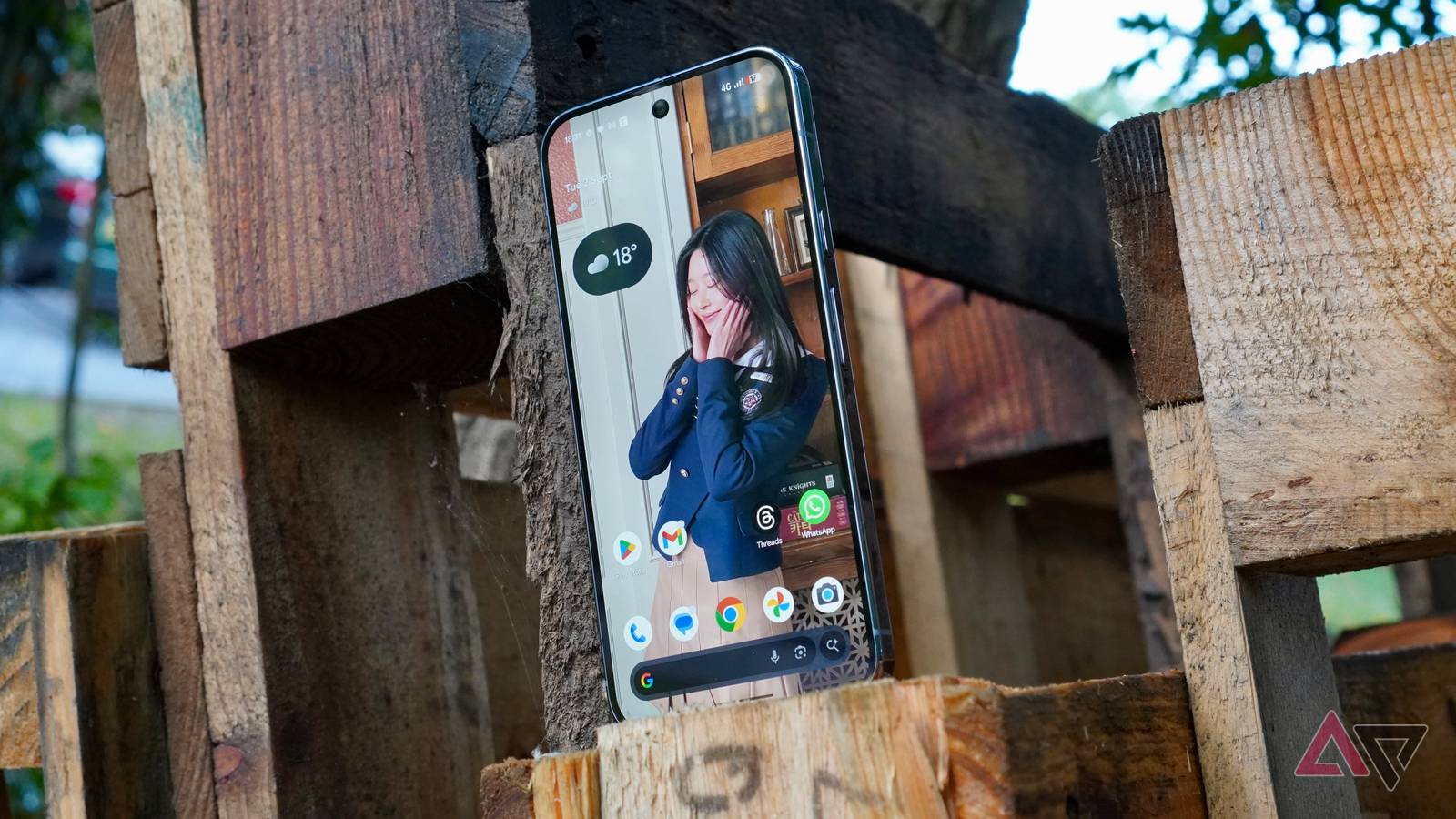
    Google’s newest Pixels — the Pixel 10 lineup — pack several new AI features. Daily Hub is one of them, showing a personalized digest in the Discover feed that appears each morning and evening, pulling in details from your calendar, reminders, weather, and third-party apps. In practice, though, Daily Hub felt clunky and unfinished, providing a half-baked experience — not surprising given its public preview status. The company has acknowledged the flaws with the feature, pulling it from its new Pixels as it works on improving the experience.

    In many ways, think of Daily Hub as Google’s version of Samsung’s Now Brief. However, it failed to deliver on its promise, with the recommendations not being useful or superficial. For example, it shows the weather status but only the temperature — there are no hourly forecasts or other weather-related updates.

    imilarly, the video recommendations, which Daily Hub pulls from YouTube and other compatible apps, mostly seem random and not based on the user’s past viewing history.

    Realizing that Daily Hub is not up to par, Google has decided to pull the feature temporarily. The company issued the following statement to 9to5Google about this:

    To ensure the best possible experience on Pixel, we’re temporarily pausing the public preview of Daily Hub for users. Our teams are actively working to enhance its performance and refine the personalized experience. We look forward to reintroducing an improved Daily Hub when it’s ready.

    Daily Hub will return when it’s ready

    Google only says it will relaunch Daily Hub when “it’s ready,” which can mean anything between a few weeks to a few months. Since the company has pulled the feature from the server-side, Daily Hub will automatically stop appearing at the top of your Pixel’s Discover feed and At a Glance widget.

    Ideally, Google shouldn’t have shipped the Pixel 10 with Daily Hub, given how poorly it worked. That said, it’s good to see the company realizing how bad the feature is and pulling it instead of leaving it in its broken state. Hopefully, when it relaunches, Daily Hub will actually provide useful recommendations and help you stay on top of your day.

    10s Daily Feature Google Halts hub Pixel refine
    Share. Facebook Twitter Pinterest LinkedIn Tumblr Email
    Previous ArticleHow to watch Asia Cup 2025: cricket live streams
    Next Article Today’s Wordle clues, hints and answer for September 9 #1543
    techupdateadmin
    • Website

    Related Posts

    Gadgets

    Samsung Galaxy owners get even more customization options, leaving iPhone and Pixel in the dust

    December 21, 2025
    Gadgets

    Gear News of the Week: LG Debuts an RGB LED TV, and Google Brings Find Hub to Wear OS

    December 21, 2025
    Mobile

    Deals: Samsung Galaxy S25 series, Galaxy Z Fold7, Pixel 10 series discounted

    December 21, 2025
    Add A Comment
    Leave A Reply Cancel Reply

    Top Posts

    NYT Strands hints and answers for Monday, August 11 (game #526)

    August 11, 202545 Views

    These 2 Cities Are Pushing Back on Data Centers. Here’s What They’re Worried About

    September 13, 202542 Views

    Today’s NYT Connections: Sports Edition Hints, Answers for Sept. 4 #346

    September 4, 202540 Views
    Stay In Touch
    • Facebook
    • YouTube
    • TikTok
    • WhatsApp
    • Twitter
    • Instagram
    Latest Reviews

    Subscribe to Updates

    Get the latest tech news from FooBar about tech, design and biz.

    Most Popular

    Best Fitbit fitness trackers and watches in 2025

    July 9, 20250 Views

    There are still 200+ Prime Day 2025 deals you can get

    July 9, 20250 Views

    The best earbuds we’ve tested for 2025

    July 9, 20250 Views
    Our Picks

    My Health Anxiety Means I Won’t Use Apple’s or Samsung’s Smartwatches. Here’s Why

    December 22, 2025

    You can now buy the OnePlus 15 in the US and score free earbuds if you hurry

    December 22, 2025

    Today’s NYT Connections: Sports Edition Hints, Answers for Dec. 22 #455

    December 22, 2025

    Subscribe to Updates

    Get the latest creative news from FooBar about art, design and business.

    Facebook X (Twitter) Instagram Pinterest
    • About Us
    • Contact us
    • Privacy Policy
    • Disclaimer
    • Terms and Conditions
    © 2026 techupdatealert. Designed by Pro.

    Type above and press Enter to search. Press Esc to cancel.