


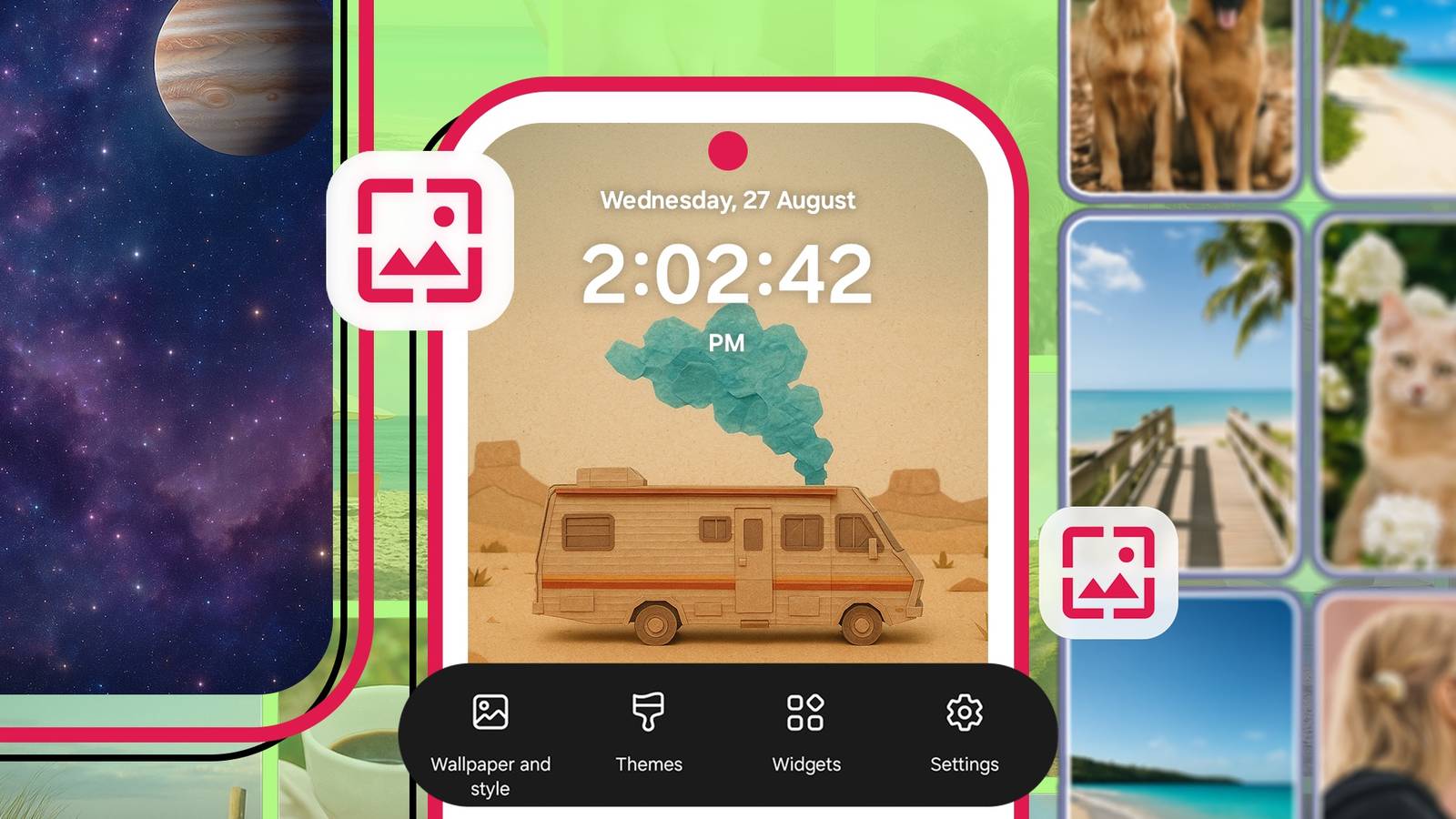
Anything can be your wallpaper if you’re intentional enough. Third-party apps already exist to give you endless downloadable collections.
The versatility of your mobile phone allows you to expand it. You can create images that are truly personal and tied to your tastes.
Among the tools that make it possible is the screenshot. It freezes a moment that would otherwise disappear the second you scroll away. Your camera also exists to serve your creativity, even without expert skills.
The bottom line is that there are so many ways to repurpose whatever you capture into art. Here are some examples to inspire you.
7
Design custom wallpapers with Canva

I’ve spotted color palettes online or physically and wanted to use them. I use Color Picker app & Generator to grab them. It provides the exact HEX or HSL values, which I later export to Canva in PNG format.
I combine the shades with quotes I write myself or source from Pinterest. It could be a single line of text over a bold gradient background. Other times, I’m carried away and spend hours creating something complex.
Canva also lets me resize creations to my phone’s dimensions. It solves the common problem of wallpapers not fitting right or cutting off awkwardly. It may be overkill, but I like to think I’m building a collection that reflects my personality.
It doesn’t have to remain on my phone. I can share them across different platforms.
6
Create a collage of your favorite moments


A collage lets you combine fragments of your life into one view. You’ll represent a mood or memory and carry it with you everywhere.
It may be challenging to make a blended design. If you throw images together, the result can overwhelm your home screen when icons and widgets sit on top.
The trick is to place the most detailed images at the top or bottom. Then blur, desaturate, or lower the opacity of secondary images. They’ll create negative space for widgets and icons, while the sharp elements tell the story.
Use Picsart or Canva to create your collage and add effects.
5
Use music visualizers


ProjectM has a randomness to it that I enjoy. The visualizer is unpredictable, so no two moments look exactly the same.
I normally play with music and watch the erratic effects. Sometimes, I take multiple screenshots and select my favorites.
Saving the frame directly isn’t free, but the pricing is affordable. However, if you don’t see yourself using the app frequently, simply screen capture and crop out the shade button at the bottom to keep your images.
4
Use AI chatbots for image generation


Conversations with chatbots need intention and specifications. If you toss vague words at them, they’ll hand back half-baked wallpaper results because they have to fill in the blanks themselves.
Since their knowledge is based on probability and existing human work, you’ll see common versions of what you asked for.
Instead, provide detailed directions. Whenever I use Gemini or ChatGPT, I pretend I’m instructing a painter on how to do my wall or describing art to an artist so they can replicate it.
Even though the creator of this scenario doesn’t understand creativity, it can simulate it. You’ll force the needed context to be layered. If the machine gets it wrong, keep trying and make prompt adjustments.
Example #1: Generate an image of a chaotic swirl of violet smoke blending into turquoise liquid. It should have hints of gold dust scattering through the mist and be painted in an oil-on-water texture. Make it 1080 x 1080 in size.
Example #2: Generate an image of a tessellation of hexagons made of brushed steel and frosted glass. Each one must glow faintly with a neon blue light and have a futuristic city-grid aesthetic. I want to use it as my wallpaper.
Example #3: Generate an image of a dense forest path at dawn with mist in the air and golden sunlight peeking through the trees.
3
Transform thoughts and sketches into screen savers


A line from your digital journal app can be your wallpaper, and it doesn’t have to make sense. Half the time, mine don’t because I use my poems or random thoughts.
I love the rawness of words without explanation. It’s also a great power-saving feature in dark mode because my phone uses an AMOLED display.
Realme’s Notes app has limited skins, but it provides a paper-like option I use frequently. I usually doodle line art, arrows, and abstract sketches around or beneath whimsical checklists.
I use Clip Studio Paint and Ibis Paint X for advanced drawing features. I may be terrible at drawing, but they offer rulers, reference windows, and layering that make the process easy.
2
Geek out with games and code lines


Mobile games are full of cinematic landscapes and pixelated nostalgia. Some titles may have built-in photo modes.
If they don’t, screenshot your favorite scene to get a unique wallpaper. I usually do that on Call of Duty Mobile and The Sims Freeplay. The same goes for code if you’re a developer.
Open a terminal app like Termux or a code editor with colorful syntax highlighting and a variety of background styles.
If possible, bump up the font size and screenshot a short snippet. The dark backgrounds and glowing keywords look almost like hacker art.
I ran cmatrix recently for fun. It’s a harmless and lightweight program that generates a digital rain effect from The Matrix movies. Green characters cascade down your screen in endless columns.
Download Termux from Google Play Store and install it with the command pkg install cmatrix. Then type cmatrix and watch your screen come alive.
1
Shoot your own backgrounds
Nature is a wallpaper. Although that sounds cheesy and cliché, it couldn’t be more true. When you’re walking in the park or strolling through your street, take a moment to absorb your surroundings and test your photography skills.
You can take a decent shot as a beginner as long as you understand light and composition. Those two things matter more than having the best phone camera.
Different terrains and surroundings also demand different approaches. In open fields, pay attention to the sky.
A flat blue sky can be dull, but if you tilt the frame to include more land, or shoot during the golden hour when the light paints the clouds, you’ll create depth. Even urban nature can be interesting.
Watch out for weeds breaking through concrete or raindrops clinging to window panes.
Make your wall your own
Wallpapers are one of many ways to make your device stand out. Think about other small tweaks that tie everything together.
Change your app icons to match your new palette. Also, tweak widgets and system fonts for more coherent customization.
Your Android phone has all the controls to make these tweaks possible. But you can expand its functionality with Nova and Niagara launchers. Third-party packs may give you themes that mimic other OEMs or provide an entirely different look.
