


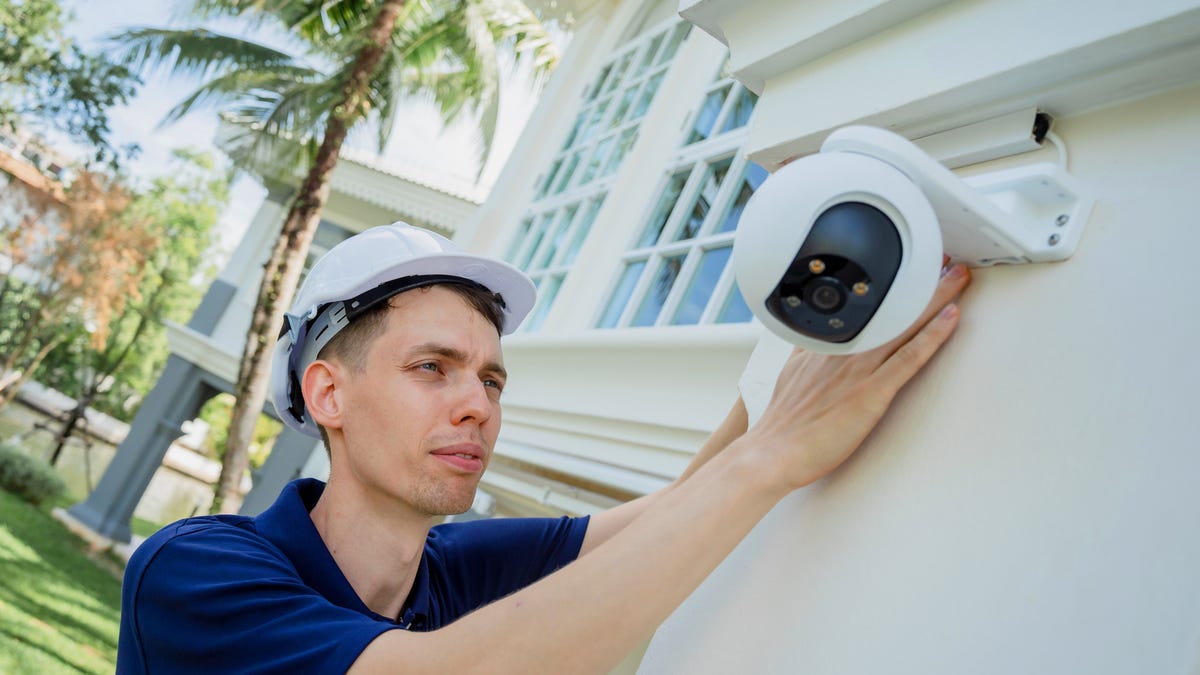
One of the biggest changes in recent home security is all the valuable information security cameras can give you, from updates about packages to AI video searches and facial recognition. It can be surprisingly useful, but you need to put your camera in the right place for it to all work.
I’ve tested dozens of cameras in every location inside and outside my home, from shelf-mounted model to magnetic bases and even solar panels. Here’s where cameras work best, depending on exactly what you want them to do.
Read more: How to Give Old Home Devices New Life as Birdcams, Energy Savers and More
Where should you install a home security camera?
1. Exterior: Front door
You might assume that intruders always sneak into side entrances, but statistics from the International Association of Certified Home Inspectors show that 34% of burglars use the front door. It’s also where package thieves are likely to strike. A camera at your main entrance keeps tabs on everybody going in and out of your home, from family members and babysitters to maintenance people, delivery people and more.
Pro tip: Video doorbells are great picks for the front door. You can use them as the primary camera or in conjunction with another outdoor camera aimed at the yard or garage.
Blink’s Outdoor 4 cam is easy to mount and reliable for watching an outdoor space.
2. Exterior: Back and side doors
Doors that are out of sight allow visitors to enter undetected, whether they’re invited or not. NACHI statistics show 22% of break-ins happen through the back door. To ensure full knowledge of everyone who enters and exits, add cameras to your secondary doors, especially if one of them is used as often or more often than your front door, or if one (like a basement door) seems particularly enticing or accessible to a potential intruder.
3. Exterior: Garage and driveway
Garages are a common target of burglars because they’re one of the weakest entry points. A camera pointed at your garage and/or driveway keeps a watchful eye on bikes, tools, grills, sports equipment, cars and everyone that handles them. If your garage is detached, the camera helps you stay connected. If the garage is attached, the extra layer of security monitors another possible entryway into your home. If there’s a gate at the end of your driveway, you may want a camera there to spot anyone attempting to get in.
4. Exterior: Wide yard views
Monitoring the yard will help you keep tabs on anyone scoping out your house. It’s also handy for capturing the activities of kids, animals and trespassers. As with garages, look for cams that have a wide field of view to capture lots of action, at least 130 degrees and preferably more. If you have a yard entrance, like a fence gate or a shed doorway, make sure the camera can see it.
Blink offers a cheap option for a smart floodlight cam.
5. Interior: Common areas
Placing cameras in gathering points like the kitchen or living room is a great way to see if the kids are doing what they’re supposed to do, if the babysitter is attentive, what the pets are getting into, or to check on household help like cleaners and repairmen. Consider prioritizing any rooms that have large ground-floor windows — that way you can see if anyone tampers with them or uses one as a break-in point. If there’s a key point of interest like a sofa, pet bed or living room play area, make sure the camera can see it.
6. Interior: Main stairway or hallway
Place a camera in the main thoroughfares inside your home to make it difficult for someone to move about undetected. If someone breaks in through a bathroom, bedroom or another unmonitored area, they’ll still be captured on camera if they move about the house.
Indoor security cameras are useful, but finding ones with privacy shields are worthwhile to help minimize the risks of hackers gaining access to sensitive footage.
Here’s where you should never install a security camera
- Places that violate your neighbor’s privacy. Cameras are great for your safety, but you need to be mindful of the privacy of others in your neighborhood. In general, homeowners are allowed to have outdoor security cameras that cover a broad area, and it’s usually OK to capture your neighbor’s public-facing property in the background of your footage. Learn more with our full guide.
- Bedrooms and bathrooms. The urge to keep a watchful eye on kids or elderly folks in your household is understandable. However, some areas have a warranted expectation of privacy. Plus, if you use a monitoring service, you run the risk of a hacker tapping into a camera that has access to your private spaces. Luckily, there are plenty of alternatives. Baby monitors are a smart choice for very young kids’ rooms. Motion detectors and glass break sensors, as part of a connected home security system, can be added to doors and windows. Personal medical alert systems are strong choices for seniors.
Tips for outdoor security cam placement
Eufy’s solar panel makes a great pairing with this open-range security cam.
Once you decide which locations to monitor, you also need to plan your mounting decisions. These tips make easy work of this step:
- Install cameras 8 to 10 feet from the ground. This height is low enough to capture fine details but high enough to be out of easy reach of thieves and vandals.
- Don’t point cameras directly at the sun. Bright light causes glare and high contrast in your footage, which makes it hard to tell what’s going on. Consider the movement of the sun and angle your cameras for indirect light.
- Protect the camera from the elements. Top outdoor security cameras have ample weather- and waterproofing, but they are not all equal. Choose a camera that’s appropriately rated for your climate, and place it under eaves or in another semi-protected area if you can.
- Avoid places too close to branches or bushes. Plants grow over time and can block your security camera.
- Let cameras be visible. Visible cameras can act as a deterrent against theft, and that’s one of the best uses of your security system.
Tips for indoor security cam placement
- Corners are your friends. Hanging an indoor camera in the corner of a room usually gives you the largest possible vantage point.
- Choose a shelf for versatility. If you don’t have to mount your cam, placing it on a shelf allows you to make adjustments later or even move it to another room.
- Windows can cause reflection issues. Pointing a camera at the window might degrade its image quality. Many security cameras have infrared light technology, which aids in motion detection and enables the cameras to function in low light. IR light can reflect off windows and other glass objects and obscure your footage, especially in the dark. If your footage looks washed out or whited out, there is likely a reflection problem.
- Angle for indirect light. Again, direct light will wash out your footage. With indoor cameras, be mindful of lamps, light fixtures and bright windows. Avoid facing your camera directly toward these light sources.
Do video doorbells have special installation rules?
Yale’s smart lock pairs with the Nest Doorbell.
Position video doorbells so they have a good view of your porch or entryway. These cameras are angled a bit differently than other security cameras, so follow the manual instructions carefully. Usually, they need to be placed around 4 feet up from the base of the front door. In tighter spaces, video doorbells should be angled outward to capture as much activity as possible. Fortunately, many video doorbells come with a special wedge just for this purpose. Otherwise, put it where people would naturally press a doorbell.
Are there super-portable security cams?
In some cases, you may want a security camera that you can move around all the time. That makes it easy to put down wherever the kids are playing, indoors or outside, or to focus on a problem spot where things keep going missing (avoid workplace refrigerators, please).
In these cases, we recommend battery-powered indoor/outdoor cams that you can move anywhere and that are weather-resistant in case they’re left out in the rain. One candidate is Ring’s Stick-Up Cam Pro ($180), which has an excellent collection of watchful features. Another option is the Google Nest Indoor/Outdoor Cam battery model ($176), which is often shown mounted but can also come with a tabletop mount.
For more home security tips, check out how to prevent your home security cameras from being hacked and the best cheap home security systems you can buy.
