


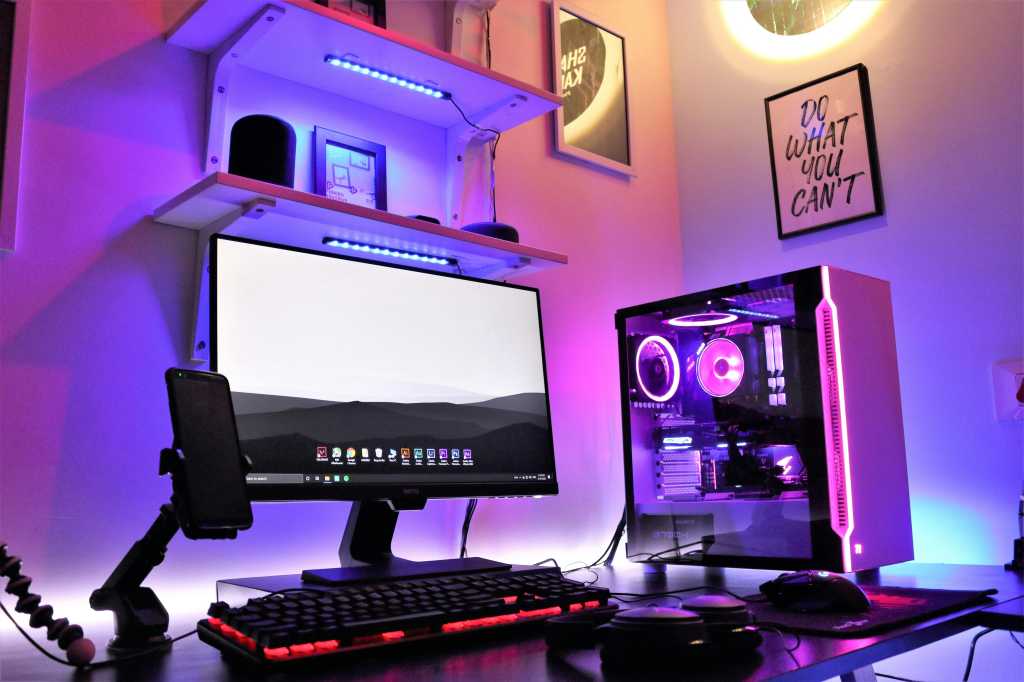
Refresh rate is one of the main metrics PC gamers check on to see what kind of gaming experience we’re going to have with a monitor — with higher rates generally meaning smoother gameplay.
That’s the gist of it, but most gamers don’t need astronomically fast refresh rates when the sweet spot of 144Hz is good enough for most gaming needs.
Refresh rate in a nutshell
A refresh rate, measured in hertz (Hz), indicates how many times per second a display updates the image it shows. That means a monitor with a refresh rate of 60Hz updates its image 60 times per second, while one with a 144Hz refresh rate updates its image 144 times, and so on.
These aren’t just numbers; they do change the clarity and smoothness of the motion being displayed, with faster refresh rates producing more fluid motion, less motion blur, and less screen tearing compared to slower ones. A good way to see this in action is using the motion test at UFO Test at Blur Busters.
To get the most from a monitor’s refresh rate, though, your video card needs to be able to produce enough frames per second to do it justice.
You’re also going to need the right image processing software and drivers loaded — so for a 240Hz refresh rate you’re going to need an RTX 50 Series or equivalent graphics card and 4x multi-frame generation software, in order to truly utilize your frame rate.
Further reading: Best gaming monitors
Why 144Hz is good enough for most gamers
Gaming displays start at 144Hz these days. With top-tier refresh rates now reaching more than 600Hz, you’d be forgiven for thinking 144Hz is a lousy option. In fact, it’s still head and shoulders above the 60- to 90Hz rates that ship with most productivity laptops.
In fact, monitors with 144Hz are perfectly fine for most gamers and will produce mostly clear motion without any perceptible blur. Gameplay is smooth, enough for an enjoyable experience. Whereas, gaming in some titles with just a 60- to 90Hz refresh rate is a much more jerky and blurry experience.
Acer
An added benefit is that displays with 144Hz refresh rates tend to be more affordable. For example, you can pick up the Acer Nitro V15 gaming laptop with a 144Hz refresh rate for just $950 on Amazon, while laptops with 240Hz or above tend to cost a lot more.
Gaming monitors like the Asus TUF Gaming 24 (VG247Q1A) and Samsung Odyssey G7 (G70D), are also quite affordable options sporting 144Hz refresh rates.
At 240Hz it’s starting to get serious
A 240Hz refresh rate is going to be a big asset if you’re an esports player trying to get the edge in competitive multiplayer games — especially games that rely on your reflexes.
We’re talking about millisecond advantages to input lag here, so not everyone will benefit: For example, in a 240Hz display the maximum time between frames is 4.16 milliseconds compared to the 16.67 milliseconds on a 60Hz display.
For that reason, a lot of competitive gamers of third- and first-person shooters like Valorant or CounterStrike:Go choose a 240Hz refresh rate over a slower refresh rate.
Again, there are quite a lot of gaming laptops with 240Hz displays, like the 2025 Asus ROG Strix G16. You’ll also find quite a lot of gaming monitors with this refresh rate on the market — monitors like the 27-inch Alienware gaming monitor (AW2723DF)
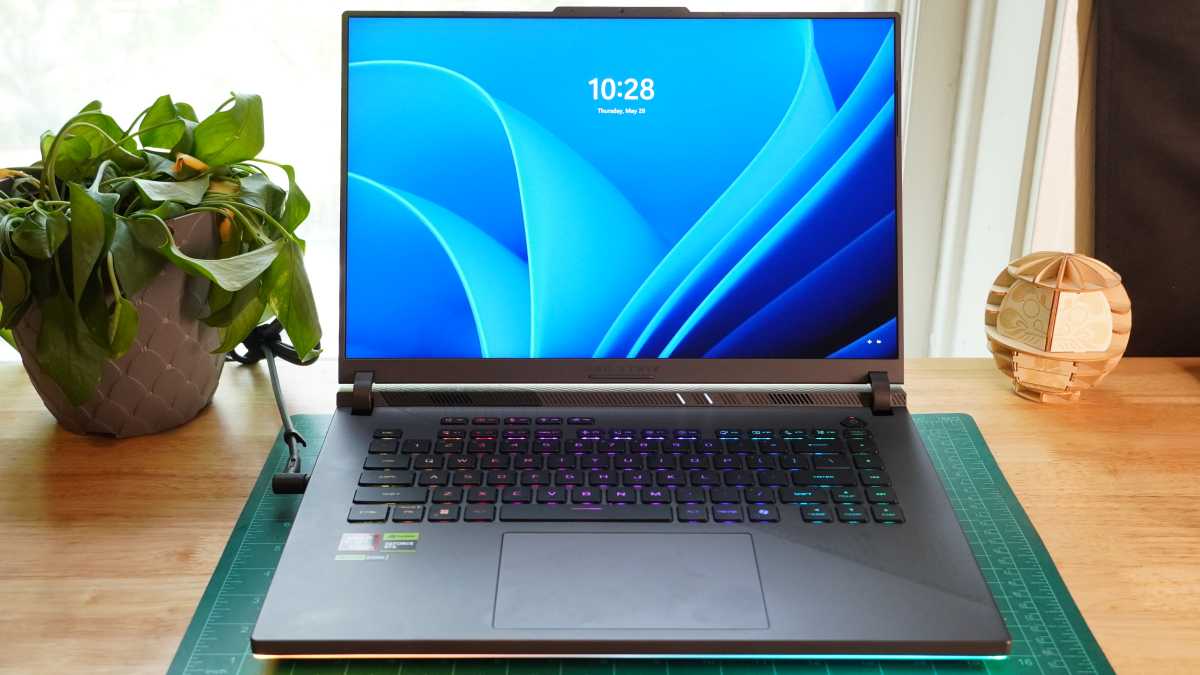
Asus ROG Strix G16
IDG / Mark Knapp
Going for a 240Hz refresh rate over 144Hz means you’ll get better visual fluidity; motion will be smoother; and motion blur will be reduced, which will allow you to track foes easier and make more hits. If you’re just a casual gamer, 240Hz is going to be overkill, so save your cash and just get a 144Hz display instead.
If you’re elite esports pro, then try 500Hz
If I was singing the praises of a 240Hz refresh rate, then it’s not a stretch to imagine how a 500Hz refresh rate, being more than double the speed, is a step up again for smoothness in motion and reduction in motion blur.
Once again, though, we’re looking at millisecond advantages to input lag for a 500Hz refresh rate compared to a 240Hz refresh rate (2ms versus 4.16ms), so not all players are going to benefit.
Esports players graduating from a 240Hz display that want to push the envelope are probably the best poised to take advantage of the 2ms faster responsiveness. But 500Hz is going to be total overkill for casual gamers.
The pool of available 500Hz displays on the market is lot smaller than displays with other refresh rates, too, and they tend to be a lot more expensive. Look out for monitors like the 24.5-inch Alienware gaming monitor (AW2524HF), if you really want to land one of these beauties
I hope that sheds some light on the refresh rates. Good luck making the most of them and enjoy the fast-paced gaming!
