


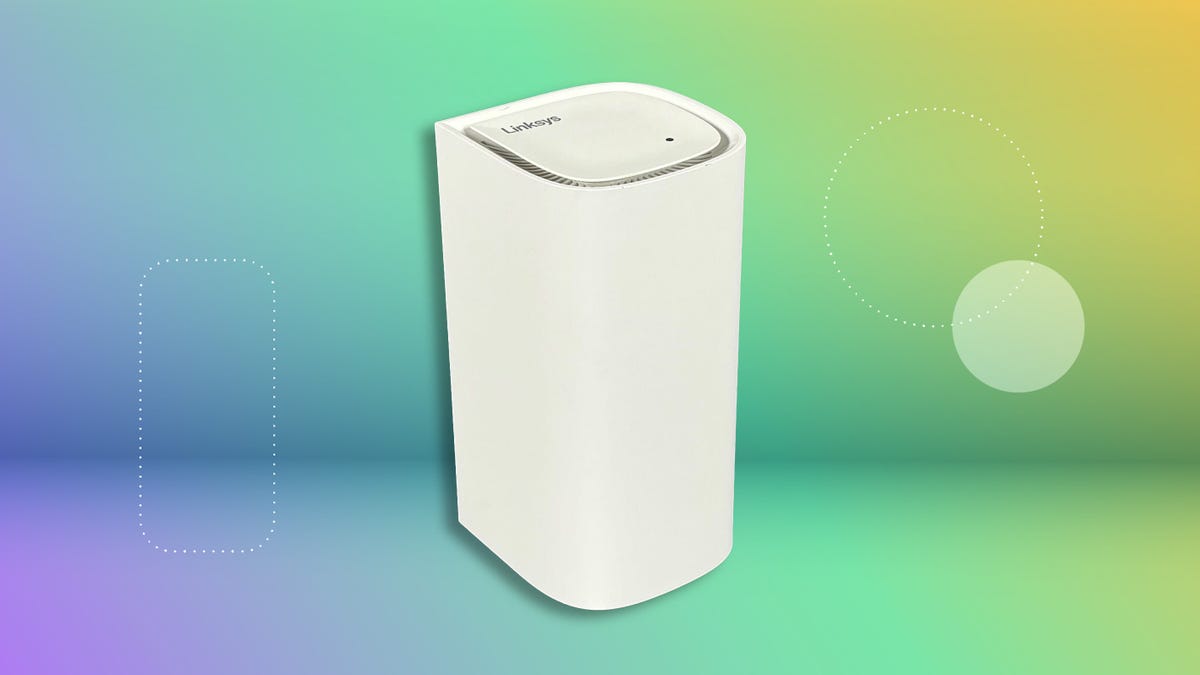
There’s a lot of jargon to wade through when you’re comparing gaming routers. Is it worth splurging on one that supports the new Wi-Fi 7 standard? Does your home require a mesh system or will a single router do the job? What in the world is 4K-QAM modulation? That’s what I wanted to know, so I dug into the details on a personal quest to find the best router for gaming.
Before buying any gaming routers, I recommend looking at CNET’s beginner’s guide to gaming lag to see how you can reduce your latency. You may not need a new router at all, and in many cases, moving your wireless router to a different spot or adjusting the antennas of your current router could improve your network and your online gaming performance.
If you’ve tried all that and your gaming connection still needs an upgrade, here are some key things to keep in mind when shopping for routers.
Wi-Fi technology
These days, you’ll mostly see three Wi-Fi standards when shopping for a Wi-Fi router: Wi-Fi 6, Wi-Fi 6E and Wi-Fi 7. (Some Wi-Fi 5 routers are still on the market, but you can safely pass them by at this point.) These numbers refer to the generation of standards; Wi-Fi 7 is the seventh iteration of Wi-Fi standards.
All of these standards were developed by the Institute of Electrical and Electronics Engineers (IEEE), a worldwide association of technical professionals. When a device uses the latest standard, an organization called the Wi-Fi Alliance gives its stamp of approval to devices that meet its qualifications.
| Wi-Fi 5 (802.11ac) | Wi-Fi 6 (802.11ax) | Wi-Fi 6E (802.11ax) | Wi-Fi 7 (802.11be) | |
|---|---|---|---|---|
| Frequency bands | 5GHz | 2.4 and 5GHz | 2.4, 5 and 6GHz | 2.4, 5 and 6GHz |
| Maximum bandwidth | 80MHz | 160MHz | 160MHz | 320MHz |
| Maximum speed | 1.3Gbps | 9.6Gbps | 9.6Gbps | 46Gbps |
- Wi-Fi 7 (802.11be): Uses 2.4, 5 and 6GHz bands and doubles the channel size of the 6GHz band from 160 to 320MHz. A typical Wi-Fi 7 laptop could reach “potential maximum” speeds of 5.8Gbps — 2.4 times faster than the 2.4Gbps possible with Wi-Fi 6 and 6E, according to Intel. Multi-Link Operation (MLO) also allows Wi-Fi 7 devices to simultaneously connect on two bands, providing improved reliability and ultra-low latency.
- Wi-Fi 6E (802.11ax): The first Wi-Fi standard to add in the 6GHz band along with 2.4 and 5GHz.
- Wi-Fi 6 (802.11ax): A massive upgrade over Wi-Fi 5, Wi-Fi 6 was the first standard to allow your router to divide the channel it’s using — 2.4 or 5GHz — to send its signals through smaller frequency allocations. This allowed for much faster speeds than the previous gen.
- Wi-Fi 5 (802.11ac): Wi-Fi 5 used the 5GHz band exclusively. It was the first Wi-Fi standard to exceed 1Gbps maximum speeds, but its range is significantly less than Wi-Fi 6.
If that sounds confusing, you’re not alone. The jump from Wi-Fi 6E to Wi-Fi 7 has been particularly technical. Even though both use the newly opened 6GHz band, only Wi-Fi 7 routers will get the MLO feature.
“Whenever I spoke with the Wi-Fi Alliance, they always tried to make people forget that Wi-Fi 6E even existed,” said Nicholas De Leon, a reporter covering routers for Consumer Reports (no relation to CNET’s Samantha De Leon). “It was kind of a stopgap, band-aid solution while on the road to Wi-Fi 7.”
As if that wasn’t confusing enough, some Wi-Fi 7 routers don’t even use the 6GHz band. Our pick for the best budget Wi-Fi 7 router, the Netgear NightHawk RS100, is one of them. It’s one of the growing wave of “dual-band” Wi-Fi 7 routers, which is a bit of a stretch as they’re missing the most important part of the equation.
But Wi-Fi 7 is about more than the 6GHz band, said David Coleman, director of wireless networking at Extreme Networks.
“Wi-Fi 7 introduces several key upgrades that set it apart from tri-band Wi-Fi 6E routers,” Coleman said in an email. “For example, Wi-Fi 7 supports 320 MHz-wide channels — double the size of the widest channels in Wi-Fi 6E — meaning it can deliver much higher data rates. It also brings 4K-QAM modulation, boosting transmission efficiency by up to 20% compared to Wi-Fi 6E.”
Keep in mind that you’ll need a Wi-Fi 7 router and a Wi-Fi 7 device to take advantage of the standard’s improvements. When Wi-Fi 7 was officially launched in January 2024, very few devices could actually use it. Today, that list has expanded tremendously and includes the latest iPhones, Microsoft Surface laptops and PS5 Pro.
These Wi-Fi standards are backward compatible, so a Wi-Fi 7 router will still work with a device that only has Wi-Fi 6. Likewise, you can use a Wi-Fi 6 router to game on a PS5 Pro — you just won’t be able to fully take advantage of its improved speeds.
Ethernet ports
Ethernet ports allow you to plug in a device directly to your router. A wired connection is inherently much stronger than Wi-Fi; in one test, a CNET writer got 395Mbps download speeds through Ethernet and 126Mbps through Wi-Fi. If there’s one device — like a gaming console or PC — that you absolutely want to get the best connection to, an Ethernet cable is the way to go. These are often marketed as “gigabit Ethernet ports,” which means they’re capable of delivering gigabit speeds through a wired connection. The more ports a router has, the more devices you can connect this way.
Band support
You’ll primarily see two types of gaming routers: tri-band and dual-band. Tri-band routers operate on the 2.4, 5 and 6GHz channels, while dual-band routers only use 2.4 and 5GHz. The 6GHz band is the key upgrade to Wi-Fi 6E and Wi-Fi 7 routers, but router companies are increasingly selling dual-band Wi-Fi 7 routers. These don’t get you on 6GHz, but they do have other Wi-Fi 7 features like MLO and 4K QAM. It’s a bit of a stretch to call these dual-band routers Wi-Fi 7 when they’re missing the 6GHz band, but they’re usually much cheaper than true tri-band Wi-Fi 7 routers.
Gaming-specific features
The main feature that separates gaming routers from regular old Wi-Fi routers is quality of service (QoS) or bandwidth prioritization. This allows you to prioritize traffic to a specific device like a gaming console or PC, ensuring that it will always be first in line for your network’s fastest speeds.
Some are more advanced than others. Our pick for the best Wi-Fi 6 gaming router, the Asus ROG Rapture GT-AX6000, comes equipped with Game Boost, an ASUS-specific QoS that prioritizes game data. In general, these features are best for the network nerds among us. Even if you don’t mess with them, a quality gaming router should still deliver a fast, lag-free gaming experience.
Processor and RAM
The processor in a Wi-Fi router is like its brain. It determines how well it can manage your network’s traffic and perform multiple tasks simultaneously. All of our top picks use a quad-core processor (when publicly listed), which is the standard in 2025. Not all quad-core processors are created equally, though. The A73 processor used by the Eero Max 7, for instance, is considered significantly more advanced than the A53 processor used in the Eero Pro 6E.
A router’s storage capacity can also impact how well it performs. This is usually broken up into RAM and flash. RAM, short for random-access memory, affects the router’s ability to process data, while flash storage typically houses the router’s settings.
Range and coverage
Will a single gaming router be able to broadcast a Wi-Fi signal throughout your entire home? No matter how good the router, you’ll always see a significant speed dropoff in rooms far away from the router.
Many Wi-Fi routers list coverage areas north of 5,000 square feet but I recommend switching to a mesh system if your home is larger than 2,500 square feet. That said, it’s a matter of percentages. If you have a multi-gig internet plan, you’ll still get plenty of speed for streaming TV or browsing social media in a far corner of a 5,000 square foot home. But you’ll probably have issues if you’re only starting with 100Mbps.
Additionally, the type of home you live in — not just the size — can impact your Wi-Fi signal.
“A lot of it depends upon housing construction,” said De Leon. “I’ve got family down in Puerto Rico and Florida where a lot of the houses are concrete, and that obviously just destroys Wi-Fi signals.”
Network security and protection
Any router you look at should have WPA3 certification at a minimum. This is the most recent security protocol issued by the Wi-Fi Alliance, and it ensures that the router follows best practices that make passwords harder to crack and encrypt data.
“Honestly, as long as it has WPA3, that’s probably the big security thing to look for,” said De Leon.
He also recommended looking for routers that support automatic firmware updates. Not all of the routers CNET recommends automatically update their firmware. One of the manufacturers I spoke with said they’ve received “quite vocal feedback from the community” against them, as they can affect network performance. Whether it’s automatic or not, the main thing to know is that the manufacturer regularly issues updates, and that they’re easy to install.
Mobile apps and user interface
All of the gaming routers we recommend come with a mobile app that helps you control your home network. This is essential for things like setting up your Wi-Fi network, updating your router’s firmware and using gaming features. I didn’t notice a lot of separation between the apps on the gaming routers we tested, but this could impact your experience if you plan on customizing your network to prioritize gaming devices.
Parental controls
Parental controls are pretty standard on Wi-Fi routers these days, and that includes the gaming routers I recommend above. These can be accessed through the router’s app and allow you to automatically restrict access to specific websites or any adult content. You can often set up a schedule where a device can access Wi-Fi as well, or even set daily limits.
Number of antennas and placement options
You’d think the more antennas a Wi-Fi router has, the stronger you can expect its signal strength to be, but the router with the best signal strength scores in our testing was the ASUS RT-AX86U Pro, which only has three external and one internal antenna. External antennas allow you to direct the Wi-Fi signal toward specific areas in your home, but I didn’t see much of a difference in performance between internal and external antenna routers.
More important is the placement of the router. It should ideally be a few feet off the ground, in a central location of your home and away from any walls or electronics.
